How to Sell Bundles on Live Stream: Setup, Strategies, and Real-World Wins
Want to sell bundles on live stream and boost average order value? Here’s how to set up, promote, and sell product kits during your next interactive broadcast.
Why You Should Sell Bundles on Live Stream
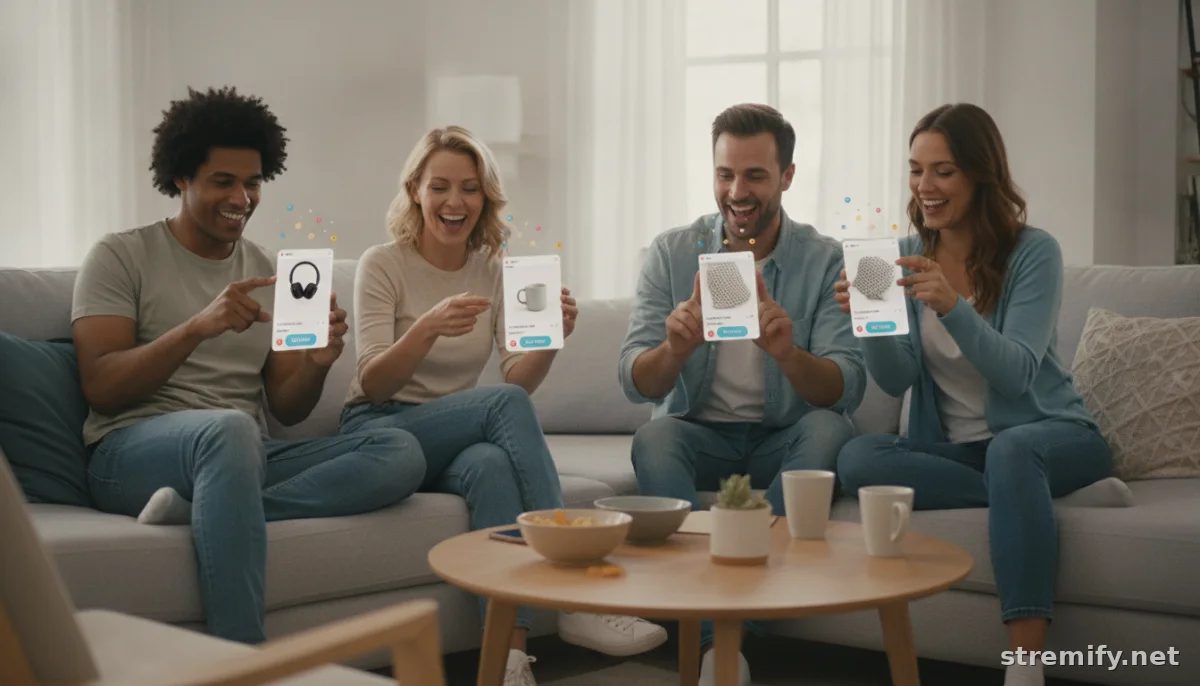
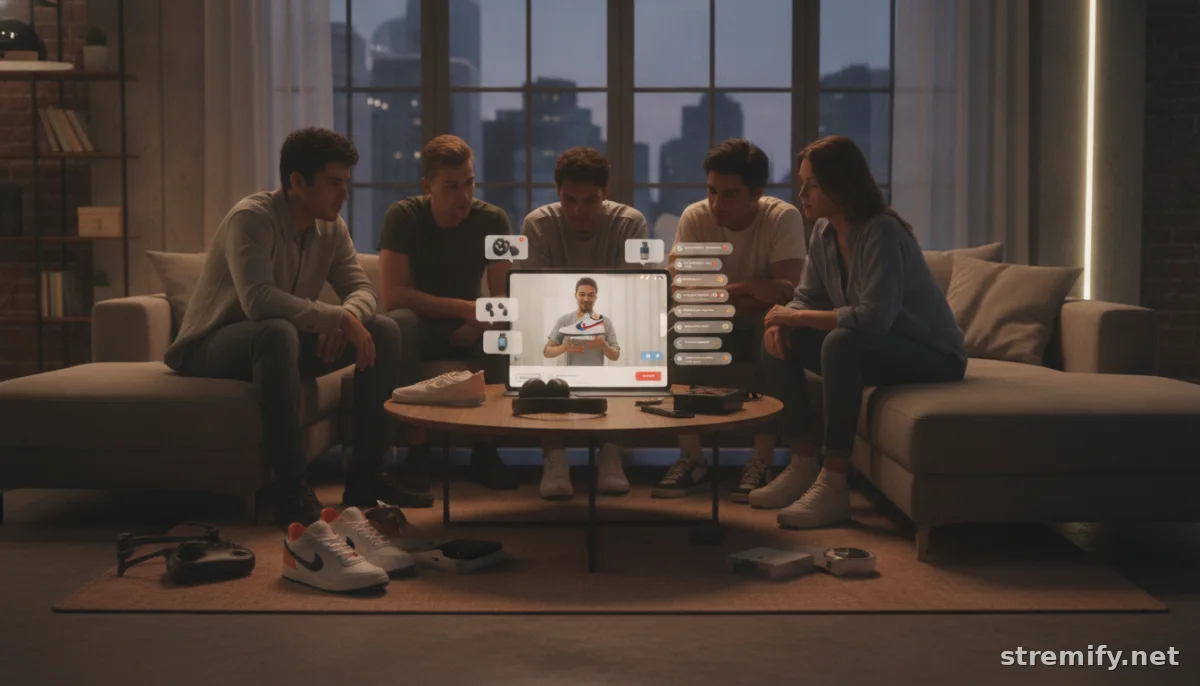
Bundles aren’t new, but live shopping makes them irresistible. Shoppers love exclusive offers and want the experience, seeing, asking questions, and buying in real time. In live streams, product bundles move faster thanks to urgency, personality, and direct answers to buyer hesitations. Whether you’re selling beauty samplers, snack collections, or hobby kits, showing them live means shoppers know exactly what they’re getting.
Bundling also lets you clear slow-moving stock, showcase lesser-known products, or create limited editions that only stream viewers can snag. With a steady pace and a little showmanship, you can drive more units in one burst than days of static store listings.
Setting Up to Sell Bundles on Live Stream
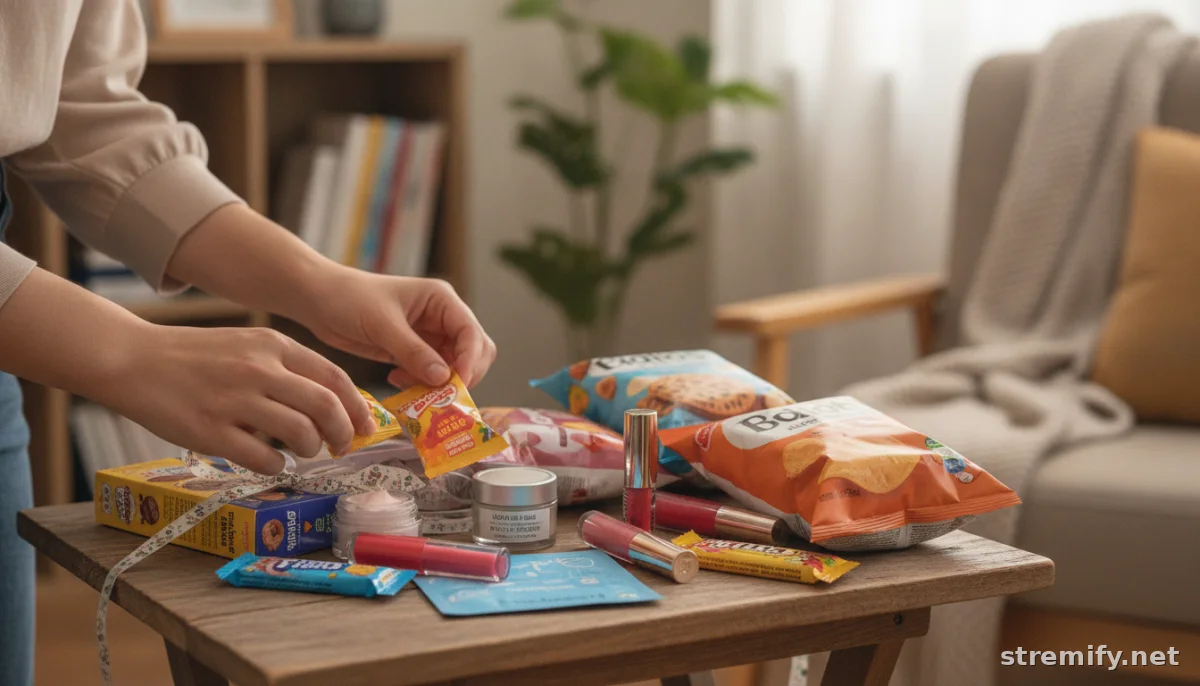
First, get your bundles ready. Curate sets that make sense, starter kits, seasonal picks, or themed combinations. Price them to feel special: the bundle should cost less than buying each item alone. Physical arrangement matters on camera, so prep a neat, eye-catching display. Avoid messy piles or confusing details. When it’s time to stream, lay out the bundles you’ll demo in easy reach.
On platforms like Stremify, it’s straightforward: import product feeds from your existing Shopify, WooCommerce, or Magento store, then create a bundle as a special product. Give it a name that pops on-screen, "Summer Glow Set" beats "Bundle 001." Make sure your bundle’s inventory is accurate so you don’t oversell.
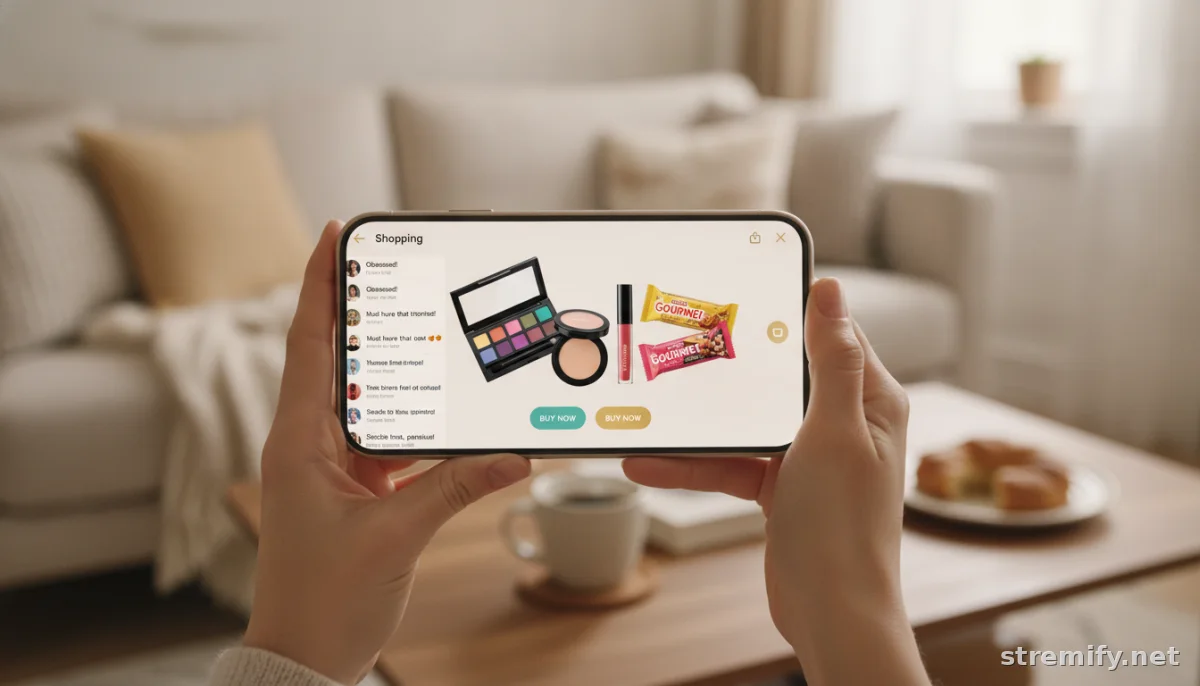
Double-check that your live shopping setup supports shoppable overlays or comment-to-buy features. With Stremify, for example, shoppers can purchase by commenting during the stream, no need to leave the video. That means fewer drop-offs and more impulse buys.
Promoting Your Bundles Before and During the Stream
Start teasing your bundle offer at least a day in advance. Post sneak peeks on Instagram Stories, TikTok, or wherever your audience hangs out. Email your list with a “bundle reveal” and the live stream time. If it’s a limited edition or has an extra gift, say so clearly.
Once live, build anticipation. Don’t drop the bundle in the first minute. Engage your viewers, highlight individual products, and then reveal the bundle with a clear value comparison (“Buying these separately is €49, on stream, get the bundle for €35”).
Real-time interaction is key. Answer questions, invite feedback, and use polls or quizzes to get viewers involved. In our experience running live shopping campaigns, live quizzes and polls keep viewers engaged and noticeably boost bundle conversions, especially for beauty, DIY, and snack boxes.
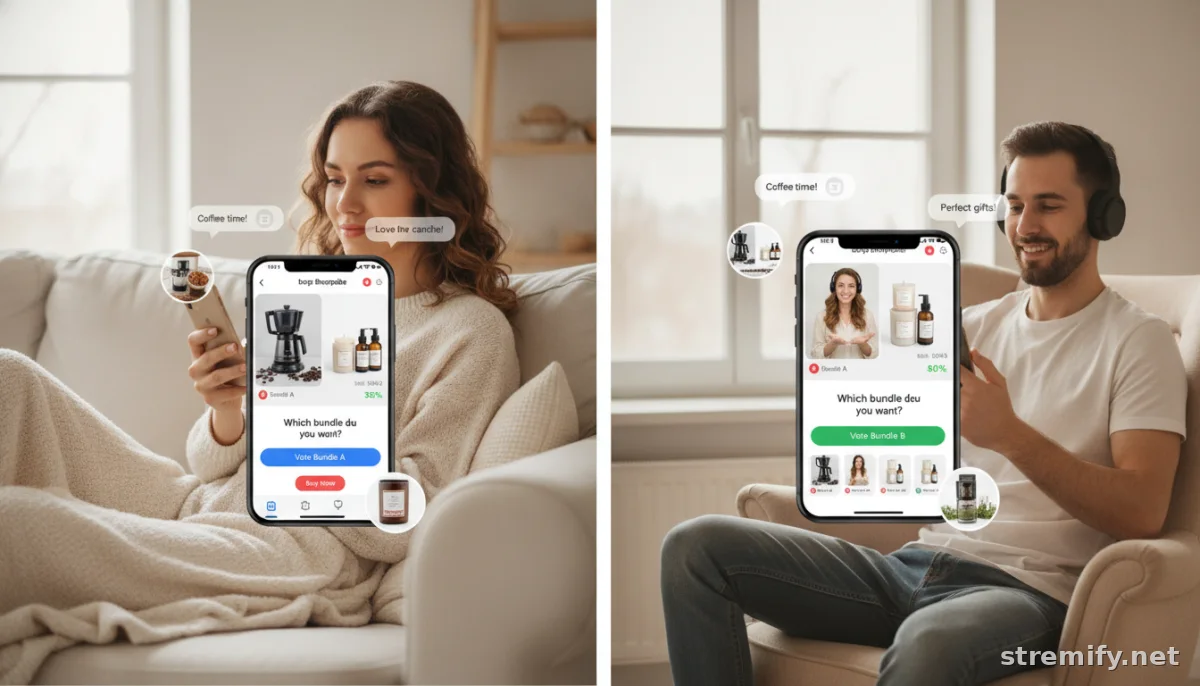
Urgency works. Limit the number available or set a timer. Flash sales convert viewers on the fence, especially for exclusive or seasonal bundles. Remind viewers how many are left, and don’t be afraid to show the counter ticking down. If your platform allows, pin the bundle to the top of the chat or overlay.
Best Practices: Selling More Bundles With Less Stress
- Show, don’t just tell: Demo each item in the bundle. Unbox it live, apply it (for beauty), taste it (for snacks), or assemble it (for kits). Viewers want to see what’s inside and how it works.
- Make buying frictionless: Use one-click overlays or comment-to-buy tools so viewers don’t leave the stream. The easier it is, the more bundles you’ll move.
- Keep bundles relevant: Seasonal kits, trending flavors, or “build your own” options work better than random clear-out combos. Let your audience vote or help shape future bundles.
- Maximize reach: Broadcast to multiple platforms at once if your tech stack allows. With Stremify, you can go live on YouTube, Facebook, TikTok, Twitch, and Instagram simultaneously, so you never miss an audience.
- Follow up after the stream: Share a recap with bundle highlights and a final chance to buy. Some viewers need a reminder or missed the live, so don’t leave sales on the table.
Real-World Examples and Winning Tactics
Live food and beverage sellers are especially good at flash bundles, think limited snack boxes, specialty coffee samplers, or viral noodle kits that viewers taste-test on air. Merchants see engagement spike when bundles are positioned as “stream-only” deals not found in the regular shop. For crafters and planners, “build your own kit” offers (where viewers pick their favorite items to bundle) drive higher average order value and keep the stream lively and interactive.
We’ve seen shops boost average order value by over 25 percent with well-timed bundle drops and limited-quantity offers. The difference comes from urgency, transparency, and a clear demonstration of what’s inside the bundle, not confusing lists or hyperbole. The most successful sellers keep the pace snappy, answer questions honestly, and show genuine enthusiasm for their own products.
Measuring Success and Refining Your Approach
Track what works each time. Check your engagement metrics, conversion rates, and which bundles sold fastest. Did viewers ask for certain combinations? Was there a moment in the stream that spiked comments or sales? Keep a log of what you try, experiment with timing, and be willing to swap out underperforming bundles for new ideas. According to live commerce experts, sellers who review and refine their streams after each session see compounding results over time.1
Give viewers a reason to return, offer loyalty perks, hint at next week’s bundles, or let fans vote on what they want to see bundled next. The live format is all about two-way connection, so treat your audience like co-creators, not just customers.
Ready to Sell Bundles on Your Next Live Stream?
Bundling isn’t just a sales tactic, it’s a way to make live shopping fun, interactive, and profitable. Start small, iterate, and listen to your viewers. If you want to run multi-platform live streams, import bundles from your favorite store, and let shoppers buy right in the chat, try Stremify. You’ll see higher order values and happier buyers, without adding stress to your workflow.
Frequently asked questions
What are product bundles in live streaming?
Product bundles in live streaming are groups of related items sold together as a special offer during a live shopping event. Shoppers see the items demonstrated live, often at a discounted price compared to buying each separately, which helps increase order value.
How do I set up bundles to sell on a live stream?
To set up bundles, combine complementary products, set a special price, and display them attractively for the camera. Import your bundle as a product in your live selling platform, check inventory, and make sure buying is simple with features like shoppable overlays or comment-to-buy.
What platforms let me sell bundles on live streams?
Platforms such as Stremify, Shopify Live, and TikTok Shop let you sell bundles live. Stremify allows you to import bundles from your current store, go live across several channels at once, and lets viewers buy by commenting during the stream.
How do I promote bundles before a live stream?
Promote bundles in advance with teaser posts on social media, email campaigns, and countdowns. During the live stream, highlight the value, show each product, and use chat pins, live polls, and exclusive deals to build excitement and drive sales.
What are best practices for selling bundles on live stream?
Best practices include demonstrating each item, keeping the offer clear, using urgency, maximizing interaction, making buying easy, and analyzing results after the stream so you can improve future campaigns.