How to Compare Multicam Live Shopping Setups: Options, Gear, and What Actually Matters
Ready to compare multicam live shopping setups? Get a clear breakdown of gear, costs, and setup options so your streams look polished and keep viewers buying.
Ever watched a live shopping show and thought, "How did they make those smooth camera switches look so easy?" Merchants are catching on, streams with multiple camera angles don’t just look better, they keep viewers watching longer, which means more sales. But before you start adding cameras to your cart, let’s compare multicam live shopping setups step by step: from the simplest dual-cam desktop to full-blown multi-angle broadcasts that rival TV.
Why Multicam Matters for Live Shopping
Single-camera live streams work, until they don’t. For product demos, try-ons, and unboxings, switching between wide, close-up, and hands-on views brings the action to life. Data backs it up: engagement drops off when your shot gets stale, and just changing camera angles can help viewers stay tuned in for longer sessions.
Multicam Setup Options: From Basic to Pro
Let’s break down the typical multicam setups, what gear they require, and where they shine. You don’t need a Hollywood budget to start, but each level has trade-offs.
Basic Two-Cam Desktop Rig
If you want a better look without a tech headache, start here. One webcam (maybe built-in or a budget external) sits head-on, and a second camera covers product close-ups. USB cameras keep things simple. Most live shopping platforms, Stremify included, let you switch between sources in your browser. Expect to spend $150 to $350 if you already own a webcam.
Mid-Range Three- to Four-Cam Studio
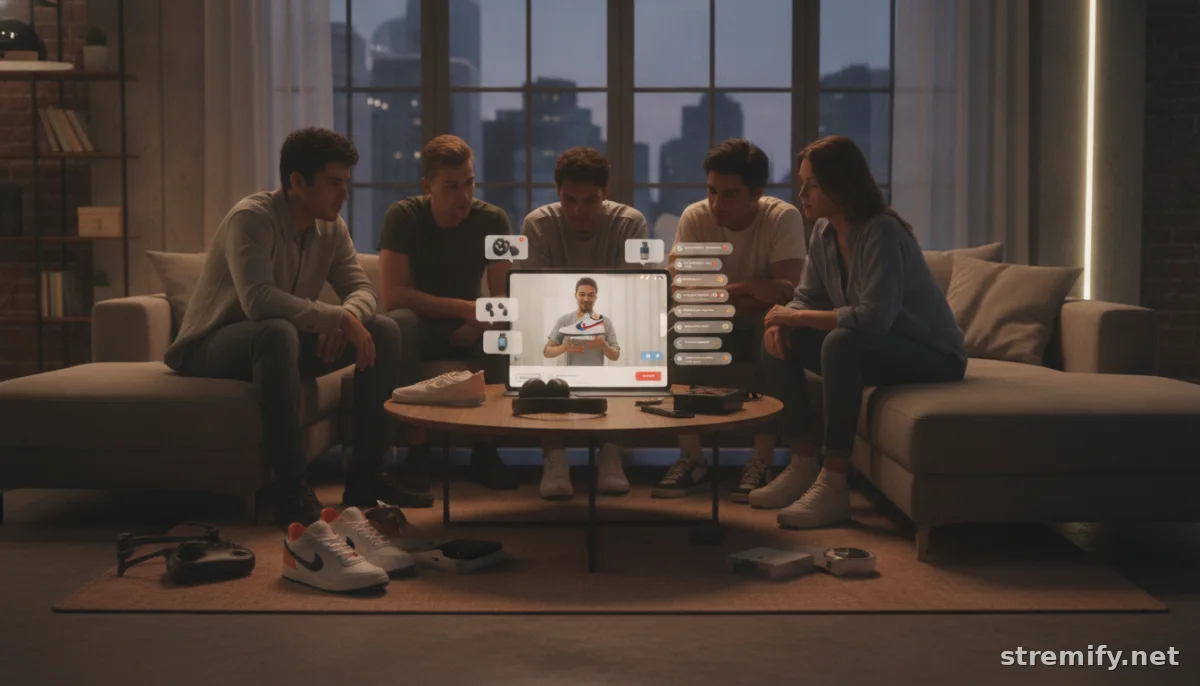
Add more angles: an overhead shot for unboxings, a side cam for try-ons, or a mobile phone for behind-the-scenes. Now you’ll want a hardware switcher or a multicam-friendly software like OBS Studio or Switcher Studio. A good switcher like the ATEM Mini Pro handles up to four HDMI cameras and runs about $300 to $400. If you prefer a software route, OBS and similar tools are free but need a beefy computer and a bit of setup savvy.
Camera costs pile up fast. Decent HD models run $300 to $600 each. Add a video switcher, a simple audio mixer, and reliable cables. Don’t forget a sturdy desk or cart to keep things tidy.
Pro Multicamera Streaming (Hybrid or Studio)
Larger brands, boutiques, or creators doing regular high-stakes streams amp things up again. Here, you’ll find 4K cameras, pro-level switchers like the Blackmagic Design ATEM or the YoloBox (which can also add graphics overlays and even pull in guests remotely), and a fast wired internet connection for stability.
Setup costs can reach $2,000 or more once you factor in cameras, switchers, lights, and audio gear. That said, the flexibility is huge: multiple hosts, dynamic product close-ups, pre-recorded inserts, and crisp audio. If you’re regularly streaming to Facebook, YouTube, and TikTok at once, and want everything branded, this is the league to join.
Technical Requirements: What You Really Need
After running dozens of browser-based shows with Stremify, here’s what we see merchants overlook most:
- Reliable Internet: Wired beats WiFi every time, especially with multiple HD streams. Lag kills sales.
- Switching Hardware or Software: Decide early. Hardware is pricier but more stable. Software tools are flexible but need a good computer.
- Audio Sync: Multi-cam adds audio drift risk. Sync your microphones to one main input or use a small mixer.
- Cable Management: Don’t become "that shop" with a cable jungle on camera.
Workflow Tips for Selling With Multicam
Here’s where multicam setups shine for selling:
- Start the stream on your wide shot to welcome viewers. Switch to close-ups for demos, then use overhead for unboxing details.
- On Stremify, you can simulcast to all major platforms, YouTube, Facebook, Instagram, TikTok, and Twitch, so you never have to pick just one audience.
- Integrate comment-to-buy shopping. We’ve found the highest conversion rates come when viewers don’t have to leave the stream to purchase.
- Use interactive features like live polls or quizzes to keep eyes on the screen and drive urgency (especially when showing limited offers).
How Much Should You Spend?
If you’re streaming casually or testing the waters, start with two affordable USB cameras and free software. Expect to spend $200 to $500. For merchants who want four or more angles and more professional polish, budgets range from $1,200 to $2,500 depending on whether you go for HD or 4K, how many switcher features you need, and how robust your lighting setup is.
Platforms like Stremify make multicam easier since it’s all browser-based, no extra gear required unless you want it. You just buy a credit package rather than paying a monthly subscription, so you can scale up or down without committing long-term.
Multicam Platforms: What to Look For
Most multicam-ready platforms fall into two camps: hardware-centric (you handle your own switching, then stream out) and software-based (the platform handles camera switching in-browser). Stremify manages multi-camera switching inside your browser, lets you simulcast to every big channel at once, and adds instant, comment-based shopping. Others, like Switcher Studio or YoloBox, focus more on iPad or switcher control, good for in-person setups that need mobile flexibility.
The Bottom Line
Comparing multicam live shopping setups boils down to your comfort with gear, your budget, and how big you want to go. If your streams feel flat, even adding a $60 second camera can help. For serious merchants, the pro setups are an investment in engagement that pays off as you grow.
Want to try multicam selling without a mountain of gear? Stremify lets you build, brand, and broadcast your next shoppable stream straight from your browser, no studio needed.
Frequently asked questions
What do I need for a basic multicam live shopping setup?
You need at least two cameras (webcams or smartphones), reliable internet, a multicam-friendly live streaming platform, and either software or hardware to switch between views. Keep cables tidy and start simple, upgrade as you need more angles.
How much does a professional multicam setup cost?
A pro-level multicam setup for live shopping can range from $1,200 to $2,500, including cameras, a hardware or software switcher, audio gear, and lighting. Costs rise quickly with higher-end cameras and multiple streaming destinations.
Can I run multicam live shopping without expensive gear?
Yes, many browser-based platforms like Stremify let you use existing webcams or phones as cameras and handle switching in the browser. This keeps your setup budget-friendly and easy to use, no extra hardware required.
Why should I use multicam setups for live shopping?
Multicam setups make your streams more dynamic, hold viewers' attention longer, and allow close-ups or different angles for product demos. This boosts engagement and sales, especially for detailed or visually appealing products.
Which platforms support multicam live shopping?
Platforms like Stremify, Switcher Studio, and some switcher hardware with streaming support let you run multicam live shopping events, each offering different camera switching and streaming features. Check each for supported devices and workflows.