
How to Create Dynamic Product Showcases: A Step-by-Step Guide (2026 Edition)
Stop losing viewers to static product displays. Learn how to create dynamic product showcases with interactive layouts and real-time feeds in this no-nonsense guide.
If your product displays look like a spreadsheet, you’re not alone. But the conversion rates tell the story: dynamic product showcases with real-time updates and interactive layouts drive more sales, longer watch times, and repeat customers. In this guide, you’ll learn how to create dynamic product showcases from scratch, no coding required. Prerequisites? You need an online store (Shopify, WooCommerce, or similar) and access to a platform that supports interactive live shopping like Stremify or comparable tools.
Step 1: Import Your Product Feed
Start by connecting your e-commerce backend to your live shopping platform. On Stremify, you can import product feeds from Shopify, WooCommerce, or other stores using your standard product feed URL or an API key. This lets you pull images, titles, prices, variants, and inventory in real time. It’s the foundation of dynamic product showcases, so don’t skip or fudge this step.
If you have a huge catalog, segment your feed for live campaigns: focus on a collection (like "Summer Tops" or "Laptop Accessories") instead of overwhelming viewers with everything at once. Double-check that your product feed includes big, clear images, concise titles, and up-to-date stock levels.1 Broken images and outdated pricing kill trust fast.2
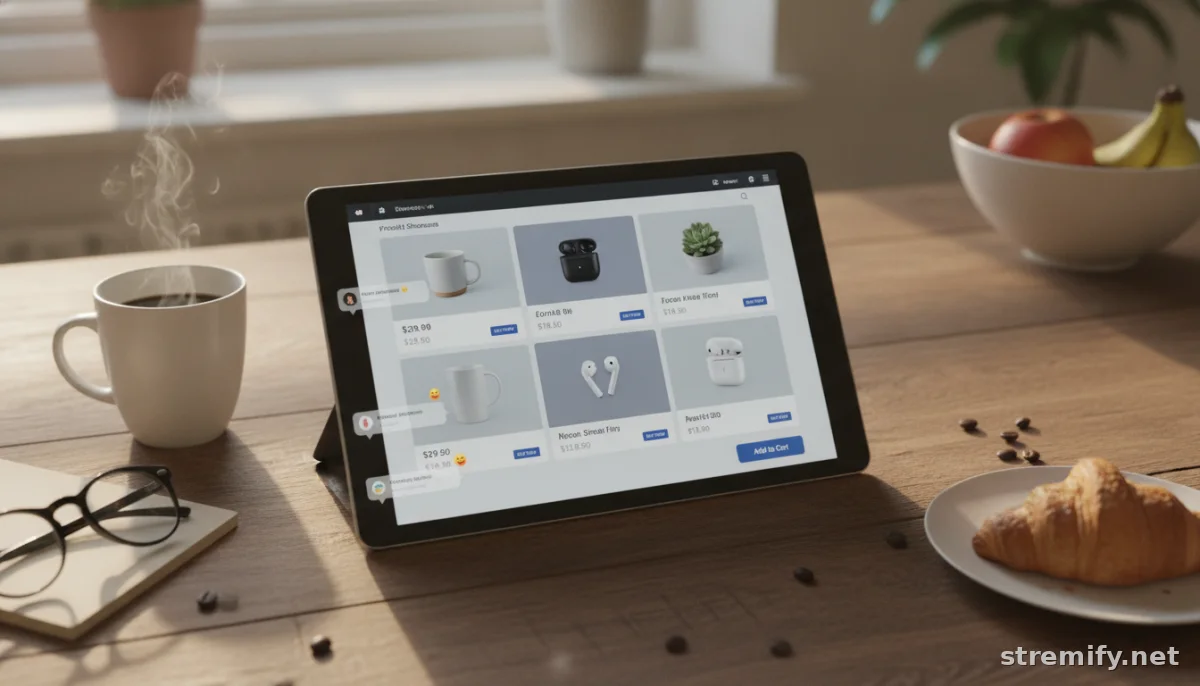
Step 2: Design an Interactive Layout
Now, build the "stage" for your products. Choose a layout template that fits your brand, a carousel, grid, or a mix with floating product cards. Most platforms offer drag-and-drop customization; on Stremify, you can blend branded colors, logos, and dynamic product widgets in minutes. Interactive elements should include clickable product cards, pop-up details, and pinned products for spotlight moments.
Common mistake: going overboard with widgets and pop-ups. Too many distractions and your audience stops paying attention to the actual products. Keep the layout clean, with enough negative space for items to "breathe." Always preview on both mobile and desktop before you go live, many viewers shop on their phones during commutes or downtime.34
Step 3: Enable Real-Time Updates
This is where static displays fall short. To create dynamic product showcases, turn on real-time syncing with your product feed. This ensures live viewers see current prices, stock changes, and new arrivals instantly, no endless refreshes or awkward "Sorry, we’re out of that" moments.
Platforms like Stremify support automatic updates and push product changes to your shop window immediately. If you’re running promotions or flash deals, set up scheduled product swaps or highlight badging. Don’t forget to test: run a dry stream and simulate a sold-out item to check that "Out of Stock" triggers update everywhere. Missed updates are a conversion killer.
Step 4: Add Interactivity, Comments, Polls, and Quizzes
Static product lists get ignored. To pull shoppers in, add "comment-to-buy" ordering, live polls, or quick quizzes. Stremify lets you enable real-time purchase via comments, viewers just write "/buy 2" and the order goes straight to your cart system. You can also launch quizzes about product features, with instant rewards or discounts. This not only boosts engagement but turns a passive stream into a two-way event.
Don’t overload the stream with constant activities. Spread out interaction points every 5 to 10 minutes, and make calls-to-action clear. Highlight the results live to show your audience their participation matters. Missed opportunity: forgetting to mention how to interact. Always explain (briefly) how comment-to-buy or polls work.
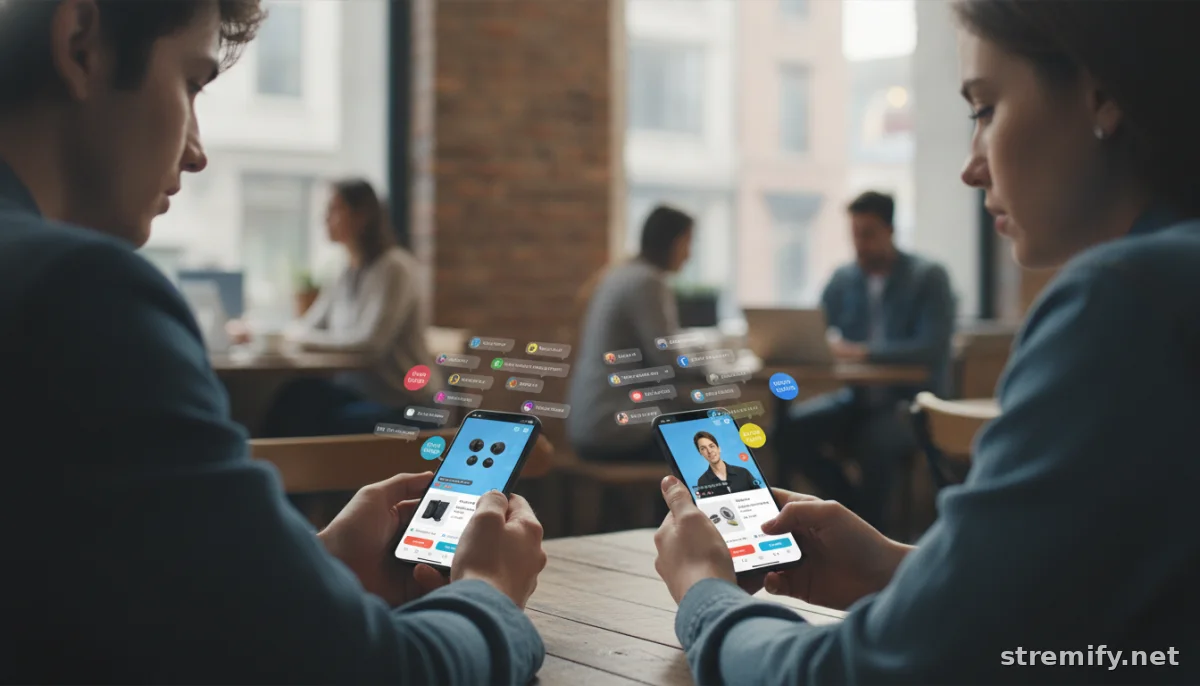
Step 5: Stream to Multiple Platforms
Go where your shoppers already are. Modern live-shopping tools let you broadcast to TikTok, Instagram, Facebook, YouTube, and Twitch at the same time. With Stremify, you can simulcast your interactive showcase everywhere, so you’re not stuck rebuilding layouts for every platform.
Tip for first-timers: tailor your product features to each channel’s audience. TikTok viewers may want quick-hit deals and playful polls. YouTube shoppers typically stick around for deeper dives and demos. Monitor engagement in real time with built-in analytics and adapt the flow on the fly. Avoid the rookie mistake of ignoring comments or questions on non-primary channels, every platform deserves attention.
Step 6: Track Performance and Optimize
After your show, dig into performance data. Look at which products drew the most clicks, where viewers dropped out, and which interactive elements drove the most engagement. Stremify gives you granular breakdowns, but always supplement with your store analytics (like Shopify’s dashboard) for the full picture.
Common error: judging a campaign only by total sales. Sometimes, your top-performing products are the ones with the most comments or shares, these can build long-term loyalty even if they don’t convert instantly. Use your findings to tweak future show layouts, swap in better images, or adjust the pace of live quizzes.
Comparison Table: Key Features for Dynamic Product Showcases
| Platform | Product Feed Integration | Real-Time Sync | Interactive Layouts | Pricing Model |
|---|---|---|---|---|
| Stremify | Shopify, WooCommerce, others | Yes | Yes (quiz, comment-to-buy, branding) | Credit-based (pay-as-you-go) |
| Bambuser | Shopify, others | Yes | Yes (basic) | Subscription |
| CommentSold | Shopify, WooCommerce | Yes | Yes (comment-to-buy) | Subscription |
| StreamYard | Custom/manual | Limited | No (mostly video layouts) | Subscription |
Quick Fixes and Next Steps
If your showcase isn’t updating or looks flat, double-check your product feed connection first, especially image links and stock data. If interactive features aren’t firing, review your platform’s permissions and test as a real viewer. And if your audience isn’t engaging, simplify your layout and reduce on-screen clutter. Keep experimenting: even small changes in layout or timing can boost conversions.
Ready to try it yourself? Set up a free Stremify account and see how dynamic product showcases can turn your next campaign into a shopping event your viewers won’t forget.
Frequently asked questions
What makes a product showcase 'dynamic'?
A dynamic product showcase updates in real time with inventory, prices, and new arrivals. It lets viewers interact instantly, purchasing, voting, or participating in live polls while the stream is happening.
Do I need coding skills to create dynamic product showcases?
No, you don’t need any coding skills. Most live shopping platforms like Stremify offer drag-and-drop interfaces and easy product feed imports so you can build dynamic showcases without touching code.
Which platforms allow real-time product feed integration?
Platforms like Stremify, Bambuser, and CommentSold support real-time product feed integration. You can connect your Shopify or WooCommerce store directly and display live product updates during your stream.
How can I make my product showcase more interactive?
Add features like comment-to-buy, live polls, and quizzes. Use floating product cards, clickable deals, and real-time badges. Engage viewers every few minutes to keep them interested and boost conversions.
Why aren’t my dynamic product showcases updating during the stream?
Check your product feed connection and make sure it’s linked correctly to your live shopping platform. Also test interactive elements before going live, as technical issues or permission errors can block updates.

