

How to Optimize Product Feed for Live Commerce: Practical Steps for Higher Sales
Want your live shopping sessions to actually convert? Learn exactly how to optimize product feed for live commerce, structure, tips, tools, and pitfalls to avoid.
Ever run a live shopping session and watched viewers scroll right by your best items? It’s almost always a product feed problem. If your product catalog isn’t structured, tagged, and formatted for real-time discovery, you’re leaving money on the table.
Why Bother to Optimize Product Feed for Live Commerce?
When you optimize product feed for live commerce, you make it easy for viewers to find, compare, and buy products in real time, right while the energy is high. A messy feed slows people down. A smart feed removes friction and boosts your conversion rate. Let’s get specific about what to fix and how.
Start with Clean, Consistent Product Data
- Titles: Short, punchy, and actually informative ("Red Vegan Leather Tote, 15 inch").
- Descriptions: Hit the essentials. One or two bullet points max. Save the extra storytelling for your live pitch.
- Pricing: Always up to date. Shoppers notice, even a mismatch of a few euros sours trust.
- Images: Use crisp, uncluttered photos. No watermarks or text overlays. Ideally, show products in real life, not just on white backgrounds.

Pro tip: Use Batch Editors
If you’re on Shopify or WooCommerce, use the built-in bulk editor to fix titles or tags across dozens of products fast. Don’t do this one at a time.
Structure Your Catalog for Browsability
Most live commerce fails because product feeds are flat and chaotic, just one big dump of SKUs. Group products so viewers can actually browse and compare. For example:
- By Category: Bags, shoes, skincare, accessories.
- By Occasion: Back-to-school, holiday gifts, summer essentials.
- By Promotion: Live-only deals, bundles, limited stock.
Live shopping platforms like Stremify let you create these collections on the fly and even pin featured products during your broadcast.
Table: Product Feed Structure Examples
| Structure Type | Purpose | Best For | Platform Support |
|---|---|---|---|
| By Category | Organize by product type | Fashion, beauty, electronics | Stremify, Shopify, CommentSold |
| By Promotion | Highlight special offers | Flash sales, new arrivals | Stremify, Bambuser |
| By Occasion | Group by customer intent | Gifts, seasonal drops | Stremify, WooCommerce |
Tagging and Filtering: The Secret Weapons
Tags give you superpowers. Use them to surface the right products at the right time. For live shopping, this means:
- Tagging by size, color, or style (so viewers can filter fast).
- Creating "Live Only" tags for limited drops.
- Adding urgency tags like "Almost Gone" or "Hot Pick."
If you stream to Facebook, TikTok, or Instagram, use the platform’s tag or hashtag system for extra reach. On Stremify, you can even set up interactive product quizzes that use tags to personalize recommendations on the fly.
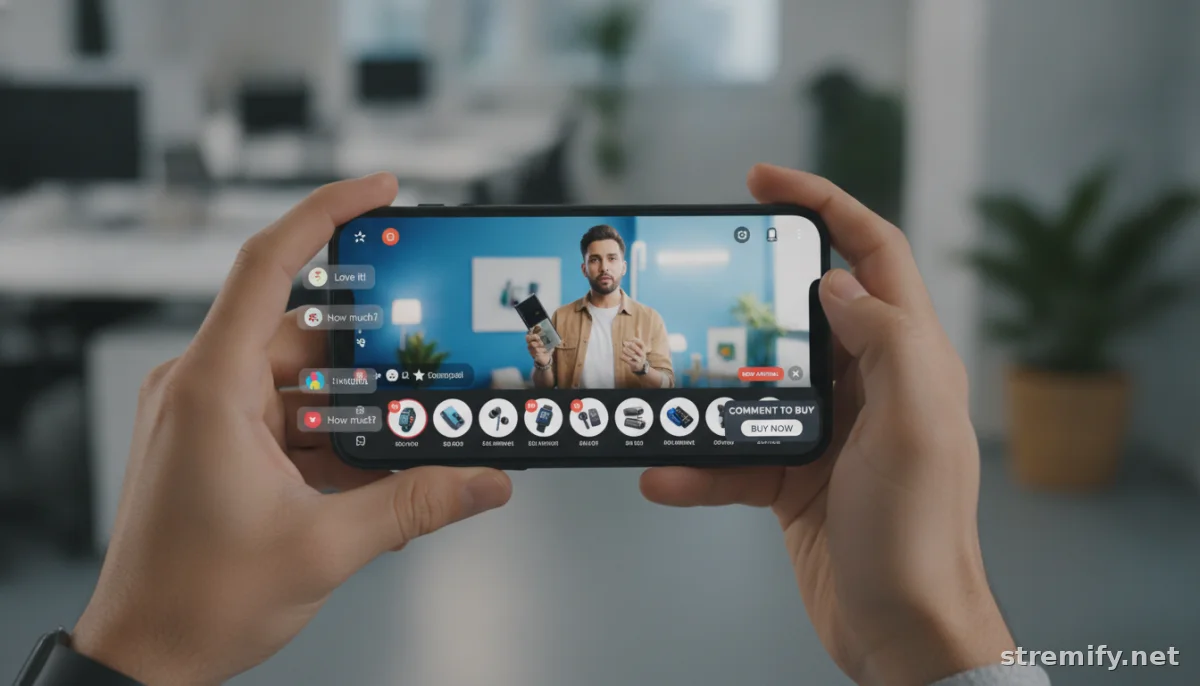
Optimize Product Feed for Live Commerce with Smart Media
Don’t just upload generic pack shots. Live commerce thrives on multiple angles: close-ups, lifestyle shots, maybe a quick video of the product in action. A single main image and two to four secondary images per product is ideal. On Stremify, you can showcase multiple images and videos side by side with your live stream, driving up engagement.
Accessible Media Matters
Include alt text on images and short video captions for key features. More accessible feeds get better engagement, period.
Keep Inventory and Pricing Sync’d in Real Time
Few things kill conversion like "Sold Out" after checkout. Use a platform with real-time inventory sync (Stremify does this) so your live viewers never see out-of-stock products. If you run discounts, make sure your feed reflects the live offer, not yesterday’s price. In 2026, top-performing feeds update pricing and stock within 15 minutes, and for fast-moving items, real-time API sync is now standard.1
Integrate with Multiple Channels
You want your feed to work everywhere you stream, TikTok, Facebook, Instagram, YouTube, Twitch. The best platforms import your product feed from Shopify, WooCommerce, or another store, then sync updates out to each live channel automatically. Stremify pulls from any major e-commerce system and pushes real-time updates to every supported network.
Test and Optimize for Conversion
- Review Analytics: If viewers are dropping off after seeing your product carousel, your images or titles might be the problem.
- A/B Test Collections: Try grouping products differently in your next session. Did conversion rates jump? Keep iterating.
- Optimize for Mobile: Over 80% of live shoppers browse on their phones. Check your feed on your own device. Is everything tappable?
Top Tools to Optimize Product Feed for Live Commerce
Here’s how a few major players help you get it right:
| Platform | Feed Import | Real-Time Sync | Pricing | Live Interactivity |
|---|---|---|---|---|
| Stremify | Any store (Shopify, WooCommerce, CSV) | Yes | Credit-based (pay-as-you-go) | Interactive shop, quizzes, comment-to-buy |
| CommentSold | Shopify, CSV | Yes | Monthly subscription | Comment sales, social integrations |
| Bambuser | Shopify, custom feeds | Yes | Subscription (custom quotes) | Shoppable video, analytics |
| Restream | Manual upload (via plugins) | No | Subscription tiers | Multistream, chat integration |
Practical Takeaway: Small Changes, Real Impact
Your product feed is your live shop window. Spend an hour per week cleaning titles, tagging top picks, and syncing your inventory. Test your catalog on an actual phone, not just your desktop. The more you optimize product feed for live commerce, the easier it is for shoppers to find what they want, and the faster you’ll see those sales notifications pop.
Ready to see it in action? Try Stremify on your next live campaign, no monthly lock-in, just pay-per-minute credits and direct integrations with every major store.
Frequently asked questions
What does it mean to optimize product feed for live commerce?
To optimize product feed for live commerce means structuring catalog data, images, tags, and pricing so products appear clearly and attractively during live shopping sessions. This streamlines buying and boosts conversions.
How can I tag products for better live shopping results?
Tag products by attributes like color, size, collection, or special offers. Use tags like 'Live Only' or 'Limited Stock' for urgency. Well-tagged products are easier for viewers to filter and purchase in real time.
What role do images play when you optimize product feed for live commerce?
Images are crucial for live commerce. Use high-quality, uncluttered photos and add lifestyle or action shots. Multiple images help shoppers see details and make faster decisions during live shopping events.
How do I keep my product feed accurate during a live sale?
Use a platform with real-time inventory syncing. This ensures pricing and stock levels update instantly as viewers shop, preventing overselling and keeping trust high throughout the live event.
Which platforms help me optimize product feed for live commerce?
Tools like Stremify, Shopify, WooCommerce, and CommentSold let you structure, tag, and display your product feed for live shopping. Stremify stands out for credit-based pricing and multi-channel streaming.

