

Magento Product Feed Import: A Step-by-Step Merchant's Guide
Want to save hours on Magento product feed import? Discover the most efficient ways to import, sync, and automate product feeds, for both bulk updates and multichannel selling.
Ever tried manually updating hundreds of SKUs in Magento? If so, you know the pain: CSV headaches, endless mapping, and the sinking realization that a single error can break half your catalog. Magento product feed import should feel smarter, not soul-crushing. Here’s how smart merchants are making feed import easy, and why the right approach saves you weeks every year.
Why Magento Product Feed Import Still Matters
New platforms come and go, but Magento remains a top choice for scaling e-commerce. Its flexibility attracts ambitious sellers, but also means more complex data needs. Whether you’re adding thousands of new SKUs, syncing to live shopping apps like Stremify, or running flash sales, product feed import powers almost everything behind the scenes. As of 2026, Magento powers a large share of online stores worldwide.
Common Challenges
- Time-consuming uploads: Manually uploading CSV files can eat up hours, especially with large catalogs.
- Data mismatches: Even one typo can break imports or make products disappear from your storefront.
- Frequent updates: Prices, inventory, or descriptions might change daily, which means imports need to run like clockwork.
- Multichannel chaos: Selling on TikTok, Facebook, or Google Shopping? Each channel wants its own format.
Magento Product Feed Import: Built-In Tools vs. Third-Party Extensions
Magento’s native import tool gets the job done for small, simple catalogs. But once SKUs multiply or you want to sync with external apps, you’ll outgrow it fast. Here’s a breakdown of your options, including API import capabilities:
| Solution | Native Support | Automation | API Import | Best For | Pricing |
|---|---|---|---|---|---|
| Magento Admin Import | Yes (CSV/XML) | No | Yes (REST API) | Small catalogs | Free (with Magento) |
| Firebear Import & Export | Yes (CSV, XML, XLSX, Google Sheets) | Yes | Yes | Complex/multichannel | Subscription |
| Stremify | Yes (via feed import) | Yes | Yes | Live shopping, omnichannel | Credit-based (pay-as-you-go) |
| Amasty Product Feed | Yes (multiple formats) | Yes | Limited | Google, Facebook | Subscription |
The native Magento tool works if you like manual CSV uploads and don’t mind basic headaches. But if you want smart syncing with live shopping, multichannel sales, or need to automate inventory updates, you need more. Importing via API unlocks even greater speed and reliability for large-scale or frequent updates.
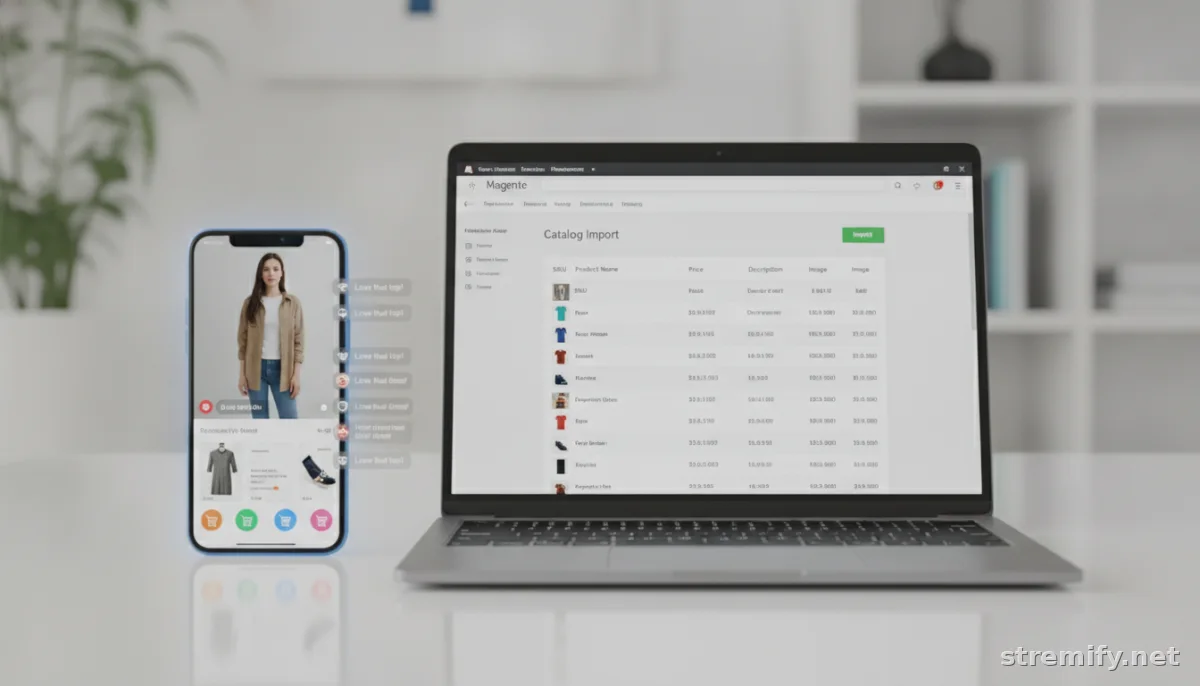
How to Do Magento Product Feed Import Like a Pro
1. Prep Your Product Data
Any tool is only as good as your product data. Clean up your CSV or XML files, watch for rogue commas, mismatched category names, and missing images. Pro tip: Excel’s “Text to Columns” and Magento’s sample CSV templates save serious time.
2. Map Fields to Magento’s Structure
Magento expects columns like sku, name, price, description, and image. If you’re importing from another system (Shopify, WooCommerce), map those fields in advance. Most extensions let you save mapping profiles for repeat imports.
3. Choose the Right Import Method
- Manual upload: Use Magento’s Admin > System > Data Transfer > Import. Good for rare, one-off updates.
- Automated feed sync: Tools like Firebear or Stremify connect to Google Sheets, REST APIs, or FTP feeds and update Magento on a schedule.
- API import: For high-frequency or large-volume updates, use Magento’s REST API or compatible extension APIs to import data programmatically. This is ideal for integrations with ERPs, supplier systems, or custom apps. See below for how-to steps.
- Live shopping integration: With Stremify, you can import your catalog once, design your shopfront, and sync live product availability during shoppable streams on TikTok, Instagram, or YouTube.
How to Import Products via Magento API
- Generate API Credentials: In Magento Admin, go to System > Integrations. Create a new integration and note the access token.
- Format Your Data: Prepare a JSON payload with required product attributes (sku, name, price, etc.). Refer to the Magento API documentation for the correct structure.
- Send API Requests: Use a tool like Postman or a script in your preferred language (PHP, Python, Node.js) to POST your product data to the endpoint /rest/V1/products. Include your access token in the header.
- Automate as Needed: Schedule scripts to run at intervals, or set up webhooks if your platform supports it, ensuring inventory and product info stay up to date.
4. Test Import on a Staging Site
Don’t risk a live store meltdown. Always run your import on a staging copy of Magento, check for errors, missing fields, or mispriced products before you hit “go” on your main site. Backups are your friend.
5. Automate What You Can
Manual imports are fine if you’re only updating once a month. But if you’re running flash sales, updating prices daily, or syncing with suppliers, automation is the only way to stay sane. Schedule imports, set rules for data updates, connect to APIs, and link to other sales channels where possible.

Feed Import for Live Shopping and Multichannel Selling
Live shopping isn’t just a trend, it’s a proven conversion booster on platforms like TikTok, Facebook, and Instagram. To turn a Magento catalog into a shoppable live stream, you need tight product feed integration. Shoppers expect real-time product availability, instant add-to-cart, and frictionless checkout. API-powered imports make real-time sync possible, ensuring your catalog is always up to date during live events.12
Stremify stands out here: you import your Magento feed once, via file or API, then launch branded campaigns across TikTok, Instagram, Facebook, YouTube, and Twitch. Product cards, comment-to-buy checkout, and interactive quizzes are all synced live with your product database. Plus, the pay-as-you-go credit model means you never overpay for quiet months. The Starter package includes 50 credits for €15, Professional offers 100 credits for €27, and Enterprise provides 500 credits for €120.
Other Top Magento Feed Import Tools
- Firebear Import & Export: Handles massive catalogs, supports scheduled imports, API integration, and maps to all major channels.34
- Amasty Product Feed: Great for building custom feeds for Google, Facebook, or Instagram Shopping. Templates help with channel requirements.
Evaluate your needs. If you want live, interactive selling, Stremify leads. For channel-specific feeds or deep automation via API, Amasty and Firebear are strong options too.
Magento Product Feed Import FAQ
Still have questions? You’re not alone. Here are quick answers to the top issues Magento merchants run into.
- What’s the fastest way to import a huge product catalog? Use a dedicated extension that supports automation, API import, and bulk mapping, then always test first on a staging site.
- How do I sync Magento with TikTok or Facebook Shopping? Choose a feed import tool or app with direct integration. Stremify lets you stream and sell across all major platforms with one synced feed.
- Can I automate product updates from my suppliers? Yes, many feed import extensions pull from Google Sheets, FTP, supplier feeds, or APIs. No need to manually upload files each time.
- Can I import data directly into Magento via API? Yes. Magento’s REST API allows you to create, update, or delete products programmatically. This is ideal for custom integrations, supplier sync, or real-time updates. See the “How to Import Products via Magento API” section above for steps.
Takeaway: Smart Feed Import Pays Off Every Month
A streamlined Magento product feed import isn’t just nerdy housekeeping, it’s a growth lever. Faster updates mean quicker launches, fewer errors, and more channels selling for you. If you’re aiming for live shopping, multichannel sync, or API-powered automation, try a tool like Stremify or Firebear to save yourself time and chaos.
Ready to give your Magento catalog a life outside of CSV uploads? Stremify lets you import your feed via file or API and start selling live, everywhere shoppers hang out.
Frequently asked questions
What is Magento product feed import?
Magento product feed import lets you upload and sync product data from files or external sources into your Magento store, often using CSV or XML formats. It helps bulk update products, prices, images, and inventory.
Which file formats does Magento support for product feed import?
Magento supports CSV and XML file formats for product feed import by default. Some extensions also let you import from XLSX files, Google Sheets, or connect directly to supplier APIs for automated syncing.
How can I automate product feed import in Magento?
You can automate product feed imports using third-party extensions that let you schedule regular imports, map custom data fields, and connect to sources like FTP, APIs, or cloud spreadsheets. This eliminates manual uploads.
Can I import product feeds from Shopify or WooCommerce into Magento?
Yes, you can export your product data from Shopify or WooCommerce and then reformat it as a Magento-compatible CSV. Feed import tools and extensions help map the columns and ensure the data syncs correctly.
What are common errors in Magento product feed import?
Common errors include mismatched column names, missing required fields, invalid image URLs, and corrupted file formatting. Always validate your CSV with Magento's sample and test imports on a staging site to catch issues early.

