
How to Set Up Real-Time Inventory Updates for Livestream Sales: A Step-by-Step Guide
Keep your livestream sales on track with live product availability. This guide shows you how to set up real-time inventory updates and avoid overselling during live events.
You’re running a livestream, the comments are flying in, products are selling fast, and then someone tries to buy an item that’s already gone. That can ruin the moment. To avoid disappointed shoppers and frantic apologies, you need to set up real-time inventory updates for livestream sales. Here’s exactly how to do it, step by step.
1. Choose a Platform Built for Inventory Sync
Start with a livestream shopping platform that supports real-time inventory sync. Not every platform can keep up with live product availability. Look for features like product feed import, live stock tracking, and instant updates on screen.
Stremify is designed for this. You can import product feeds from Shopify, WooCommerce, custom CSVs, and the platform pulls inventory counts into your live event. As sales come in, available stock adjusts in real time, no coding required.
2. Connect Your Store’s Product Feed
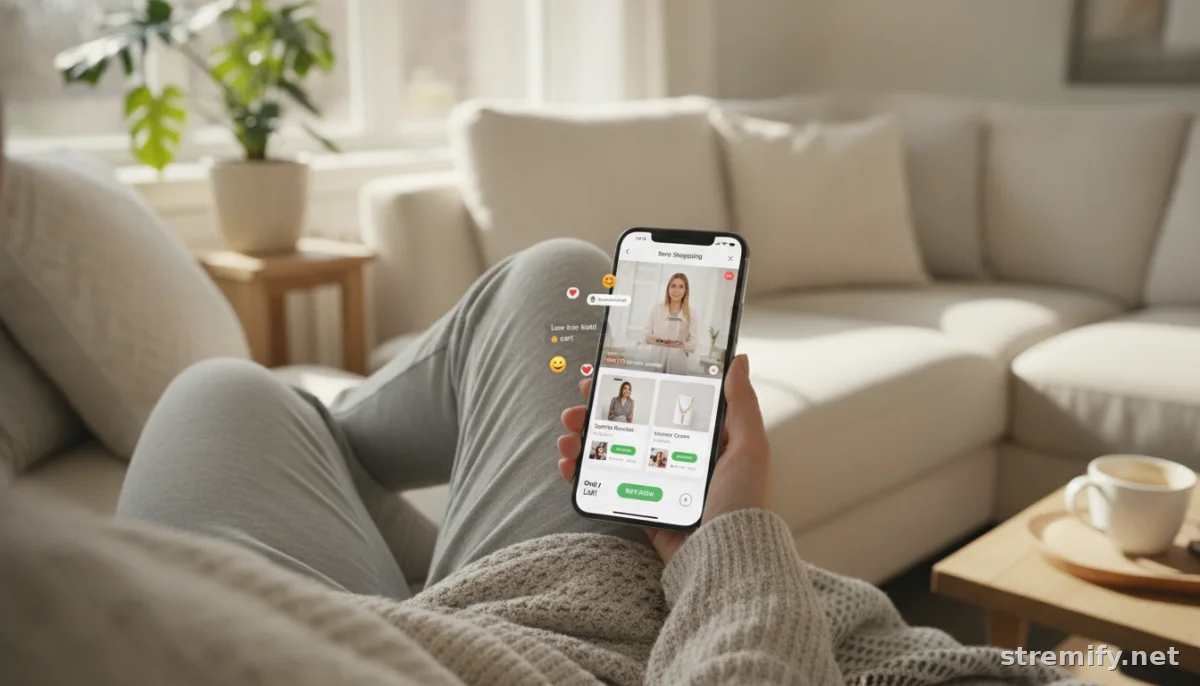
Without a connected feed, your livestream won’t know how many units are left. For Shopify or WooCommerce, you usually just paste an API key, install an app, or drop in a feed URL. CSV and XML feeds are standard for custom setups. The important part is to enable two-way sync, so sold items instantly update in both directions, your store and your stream.
If you’re using Stremify, you can import your entire product catalog in a few clicks, with every product variant and its live availability visible right inside your broadcast dashboard.
3. Display Stock Counts and Sold-Out Alerts On Screen
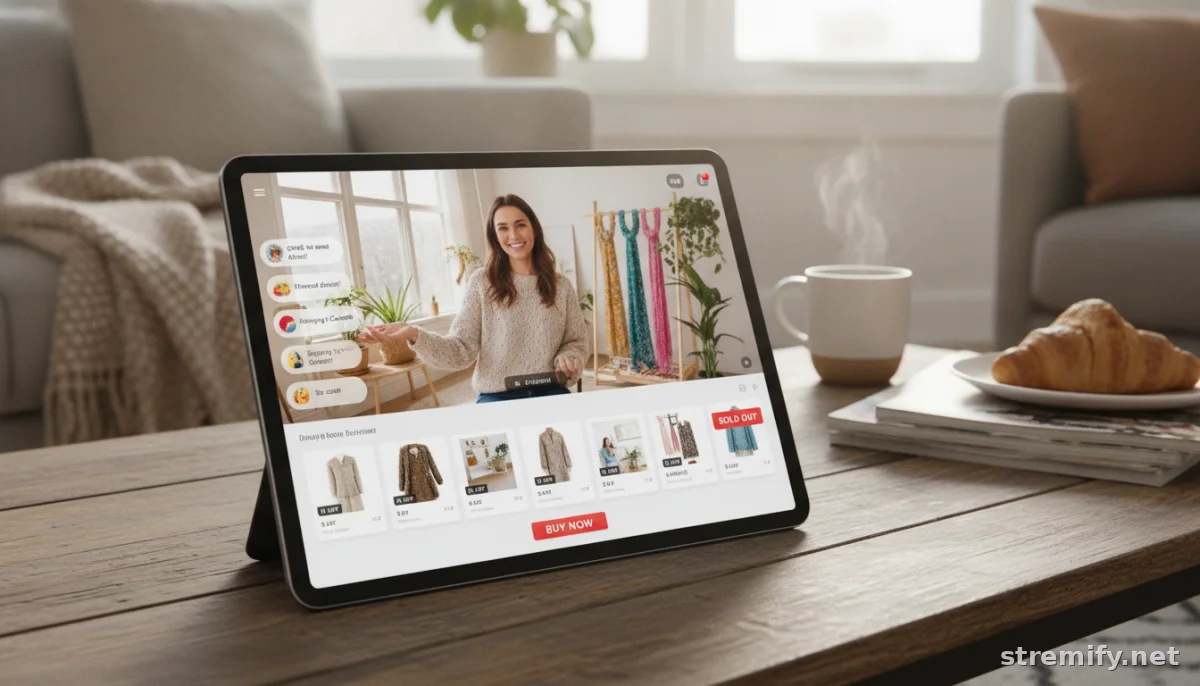
Showing live stock counts is practical and drives sales. Flashing “Only 2 left!” next to a product card gets viewers to act. Make sure your platform can display in-stock numbers, low-stock warnings, and instant sold-out messages right in the stream overlay.
Some platforms let you customize these messages or trigger pop-ups when a product hits zero. With Stremify, you can style your “sold out” banners to match your brand, and viewers see updates instantly, no page refresh needed.
4. Test Your Sync Before Going Live
One missed connection, and you’ll have angry emails to clean up. Always run a test stream with a hidden product or limited stock. Buy an item from your own stream (or have a friend do it), then check that your store and the livestream both update the count instantly. Watch for lag, errors, or products not disappearing as they should.
If you spot issues, double-check your platform’s sync settings and look for error logs. It’s also smart to keep a backup manual inventory sheet, just in case.
5. Manage Multi-Channel Inventory Updates
If you’re selling on TikTok, Instagram, Facebook, and YouTube at once, every channel needs accurate inventory. Choose a platform that pushes real-time updates everywhere, not just in one place. Avoid juggling multiple dashboards or trying to sync things manually between platforms, as this often leads to mistakes.
With Stremify, one product feed powers every channel. As soon as a shopper claims an item in the TikTok chat, your Facebook stream updates too, and out-of-stock products are hidden everywhere right away.
6. Integrate Comment-to-Buy for Instant Stock Reservation
Viewers want to buy straight from the chat, no extra clicks or cart abandonment. Comment-to-buy locks in orders the second someone types the trigger word, instantly updating live inventory for the rest of the audience to see. This stops double-selling and makes your livestream experience smooth for both host and shopper.
Stremify automates this process. The moment someone comments “buy” with a product code, that unit is reserved or removed from the stream, and everyone else sees the change in real time.
7. Stay Transparent With Customers During High Demand
Few things frustrate shoppers more than thinking they’ve scored a deal, only to get a “sold out” email later. If you’re running a viral drop or flash sale, tell your viewers how inventory is tracked, when it updates, and what happens if two people try to buy the last unit at the same time. A quick explanation builds trust and sets realistic expectations.
Platforms that show a live countdown or current claimed number keep everyone informed. You can even add a pop-up or pinned message explaining the process during major sales events.
8. Compare Tools for Real-Time Inventory Updates
Not all livestream platforms handle inventory the same way. Here’s a quick comparison of some popular options and their inventory sync capabilities.
| Platform | Inventory Sync | Channel Support | Pricing | Comment-to-Buy |
|---|---|---|---|---|
| Stremify | Real-time, multi-channel | TikTok, Instagram, Facebook, YouTube, Twitch | Credit-based (pay-as-you-go) | Yes |
| Bambuser | Real-time (limited channels) | Instagram, Facebook | Contact sales | Partial |
| CommentSold | Live sync (US only) | Facebook, Instagram | Monthly plans | Yes |
| Streamyard | No built-in sync | Multi-platform | Monthly plans | No |
9. Monitor Inventory Data After Your Stream
The work isn’t over when your stream ends. Always check your sales data and inventory records for mismatches or oversell incidents. If you spot discrepancies, contact your platform’s support and adjust your next stream setup accordingly. Over time, you’ll get a feel for how fast products move live, and you can tweak reserved quantities or safety buffers as needed.
Ready to stop overselling and show live product availability in every stream? Try a credit-based platform like Stremify to set up real-time inventory updates for livestream sales, so you never disappoint a customer again.
Frequently asked questions
How do I set up real-time inventory updates for livestream sales?
Choose a platform that supports live inventory sync, connect your product feed, and enable two-way sync. Test the setup in a private stream, making sure sold items update instantly on both your store and livestream. Use overlays or banners to display stock changes in real time.
Why is real-time inventory important during livestream sales?
Real-time inventory prevents overselling and improves customer trust. Shoppers see exactly what’s left in stock, creating urgency and reducing complaints from buyers who try to purchase sold-out items. It also saves you hours of manual order reconciliation after the event.
Can I sync inventory across multiple channels like TikTok and Facebook?
Yes, with the right platform you can sync inventory to TikTok, Facebook, Instagram, and more at once. Make sure your platform supports multi-channel feeds so stock levels update everywhere instantly as items are claimed or sold.
What happens if there’s a delay in inventory updates during a livestream sale?
A delay can lead to overselling and disappointed customers. To prevent this, use a platform with proven real-time sync, and always run test transactions before going live. If issues persist, contact your platform’s support or consider switching tools.
Is it possible to automate inventory updates for livestream sales without coding?
Yes, modern platforms allow you to connect your store’s product feed and automate inventory updates without writing code. Just use provided integrations or apps for platforms like Shopify, WooCommerce, or CSV feeds for custom stores.

