Pre-Live Checklist for Ecommerce Streams: Step-by-Step Preparation for a Flawless Broadcast
Running live shopping events? Use this expert pre-live checklist for ecommerce streams to prep like a pro. Get step-by-step tips for a polished, high-converting broadcast.
Ever had streaming glitches, inventory misfires, or awkward dead air kill your ecommerce live? You're not alone. With shoppers now spending real money during streams, there's no room for ad-hoc prep. A missed step can mean lost sales. Here's how to avoid rookie mistakes, with a pre-live checklist for ecommerce streams built on real-world experience and the latest industry data.
Know Your Goal and Audience
Every winning stream starts with a clear objective. Are you launching a new product, clearing overstock, or building brand awareness? Nail down your goal and shape your plan around it. Next, analyze your customer data to pinpoint when your audience is most engaged. Brands boosting social commerce conversion rates, like those seeing up to 30% in China, build their schedule around peak times, not guesswork.1
Choose Platforms and Sync Your Product Lineup
Where your audience watches matters as much as what you show them. Decide if you'll stream to TikTok, YouTube, Instagram, or all at once. With tools like Stremify, you can broadcast across multiple platforms in a single campaign, so shoppers don't have to leave their favorite app to buy.
Import your product catalog straight from Shopify, WooCommerce, Magento, or a product feed. Pick a mix of proven best-sellers and new arrivals. Confirm you've got enough inventory, nothing kills momentum like selling out mid-stream.
Script, Structure, and Prepare Engagement Hooks
Even informal live shopping benefits from some scripting. Sketch out your flow: the intro, product reveals, demo segments, and interactive moments. Bullet it or write a rough outline, not a teleprompter-style script. Prepare key talking points that keep you on track but allow room for spontaneity.
Plan audience engagement: comments, polls, or quizzes. In our experience running live shopping campaigns, adding real-time quizzes keeps viewers active, they're less likely to drop off when there's something to win, not just watch.
Test the Tech and Backups
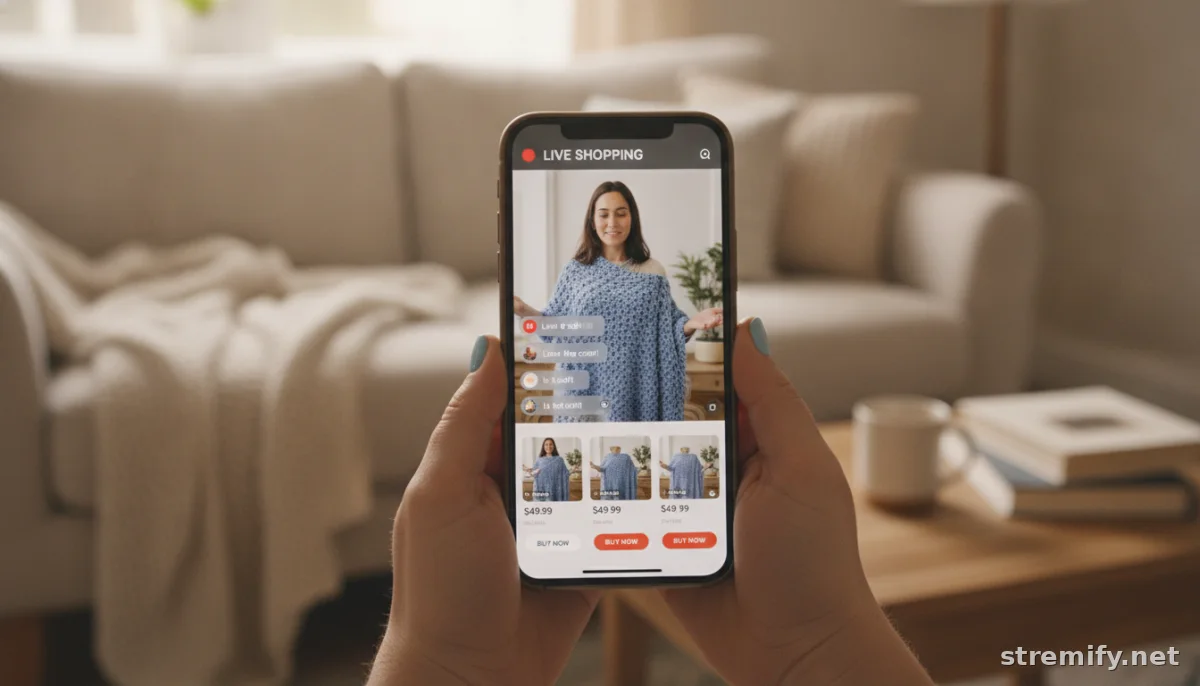
Don't wait for go-live to discover flaky Wi-Fi or echoing audio. Run through your broadcast setup in the same location and at the same time of day as your stream. Check internet speed, video and audio quality, and how your shoppable overlays display. Have backup devices and chargers within reach, and load up any images or product demos you'll show onscreen. Major platforms, from Facebook to TikTok, each handle overlays and links a little differently, test them all in advance.
Prepare backup product options and clickable links in case something goes out of stock or a demo product fails. If you're using a browser-based platform like Stremify, there's no need for extra equipment or a dedicated studio, but you should still check everything works in your browser before you go live.
Stock Check: Inventory, Payments, and Fulfillment Ready?
Review your real-time inventory for every item you'll feature. Enable low-stock alerts so you never overpromise. Digital wallets now power over half of all ecommerce purchases, so make sure your checkout flow supports quick buying with Apple Pay, Google Pay, PayPal, or similar options.2
Double-check fulfillment logistics. Orders placed during a stream are often impulse buys, fast shipping and real-time order updates drive repeat customers.
Promote Your Event (Early, and Everywhere)
Start your promo at least three days out. Post teasers on all your social channels, email your audience with a direct stream link, and consider a short countdown Story. Early buzz builds anticipation, some sellers even embed RSVP links or offer exclusive discounts to viewers who register in advance.
Give influencers or partners assets so they can amplify your message. Use stories, posts, or short-form videos. A steady drumbeat of reminders helps lock in an active audience once your stream starts.
Rehearse, Brief Your Team, and Prepare On-air Support
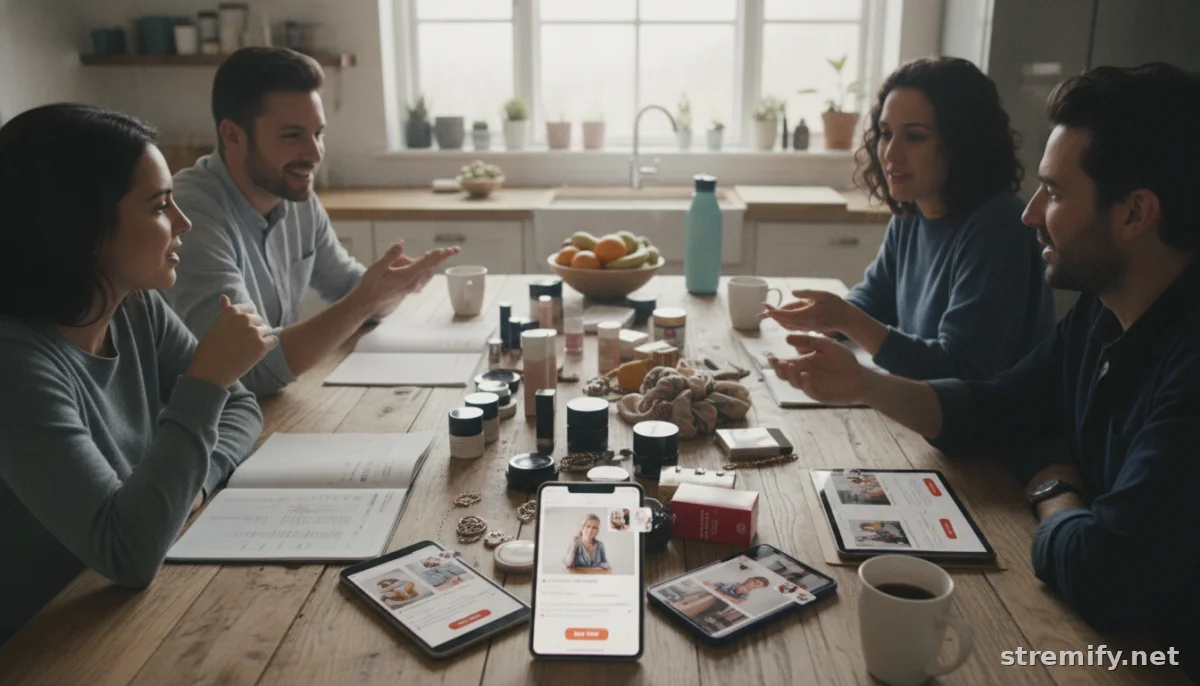
Do a dry run with everyone involved, host, moderators, guest speakers, even support reps. Work out transitions, cue product overlays, and run through your engagement plan. Assign someone to monitor comments and flag questions or issues in real time. If you're running the stream solo, set up notifications so you don't miss a high-priority message.
Backups matter here too: keep a list of talking points to fill any sudden dead air, and prep a few quick "reset" lines if tech hiccups pop up.
Launch with Confidence
Start your stream five minutes before the official time to catch early viewers and manage any last-second surprises. Welcome your audience, lay out the agenda, and invite participation right away. Reference the stream's unique perks, exclusive discounts, limited-time offers, or interactive segments.
Stick to your structure, but don't be afraid to riff as the energy in chat rises. The most successful ecommerce streams balance preparation with the flexibility to follow the crowd when engagement spikes.
Debrief and Improve
After the stream, review both the numbers (view counts, buy rates, average watch time) and the qualitative feedback. Which products sold fastest? Where did viewers drop out? In our experience, reviewing these details right away helps you spot small tweaks that pay off next time.
Your checklist isn't static, update it based on every new stream. Stream by stream, your process will get sharper and your results will improve.
Ready to put this checklist to work? If you're looking for a live shopping tool that handles product feeds, multi-platform streaming, instant comment-to-buy, and interactive engagement, Stremify can help you deliver polished ecommerce events every time.
Frequently asked questions
What should be included in a pre-live checklist for ecommerce streams?
A good checklist covers clear goals, platform selection, synced product lineup, tech testing, low-stock alerts, payment setup, promotion, team roles, and rehearsal. Each step helps reduce errors and boost customer experience.
How do I pick the best time for my ecommerce live stream?
Check your audience analytics for peak engagement times. Early evening or weekends often work, but data from past streams or sales will show when your target shoppers are most active online.
How can I avoid technical issues during my live shopping event?
Test your internet, video, and audio at the exact stream location. Run a full rehearsal, checking overlays and buying links. Keep backup devices and chargers ready, and prepare for common troubleshooting steps.
Why is product inventory important before a live stream?
Accurate inventory prevents overselling and disappointed customers. Always verify stock and set up low-quantity alerts for featured products to maintain trust and smooth fulfillment.
What platforms support multi-channel live shopping streams?
Platforms like Stremify let you stream across TikTok, Instagram, YouTube, Facebook, and Twitch in one campaign, reaching audiences on multiple channels at once.