
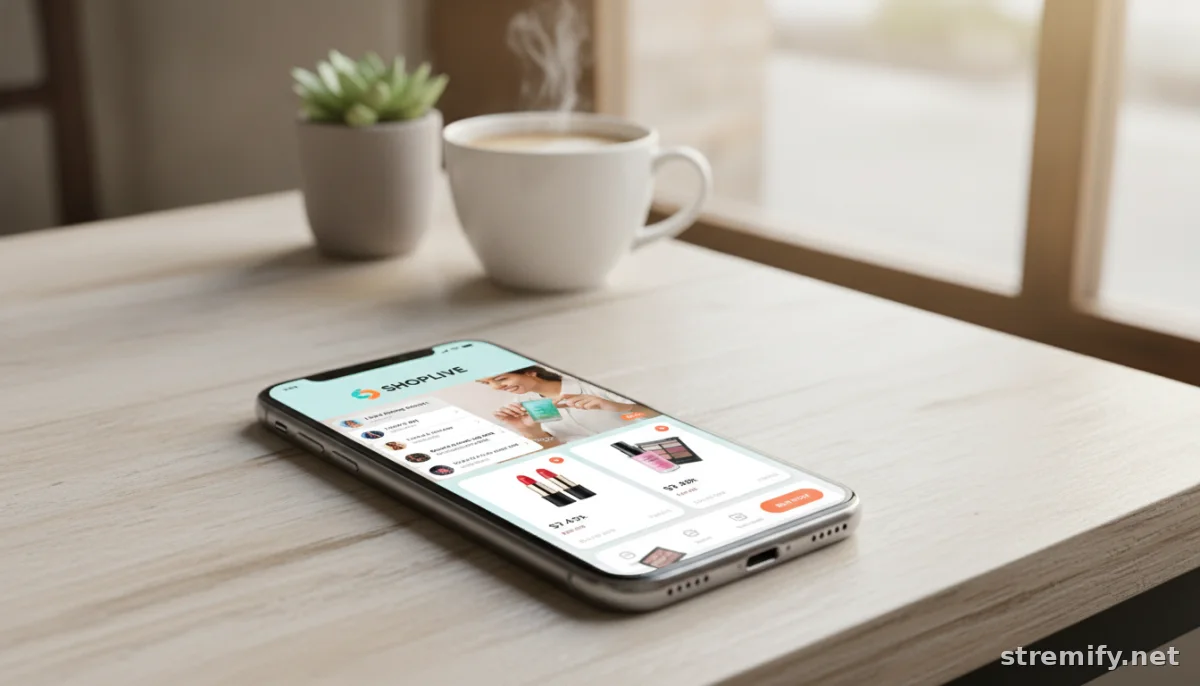
How to Build a Branded Live Shop: Step-by-Step for E-Commerce Success
Building a branded live shop means more than just going live. Learn step-by-step how to design a professional, on-brand storefront that converts during every live shopping event.
Your store’s first impression happens in under a second. If your live shopping shop feels generic, you’re invisible. This guide breaks down how to build a branded live shop that not only looks professional but drives real sales, all without hiring a designer or developer.
All you need is a product catalogue, clear branding (logo, colors, assets), and access to a browser-based live shopping platform like Stremify or another reputable tool. Let’s get your brand’s live storefront ready for prime time.
Step 1: Define Your Brand’s Visual Identity
Think of your storefront as your virtual flagship. Your color palette, logo, fonts, and tone set the mood before anyone watches a second of your stream. Gather your assets: hi-res logo, primary and secondary colors, and product imagery that matches your vibe. Consistency matters, if your Instagram is sleek black and white, but your shop splashes neon, you’ll lose shoppers immediately.
Not sure what works? Peek at how Nike’s House of Innovation turns every detail into an experience.1 You want that kind of coherence, even on a smaller scale. Don’t forget mobile: most live shopping happens on phones, so check how your logo, overlays, and buttons look on small screens. Blurry or off-center images signal amateur hour.
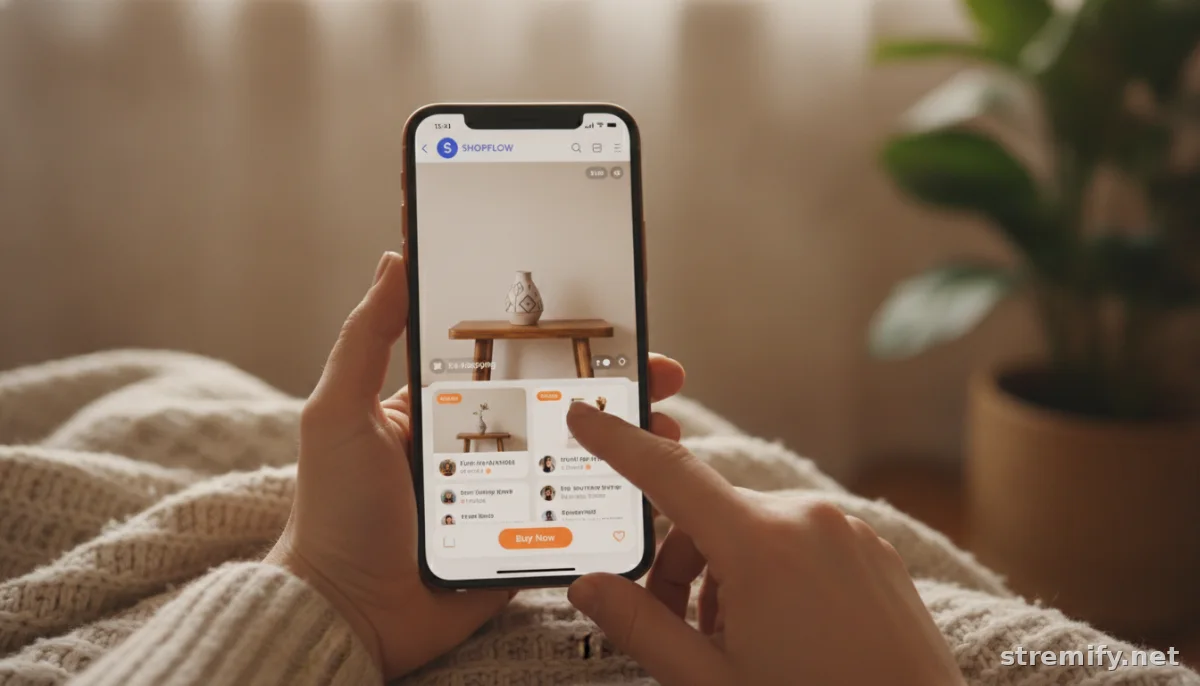
Step 2: Choose the Right Live Shopping Platform
Your platform shapes what you can actually brand and how shoppers interact. Look for tools that let you import your existing store catalogue, customize your shopfront, and stream to your audience across multiple channels. For example, Stremify runs live shopping entirely in your browser and supports Shopify, WooCommerce, and product feeds, so you start with the catalogue you already manage. The branding tools here are drag-and-drop: upload your assets, tweak colors, and set up branded overlays without touching code.
Some platforms, like TikTok Shop and Instagram Live, have tighter brand controls but reach huge audiences. Evaluate if you need multi-platform streaming, direct “comment to buy” ordering, or interactive features like polls and quizzes. Each shapes the feel of your live shop, so don’t just pick the one you’ve heard of, pick the one that lets your brand shine and sell.
Step 3: Plan Your Shop Layout and Structure
Think through the shopper’s journey. What do they see first? How can they get to bestsellers with one tap? Design your live shop so your logo sits top left or top center, your main brand color frames the shop, and featured products spotlight your current promotion. Use real product images, no stock photos. Group products by theme, popularity, or collection for easy navigation.
Menus should never hide. Keep categories, search, and checkout always visible (especially on mobile). Make the purchase path brainless: one tap to add, one tap to buy. Don’t bury your shipping info or returns policy, put it right in your shop footer or pinned comments. If you confuse, you lose.
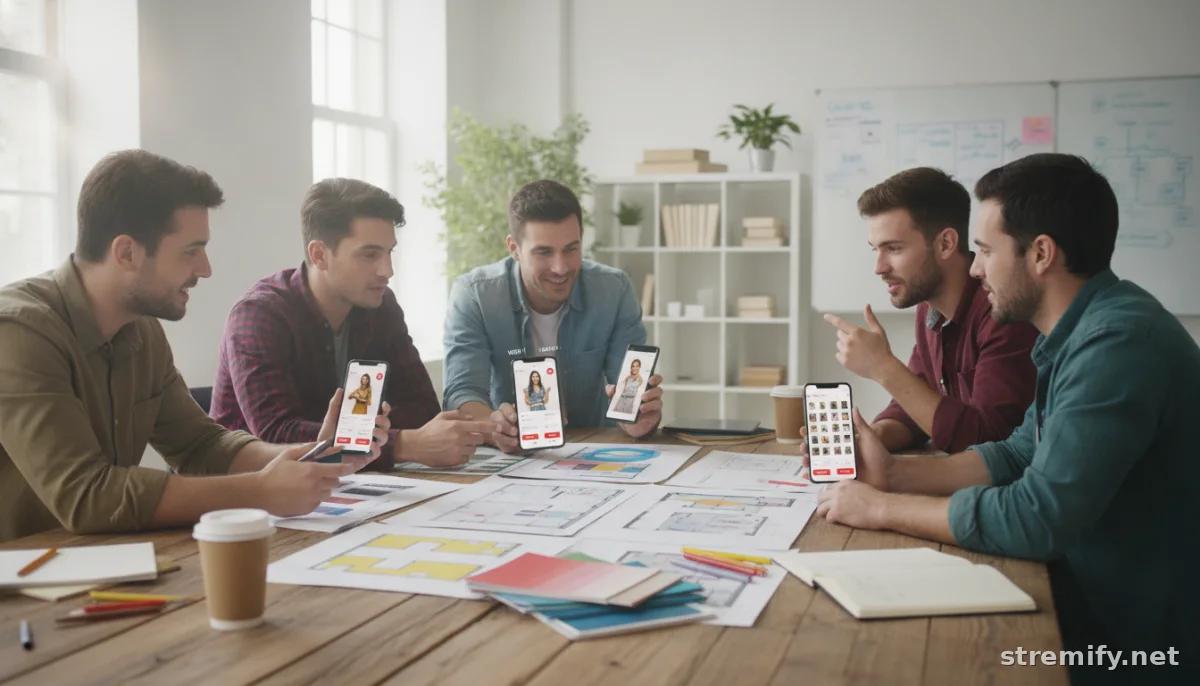
Step 4: Add Interactive and On-Brand Elements
Live shopping isn’t TV, it’s social, dynamic, and participatory. Branded overlays, live product cards, and animated banners keep your stream feeling like part of your brand, not a generic sales pitch. Platforms like Stremify let you run live quizzes or polls, which isn’t just a gimmick. We’ve found these interactive tools actually keep viewers engaged longer and nudge them toward purchase.
Tie every interactive element to your brand. If your tone is playful, make your quiz questions fun. If you’re a luxury label, keep it elegant with clean type and minimal effects. Always test how these look in a live preview before going public, glitches kill credibility fast.
Step 5: Optimize for Multi-Channel Streaming
If you’re only streaming in one place, you’re missing out. Shoppers hang out everywhere: TikTok, Instagram, Facebook, YouTube, Twitch. Platforms like Stremify support simultaneous broadcasting, so your branded shop appears in every feed. This multiplies your visibility without splitting the brand experience, your overlays, shop layout, and product feeds look identical across all channels.
Keep in mind that each platform’s comment and purchase mechanics work slightly differently. For example, TikTok’s live commerce has in-app checkout, while Facebook might route shoppers to your site. Design your calls-to-action and overlays with this in mind. Don’t overcomplicate: “Comment BUY and the product name to order” works everywhere if your platform supports it.
Step 6: Test, Measure, and Refine
Don’t launch live and pray. Run a few private streams to see what works and what feels awkward. Ask friends or loyal customers to join and give honest feedback, did they get lost? Did your branding feel authentic and professional? Check your analytics after each event: which products got clicks, what kept viewers watching, where did they drop?
Iterate ruthlessly. Swap out weak product images, clarify your overlays, move key info higher up. Track conversion rates and viewer engagement, not just vanity metrics. In our experience, small fixes, like making “Add to Cart” buttons bolder or running a surprise poll, often lead to noticeable improvements in both sales and retention.
Quick Troubleshooting and What’s Next
If something feels off, if viewers bounce, if buying is confusing, if your shop looks off-brand, pause and review each step above. Often it’s a mismatch between your assets and platform controls, or clutter in your shop layout. The fix is almost always simplifying, clarifying, or tightening up your brand visuals.
Ready to see how your shop could look and sell? Test a branded live campaign in your browser on Stremify with your real catalogue, and see what a difference hands-on customization makes. Your next live shop might be your best sales channel yet.
Frequently asked questions
What is a branded live shop?
A branded live shop is a customizable online storefront designed for live shopping events, reflecting your unique brand identity through visuals, layout, and interactive features.
Which platforms are best for building a branded live shop?
Platforms like Stremify, TikTok Shop, and Instagram Live offer strong branding tools. Stremify stands out for browser-based management and supporting multiple store integrations like Shopify and WooCommerce.
How do I keep my live shop on-brand?
Use consistent colors, logos, fonts, and product photography that match your other channels. Preview your shop on mobile and desktop to ensure branding stays sharp and professional.
Can I stream my branded live shop on multiple channels at once?
Yes, some platforms like Stremify let you run a single branded campaign that streams to TikTok, Instagram, YouTube, Facebook, and Twitch simultaneously, keeping your look consistent everywhere.
What are common mistakes to avoid when building a branded live shop?
Avoid mismatched brand visuals, cluttered layouts, and unclear purchase paths. Always test your shop and get feedback before hosting a public event.

