
How to Start Live Selling in 2026: The Complete Guide for E-commerce Creators
Ready to launch live selling in 2026? This practical guide covers setup, equipment, platforms, marketing, and proven tactics to turn viewers into buyers.
Live selling is now a $65 billion industry that consistently outperforms traditional e-commerce in turning viewers into buyers. Ready to join in? Here’s how to start live selling in 2026, even if your only video experience is a casual FaceTime call.
Why Live Selling Works in 2026
Shoppers in 2026 expect more than scrolling static pages. They want to see products in action, ask questions live, and buy instantly. TikTok, Instagram, and YouTube have all expanded live commerce features, making it simple for viewers to become buyers in just a few taps. In fact, live shopping events on social media generate ten times more engagement than traditional e-commerce posts.
Step 1: Plan Your Live Selling Strategy
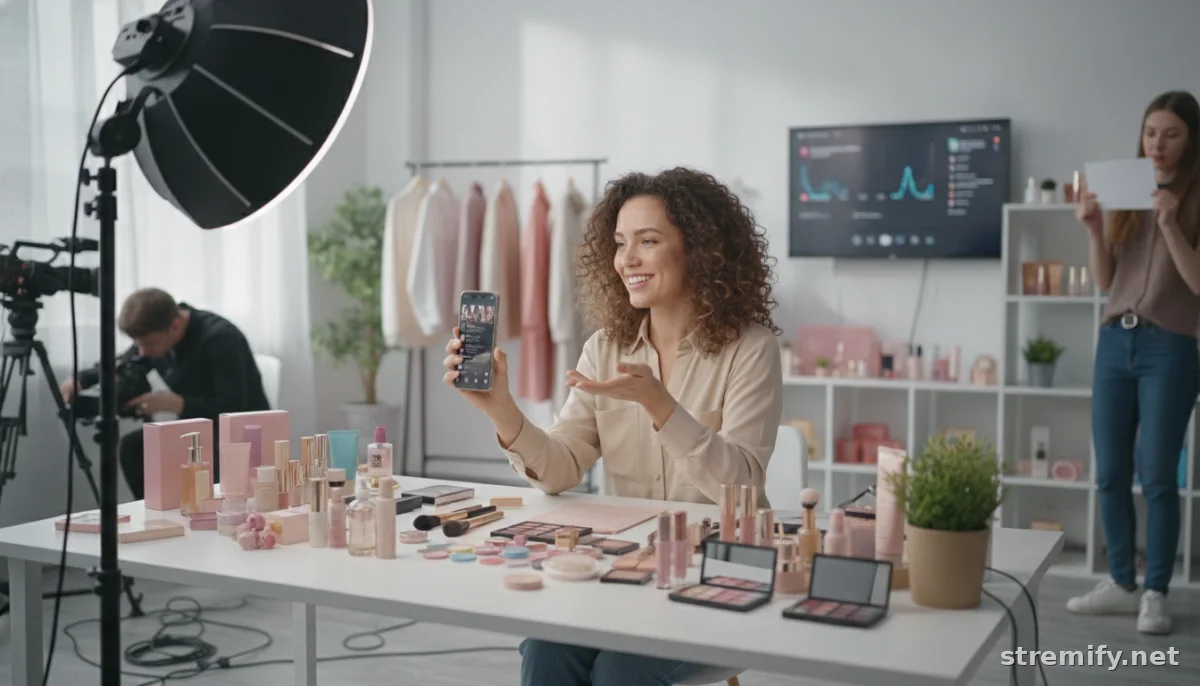
Before you go live, get clear about your audience and your offer. Are you selling handmade skincare, exclusive streetwear, or trending gadgets? Know your niche. Study your competitors and spot gaps in their approach. What questions do buyers ask in their comments? Turn these into talking points or even full segments in your shows.
Pick the Right Products
- Select items that demo well on camera, such as those with movement, color, or a clear transformation.
- Bundle products for exclusive live-only deals.
Set Your Goals
- Are you clearing old inventory, launching a new line, or building a subscriber list?
- Define success: total sales, viewer count, or average order value.
Step 2: Choose the Best Live Selling Platform in 2026
The right platform is crucial for your first live sale. Here’s a quick comparison of the most popular options this year:
| Platform | Best For | Built-in Shop? | Direct Checkout? |
|---|---|---|---|
| Stremify | All-in-one, multichannel sellers | Yes (custom branded) | Yes (comment-to-buy, quizzes) |
| TikTok | Younger, viral audiences | Yes | Yes |
| Lifestyle & fashion brands | Yes | Yes | |
| Established businesses, local sellers | Yes | Yes | |
| YouTube | Long-form demos, tech reviews | Limited | No (links only) |
For most merchants in 2026, an all-in-one tool like Stremify offers unmatched flexibility. Import product feeds from Shopify or WooCommerce, design a branded shop, and stream live to TikTok, YouTube, Instagram, and Facebook at the same time. Buyers can order by commenting or play interactive quizzes for discounts. Stremify uses credit-based, pay-as-you-go pricing: buy a credit package and spend credits per minute of live streaming. Current packages: Starter (50 credits for €15), Professional (100 credits for €27), Enterprise (500 credits for €120). No fixed monthly subscription.
Step 3: Gear Up for a Pro-Level Live Stream
You do not need a studio. Here’s what actually matters in 2026:
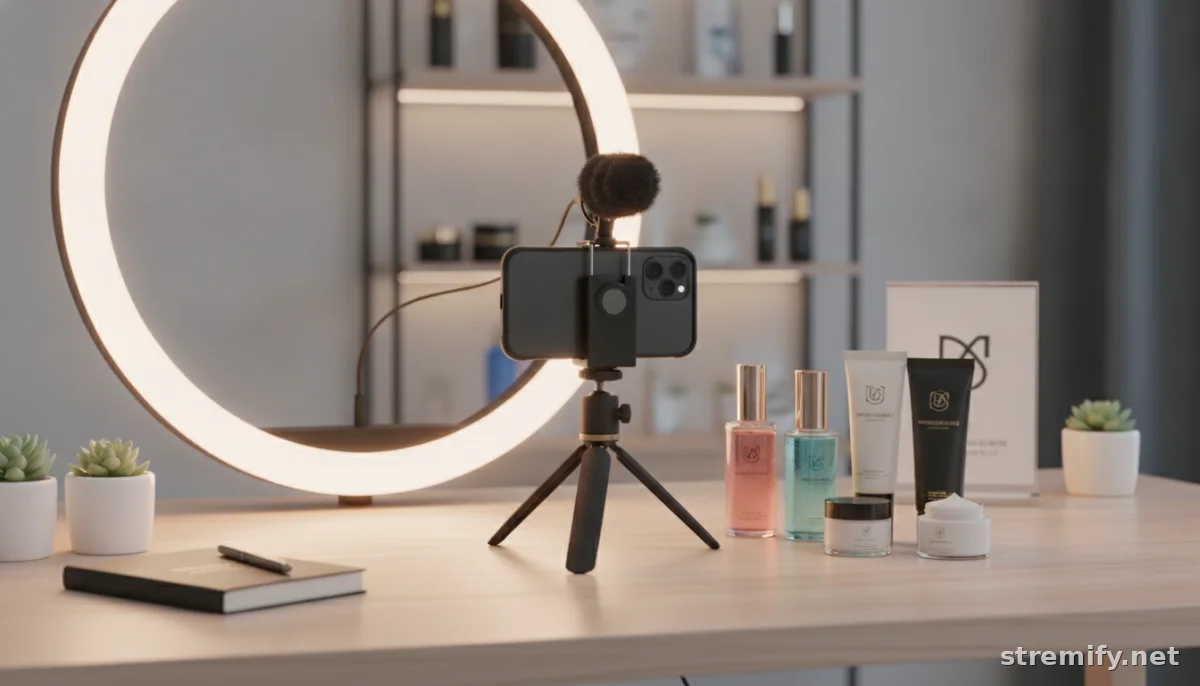
- Camera: Any smartphone from the last few years is likely good enough. Use the rear camera for best quality.
- Sound: Invest in an external mic ($50 to $150). Clear audio is more important than 4K video.
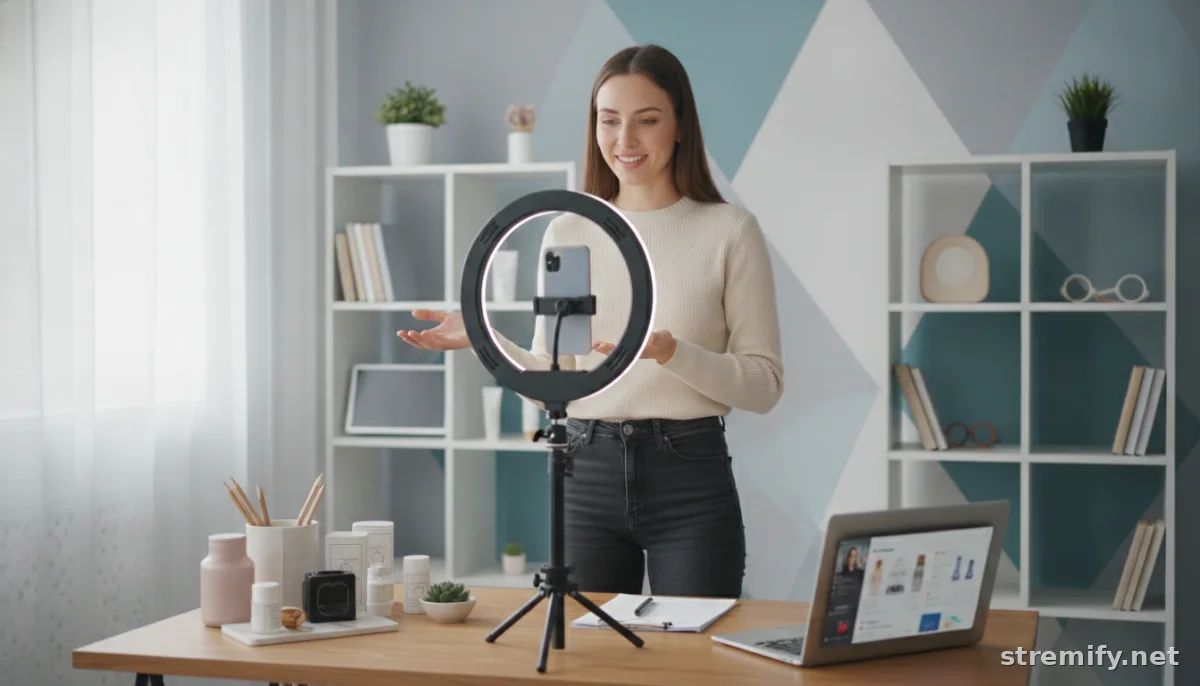
- Lighting: A ring light or natural daylight works wonders.
- Backdrop: Keep it clean and branded. Simple shelving or banners are effective.
Test Everything Before You Go Live
Run a private test with a friend. Check your sound, camera angle, product placement, and internet speed (aim for at least 10 Mbps upload).
Step 4: Create Your Live Selling Script (and Keep It Flexible)
Authenticity wins in 2026, but a loose script keeps you focused. Outline these points:
- Quick intro: who you are and why today’s live sale is special
- Product highlights: demo, benefits, price, and how to buy now
- Calls to action: invite viewers to comment, share, join a quiz, or buy
- FAQ segment: answer real questions as they come up
- Wrap-up: remind viewers about live-only deals or your next event
If you’re nervous, use bullet points. Practice once, then go live.
Step 5: Promote Your First Live Sale
Don’t go live to an empty room. Start teasing your show 24 to 72 hours before with posts and stories across your socials. Use event features on Facebook and Instagram to let people RSVP. Drop a reminder post the morning of the sale and go live on time.
- Share sneak peeks of featured products
- Announce live-only discounts or giveaways
- Cross-post to all sales channels
Step 6: Nail Engagement and Real-Time Sales
During your stream, respond to comments by name. Ask viewers questions (“Which color would you wear?”), run live polls, or offer instant deals if viewers share the show. If your platform supports it, add a live quiz for coupon codes. Live shopping boosts engagement by 30 percent on average.
With Stremify, track comments, purchases, and engagement in one dashboard, no juggling devices.
Step 7: Follow Up and Improve
Your work is not done when you hit “End Stream.” Analyze which products sold, what questions came up, and where viewers dropped off. Send thank-you messages, follow up on orders, and tease your next event. Each sale is a chance to refine your approach.
Live Selling Starter Checklist for 2026
- Pick your products and set clear goals
- Choose your platform(s), try Stremify for multichannel reach
- Set up your gear and background
- Prepare a simple script
- Promote your live sale in advance
- Engage your audience and make it interactive
- Review, follow up, and improve for next time
Takeaway: Make 2026 the Year You Start Live Selling
With the right setup and plan, you can turn viewers into loyal buyers in real time. Don’t let perfectionism hold you back. Go live, learn, and iterate. When you’re ready to scale, platforms like Stremify make multichannel live selling easier than ever. See what works for your brand, then improve each show.

