
How to Manage Live Shopping Inventory Across Channels (and Keep Your Sanity)
Juggling stock during live shopping streams on TikTok, Instagram, and more? Learn how to manage live shopping inventory across channels without chaos or stockouts.
Why Multichannel Inventory Goes Sideways, Fast
Let’s get one thing straight: selling live across social channels isn’t just a marketing stunt. It’s where real shoppers hang out, discover brands, and expect to buy instantly. Omnichannel buyers purchase 2.5 times more often than single-channel shoppers, so every out-of-stock error stings even more .1
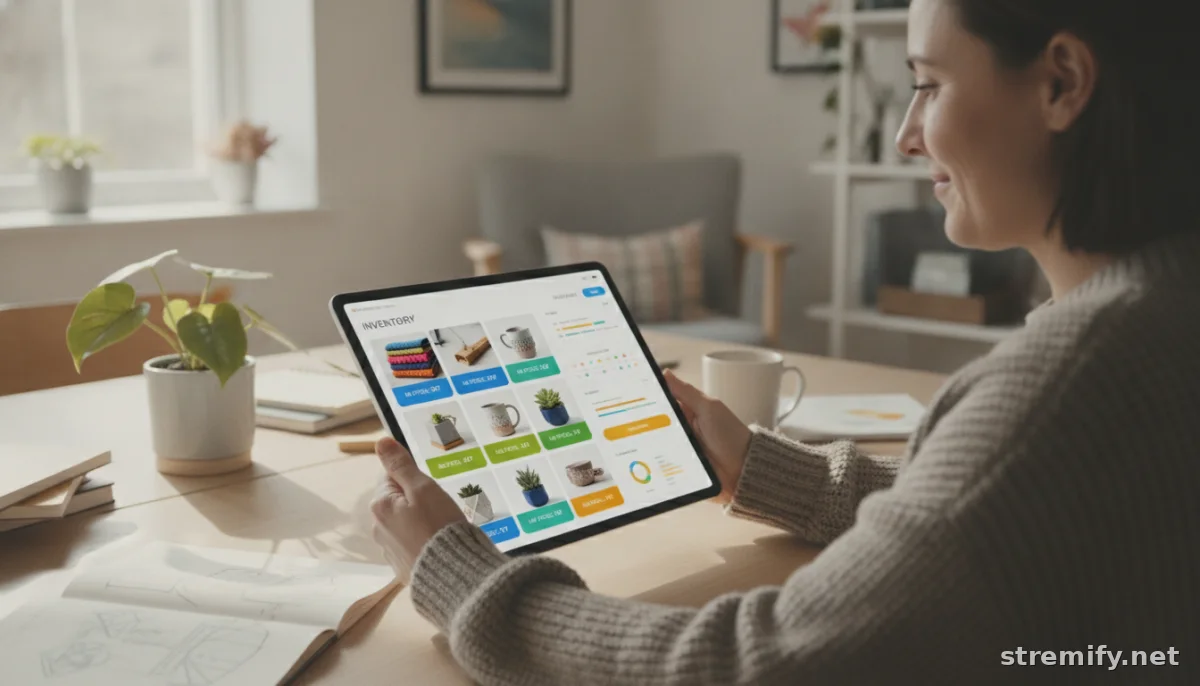
The friction starts when stock counts live on spreadsheets, in disconnected e-commerce platforms, or worse, in your head. One flash sale on Facebook, and your Shopify store’s product page is suddenly a liar. Missed updates turn into double-sold units, refund requests, and negative reviews you can’t afford.
What Multichannel Inventory Management Really Means
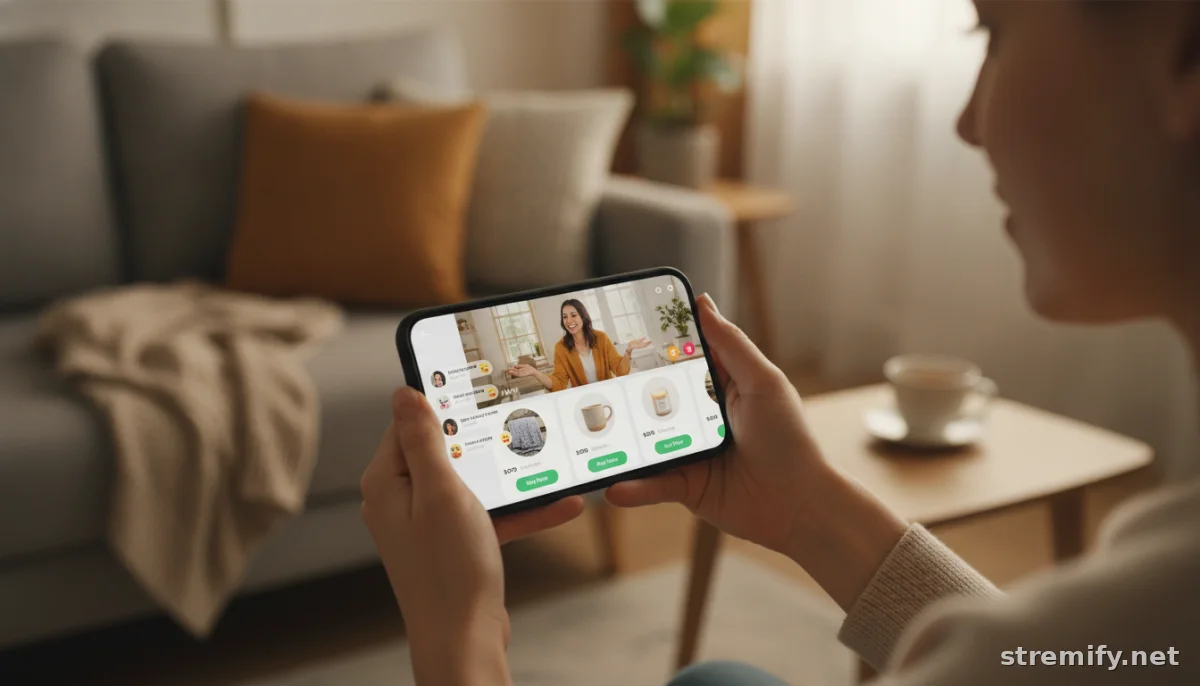
Managing live shopping inventory across channels means every product, location, and sales platform pulls from the same real-time source of truth. No channel operates in a silo. When a Twitch viewer claims the last pair of trainers during a live quiz, that stock automatically disappears on Instagram, YouTube, and your own site.
Here’s what unified inventory looks like in practice:
- Your Shopify, WooCommerce, or Magento catalog feeds into a centralized engine.
- Stock updates instantly when an order comes in, whether the sale started on Facebook, TikTok, or your own site.
- You never need to pause a stream to manually mark items as sold out. The system does it for you, everywhere.
Platforms like Stremify run live shopping entirely in the browser, letting sellers import their product feeds straight from their existing store and broadcast shoppable streams to multiple channels at once. In our experience running these campaigns, real-time stock sync is the difference between a smooth live event and a support nightmare.
The High Cost of Inventory Chaos
Stockouts and overselling aren’t just headaches, they’re profit leaks. If you put too much stock in a slow channel, your hottest stream runs dry while boxes gather dust elsewhere. Promotions and seasonal spikes only magnify the problem .2
Customers expect accurate availability, especially when they’re primed to buy live. Fail them once, and they’ll remember. Keeping your inventory data centralized slashes the risk of disappointing buyers or missing out on a sales surge.
How to Sync Inventory Across Live Shopping Channels
1. Centralize Your Inventory Data
Stop relying on spreadsheets or multiple shop dashboards. Invest in a system that connects all your sales platforms, your e-commerce store, marketplaces, and each social channel, so you always see a single, up-to-date number for every SKU.
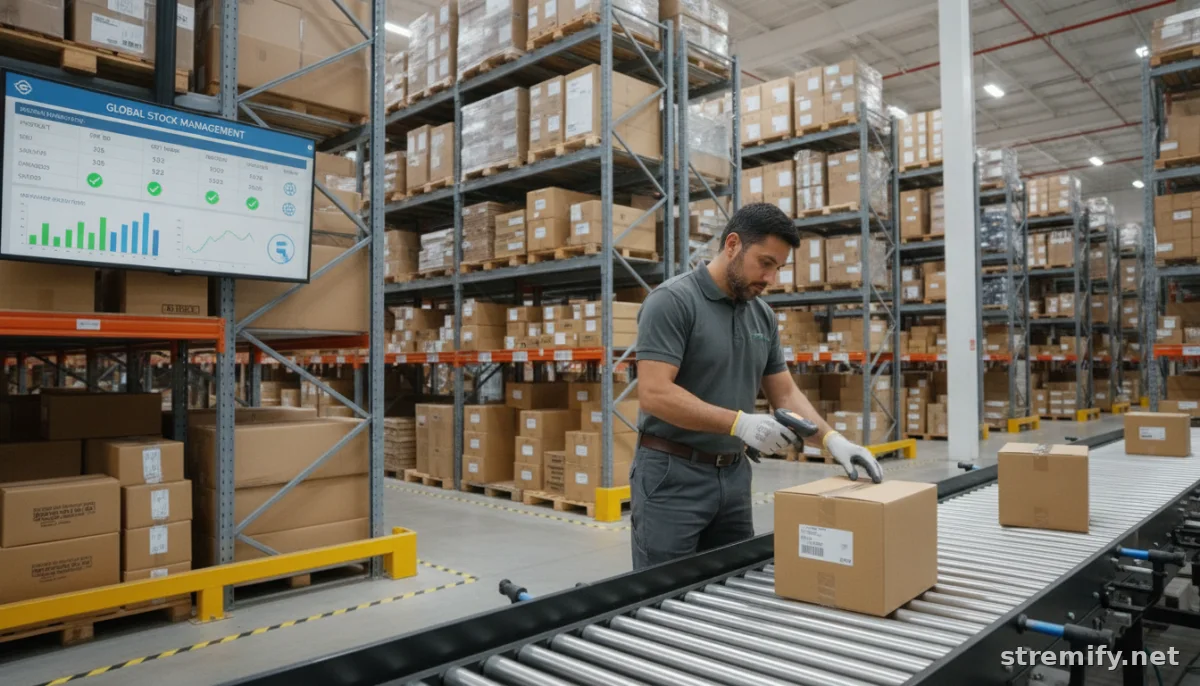
Cloud-based inventory tools can link with your 3PL for real-time visibility, whether stock is in a single warehouse or split across retail and pop-ups .3
2. Broadcast From One Source to Many Destinations
Live shopping platforms designed for multi-channel streaming (like Stremify) let you run a campaign that pulls inventory from your master feed and automatically syncs orders, no matter where viewers comment to buy. This means you don’t have to juggle separate live events or worry about overselling on overlapping channels.
In our experience, making buying as easy as commenting during a stream keeps viewers engaged and spending, without the risk of selling something you no longer have in stock.
3. Use Real-Time Tracking and Smart Reordering
Look for tools that update stock with every transaction (not hourly, not nightly, instantly). Some platforms even surface low-stock alerts so you can reorder before you run out, and automatically adjust what’s visible to shoppers when counts get low.
4. Plan Inventory for Live Campaigns
Live events drive unpredictable spikes in demand. Review past campaign data and leverage predictive tools to allocate more inventory to channels with the highest sales velocity. Don’t let slow-movers hoard stock that would fly off the shelves during your next TikTok drop.
What to Look For in a Live Shopping Inventory Solution
- Unified catalog sync: Connect all your e-commerce and social channels for one-click product updates.
- Real-time adjustments: Stock levels adjust the second a viewer buys, no lag, no guesswork.
- Flexible integrations: The best platforms work with Shopify, WooCommerce, Magento, and more.
- Multi-channel streaming: Broadcast one live sale to Instagram, Facebook, TikTok, YouTube, and Twitch in parallel.
- Pay-as-you-go pricing: Especially for growing sellers, systems like Stremify let you pay only for what you use, by the minute, instead of locking into a monthly plan.
Bottom Line: Don’t Let Your Inventory Hold You Back
Juggling stock across live shopping channels used to mean crossed fingers and apology emails. Now, with the right platform, it’s simple to keep every channel in sync and every shopper happy. Whether you’re selling fashion, gadgets, or niche collectibles, your reputation (and your revenue) depend on accurate, real-time inventory management.
Ready to run your next live campaign without inventory drama? Try Stremify and manage everything, from products to live viewers, in one browser tab.
Frequently asked questions
What does it mean to manage live shopping inventory across channels?
It means keeping stock levels accurate and updated across all sales channels in real time, like TikTok, Instagram, and your e-commerce site, so you never oversell or disappoint customers.
Why is real-time inventory syncing important for live shopping?
Real-time syncing prevents selling the same item to multiple customers on different platforms, reduces refund requests, and ensures a smoother shopping experience for everyone watching a live sale.
How can I centralize my inventory for live shopping?
Use a platform that connects all your sales channels, such as your Shopify, WooCommerce, or Magento store, and pulls stock data into one place for instant updates when anything sells.
What are the risks of not syncing inventory across channels?
You risk overselling products, causing refunds and negative reviews, and missing out on sales if items appear out of stock on your fastest-selling channels.
Can Stremify help me manage live shopping inventory across multiple channels?
Yes, Stremify lets you import your store’s product feed, run live shopping campaigns to TikTok, Instagram, Facebook, YouTube, and Twitch, and automatically syncs inventory in real time.

