
How to Multistream to Multiple Platforms: Broadcast Once, Reach Everywhere
Multistreaming lets you broadcast once and instantly reach audiences across TikTok, Instagram, YouTube, Facebook, and more. Here's how to do it right, and which platforms (including Stremify) make it easy.
Why spend hours going live on TikTok, then again on YouTube, then again on Facebook, when you could multistream to multiple platforms at the same time? Live commerce sellers and creators know the pain: audience fragmentation, platform FOMO, and wasted time. But multistreaming solves it, letting you broadcast once and reach everywhere.
What Does It Really Mean to Multistream to Multiple Platforms?
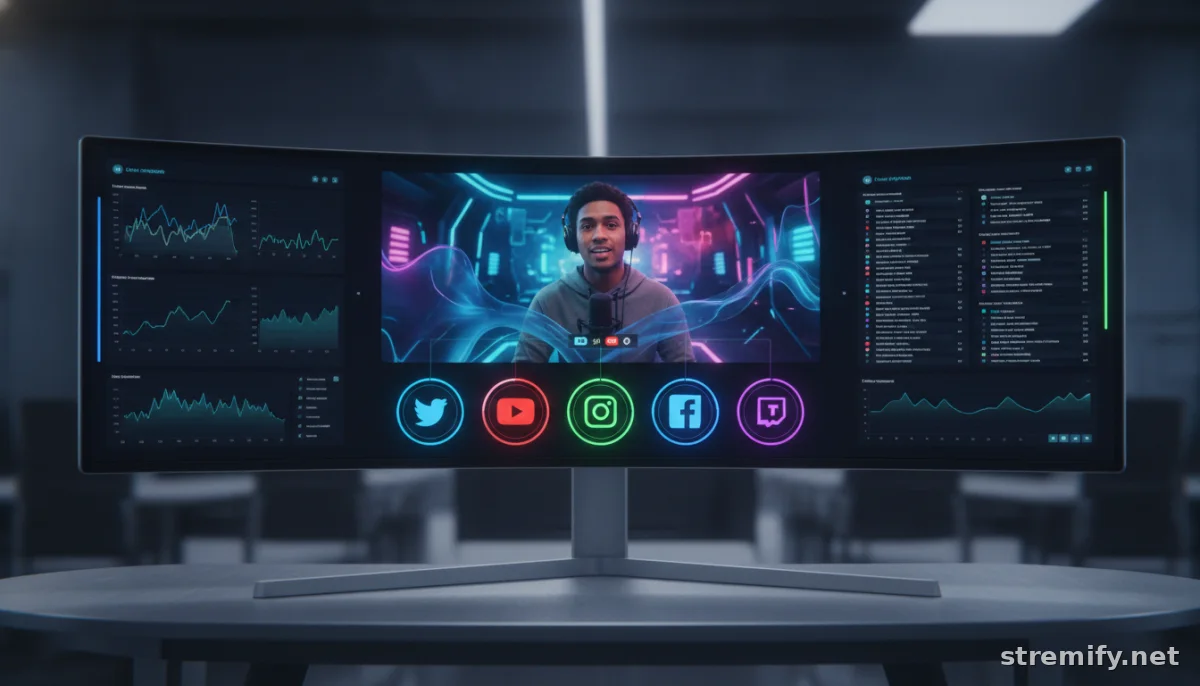
Multistreaming means sending your live video to several destinations, like TikTok, Instagram, YouTube, Facebook, and Twitch, simultaneously. Instead of repeating your show five times, you do it once. Your viewers choose their platform (and you meet them where they already hang out).
For brands, this means shoppable live campaigns can capture impulse buys across all main social channels. For creators, it means no more picking favorites or missing out on fast-growing apps. The bigger your distribution, the more chances for views, engagement, and sales.
What Platforms Support Multistreaming?
Nearly every major video or streaming service now supports multistreaming, either directly or through third-party tools. The key is choosing a setup that matches your workflow and audience. Here are the essentials:
- Social networks: TikTok, Instagram, Facebook, YouTube, and Twitch all accept incoming RTMP streams or provide APIs for live integration.
- Live Shopping: E-commerce tools like Stremify have multistreaming built in, so your product feeds and interactive features work everywhere at once.
- Production tools: Software like OBS, StreamYard, and Restream let you push your live broadcast out to several channels with one click.
Why Not Just Go Live Natively Everywhere?
Native streaming ties you to one app at a time, and you lose the compounding effect of hitting all audiences together. Multistreaming also lets you test which platforms convert best for your content or products. It’s analytics gold.
Multistreaming Tools Compared: What’s Best for You?
Choosing the right tool is about more than pushing pixels. Here’s how major multistreaming platforms and apps stack up on features, integrations, and pricing as of 2026.
| Platform | Supported Destinations | E-commerce Tools | Pricing Model | Standout Feature |
|---|---|---|---|---|
| Stremify | TikTok, Instagram, Facebook, YouTube, Twitch | Built-in shoppable feeds, live quizzes, real-time comment-to-buy | Credit-based (pay-as-you-go) | Direct product imports, shop design, all-in-one control |
| StreamYard | Facebook, LinkedIn, YouTube, Twitch, others | No native e-commerce | Subscription | Browser-based, easy co-hosting |
| Bambuser | Facebook, Instagram, YouTube, TikTok (via integrations) | Advanced live shopping, analytics | Subscription | Interactive video overlays |
| CommentSold | Facebook, Instagram | Live selling, comment-to-cart | Subscription | Integrated invoicing, auto-replies |
If live shopping is your focus, Stremify stands out. You import product feeds from any store (Shopify, WooCommerce), design your branded shop, and run shoppable campaigns everywhere with one stream, and people can buy in real time, right from chat.
How Does Multistreaming Actually Work?
Behind the scenes, multistreaming isn’t as complex as it sounds. The main approaches in 2026 are:
- Cloud multistreaming: Your video uploads to a service (like Stremify) and their servers send it out to each platform, adjusting encoding and integrations as needed.
- Software-based: Tools like OBS or Streamlabs let you set up multiple RTMP outputs, but you need the bandwidth and tech know-how.
- Hardware encoders: Pro studios might use dedicated boxes that ingest a camera signal and stream it out to several destinations at once.
What About Chat and Engagement?
The best multistreaming tools bring all your cross-platform chats into one dashboard. You see messages from TikTok, Facebook, and more in real time, so no audience feels ignored. Stremify even lets viewers shop directly through comments or interact via live quizzes, so engagement never hits a wall.
Common Pitfalls (and How to Avoid Them)
- Platform policies: Some sites (like Instagram) limit live shopping features or restrict third-party API access. Always check the latest rules before going live.
- Bandwidth limits: Sending HD streams to five platforms at once can choke your internet. Cloud multistreaming solves this, your upstream bandwidth doesn’t multiply with each destination.12
- Brand fragmentation: Make sure your overlays, links, and calls-to-action look consistent everywhere. Stremify’s shop design tools handle this for you.

How to Choose: Key Factors When You Multistream to Multiple Platforms
- Supported platforms: Does your tool cover TikTok, Instagram, Facebook, YouTube, and Twitch? If you’re missing your audience’s favorite, you’re leaving money on the table.
- Interactivity: Real-time comment-to-buy, quizzes, and overlays drive engagement (and sales).
- Pricing flexibility: Subscription plans can be overkill if you stream occasionally. Stremify’s pay-as-you-go credits let you scale up or down as needed.
- E-commerce integration: If you’re selling anything, choose a platform with native product feeds and checkout, not a generic streaming tool.
- Ease of use: Nobody wants to wrestle with RTMP keys and encoding settings at showtime. The more intuitive, the better.
Takeaway: Broadcast Once, Reach Everywhere
If you want to multistream to multiple platforms, the tech is ready. No more siloed audiences or wasted hours. For live sellers, creators, and brands, multistreaming is the new baseline. Want everything, from product imports to interactive shopping, under one roof? Try Stremify and see how far one stream can actually go.

