How to Optimize Thumbnails for Live Shopping: Proven Design Tips That Get Clicks
Your thumbnail is the invitation to your live shopping event. Get design tips that make it irresistible to click, boosting both visibility and sales.
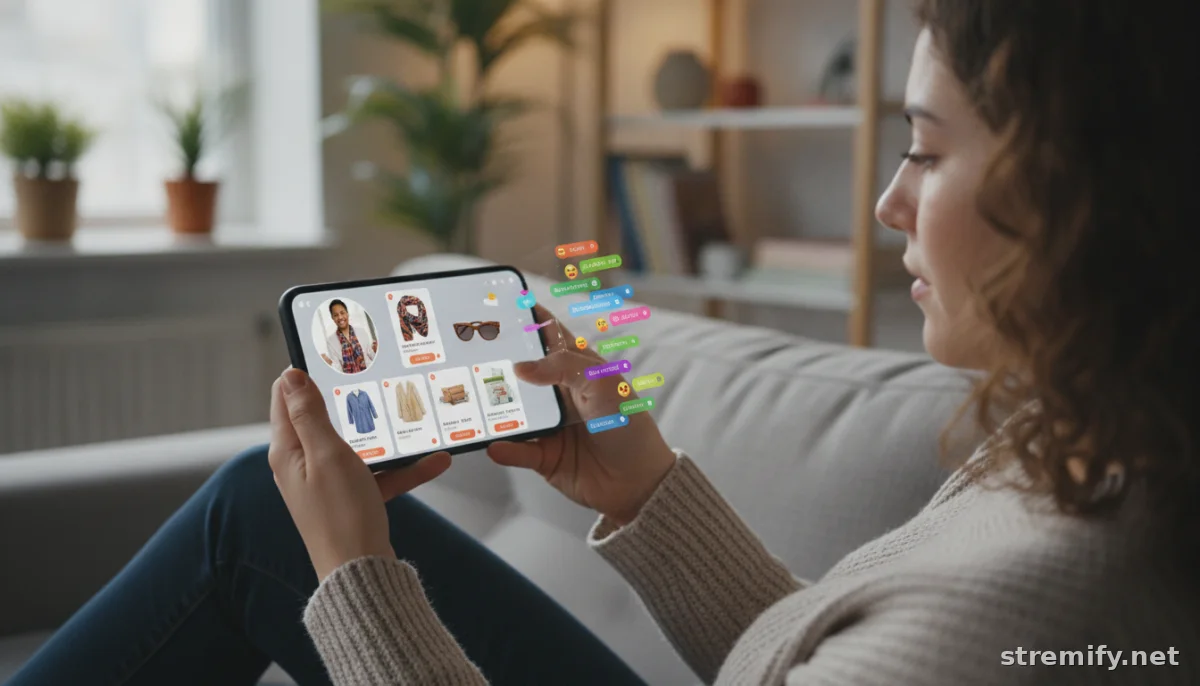
Your live shopping stream can be packed with exclusive deals and real-time fun, but if your thumbnail gets ignored, none of that matters. Shoppers scroll fast, sometimes making a split-second decision to watch based on a thumbnail no bigger than a postage stamp. Design that image wrong, and you’re invisible. Design it right, and you’re halfway to new customers and viral reach.
Why Thumbnails Matter in Live Shopping
In an age where 70 percent of sales from live commerce come from event replays, not just the live session, your thumbnail isn’t just a hook for real-time viewers, it’s also a vital sales tool for everyone who discovers your stream later.1 Thumbnails show up everywhere: on platform homepages, in search results, in notifications, and even on archive lists when people catch up. Each time, your image fights for attention against competitors and algorithmic noise.
On platforms like TikTok, Instagram, YouTube, and Facebook, an optimized thumbnail grabs eyeballs and signals what’s unique about your event. It tells shoppers, “This is worth your time.” Make it clear, persuasive, and on-brand.
Top Thumbnail Design Principles for Live Shopping
Keep it Simple and Scannable
Cluttered images get lost. Your thumbnail may be viewed at 100 pixels or less, especially on mobile. Aim for a bold, single focal point: a bestselling product, a smiling host, or a pile of giveaways. Avoid busy backgrounds and tiny text that blurs out in the feed. White or neutral backdrops with a pop of color work especially well for making products stand out.
Prioritize Faces and Emotions
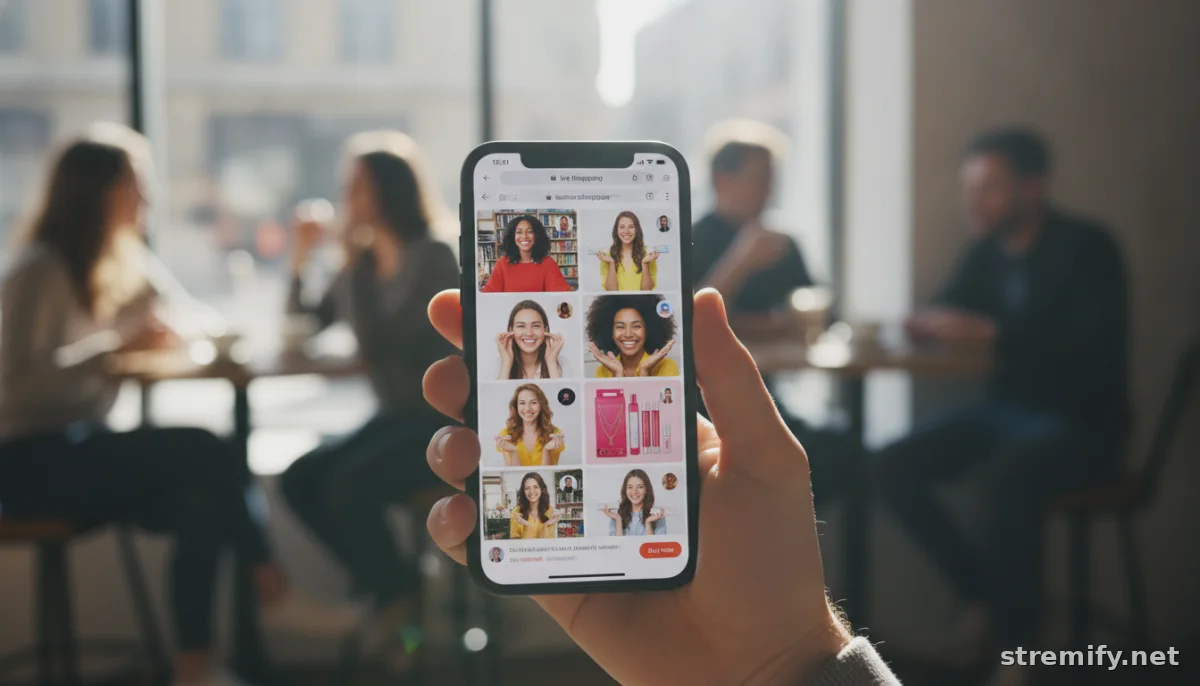
We’ve seen that thumbnails with expressive faces, smiling, surprised, or excited, outperform plain product shots. Human emotion draws clicks because people connect with people, not logos. If you use a host or influencer, feature their face large in the frame. What matters is the emotion is authentic and matches the vibe of your stream: fun, energetic, and trustworthy.
Highlight the Main Offer and Brand
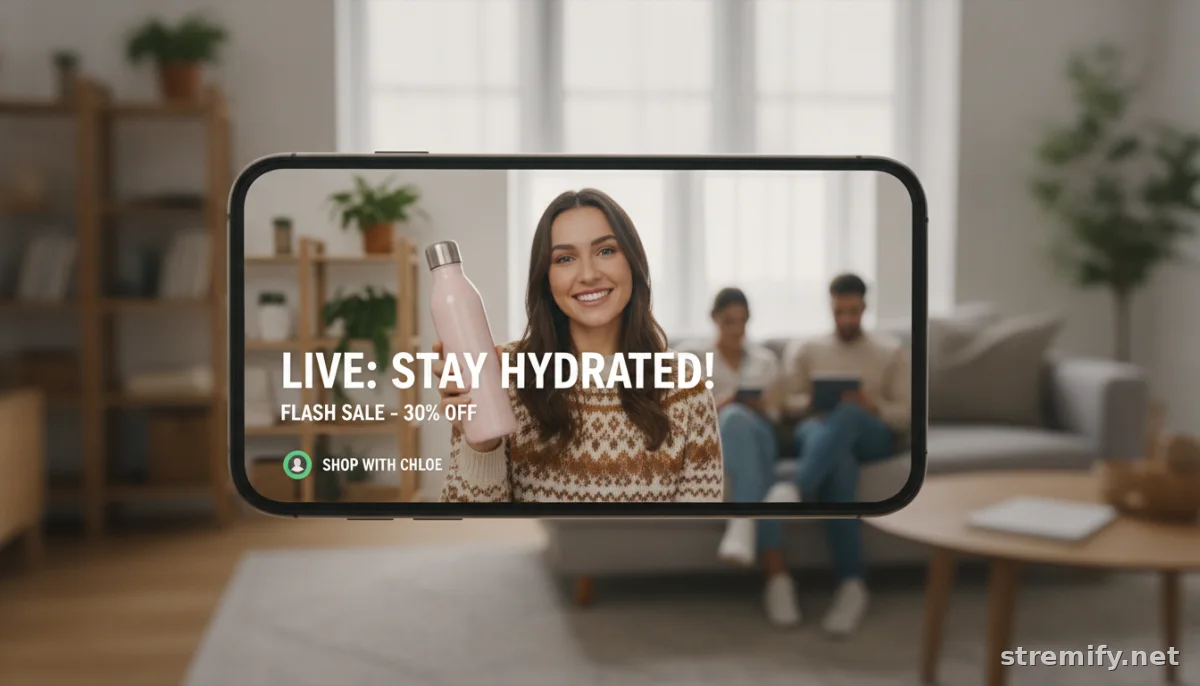
For live shopping, the thumbnail should show either the hero product or tease the main offer. Running a flash sale? Feature the top deal. Streaming a beauty tutorial? Show the finished look, not the product box. Use your logo or a watermark for brand recognition, but keep it subtle, never let branding overpower the offer. For Stremify users, you can upload branded overlays that integrate seamlessly with your campaign look.
Text: Short, Bold, and Readable
Text can boost clarity, but only if it stays readable at a glance. Three to five words max, in a bold font, with high contrast against the background. Think phrases like: “LIVE SALE,” “50% OFF,” or “Giveaway Tonight.” Skip long sentences and never crowd the image. Most live shopping creators find their best performance with a single selling point in text.
Platform-Specific Thumbnail Tips
TikTok, Instagram, Facebook
Thumbnails are usually cropped to square or vertical formats and shown small in feeds. Center your visual focus and avoid placing key details in the top or bottom edges, they may get cut off. Stick to bright, energetic colors, and avoid clutter. TikTok especially favors bold visuals and faces over dense product details.2
YouTube and Twitch
YouTube lets you upload custom thumbnails for live streams and archives. Use the 16:9 format, keep text away from the lower right (where time stamps overlay), and consider the video title, your image should complement it, not repeat it. Twitch overlays badges on stream previews, so make sure important info isn’t hidden in a corner. If you’re using Stremify to broadcast everywhere, design one thumbnail that works at small square and wide video sizes: center the subject, avoid busy backgrounds, and test it on mobile.
What Not to Do: Costly Thumbnail Mistakes
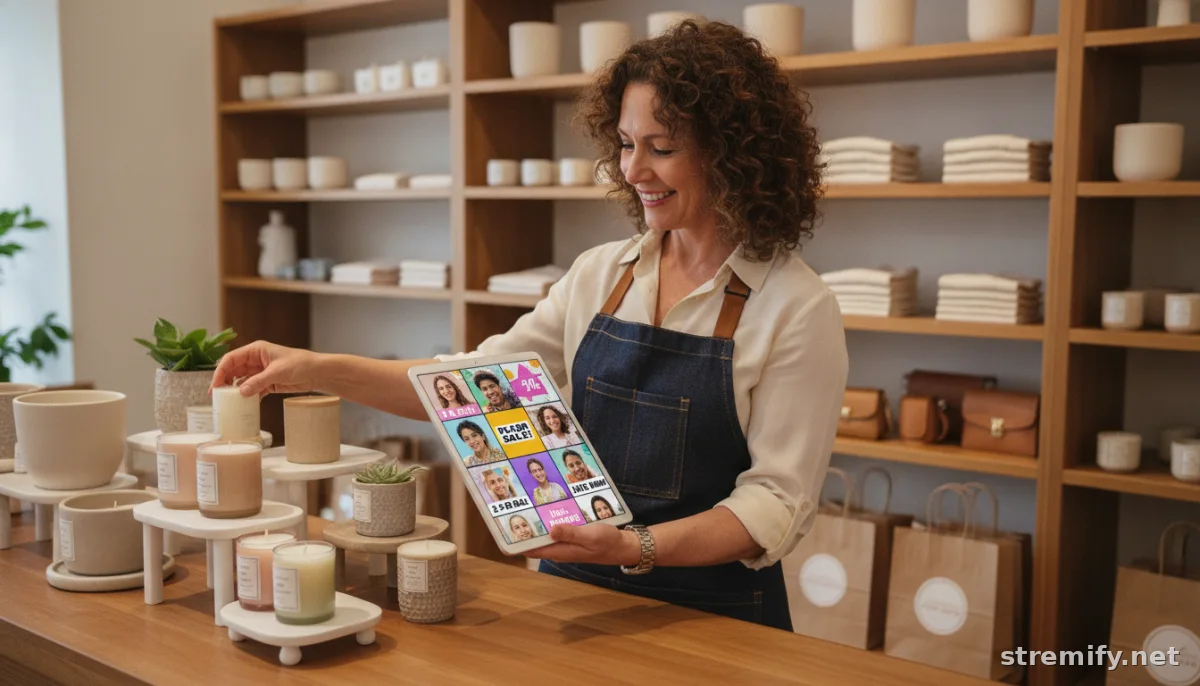
- Too much text: Cramming small print makes everything unreadable in mini previews.
- Dark or low-contrast images: These blend into black backgrounds and get skipped over in feeds.
- No clear focal point: If your viewer can’t instantly tell what’s being sold or who’s hosting, they keep scrolling.
- Stock photos or generic graphics: These look inauthentic and don’t tell a real story about your event.
Test and Learn: Data-Driven Thumbnail Optimization
After you publish, check your analytics. Track click-through rates, replay views, and where drop-off happens. Platforms like TikTok and YouTube show how your thumbnail performs in search, versus suggested videos or home feeds. Swap out thumbnails and test new designs, sometimes a color shift or a different face can raise clicks by double digits.
In our experience running live shopping campaigns on Stremify, swapping from a product-only image to a closeup of the host’s face boosted replay engagement. Small tweaks matter. If your platform supports A/B testing, use it. If not, compare before-and-after metrics every time you update a thumbnail.
Mobile Matters: Always Test on Small Screens
Most live shopping happens on mobile now. Before you publish, preview your thumbnail on a real device, not just your desktop. Shrink it to the size it appears in a Facebook or TikTok feed, can you still identify the product, the offer, and the host?
For brands with a broad online catalog, like those importing from Shopify or WooCommerce into Stremify, make sure your most important product is visible at phone size. Don’t assume desktop users are your main audience, even for replays.
Make the Thumbnail Part of Your Event Strategy
Think of your thumbnail as the opening handshake: it’s the first sign of your event’s energy. Don’t treat it as an afterthought. If you’re running seasonal campaigns, holidays, back-to-school, or summer sales, reflect that vibe in your visuals. Use props, colors, and backgrounds that fit the mood. Preview the thumbnail in context before you go live, and get second opinions from your team.
Professional sellers invest real time in thumbnail creation, sometimes spending as long on the thumbnail as on the campaign description. If you’re short on time, start with a template but always customize the image to fit your event and brand.
Final Tip: Make It Shoppable
Great thumbnails don’t just get clicks, they set up the sale. If possible, show the product in action or hint at interactivity: a hand holding a product, a live quiz teaser, or a “comment to buy” callout. With tools like Stremify, you can design your own overlays and test what drives the most engagement in real time. It’s not about being slick or flashy; it’s about being clear, genuine, and inviting.
Ready to put these tips in action? Start your next live campaign with Stremify and see what a great thumbnail can do for your traffic and sales.
Frequently asked questions
Why do thumbnails matter for live shopping events?
Thumbnails grab attention as shoppers scroll and influence whether they join your live shopping event or watch a replay. An effective thumbnail increases your event's visibility, click-through rate, and ultimately boosts sales by making your stream stand out in crowded feeds.
What are the most important elements for an optimized live shopping thumbnail?
Focus on a clear, high-contrast image, often with a smiling face or best-selling product. Keep text short and bold, three to five words max. Ensure the main offer, brand, and emotional appeal are visible at small sizes, especially on mobile devices.
How can I test if my live shopping thumbnail is effective?
Review analytics for click-through rates and replay engagement. Try A/B testing different thumbnails. Pay attention to metrics showing where shoppers drop off, and make small tweaks, such as changing faces or colors, to see what increases engagement.
Should my live shopping thumbnail be different for each platform?
Adapt your thumbnail for each platform's recommended size and format. For TikTok and Instagram, center key elements for square or vertical crops. For YouTube, use a 16:9 format and avoid placing text where it could be covered by overlays or timestamps.
Can I use product-only images for live shopping thumbnails?
Product-only images can work if the product is iconic, but adding a human face or an emotional connection usually drives more clicks and engagement. Faces make your stream feel more personal and trustworthy, especially in a crowded live shopping environment.