
Setting Up Live Shopping Events: The Step-by-Step Guide for E-Commerce Success
Ready to run your first live shopping event? This step-by-step guide covers tech setup, promotion, and proven tactics to maximize sales and engagement.
The first time you go live to sell, nerves kick in. But here's a secret: live shopping events in 2026 are driving conversion rates up to 30 percent for shoppable streams, far outpacing traditional e-commerce.1 Viewers also spend more time watching, with average session length over twice as long as standard online shopping.2 If you’re planning your first event, skip the guesswork. The steps below map out what works, starting before your stream ever starts.
1. Lay the Groundwork: Pre-Event Strategy
Great live shopping events require careful preparation. Set your KPIs from the start, such as conversion rate, total revenue, or average order value. Treat this like a major launch. Give yourself 2 to 3 weeks to build buzz and get your audience ready.
- Pick your products: Feature 3 to 7 items with strong visual appeal or a story to tell. Limited edition or bundle deals often perform best.
- Choose your platform(s): TikTok, Instagram, Facebook, YouTube, Twitch, or your own shop. With Stremify, you can broadcast to all of them at once, turning one stream into a multi-channel event.
- Prep your team: Assign roles, host, chat moderator, logistics. Even solo merchants should have a friend handle questions.
Promotion: Build Anticipation Early
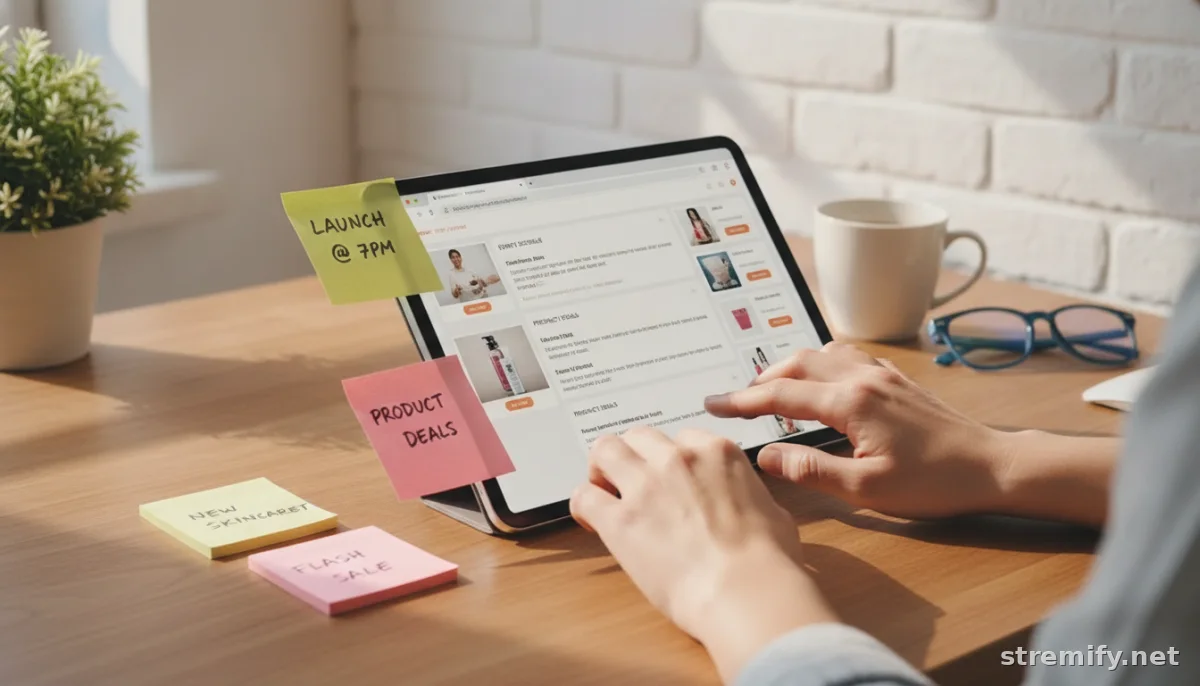
Start promoting 10 to 14 days out. Post teasers, schedule reminders, and create event listings on your social channels. Announce exclusive event-only deals to fuel FOMO. Email your list and DM your best customers. For extra reach, ask influencers to co-host or share the event.
Should You Use Live Shopping RSVPs?
Adding an RSVP option to your live shopping event can help you estimate attendance and send reminders to interested viewers. Platforms like Facebook and Instagram let you create event listings where shoppers can RSVP, making it easier to follow up and boost turnout. In our experience running Stremify campaigns, sending a reminder to those who RSVP increases live attendance and engagement.
2. Nail the Tech Setup
Your tech stack doesn’t need to be elaborate, but it must be reliable. Use a live shopping platform that allows real-time product linking and comment-to-buy. Stremify, for example, lets you import your e-commerce feed, create a branded overlay, and accept orders while streaming on every major network. Sellers can go live right from the browser, without the need for extra hardware or a studio setup.
- Test your connection: Stream from a stable Wi-Fi spot. If you’re mobile, check your 4G or 5G speeds first.
- Lighting and framing: Natural light works, but add a small LED if needed. Frame products clearly on screen, not just your own face.
- Audio: Quiet environment is key. Even a phone’s mic works if you’re not competing with background noise.
- Product feed: Make sure every product you’ll feature is loaded, with the right price, inventory, and shoppable link.
| Tool | Purpose | Example Platform | Stremify Feature |
|---|---|---|---|
| Live Shopping Platform | Broadcast and shop integration | Stremify, Instagram Live | Multi-network, branded overlays |
| Comment Moderation | Handle live chat, filter spam | Stremify, Facebook Live tools | Real-time comment-to-buy |
| Quiz/Engagement Tools | Live giveaways, quizzes | Stremify, TikTok | Built-in quiz features |
| Analytics | Track sales, engagement | Platform dashboards | Conversion and engagement stats |
Before going live, do a private test run. Run through every product, click every buy button, and send a few test comments. Fix anything that feels clunky.
3. Run an Engaging Live Show
Welcome viewers by name when possible and get conversational quickly. Don’t just demo, tell stories, answer questions, show close-ups, and compare similar products. Use polls or live quizzes to keep people watching. The most effective hosts keep things authentic, as unscripted moments and genuine reactions build trust with your audience.34
- Highlight deals: Drop flash discounts or free shipping codes mid-show. Pin the best offers in chat.
- React to chat: Answer questions live, give shoutouts for new purchases, and let viewers vote on what you should show next.
- Show, don’t tell: If you’re selling apparel, try on pieces. Selling gadgets? Demo them in action.
Real-time engagement drives urgency. In markets where live shopping is already mainstream, brands create a sense of now-or-never that pushes viewers to buy during the stream.5
4. Analyze and Follow Up
Once the show is over, review your KPIs: conversion rate, average order value, and how many viewers stayed until the end. The best brands send thank-you emails, replay videos, and post-stream offers within 24 hours. Ask for feedback so your next event is even better.
- Repurpose highlights as Instagram Reels or TikTok clips to keep sales going after the live.
- Segment your list: reward live buyers with a future loyalty discount.
- Survey viewers about what kept them watching and what they would change.
Is Live Shopping Worth It?
Live shopping is gaining ground in the US and Europe and is already a major revenue driver in Asia. In 2026, live commerce is expected to account for 20 percent of global online retail, with the US market alone reaching $68 billion.6 With platforms like Stremify, you can try live shopping without a big upfront investment. Stremify uses pay-as-you-go credit packages, so you can stream as much or as little as you want. Interested in boosting your sales? Try your first event with Stremify today.
Quick Takeaway: Setting up live shopping events takes planning but pays off with higher conversion rates and stronger customer loyalty. Prep, promote, engage, then follow up, and you’ll see the difference by your second stream.
Frequently asked questions
What is the best platform for setting up live shopping events?
The best platform depends on your audience. TikTok, Instagram, and Facebook Live work well for social reach, while tools like Stremify allow you to stream to multiple networks and manage shoppable features in one place.
How far in advance should I promote my live shopping event?
Start promoting your event 10 to 14 days in advance. Use email, social media, and direct messages to build anticipation. Teasers and influencer partnerships can boost attendance and drive higher engagement.
How do I handle orders during a live shopping event?
Use a live shopping platform like Stremify that supports real-time ordering. Shoppers can buy by clicking on product links or commenting, and you can monitor sales and inventory as you stream.
What are the key metrics to measure live shopping event success?
Track conversion rate, average order value, total revenue, and audience retention. Analyzing these metrics after your event helps you see what worked and improve future streams.

