
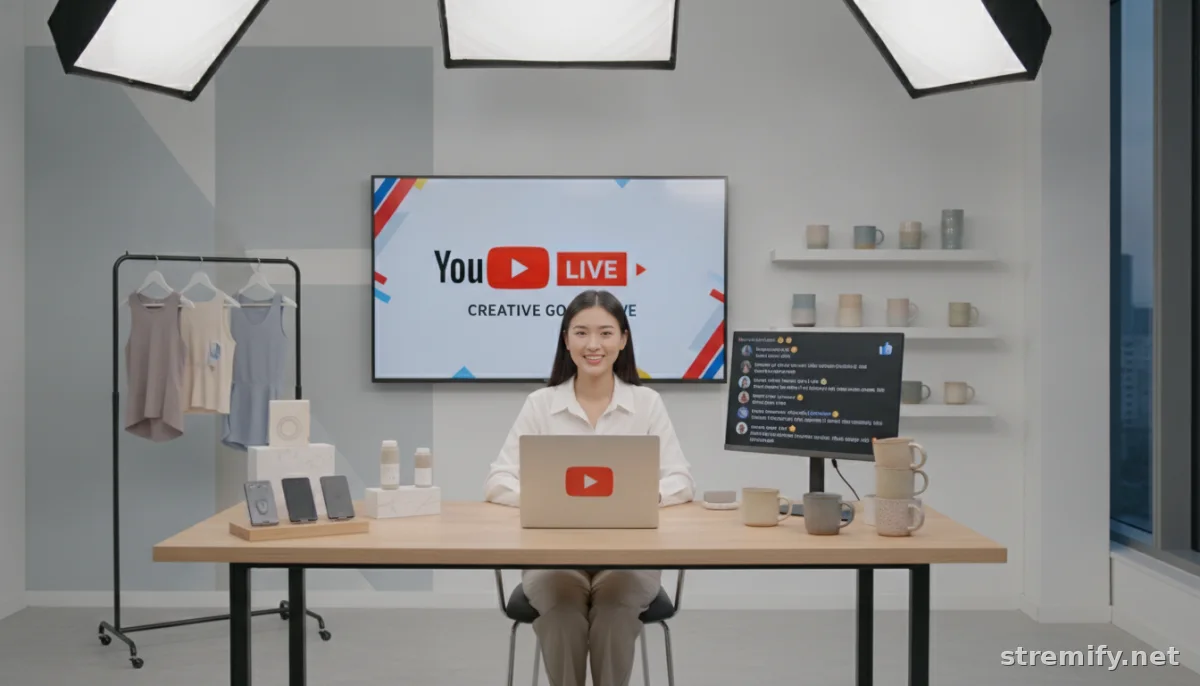
YouTube Live Shopping: Strategies, Tools, and Real Results for Sellers
YouTube live shopping is exploding in 2026. Discover proven strategies, the best tools, and real-world tips to create interactive, high-converting live sales events.
Live shopping is booming in 2026, with the US livestream shopping market projected to reach $68 billion this year.123 Yet most sellers barely scratch the surface of what YouTube live shopping can do. If you think going live is just about showing products, you're leaving serious money on the table.
What Makes YouTube Live Shopping Different?
YouTube isn’t just another streaming platform. It’s the second-largest search engine, the home of influencer culture, and increasingly, the go-to place for real-time shopping experiences. Live shopping here blends entertainment, social proof, and instant conversions like nowhere else.
Built-In Audience, Built-In Trust
Unlike newcomers, YouTube gives you a ready-made audience. Subscribers get notified when you go live. Your broadcast is discoverable in search results and even on YouTube’s homepage. Plus, YouTube viewers trust creators and brands more than on most platforms.
Shoppable Video: Not Just Hype
YouTube’s shopping features let you tag products directly in your stream.4 Viewers can click, learn more, and buy without ever leaving the broadcast. This isn’t a gimmick, it’s a frictionless path from curiosity to checkout.
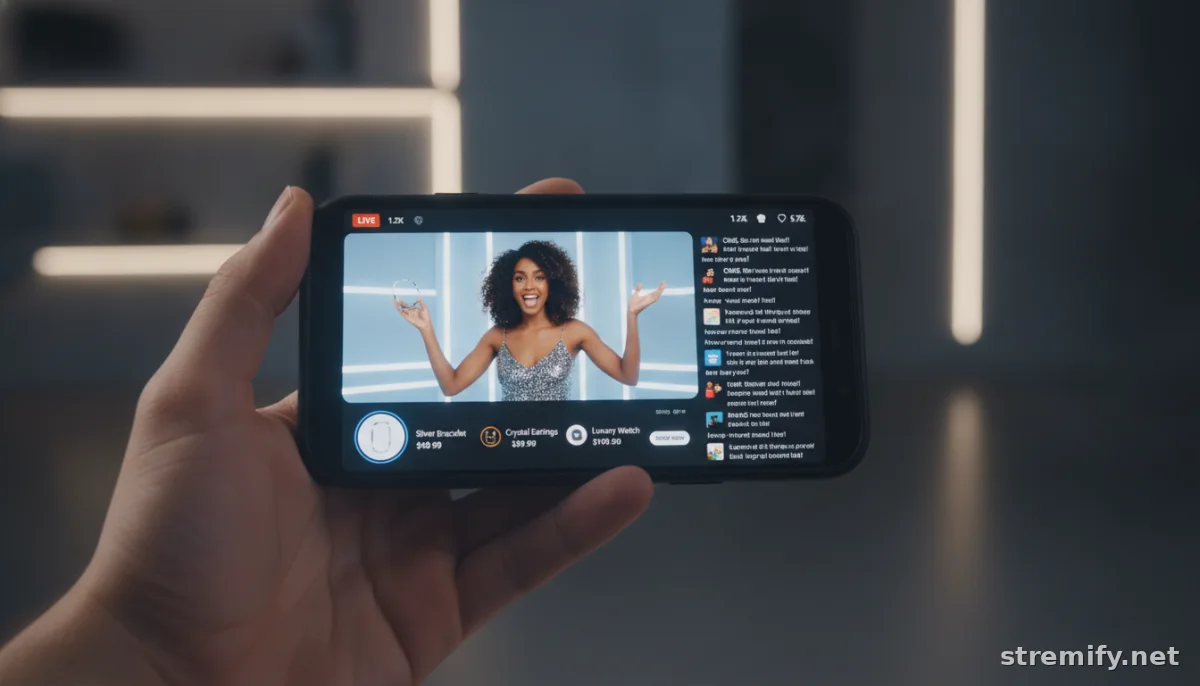
YouTube Live Shopping: Practical Setup Guide
You don’t need a Hollywood studio or a million followers. Here’s how to get started:
- Prep Your Store: You need a Google Merchant Center account and a YouTube channel. Sync your product catalog so you can tag products in your live stream. If you use Shopify or WooCommerce, this sync is quick.
- Enable Live Shopping: In YouTube Studio, turn on the shopping feature for your channel. Follow the prompts to connect your store.
- Plan Your Stream: Choose products to feature. Script your key talking points, demos, and calls to action. Prepare answers for likely questions.
- Promote Ahead: Schedule your stream early. Tease it in your Community tab, Shorts, Stories, and across other social platforms.
- Go Live and Engage: During your stream, highlight live deals, run giveaways, and respond to chat in real time.
Pro Tip: Multistreaming for Maximum Impact
Tools like Stremify let you stream your shoppable broadcast on YouTube and at the same time on TikTok, Facebook, Instagram, and Twitch. You reach every major audience at once, no extra effort. Plus, with Stremify’s comment-to-buy tech, viewers can even order by typing keywords directly into the live chat.
Essential Features for YouTube Live Shopping Success
Don’t make your viewers hunt for the checkout button. The best live shopping setups on YouTube share three things:
- Clickable Product Tags: Tag your featured items for direct purchase during the stream.
- Real-Time Chat Moderation: Keep the conversation focused and friendly. Use moderators or bots to manage spam and highlight key messages.
- Live Polls, Quizzes, and Giveaways: Viewers stay engaged when you make the stream interactive. Stremify, for example, lets you run live quizzes and instantly reward right answers with discounts.
- Analytics: Track views, clicks, watch time, and sales in one place. This feedback is gold for improving your next campaign.
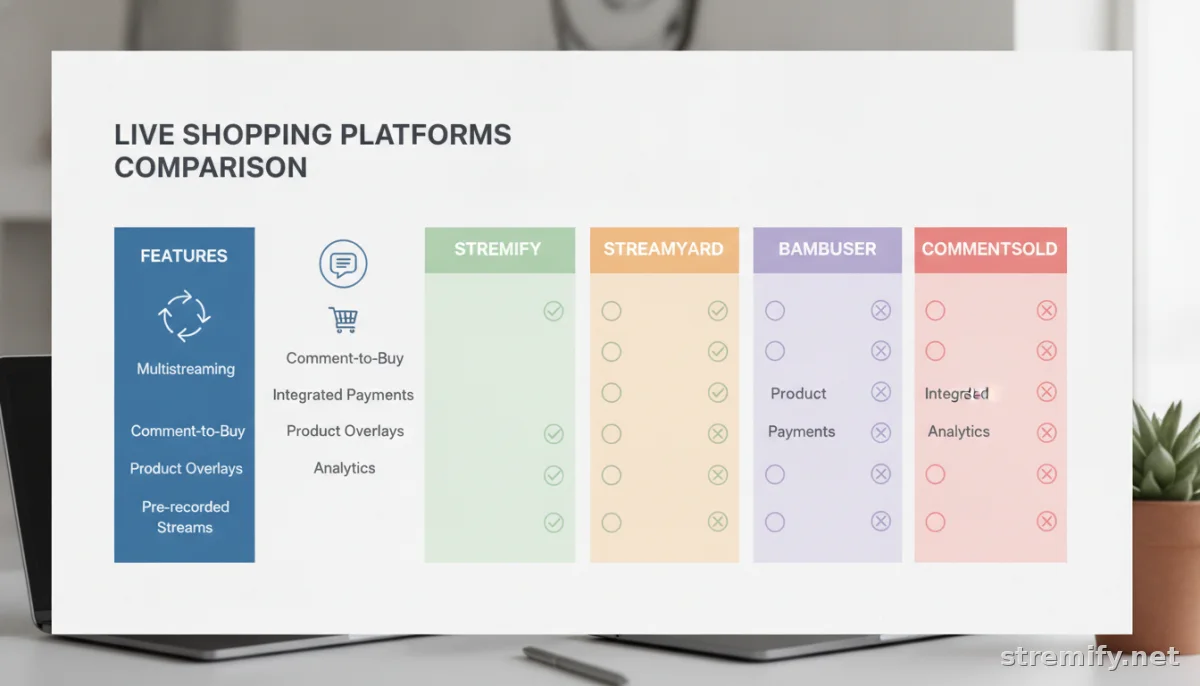
Top YouTube Live Shopping Platforms and How They Compare
| Platform | Multistreaming | Comment-to-Buy | Pricing |
|---|---|---|---|
| Stremify | Yes | Yes | Credit-based (pay-as-you-go) |
| StreamYard | Yes | No | Subscription tiers |
| Bambuser | No | No | Enterprise contracts |
| CommentSold | No | Yes | Subscription tiers |
Stremify stands out for letting you stream to every major platform, run interactive quizzes, and offer real-time chat-based orders. Plus, you only pay for the credits you use, not a fixed monthly fee.
Real Strategies to Boost Sales on YouTube Live
Don’t Wing It, Script Your Flow
Plan the first five minutes down to the second. That’s when you grab your peak audience. Mix in demos, testimonials, story snippets, and a clear call to action every 10 minutes. Keep the energy high.
Feature Limited-Time Offers
Use on-screen timers or chat pop-ups to highlight flash deals. Make it clear when stock runs low. Scarcity and urgency drive conversion, just don’t overdo the hype.
Spotlight Viewer Questions and Social Proof
Read names and questions from chat. Display top comments on screen. If someone buys, thank them right away. This creates FOMO and keeps the stream feeling alive.
Follow Up After the Stream
Don’t let the momentum fade. Use the Community tab, shorts, and pinned comments to recap deals and answer follow-up questions. Cut key moments into YouTube Shorts or reels for extra reach.
Common Mistakes and How to Avoid Them
- Ignoring Chat: If you treat your live as a one-way broadcast, viewers check out fast. Make chat part of your flow.
- Slow Checkout: Every extra click loses buyers. Tag items, pin links, and use platforms like Stremify for instant chat-based purchases.
- Bad Audio or Video: Invest in a decent mic and lighting. If viewers can’t hear or see you clearly, they won’t stick around.
- Going Too Long Without Value: Viewers bail if you ramble or stall. Break up your stream with demos, quick tips, and audience shout-outs.
Takeaway: Start Smart, Iterate Fast
Think of YouTube live shopping as your live store window. You don’t have to be perfect out of the gate. Pick a few products, plan a tight show, and get comfortable with the tools. Platforms like Stremify make it easy to scale up when you’re ready. Your audience, and your sales, are waiting.

