How to Integrate Live Chat Support in Sales Streams: A Step-by-Step Guide for E-Commerce Success
Integrate live chat support in sales streams to help shoppers, answer questions instantly, and increase conversions. Here’s how to add live chat for seamless e-commerce support.
If a shopper can't get an answer fast, they're gone, especially when they're watching a live sales stream. It’s brutal, but it’s true. Live chat support isn’t a nice-to-have in this space, it’s a conversion driver. In fact, companies see conversion rates jump by up to 40% after adding live chat to their sales streams .1 If you want more sales, happier customers, and fewer abandoned carts, it’s time to build chat into your broadcasts. Here’s how to do it, step by step.
Why Live Chat Support Matters in Sales Streams
The numbers don’t lie. Shoppers are flocking to live commerce: TikTok Shop hit $100 million in Black Friday sales last year, and Douyin streams now pull more than 2 million viewers each day .2 But all those viewers have questions, about product details, sizing, payment, shipping, and returns. If you don’t answer on the spot, most will just scroll past or bounce.
Integrating live chat support in sales streams makes help instant. Buyers get answers without leaving the stream, so objections vanish and sales speed up. It’s real support delivered in real time, right at the point of decision.
Choosing the Right Live Chat Platform
Not every chat widget makes sense for live sales. Some only work on store pages. Others can’t handle in-app traffic or broadcast to your audience wherever they watch.
- Pick a platform built for live events, not just homepages. It should embed cleanly into your stream layout, not block products or distract viewers.
- Look for chat that supports real agents, not just bots, complex questions need a human touch .3
- Choose a solution that integrates with your help desk or ticketing tools. Creating tickets from chats makes follow-up seamless .
- If you run multi-channel campaigns, make sure chat works across all platforms: Facebook, Instagram, YouTube, TikTok, Twitch. Don’t silo your support to one app.
Stremify lets you go live to every major social channel at the same time and keeps your product feed, orders, and live chat connected, no switching tabs, no extra tools.
Step-by-Step: How to Integrate Live Chat Support in Sales Streams
1. Map Out Your Support Workflow
Decide how you want to handle incoming questions. Will your team answer chats directly during the stream, or will you triage complex cases to another channel? Designate support roles: one host presenting, one (or more) staff handling chat. Don’t make your host juggle both if you want fast, personal responses.
2. Embed Your Live Chat Widget
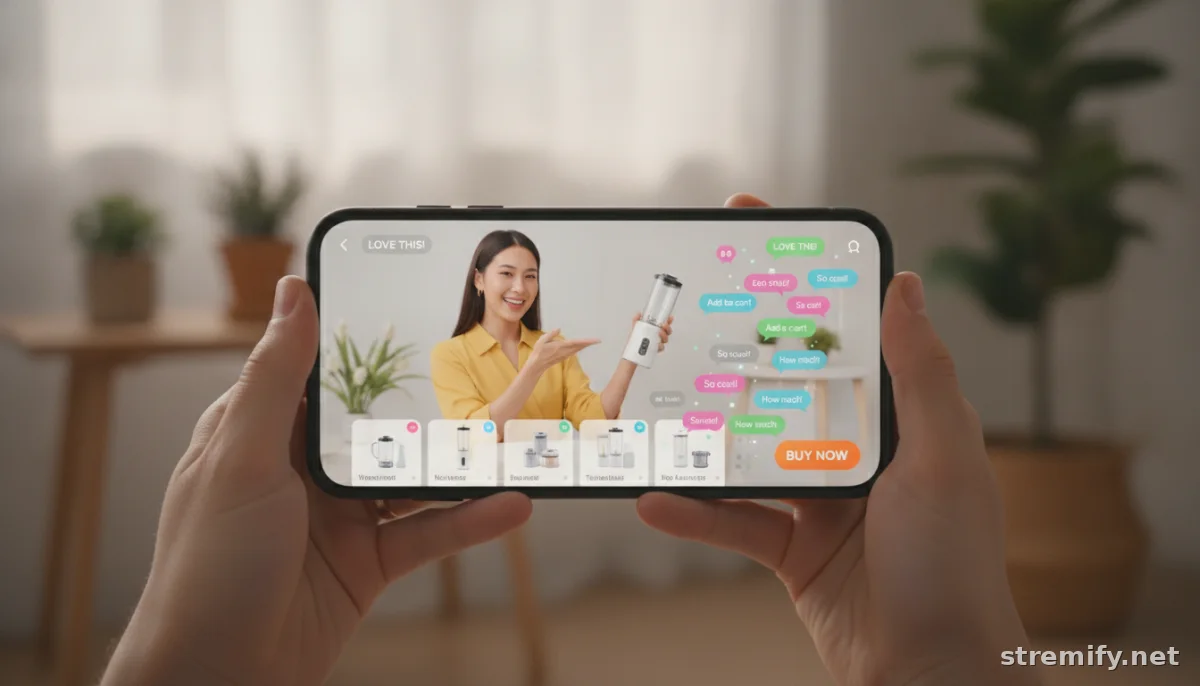
Choose a chat tool that plugs into your streaming setup. For browser-based platforms like Stremify, adding chat is just a configuration step, no coding. Make sure it’s visually distinct but not distracting. You want it to pop, but not smother the action .
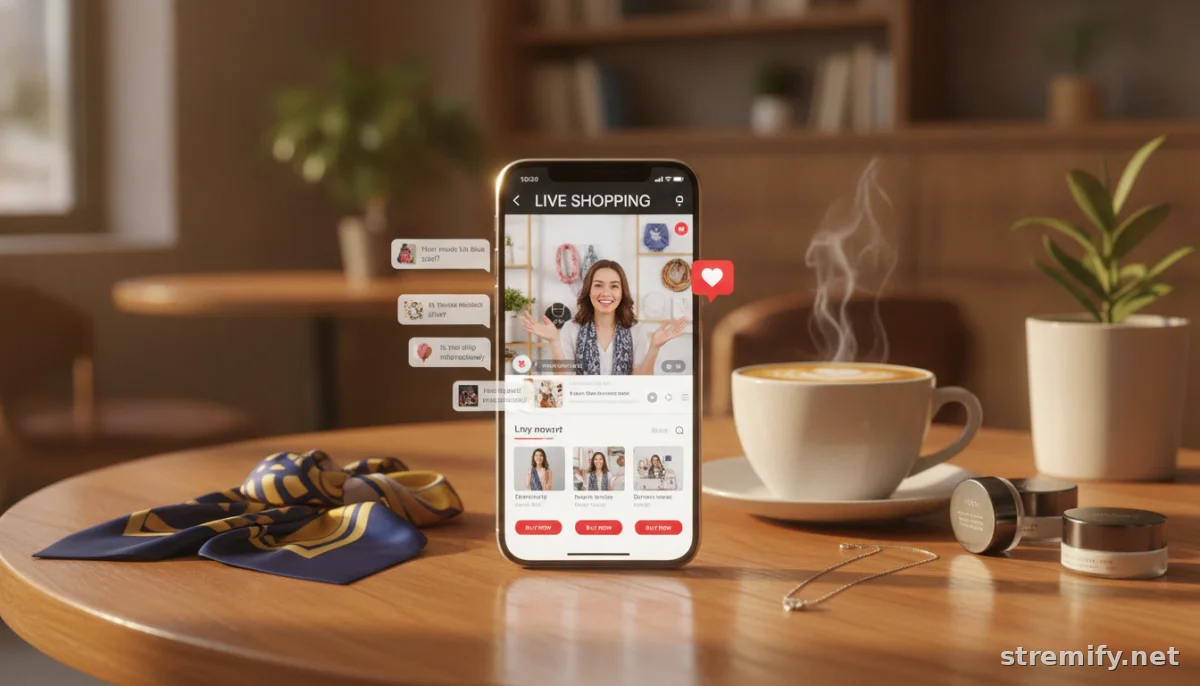
Test how it appears on mobile and desktop. Can viewers type questions without leaving the video? Is there a clear notification when a new answer arrives? Polish these basics before your first campaign.
3. Train Your Support Agents for Live Streams
Live sales are high pressure. Your chat team has to answer fast, without copy-paste scripts. Give them FAQs, product details, and clear escalation paths before you go live. Practice responding on the fly. The best support is helpful, not robotic.
4. Connect Orders and Chat
For real conversion power, connect your live chat to instant purchase actions. On Stremify, shoppers can buy just by commenting, no checkout forms, no leaving the stream. This slashes friction and closes sales in seconds. If your chat tool integrates with your store backend (Shopify, WooCommerce, Magento), set up real-time order notifications and purchase shortcuts right in the chat window.
5. Measure, Improve, and Scale
After each broadcast, review your chat logs. Look for common questions, long wait times, or points where shoppers dropped. Use these insights to prep better answers, tweak your product feed, or adjust your on-air scripts. Companies that analyze live chat transcripts spot trends, fix pain points, and improve conversion with each stream .
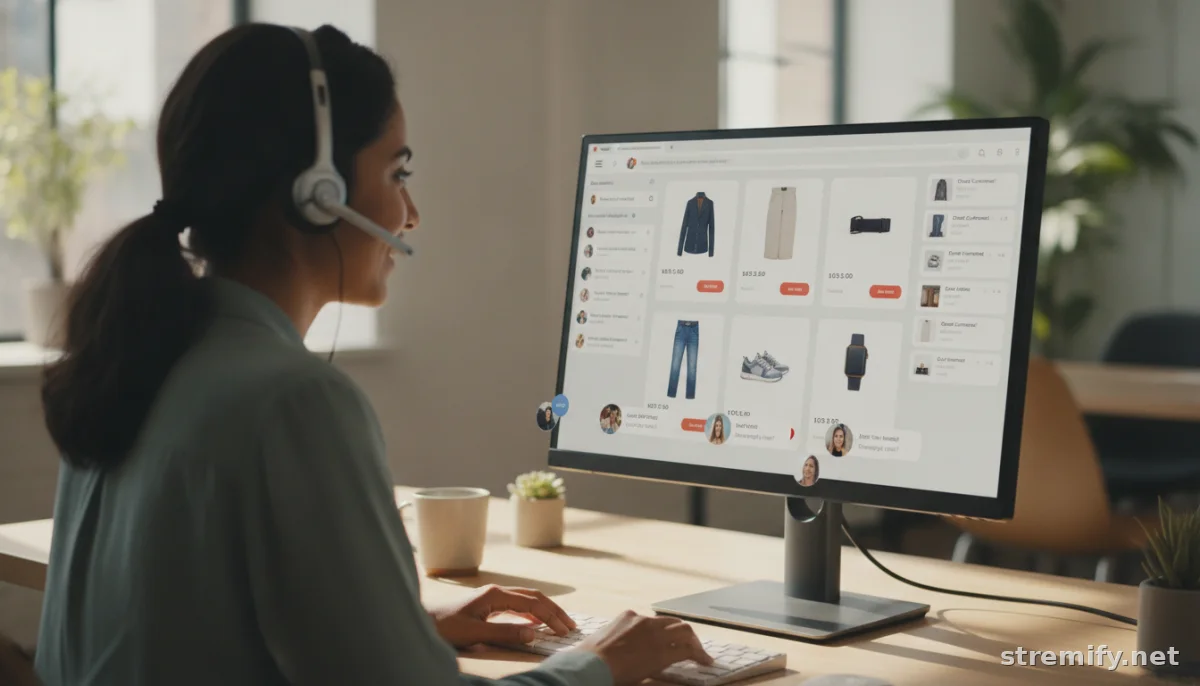
As your audience grows, so should your chat staffing. Scale up during big events or product drops. Some brands automate basic questions with a bot, but always keep humans for complex or sensitive issues.
Best Practices to Maximize Conversion
- Reply within seconds. Shoppers are impatient in live commerce, they won’t wait more than a minute for answers.
- Personalize your replies. Use the viewer’s name, reference their question, and stay friendly and direct.
- Pin or highlight common questions (about shipping, sizing, restocks) so everyone can see the answer.
- Link directly to products from your chat when possible, so interested buyers can act immediately.
In our experience running campaigns on Stremify, mixing in live quizzes and polls keeps chats lively and brings more shoppers into the conversation, especially if you offer on-the-spot rewards or discounts for participation.
Integrating Live Chat: Quick Wins and Long-Term Impact
Getting live chat support into your sales streams is one of the fastest ways to make live commerce actually drive sales. You’ll see more questions asked, faster decisions, and fewer drop-offs. Over time, you’ll build a reputation for responsive, personal support that’s tough for static product pages to match.
Ready to add live chat to your next campaign? Try Stremify’s browser-based platform, no extra hardware, no developer needed. You’ll be set up and selling in minutes.
Frequently asked questions
How do I integrate live chat support in sales streams for my online shop?
Start by choosing a live shopping platform that supports real-time chat, then embed the chat widget into your stream layout. Assign team members to handle chat and connect your orders to chat for instant purchases. Test and review your setup before going live.
What are the benefits of adding live chat support to live sales streams?
Live chat support helps answer shopper questions instantly, improves customer satisfaction, reduces friction, and can increase conversion rates by as much as 40 percent compared to streams without chat support.
Which live shopping platforms offer integrated live chat support?
Platforms like Stremify offer built-in live chat features, letting you respond to viewers in real time. Look for platforms that connect chat with your store catalog and work across multiple social channels.
How quickly should support agents respond during a live sales stream?
Aim to respond within seconds or under a minute. Live commerce shoppers expect instant answers and will often move on if their questions aren’t addressed quickly.
Can live chat support be used with automated bots in sales streams?
You can use simple bots to handle basic questions, but always have real support agents available for complex or sensitive topics to maintain quality customer service.