How to Use Shopify Discount Codes During Livestreams: Step-by-Step Integration and Proven Tactics
Shoppable livestreams are the new sales machine, here’s how to set up, promote, and manage Shopify discount codes in real time for live shopping events.
Ever watched sales double in minutes because a crowd of viewers raced to claim a discount code? Shopify merchants using livestreams have seen it happen. Promoting Shopify discount codes during a live show is one of the fastest ways to boost conversions, push urgency, and turn viewers into buyers right on the spot. But how do you actually integrate these codes in real time, so every shoutout and pop-up pays off?
The Power of Shopify Discount Codes in Live Shopping
Livestream shopping isn’t a trend, it’s a proven conversion engine. When sellers tie real-time offers to Shopify discount codes, shoppers stop lurking and start checking out. These codes aren’t just carrots; they’re countdown timers, social proof, and loyalty drivers packed into one tool.
From public flash codes to unique, single-use offers, Shopify discount codes can create urgency or reward loyal fans. Brands have used them for everything from timed giveaways to influencer campaigns, all designed to get viewers tapping “Buy Now” before the deals disappear[2].1
Shopify Discount Codes During Livestream: How to Set Up and Integrate
If you’re hosting a live show and want discount codes in the mix, here’s your step-by-step:
1. Create Your Discount Codes in Shopify
- Log in to your Shopify admin.
- Go to Discounts and click Create discount.
- Pick your type. Standard visible codes work for public on-air offers; unique codes (using tools like Seguno’s Bulk Discount Code Bot) are great for exclusivity and tracking.
- Set rules: percent off, fixed amount, shipping discounts, or BOGO. Limit redemptions, set eligibility, and define usage limits as needed[1].2
2. Share Codes in Real-Time During Your Livestream
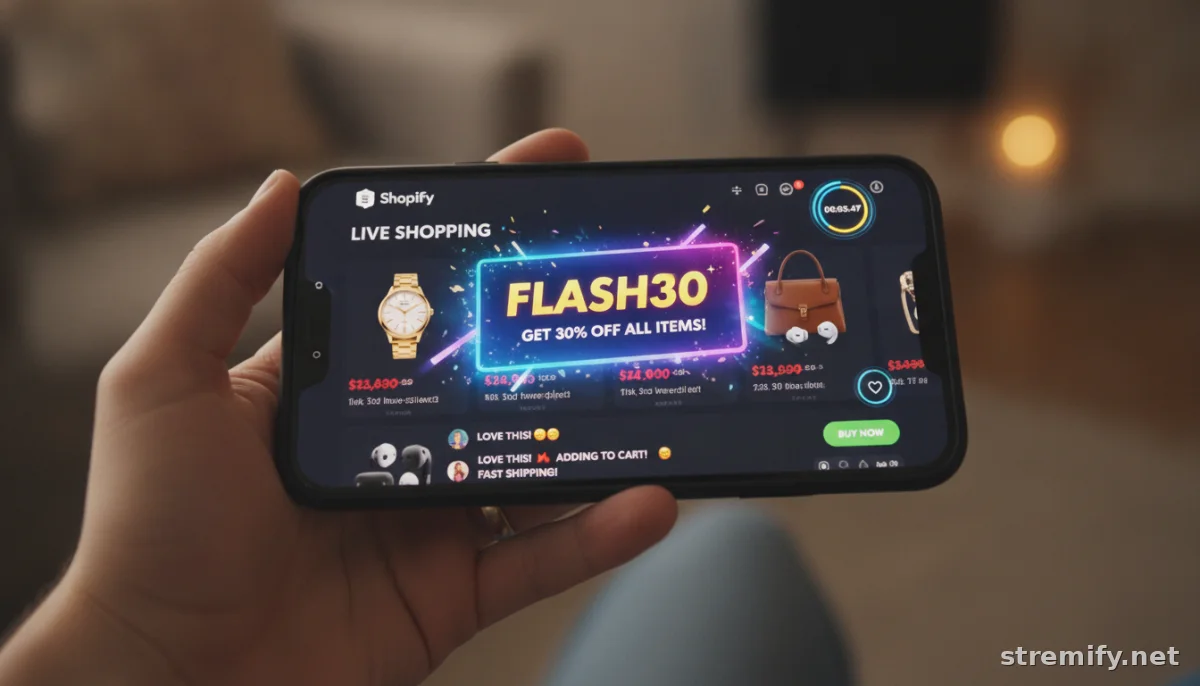
- Announce codes verbally, show them as overlays, or drop them in pinned chat comments.
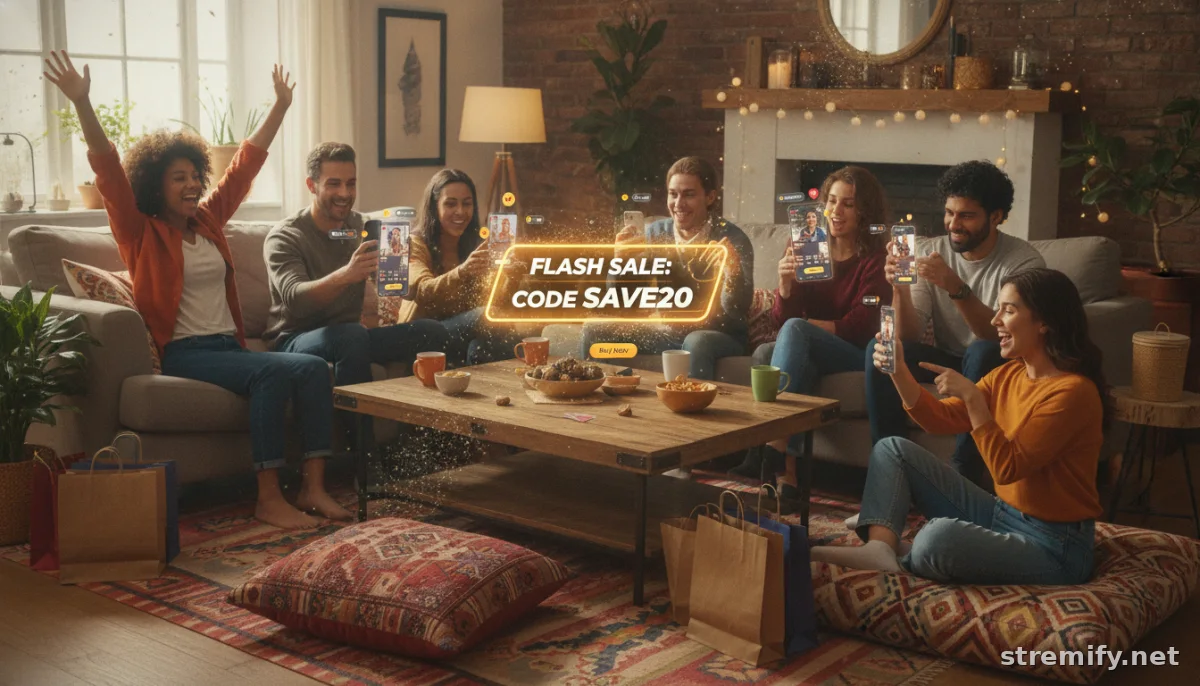
- Use countdown timers to drive urgency (“This code is good for 10 minutes only!”).
- If you’re on a platform like Stremify, you can display codes as pop-ups or interactive elements, and even auto-respond to comments with the code when viewers engage.
We’ve run streams where the right timed code boosted conversion rates by double digits in under 5 minutes, especially with interactive quizzes or limited-quantity offers.
3. Make It Frictionless to Redeem
Link codes directly to product cards or order links when possible. For maximum ease, use Shopify’s automatic discount features for short-term promos. Just remember, auto-applied discounts create less excitement than shout-it-out codes with an expiration countdown.
Best Practices for Shopify Discount Codes During Livestream
No two audiences react the same. But a few proven tactics can help your codes work harder:
- Keep codes short and memorable (“LIVE20” beats “SUMMERFLASH2026SPC”).
- Limit time and inventory: “First 20 checkouts save 15%” triggers FOMO.
- Try stacking: tease a bigger code for late viewers if early sales lag.
- Personalize offers for top fans or frequent chatters using unique codes generated in bulk.
- Test different code reveals: quizzes, poll responses, or spontaneous giveaways to keep viewers glued to the stream[3].
Use Cases: Shopify Discount Codes in Action on Livestreams
- Influencer Campaigns: Invite influencers to co-host a stream and distribute their own code to track sales by channel[2].
- Product Drops & Flash Sales: Announce a limited edition drop with a code valid during the stream only. The urgency keeps conversion rates high.
- Live Quizzes: Reward correct answers or fast responses with single-use codes revealed instantly in chat.
- Loyalty Perks: Thank repeat buyers on stream with exclusive codes for their next purchase.
In our experience at Stremify, the biggest wins happen when codes are tied to interactive moments, like a poll, quiz, or flash challenge. Live viewers are more likely to buy (and stick around) when there’s a reward in real time.
Handling Fraud, Abuse, and Tracking
Mistyped or leaked codes can tank margins fast. Use Shopify’s usage limits, and go for unique, one-time-use codes when tracking is a priority. Apps like Seguno’s Bulk Discount Code Bot make generating thousands of secure codes quick and easy[8].3 Always monitor the analytics after a show, track code redemptions by stream segment and, if you’re multi-streaming, by channel.
Integrating with Live Shopping Platforms Like Stremify
Some live commerce tools are built for Shopify integration from the start. With Stremify, you can import your entire product catalog, set up discount codes in Shopify, and display or distribute them automatically during a stream. We let you broadcast to TikTok, Instagram, Facebook, YouTube, and Twitch at once, meeting buyers where they are, with interactive commerce features layered in. There’s no monthly fee; just buy credits up front and stream as much or as little as you need.
Shoppers can even comment-to-buy, so that "DROP20" code shouted out at the 15-minute mark can turn into instant orders, with zero friction from chat to checkout.
Quick Takeaways: Shopify Discount Codes and Livestreams
- Set up codes ahead of every live event, and make sure they’re clear, time-limited, and easy to redeem.
- Promote your best codes at peak attention moments, polls, drops, or shoutouts, then watch conversion rates spike in real time.
- Pair codes with interactive content, and use bulk unique codes to protect your margins and reward loyalty.
- Review post-show analytics to refine your offers and stop code abuse before it starts.
Ready to turn livestream energy into sales? Set up your Shopify discounts, pick your live shopping platform, and start testing. If you want a browser-based, all-in-one tool that makes code drops and interactivity a breeze, see what Stremify can do for your next campaign.
Frequently asked questions
How do I set up Shopify discount codes for my livestream?
Create your code in the Shopify admin under Discounts, set rules like amount off and limits, then share the code on-stream using overlays, chat, or spoken announcements during your livestream.
Can I limit Shopify discount codes to livestream viewers only?
You can target codes by making them single-use, limiting to specific customer segments, or setting a very short active window that matches your livestream. Use bulk unique codes for best control and to track redemptions.
What’s the best way to distribute discount codes during a live shopping event?
Announce the code out loud, display it visually on the screen, and drop it in the live chat. For extra impact, use countdown timers and interactive elements like quizzes to engage viewers before revealing the code.
How do I prevent Shopify discount code abuse during livestreams?
Use Shopify’s built-in limits: set usage caps per customer, restrict eligibility, and use apps to generate unique, one-time-use codes. Always monitor redemptions after the show to spot any issues.
Can discount codes be auto-applied during a live stream?
Yes, Shopify allows you to set up automatic discounts that apply at checkout, but promo codes announced on stream tend to create more excitement and drive urgency among viewers.