
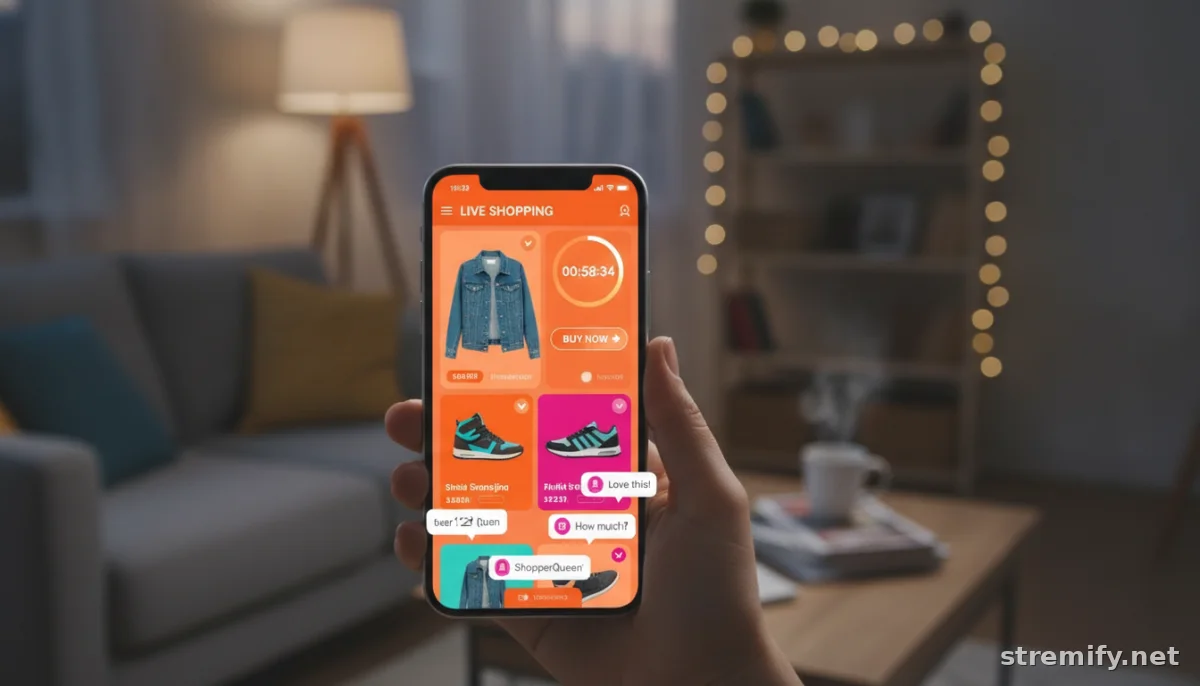
How to Use Countdown Timers in Live Sales: A Step-by-Step Guide for E-commerce (2026 Edition)
Countdown timers create urgency and help boost conversions during live sales. Here’s a practical, step-by-step guide to using them for real results in e-commerce.
Ever seen a live sale where, as a product goes live, a timer starts ticking down on the screen? That’s not just a flashy add-on, it’s one of the most effective urgency tools you can use. Countdown timers grab attention, stoke FOMO, and push shoppers to buy right now instead of procrastinating. In this guide, you’ll learn how to use countdown timers in live sales, from setup to best practices, pitfalls to avoid, and how to get the most out of every second.
What you need: Access to a live shopping platform (like Stremify), your product feed, and the ability to add interactive elements or overlays to your broadcast. No coding required if you use a platform with built-in timer tools.
Step 1: Define Your Offer and Urgency Window
Don’t slap a timer on every product. The magic of urgency fades if it’s everywhere. Use countdowns for true limited-time offers: flash sales, product drops, exclusive bundles, or delivery cutoffs (“Order in the next 20 minutes for same-day dispatch”). Pinpoint what you want viewers to do, buy before the timer ends, claim a bonus, or secure a spot in a limited supply.
Get specific. If you have 50 units at a special price for 10 minutes, say so. Shoppers are far more likely to act when the stakes feel real. Random countdowns or vague claims (“sale ends soon!”) just breed skepticism and erode trust.
Step 2: Choose the Right Countdown Timer Tool
Most modern live shopping platforms offer some form of countdown overlay. With Stremify, for example, you can drop a synchronized timer on your stream that updates in real time for every viewer, across TikTok, Facebook, Instagram, YouTube, and Twitch. That keeps everyone on the same clock, which is crucial for urgency to work. Avoid tools that are out of sync or only update for some viewers, they’ll kill credibility fast.
Not sure what features to look for? Here’s a quick comparison:
| Platform | Timer Sync | Customization | Engagement Features | Pricing |
|---|---|---|---|---|
| Stremify | Real-time, all viewers | Brand colors, duration, alerts | Comment-to-buy, live quizzes | Credit-based (pay-as-you-go) |
| Bambuser | Real-time | Basic styling | Polls, chat | Monthly subscription |
| CommentSold | Overlay, site sync | Basic | Comment selling | Monthly subscription |
Pick a platform that keeps timers accurate, lets you style them to match your brand, and adds interactive elements for viewer engagement.
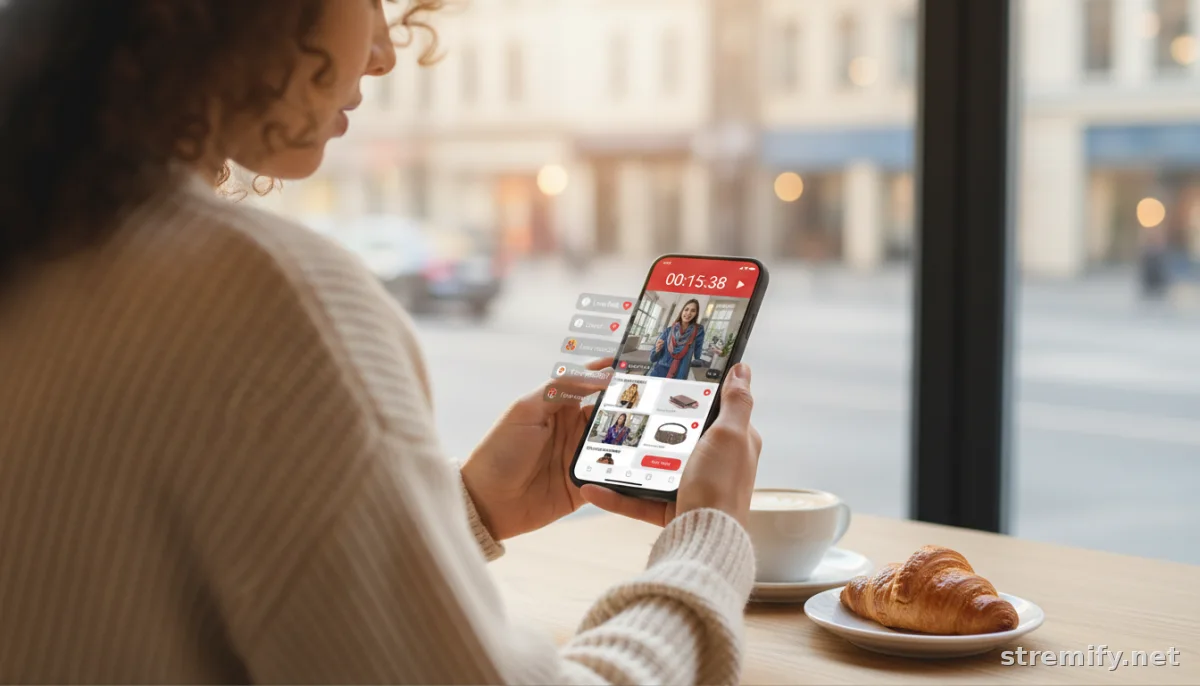
Step 3: Design and Position the Timer for Maximum Impact
The timer should be visible without being obnoxious. Top right or bottom center are classic spots. Make sure it’s not covering product details or crucial UI. Use bold, brand-aligned colors that stand out, and add micro-animations (like color shifts from green to red) as time runs low to ramp up urgency. Over half of live sales now happen on smartphones, so always preview your stream on multiple devices to avoid blocking critical info.12
Layer your messaging: pair the timer with a clear call-to-action right beside it (“Buy before the clock hits zero to get free shipping!”). Avoid clutter, don’t overload the screen with popups or conflicting banners. Test placement on both desktop and mobile. What looks great on a big screen might block important info on a phone.
Step 4: Sync the Timer Across All Channels and Devices
If you’re multicasting your live sale to TikTok, Facebook, and YouTube at once, timer sync is non-negotiable. Any lag between platforms or devices erodes urgency and makes viewers doubt the deal. Use a platform like Stremify that manages timing on a central server, so every shopper, no matter where they join from, sees the same countdown. Real-time synchronization builds trust and consistency.3
Sound simple? You'd be surprised how many DIY setups fall apart here. Avoid “local” timers that start when a viewer arrives; go for a true real-time countdown that everyone shares. That’s how you keep urgency authentic and fair, which means higher trust, and higher conversion rates.
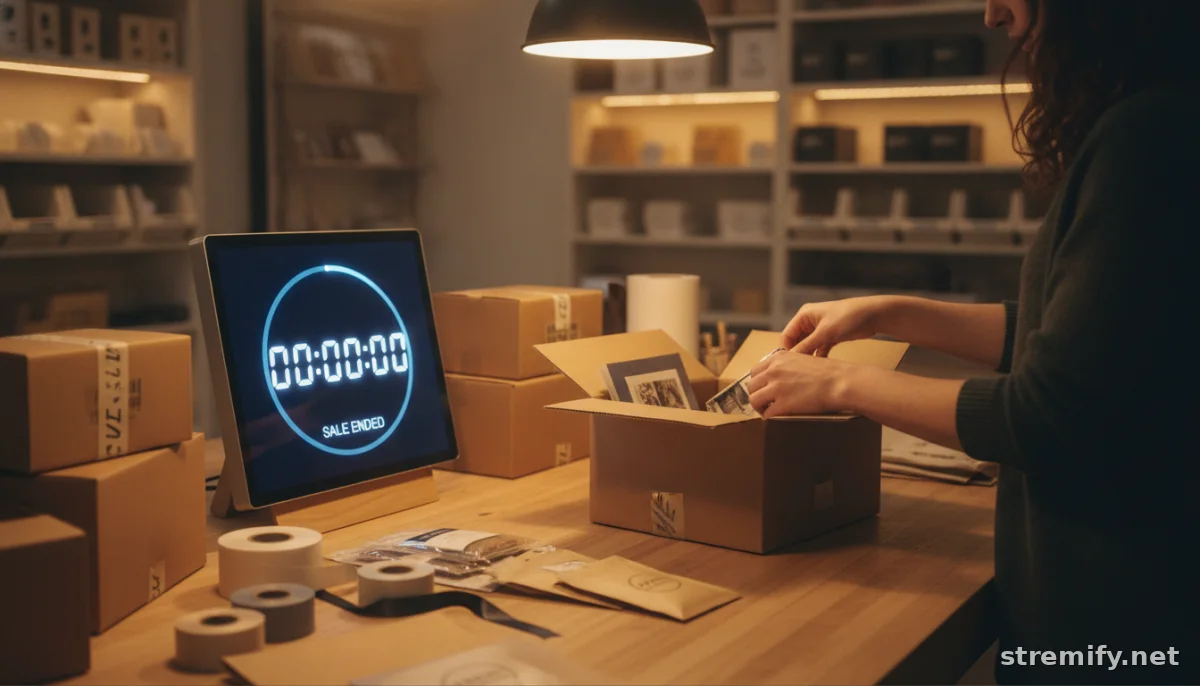
Step 5: Pair the Countdown with Scarcity and Clear Calls to Action
A ticking clock gets attention. Combine it with visible scarcity (“Only 10 left!”) and a reward for acting fast, and your conversion rate can jump significantly. Use text overlays like “Last chance for free next-day shipping!” or “10 products left, act fast!” right next to the timer. These concrete cues reinforce the urgency without feeling spammy.
Keep the language genuine. Fake numbers (“Only 2 left!” when you have hundreds) and constant fake-out sales will train your audience to ignore your timers. Stick to the truth, and let your inventory and timing work together to create real FOMO.
Step 6: Monitor Performance and Optimize
Once your live sale wraps up, dig into the data. Did conversion spikes line up with your countdown windows? Did mobile users drop off when the timer got in the way? Most live shopping platforms show when viewers comment, buy, or leave. Look for patterns. Did viewers buy more when you combined the timer with a strong CTA?
Don’t be afraid to tweak the duration, placement, or phrasing next time. And don’t overuse timers, reserve them for the moments that matter most, or you'll dilute their impact. Treat urgency like a spice, not the main ingredient.
Common Pitfalls and Next Steps
Troubleshooting:
- Timer out of sync? Switch to a platform with centralized, real-time control.
- Mobile shoppers complaining the timer blocks the product? Move it, shrink it, or make it collapsible.
- No lift in conversions? Double-check your offer, timers won’t fix a bland deal.
Ready to try this live? Set up your next event with Stremify and see the difference a smart countdown timer makes. No monthly lock-ins, just pay-as-you-go credits. Your urgency, your way.
Frequently asked questions
What are countdown timers in live sales?
Countdown timers in live sales are visual timers shown on-screen during a live shopping event, highlighting how much time is left to claim an offer or buy a featured product. They create a sense of urgency and encourage viewers to act quickly.
Do countdown timers really increase conversions in live sales?
Yes, research shows using countdown timers for flash sales and timed offers can boost conversion rates, as they tap into shoppers’ fear of missing out and drive immediate action. The effect is strongest with real, limited-time deals.
Where should I place the countdown timer on my live stream?
Place your countdown timer in a highly visible but non-intrusive spot, like the top right or bottom center of the screen. Make sure the timer doesn’t block product details or important interaction buttons, especially on mobile devices.
How do I sync countdown timers across all live platforms?
Use a live shopping platform that supports real-time, server-based countdown timers. This ensures every viewer, no matter which device or platform they’re on, sees the timer ticking down at the same pace for maximum fairness and urgency.
Can countdown timers be used for things other than discounts?
Absolutely. You can use countdown timers for delivery cutoffs, exclusive product drops, giveaways, and limited quantity alerts. The key is to connect the timer to a real, time-bound incentive for your viewers.

