
How to Automate Order Fulfillment for Live Sales: The Smart Merchant's Guide
Automate order fulfillment for live sales and never miss a beat post-stream. Discover tools, best practices, and how platforms like Stremify make logistics painless.
Picture this: your live shopping stream ends, the chat is still buzzing, and orders are pouring in through comment-to-buy. The excitement is real, but manual order processing quickly turns it into stress. Delays and errors mount, and your team is stuck catching up. Automate order fulfillment for live sales and you move from chaos to control. Inventory syncs instantly, orders route directly, and your staff can focus on growth, not data entry.
Why Manual Fulfillment Fails at Live Sale Scale
Live sales bring a surge of orders in minutes. When you process them by hand, you hit three walls fast:
- Delays: Manual entry slows shipping. Buyers expect rapid confirmation and delivery after a live event.
- Errors: Missed messages, duplicate orders, or wrong items shipped. Even a small mistake can fill your inbox with support requests.
- Burnout: Your team dreads every big campaign. The more you sell, the harder it gets to keep up.
If buyers wait days for shipping updates, you risk losing repeat customers and positive reviews.
What It Really Means to Automate Order Fulfillment for Live Sales
Automation does more than reduce clicks. It turns a late-night scramble into a smooth process where orders are fulfilled before you finish your post-show recap. With a solid setup, automation can:
- Pull orders from live stream comments or buy buttons and send them straight to your POS or shipping partner
- Sync inventory in real time, so you never oversell
- Trigger instant buyer notifications for payment, shipping, and delivery
- Batch-print shipping labels and update tracking across channels automatically
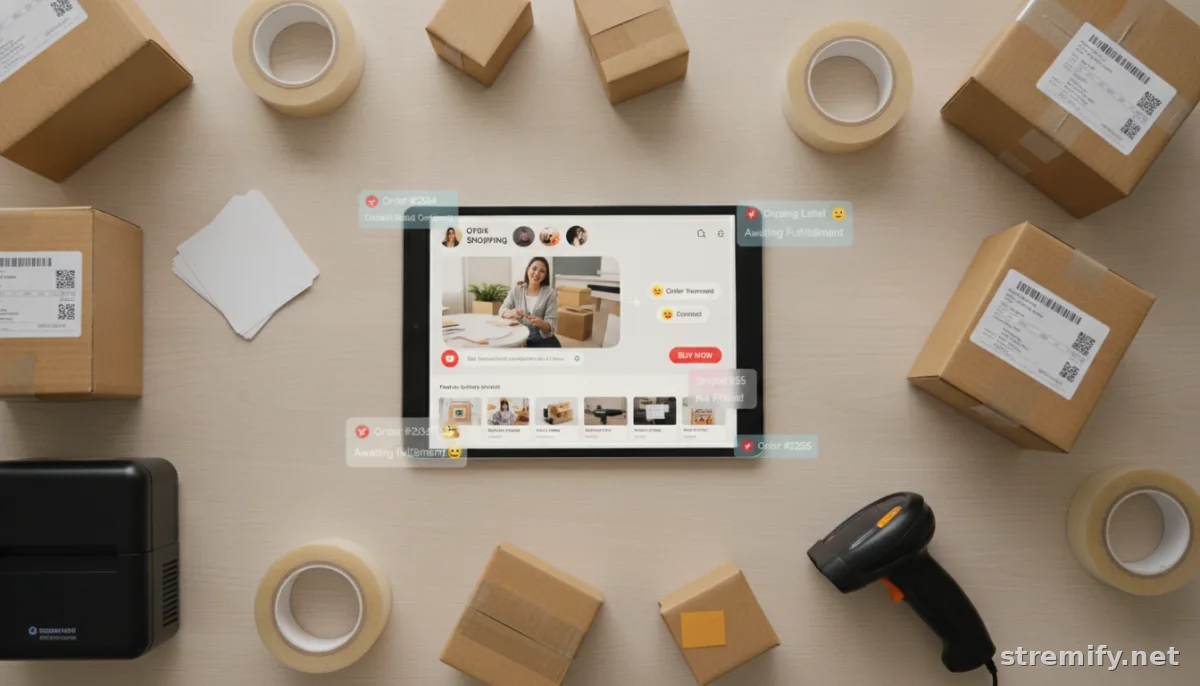
No more spreadsheet imports or toggling between platforms. Automation ensures every hot buyer in the comment stream gets processed.
Top Tools to Automate Order Fulfillment for Live Sales
Plenty of platforms exist, but not all are built for the pace and complexity of live shopping. Here’s how a few compare for live sellers:
| Platform | Live Sale Integration | Order Automation | Inventory Sync | Pricing |
|---|---|---|---|---|
| Stremify | Full-featured (TikTok, Instagram, Facebook, YouTube, Twitch) | Instant order capture, export, and webhooks | Real-time (syncs with any product feed) | Credit-based (pay-as-you-go) |
| CommentSold | Facebook & Instagram | Automated invoicing and fulfillment integrations | Shopify & WooCommerce integration | Monthly subscription |
| Bambuser | Brand-hosted live shop integrations | Order API, connects to major e-commerce | Syncs with select platforms | Monthly subscription |
| Restream | Multi-channel streaming (no e-commerce tools) | None built-in | No | Monthly subscription |
Stremify is designed for live sellers who want comment-to-buy ordering, instant inventory sync, and real-time automation, all without a fixed monthly bill.
Integrating Stremify for End-to-End Fulfillment Automation
Ready to eliminate manual steps? With Stremify, import your product feeds from Shopify, WooCommerce, or any e-commerce store. Design your shoppable live show, stream to top platforms, and every purchase routes directly into your order management system. In our experience running live shopping campaigns, sellers appreciate that shoppers can buy simply by commenting—no need to leave the video or switch apps.
- Instant order capture: Every "sold" comment or buy click is logged with buyer info and product details.
- Export orders or connect via webhooks: Orders flow straight to your fulfillment app or third-party logistics provider.
- Inventory auto-updates: If you have just 10 units, Stremify won’t let you oversell, even with a thousand viewers spamming "buy."
- Automated notifications: Send buyers branded emails or SMS updates on payment and shipping status, hands-free.
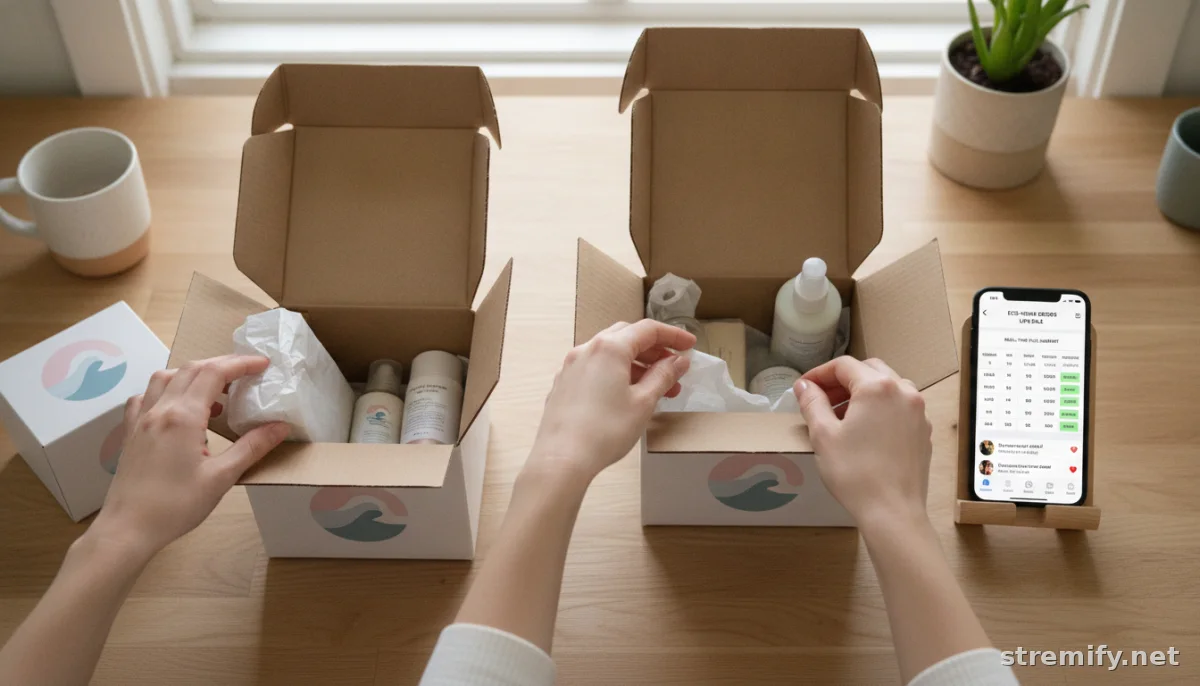
For teams shipping in-house, Stremify’s exports plug into ShipStation, ShipBob, or any spreadsheet-based workflow. For dropshippers and global sellers, webhooks let you trigger fulfillment automatically with your existing stack, without manual hand-offs.
Common Pitfalls (and How to Avoid Them)
Even the best automation can run into trouble if you overlook the details. Watch for these issues when you automate order fulfillment for live sales:
- Outdated inventory: Sync your catalog before every show. If you change prices or add new SKUs, make sure they’re live in your feed.
- Unmapped order fields: Double-check that names, addresses, and product variants export correctly to your fulfillment workflow. Run a test order first.
- Notification overload: Set up smart triggers so buyers get only essential updates, not spam with every status change.1
- Platform disconnects: Some third-party tools update APIs or change integration requirements. Review connections after major platform updates.
Run a test campaign before your next big live sale, even if it’s just a dry run. One missed sync can cause headaches when real orders hit.
Practical Takeaway: Start Small, Automate Everything
Stores of any size can benefit from automation. Whether you’re hosting weekly live drops or testing your first TikTok sale, automating fulfillment turns order spikes into routine business. Integrate a platform like Stremify, lock down your feeds, and let the software handle the late-night rush. Buyers will notice—and they’ll be back for the next show.
Want to see Stremify’s live order automation in action? Try it now, no monthly contract required.
Frequently asked questions
How do I automate order fulfillment for live sales on multiple social platforms?
Use a live shopping platform like Stremify that pulls orders from TikTok, Instagram, Facebook, YouTube, or Twitch and sends them directly to your order management system with real-time integrations.
Which tools work best to automate order processing after live sales events?
Stremify, CommentSold, and Bambuser each offer order automation, but Stremify stands out with real-time inventory sync, credit-based pricing, and multi-channel support. Choose a tool that connects to your store and fulfillment provider.
Can automated order fulfillment prevent overselling during live sales?
Yes, if your platform has real-time inventory syncing. Stremify updates stock as buyers place orders, so you can't sell more items than you actually have, even during a rush.
What are common mistakes when automating live sale fulfillment?
Common mistakes include using outdated product feeds, failing to test order exports, sending too many customer notifications, or missing new API requirements after platform updates. Always test before big events.
Is it possible to automate order fulfillment for live sales with Shopify or WooCommerce?
Yes, by connecting your Shopify or WooCommerce product feed to a live shopping app like Stremify. Orders from live viewers are routed directly to your e-commerce store for fulfillment without manual entry.

