
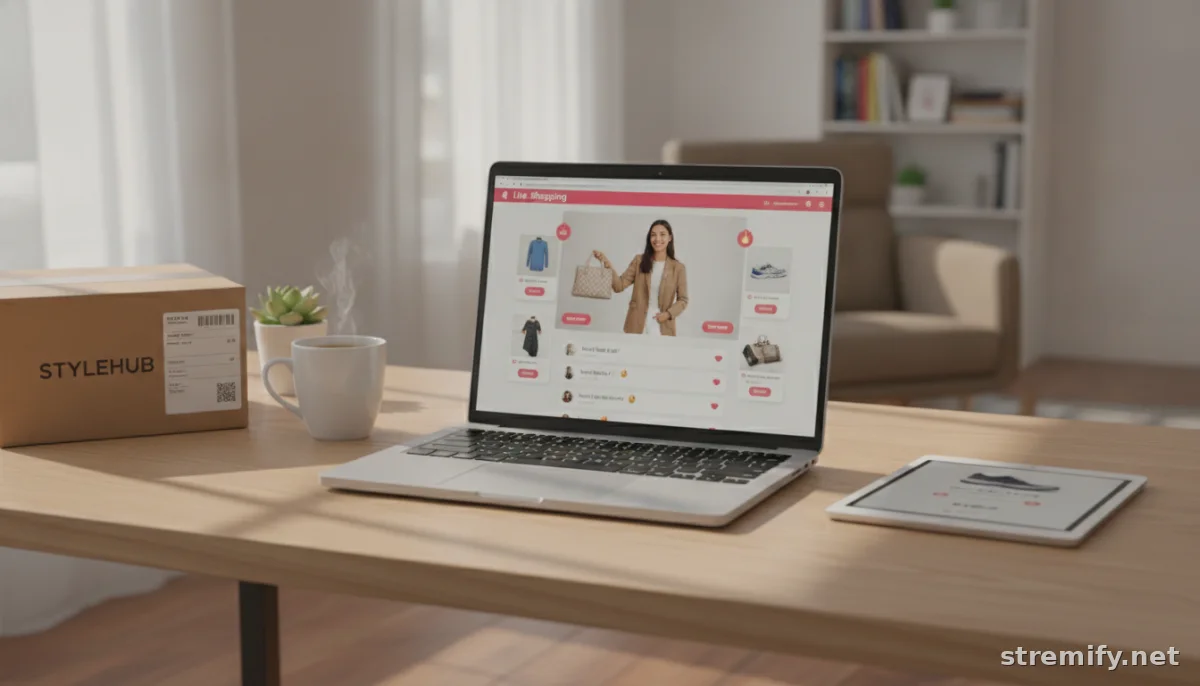
8 Essential Pieces of Ecommerce Livestream Equipment Every Seller Needs
Curious what ecommerce livestream equipment you really need? Here’s the 2026 checklist: hardware, software, and smart platform picks for smooth, shoppable streams.
You can have the flashiest promo and the hottest products, but if your livestream glitches, nobody buys. Solid ecommerce livestream equipment is a non-negotiable for 2026 live sellers. Whether you’re going live on TikTok, Facebook, or hosting your own shoppable show, this gear list keeps your operation smooth, interactive, and shoppable.
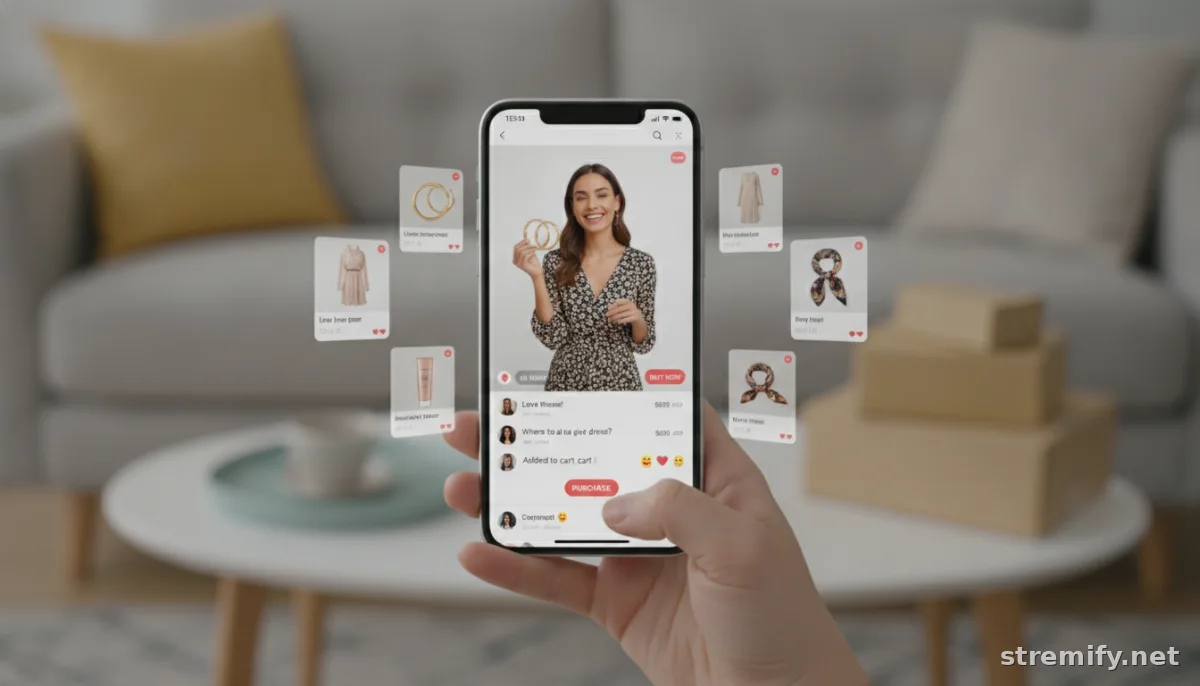
1. Reliable Laptop or Desktop
Look for an Intel i5/Ryzen 5 or higher, 16GB RAM minimum, and SSD storage. This keeps your stream crisp even with product overlays and chat running. MacBook Pro, Dell XPS, and Lenovo ThinkPad are the usual suspects. Extra USB ports help if you’re plugging in stream decks or USB mics. Chromebooks and entry-level tablets just won’t cut it for pro selling.
On a budget? A solid used laptop from 2022 or later will still outperform basic consumer hardware. Speed matters, lag kills conversion.
2. Fast, Stable Internet Connection
You need at least 10 Mbps upload speed for reliable 1080p streaming. Wi-Fi 6 routers (like the ASUS RT-AX88U) beat older gear for speed and stability. Plug in via Ethernet if you can; wireless drops can ruin your showcase. Test your speed with Google’s speed test before every stream.
If your signal’s patchy, consider a mesh Wi-Fi system or even a 5G backup. Never rely on coffee shop Wi-Fi, seriously.
3. Ecommerce Livestream Platform
Here’s where the magic happens. A modern live shopping platform lets you show products on screen, take real-time orders, and run interactive games or polls. Stremify is purpose-built for this: import your entire product catalog, design a branded shop, and stream to TikTok, Facebook, Instagram, YouTube, or Twitch, with real-time comment-to-buy ordering and live quizzes that actually drive sales.
Unlike monthly subscriptions, Stremify uses credit-based pricing, so you only pay for the minutes you actually stream.1 Compare it to other heavyweights in the table below.
| Platform | Pricing Model | Key Features | Multichannel? |
|---|---|---|---|
| Stremify | Credit-based (pay-as-you-go) | Shoppable overlays, comment-to-buy, live quizzes | Yes |
| Bambuser | Monthly subscription | Shoppable video, analytics, integrations | Yes |
| CommentSold | Monthly subscription | Comment selling, invoicing, Facebook/Instagram focus | Limited |
| StreamYard | Monthly subscription | Multistreaming, branding, basic commerce integrations | Yes |
Choose a platform that fits your workflow, audience, and budget. Don’t ignore order management, manually tracking sales is a pain you don’t need.
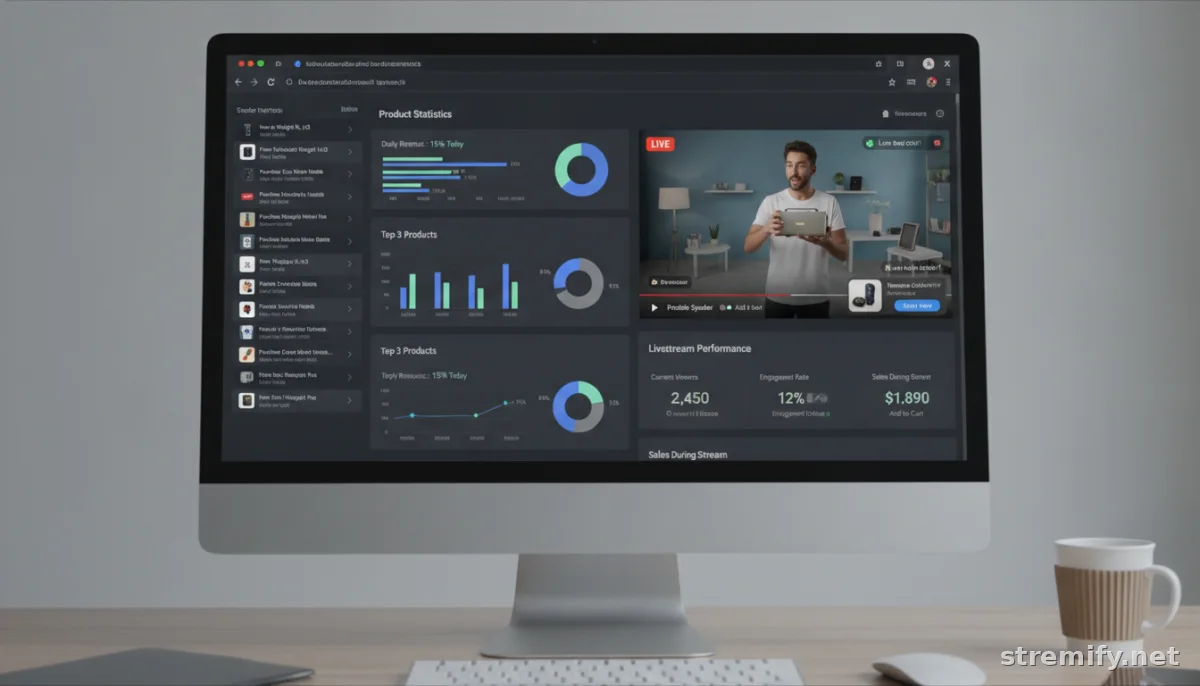
4. Smartphone or External Webcam
iPhones from the 13 series or newer, Google Pixel 7+, or a Sony ZV-1 are all proven for crisp HD video. If you’re desk-bound, a Logitech StreamCam or Elgato Facecam delivers pro quality without the smartphone fuss. Always shoot in landscape for multichannel streams unless you’re TikTok-only.
Keep a phone tripod handy for quick angle changes.2 Clean your camera lens before going live, smudges are surprisingly visible on HD streams.
5. Quality Microphone
Bad audio kills viewer trust fast. USB microphones like the Rode NT-USB Mini or Blue Yeti are plug-and-play favorites. Lavalier mics (try the Rode Lavalier GO) help if you’re moving around, showing products, or demoing merch. Bluetooth earbuds work in a pinch but aren’t ideal for longer shows.
If you’re streaming from a phone, check that your mic is compatible or grab a simple adapter. Don’t rely on built-in laptop mics, they pick up too much background noise.
6. Lighting
You don’t need a Hollywood rig, but you do need to be seen. A single ring light (Neewer 18-inch or Elgato Ring Light) makes a world of difference, especially on cloudy days. Face a window if you can, but control harsh sun with a sheer curtain. Soft, even light is the goal, your viewers want to see your expressions and your products clearly.
Pro tip: Always light yourself more than your background. Distracting shadows or blown-out product shots lose viewers.
7. Stream Overlays and Graphics
Branded overlays, product cards, and animated banners grab attention and drive sales. Most ecommerce livestream platforms (including Stremify) let you upload custom graphics, feature promo codes on screen, or highlight bestsellers in real time.3 Canva and Figma both have free templates if you’re designing your own.
Don’t overdo it, too many pop-ups look messy. Use overlays for clear calls-to-action, product highlights, and Q&A prompts.
8. Backup Power and Accessories
Power outages or battery drain mid-stream? Not a good look. Keep a portable power bank (Anker 20,000mAh is solid), a spare charging cable, and extra batteries for wireless mics at hand. Plug your main gear into a surge protector, especially if you’re streaming from home.
Store backup overlays and stream settings in the cloud. A USB backup drive never hurts. Downtime loses sales, plan for the worst.
Don’t leave your livestream success to chance. Get your ecommerce livestream equipment right, and your viewers (and your sales numbers) will thank you.
Want to go live across every major social platform without wrestling multiple tools? Stremify handles everything, from product import to real-time orders. Try it credit-free and see for yourself.
Frequently asked questions
What is the minimum internet speed for ecommerce livestreaming?
Aim for at least 10 Mbps upload speed to stream in HD without lag. A wired Ethernet connection is always better than Wi-Fi for livestream selling.
Can I use my smartphone for ecommerce livestreaming?
Yes, modern smartphones like iPhone 13 or newer and Google Pixel 7+ can handle HD livestreams. Just use a tripod and ensure your lighting and audio are also up to par.
Which platforms support ecommerce livestream shopping?
Platforms like Stremify, Bambuser, CommentSold, and StreamYard have live selling features. Stremify is notable for pay-as-you-go pricing and easy product import from any online store.
Do I need a professional camera for live commerce?
No, a recent smartphone or a good USB webcam is enough for most ecommerce livestreams. Focus on lighting and stability for a professional look.
How do I take orders during a live ecommerce stream?
Some platforms, such as Stremify, let viewers buy directly in the stream via comment-to-buy or on-screen buttons. Choose a platform with integrated order management to avoid manual tracking.

