
10 Creative Live Stream Overlays for Ecommerce: Ideas and Tools to Boost Sales
Get inspired with creative live stream overlay ideas and tools for ecommerce. Elevate product highlights, drive interaction, and boost sales during your next live shopping show.
Ever scrolled through a live shopping show and instantly stopped because the screen just popped? It is not magic. That is the power of creative live stream overlays for ecommerce, and shoppers notice. When you are selling live, your overlay design can make the difference between a viewer who clicks “Buy” and one who swipes away.
What Makes a Live Stream Overlay Effective for Ecommerce?
For ecommerce sellers and creators, overlays are more than just graphics. They highlight your products, keep your brand front and center, and nudge viewers toward action. You want overlays that:
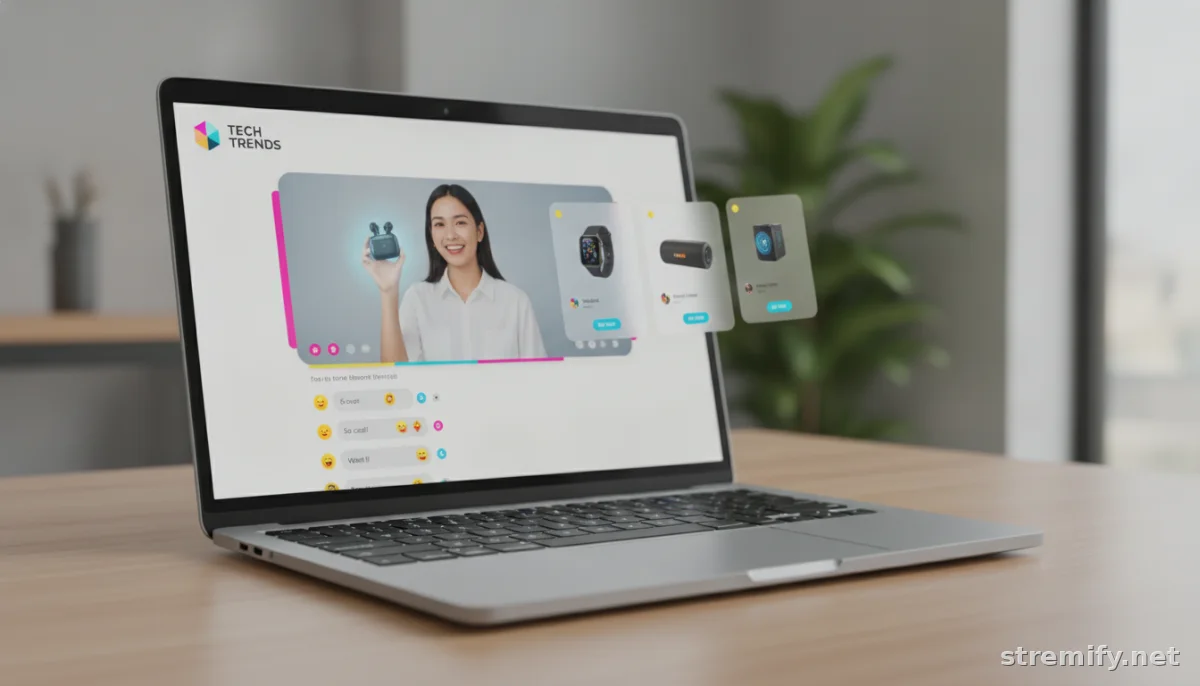
- Spotlight products with clickable cards or banners
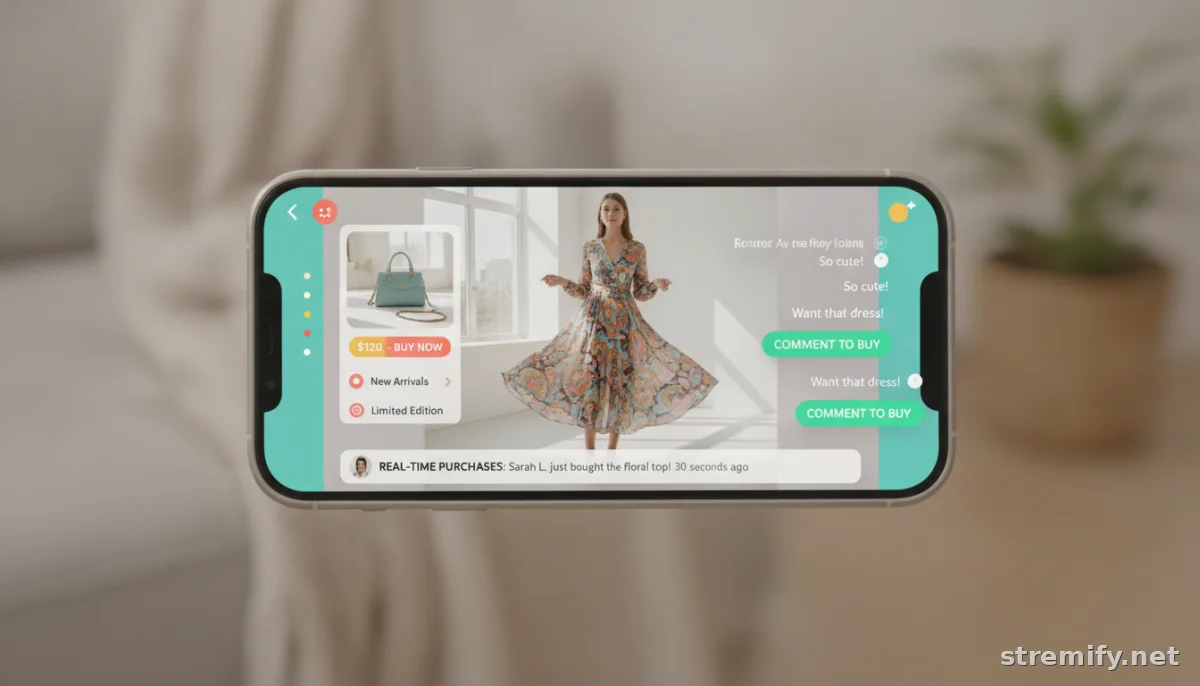
- Show real-time comments and purchases
- Use animated cues for flash sales or quizzes
- Make your brand instantly recognizable
- Never distract from the product or host
The best overlays blend design and function. A playful “comment to buy!” pop-up or a countdown timer for a limited offer can turn viewers into buyers, fast.
Creative Live Stream Overlay Ideas to Try
Tired of bland overlays? Try these proven ideas from high-converting live commerce shows in 2026:
1. Product Spotlight Frames
Add a bold, branded frame that wraps around featured items. Use a subtle animation or glow to draw attention when the host switches products.
2. On-Screen Product Cards
Display a shoppable product card (with image, price, and short description) on-screen as the host demos or unboxes. Make it interactive, if your platform allows, so viewers can click or tap to buy without leaving the stream.
3. Real-Time Social Proof
Showcase recent purchases as “X just bought this!” announcements. One well-timed notification can trigger waves of FOMO-driven sales.
4. Animated Countdown Timers
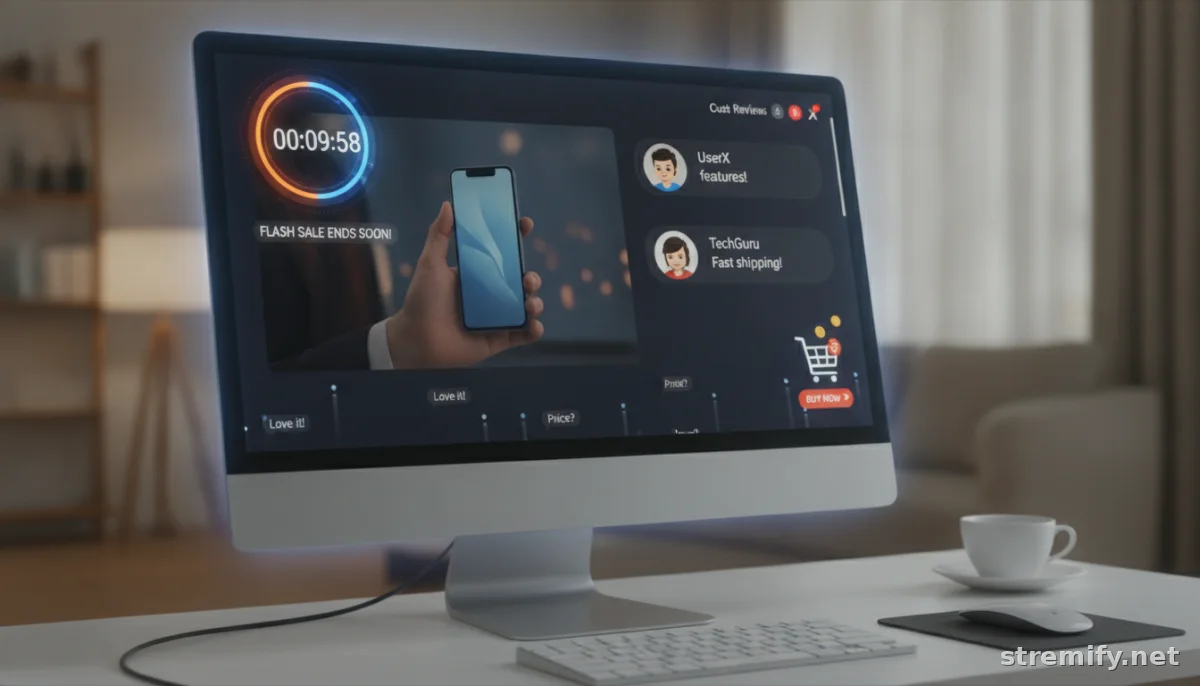
Nothing moves inventory like urgency. Use a sleek animated timer overlay for limited-time offers, live auctions, or flash deal drops.
5. Live Polls and Quizzes
Keep viewers active with quiz overlays or poll cards. For example: “Which color would you buy?” or “Guess the price to win!” Overlay the results in real time to drive chat engagement.
6. Comment-to-Buy Prompts
A floating banner, sticker, or pop-up showing “Type BUY + Product Name to order!” directly in the overlay. Keep the instructions clear, branded, and visible without covering key visuals.
7. Branded Lower Thirds
Frame your host or key moments with a consistent lower-third banner carrying your store’s logo, exclusive coupon codes, or helpful info for new viewers.
8. Featured Reviews or Ratings
Overlay short customer reviews or star ratings (with permission) as the host presents each item. These give social proof without cluttering the stream.
9. Dynamic Shopping Cart Tickers
Display a mini cart overlay showing items being added, especially useful for bundles or themed shopping events.
10. Seasonal or Event-Themed Visuals
Swap your overlays to match sales events (think Black Friday, Valentine’s Day, or a summer collection drop). Themed overlays grab attention and make streams feel fresh.
Top Tools for Creative Live Stream Overlays
Designing broadcast-quality overlays used to take hours in Photoshop. Now, there is a new batch of tools tailor-made for live commerce. Here is how top platforms compare in 2026:
| Platform | Overlay Features | Pricing Model | Best For |
|---|---|---|---|
| Stremify | Drag-and-drop overlay designer, product cards, live chat, interactive quizzes | Credit-based (pay-as-you-go) Starter: 50 credits/€15, Professional: 100/€27, Enterprise: 500/€120 |
Branded, interactive live shops for any store |
| StreamYard | Basic banners, branded overlays, screen share, comments | Subscription plans | Multi-platform streaming, simple branding |
| Bambuser | Interactive product overlays, instant checkout, chat | Custom/Enterprise pricing | Enterprise live shopping for big brands |
| CommentSold | Product pop-ups, on-screen comments, sales alerts | Subscription plans | Facebook/Instagram live shopping for boutiques |
If your goal is to run fully branded live shops with shoppable overlays and cross-channel streaming, Stremify stands out for its mix of drag-and-drop design, real-time quizzes, and flexible credit-based pricing.
Design Tips for Overlays That Convert
- Simplify: White space matters. Do not drown your stream in pop-ups or banners. Every overlay should have a clear job.
- Stay On-Brand: Use your logo, brand colors, and fonts. Consistency breeds trust and recognition.
- Optimize for Mobile: Over 60 percent of live commerce viewers shop from their phones. Test overlays on different screen sizes so nothing gets cut off.
- Readable = Buyable: Keep overlay text snappy. Use large, high-contrast type for CTAs and timers.
- Test Interactions: Run a private test stream to check overlays, quiz logic, and clickable areas before going live.
Overlay Inspiration: Real Examples from Live Shopping
Need a visual? Here is what high-performing sellers are doing right in 2026:
- Beauty brands use animated frames to spotlight lipsticks on TikTok, plus live polls to crowdsource next shades.
- Fashion retailers display scrollable product cards and a “Shop This Look” overlay on Instagram Live.
- Tech shops run flash deal timers with a “Claim Now” overlay banner, then show real-time purchases as they happen.
- Home decor sellers use before-and-after overlays to show product transformations, making each item’s impact clear in a single frame.
For more inspiration, check out live shops on TikTok, Instagram, Facebook Live, and Twitch. Each has its own overlay trends, but the best always serve the shopping experience first.
Takeaway: Treat Overlays As Your Live Shop Window
A memorable overlay turns a casual viewer into a buyer. Start with your brand’s colors, add a clean product card or quiz, and keep things easy to shop. Most of all, keep testing: small tweaks deliver big lifts in engagement and sales.
Ready to try creative overlays for your next live campaign? Try Stremify’s drag-and-drop overlay builder and see how interactive elements boost your results. Learn more.
Frequently asked questions
What are live stream overlays in ecommerce?
Live stream overlays in ecommerce are on-screen graphics and interactive elements that highlight products, display real-time chat or sales, and prompt viewers to take action such as buying or joining quizzes during a live selling show.
How do creative overlays improve live shopping sales?
Creative overlays improve live shopping sales by making products stand out, adding urgency with timers or FOMO pop-ups, and making it easier for viewers to engage directly with buy buttons, comment-to-buy instructions, or interactive quizzes.
What tools can I use to create ecommerce live stream overlays?
You can use platforms like Stremify, StreamYard, Bambuser, and CommentSold to design and deploy ecommerce live stream overlays. Some offer drag-and-drop overlay designers, interactive product cards, and branded banners for live selling.
Do I need design skills to use live stream overlay tools?
Most modern live shopping platforms let you build overlays with simple drag-and-drop editors, so you don't need advanced design skills. You can usually start with templates and tweak colors or branding to match your store.
Can overlays be used across multiple streaming platforms?
Yes, overlays can work across multiple platforms like TikTok, Instagram, Facebook Live, YouTube, or Twitch. Some tools let you multi-stream with overlays that appear consistently, so your branding and calls-to-action look the same everywhere.

