
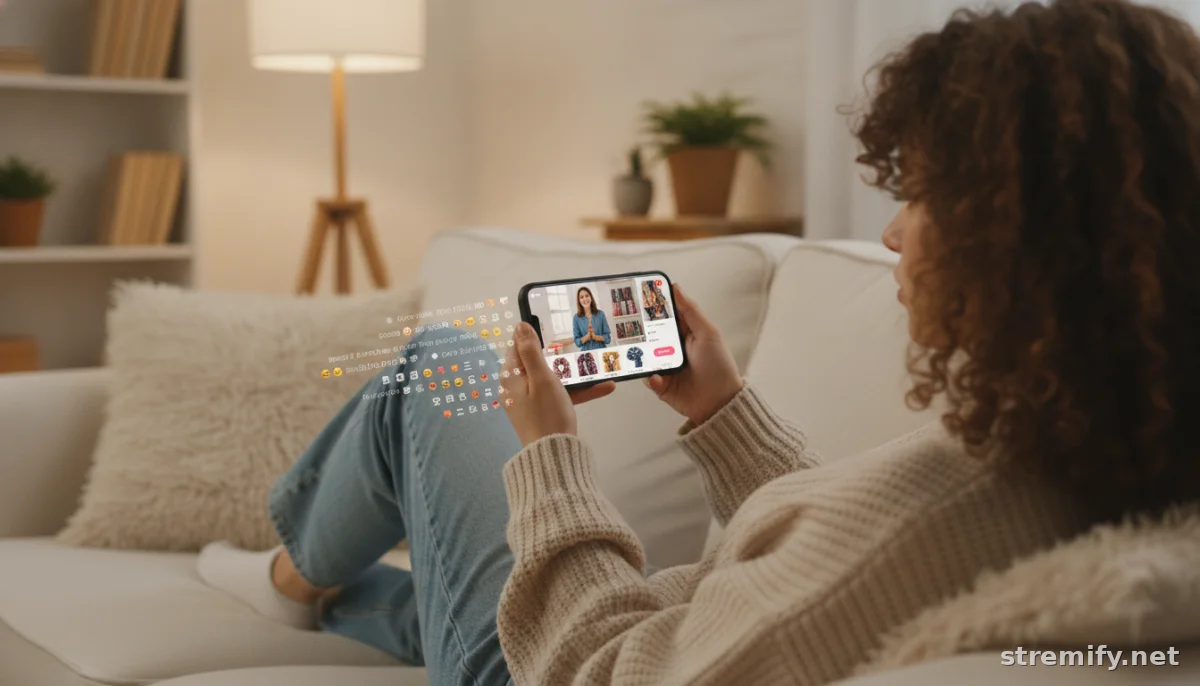
How to Sell on TikTok Live: The 2026 Guide for E-Commerce Pros
Ready to turn TikTok live streams into real revenue? Follow this practical guide to setting up, promoting, and selling successfully on TikTok live in 2026.
Still think TikTok is just for viral dances? Think again. Over a quarter of TikTok users have purchased something they first discovered on a TikTok live stream.1 Whether you're a brand or a solo seller, TikTok live is now one of the fastest ways to turn viewers into buyers.
Getting Set Up: What You Need to Go Live on TikTok
Before you can sell on TikTok live, you’ll need to meet a few requirements:
- A TikTok account with at least 1,000 followers.
- Age 18 or older (verified in your account settings).
- The latest version of the TikTok app on your device.
- Access to TikTok Shop or live shopping integrations (this may vary by country).
If you’re missing any of these, focus on building your following and engaging your audience first. Once you’re eligible, the live button will appear when you hit the “+” on TikTok.
How to Sell on TikTok Live: Step-by-Step
- Tap the “+” and choose “LIVE”.
- Set a catchy title. Make it specific. “LIVE: Try-On Haul + Exclusive Deals” beats “Come chat!” every time.
- Add interactive features. Stickers, Q&A, polls, and shoppable product links ramp up engagement.
- Connect your product feed. If you use TikTok Shop, link your products directly. If you use an e-commerce platform, tools like Stremify let you import feeds from Shopify, WooCommerce, or even custom stores.
- Hit “Go Live”. Show your products, answer questions in real time, and demo what makes them special.
- Use comment-to-buy or shopping cart features. Platforms like Stremify let viewers purchase by commenting or tapping product cards, no awkward DM negotiations.
Best Practices: Turning Viewers Into Buyers
Nail Your Pacing
Start strong. The first 10 seconds decide if people stay. Welcome viewers, introduce your offer, and tease what’s coming up.
Show, Don’t Just Tell
Demo products live. Try them on, unbox, or show real use. Authenticity beats polish, shoppers want to see things as they actually are.
Keep It Interactive
Respond to questions by name. Run live polls or quizzes (for example, "Guess the next product for a prize!"). Use features that let people participate, not just watch passively.
Create Urgency
Offer time-limited deals or “live only” bundles. Use a countdown timer to spark FOMO.
Essential Tools for Selling on TikTok Live
You can go live natively in the app, but for serious selling, most merchants use a live shopping platform to streamline sales, manage inventory, and add features TikTok alone can’t touch. Here’s a quick comparison of three popular tools for TikTok live selling:
| Platform | Works with TikTok Live? | Product Feed Import | Pricing |
|---|---|---|---|
| Stremify | Yes | Any store (Shopify, WooCommerce, custom) | Credit-based (pay-as-you-go) |
| CommentSold | Yes | Shopify, direct uploads | Monthly subscription |
| Bambuser | Yes | Shopify, WooCommerce | Monthly subscription |
Stremify stands out for flexible credit-based pricing and the ability to import products from any store, no monthly fees locking you in. It also streams simultaneously to TikTok, Instagram, YouTube, Facebook, and Twitch, so you reach more buyers at once.
Promoting Your TikTok Live Stream
- Schedule your live in TikTok’s events calendar, so followers get notified.
- Tease your live in Stories, on Facebook, Instagram, or even via email.
- Pin a post on your TikTok profile with details about the live stream and what viewers can win or buy.
- Collaborate with creators to reach new audiences. Co-hosting lives doubles your exposure.
TikTok Live Selling Tips That Actually Work
- Go live at peak times. Early evenings are usually best, but check your analytics for when your followers are most active.
- Use storytelling. Don’t just pitch, share how your product solves a problem or makes life better.
- Stack offers. Layer limited-time discounts, free shipping, or gifts with purchase to push viewers over the edge.
- Follow up. DM buyers to thank them, answer post-sale questions, and turn them into repeat customers.
Common Pitfalls to Avoid
- Iffy streaming quality. A spotty connection kills sales. Test your Wi-Fi, and if possible, use a dedicated device for live selling.
- Ignoring comments. Missing questions or requests loses trust. Have someone on hand to help moderate if you get busy.
- Forgetting about fulfillment. Can you pack and ship promptly once those orders roll in? A live that goes viral is only good if you can deliver.
Takeaway: Start Small, Sell Smart
Don’t wait for perfection, just start. Selling on TikTok live can feel intimidating, but every stream teaches you something. Use the right tools, keep it real, and focus on engaging your viewers. If you want to push your TikTok sales further, platforms like Stremify make it easier to manage product feeds, stream everywhere, and convert viewers into buyers, without monthly risk. Give it a try and see how much you can sell live.
Frequently asked questions
Do I need a TikTok Shop to sell on TikTok live?
You can sell directly if you have access to TikTok Shop, but some sellers use third-party platforms like Stremify to link product feeds from other e-commerce stores. TikTok Shop isn’t available in every country, so check your region’s eligibility first.
How many followers do I need to go live and sell on TikTok?
You need at least 1,000 followers to unlock TikTok’s live feature. Some regions or accounts may have additional requirements, so always check TikTok's latest policies before planning your first live sale.
Can I sell on TikTok live without showing my face?
Yes, you can go live and sell products without appearing on camera. Many sellers focus the stream on unboxing, product demos, or using hands-only presentations. Authentic interaction is key, not just being on screen yourself.
What happens after a customer buys during my TikTok live stream?
If you use TikTok Shop, orders are processed through the platform. For third-party tools like Stremify, you’ll receive order details to fulfill using your own store’s system. Quick follow-up and fast shipping help boost customer satisfaction and reviews.
What time is best to go live on TikTok for sales?
Peak times vary, but early evenings typically get the most viewers. Check your TikTok analytics to see when your followers are most active, and experiment with timing to find the window that works best for your audience.

