
How to Use Interactive Overlays for Facebook Live: Step-by-Step for Sales and Engagement
Master interactive overlays for Facebook Live with this practical tutorial. Increase engagement, sales, and viewer retention using overlays, polls, and shoppable features.
Viewers are not passive. In 2026, shoppers expect to tap, vote, and buy while they watch. Interactive overlays for Facebook Live are how you turn scrolling thumbs into customers, not just spectators.
If you want your streams to drive real sales and engagement, you need more than a basic livestream. You need overlays: clickable product cards, pop-up polls, real-time stats, and on-screen actions that keep viewers glued to the screen and ready to act.
What Are Interactive Overlays for Facebook Live?
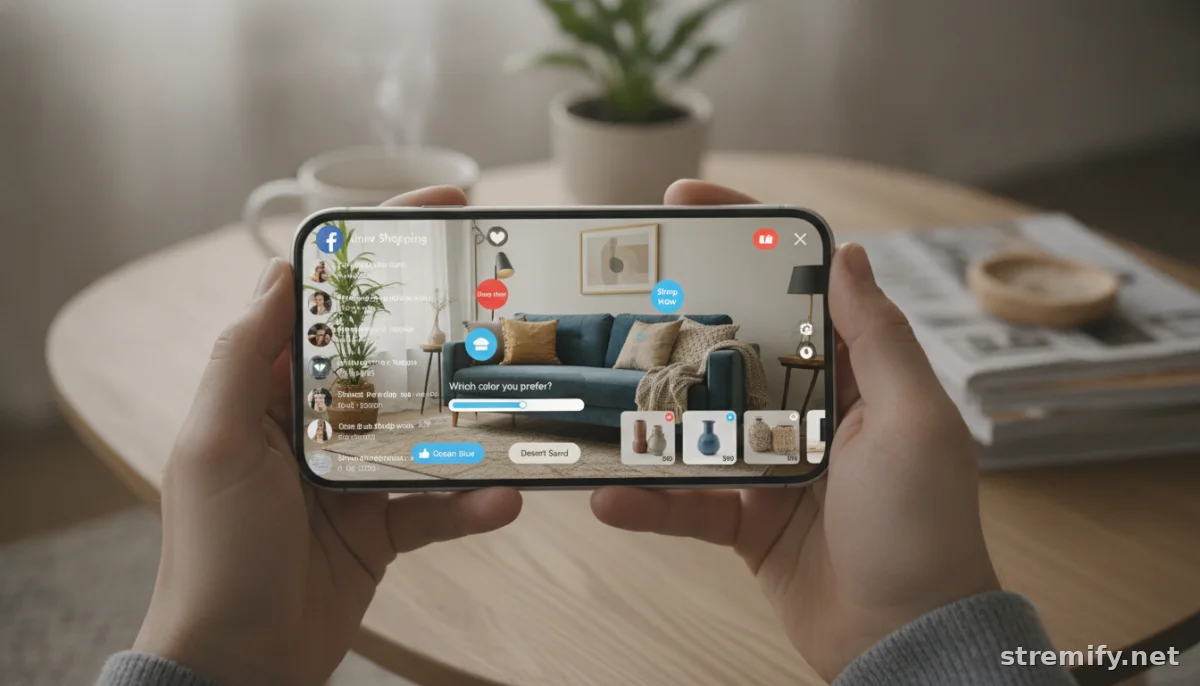
Interactive overlays are graphic or clickable elements layered on top of your Facebook Live stream. Think product highlights that viewers can tap for details, live polls, shoppable links, comment-to-buy popups, or live leaderboards during a flash sale. These overlays transform a one-way broadcast into an interactive, shoppable event, letting viewers participate and buy without leaving the video.
The overlays "sit over" your stream, so your video never gets covered up or interrupted. Modern overlays work seamlessly on mobile, desktop, and even smart TVs. Major events and broadcasters saw engagement rates surge with overlays, live polls alone can get over 60% response rates, and streams with overlays consistently see viewers stay longer[1].1
Why Use Overlays? Stats That Matter
- Engagement up, drop-off down: Viewers are far more likely to interact when overlays are present. In recent sports streams, overlays with polls and stats drove viewing duration up by over 50%[2].
- Direct sales during live: Shoppable overlays mean viewers can tap and buy, right on the screen.
- Immediate feedback: Live quizzes and polls let you see what your viewers want, and tweak your pitch in real time.
Designing Effective Interactive Overlays
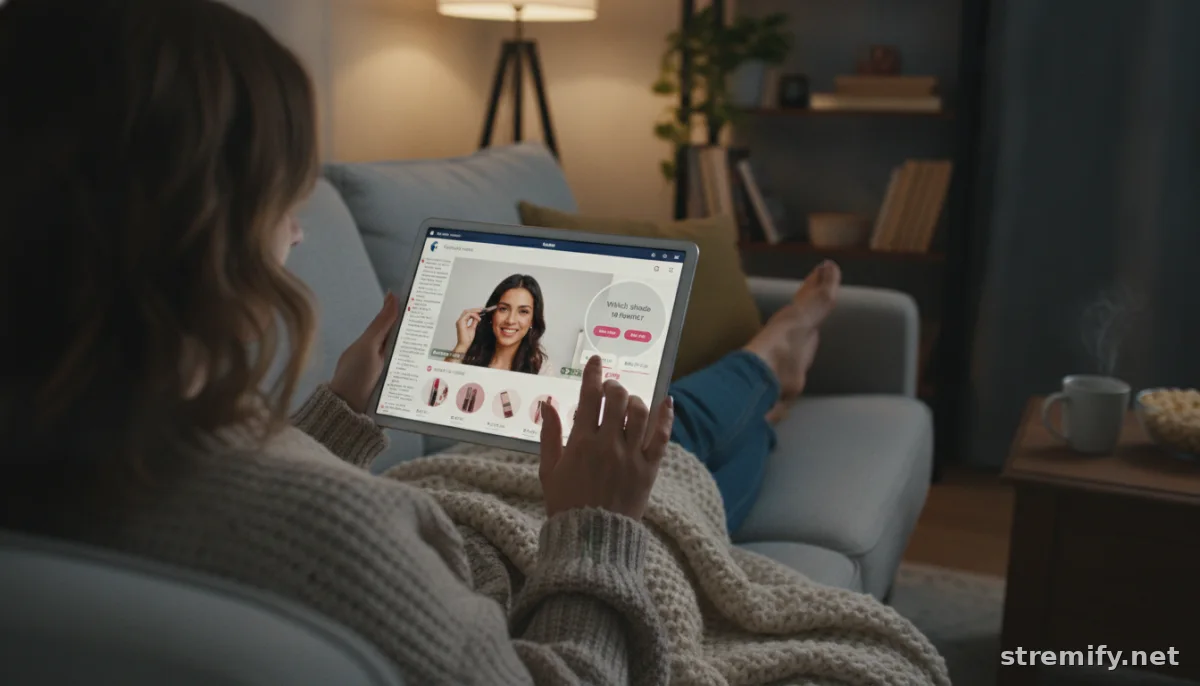
Good overlays blend with your brand. Bad overlays distract or frustrate. Here’s what works:
- Keep overlays readable and mobile-friendly. Make sure text and buttons are tap-ready, not cramped or hidden behind chat bubbles.
- Stick to 2-3 colors, ideally your brand palette. This keeps the stream looking professional, not chaotic.
- Show one clear action at a time. Don’t overwhelm viewers with too many popups or choices in one moment. For example, use a single "Buy Now" card, then swap to a poll after.
- Use real product visuals. Don’t settle for generic icons, show the product, not a placeholder.
In our experience running live shopping campaigns on Stremify, the best-performing overlays use a clear, branded product photo and a bold price or discount, plus a single call-to-action (like "Buy with comment" or "Vote"), not a menu of options.
Overlay Feature Comparison Table
| Overlay Type | Engagement Use | Best For | Sample Action |
|---|---|---|---|
| Shoppable Product Card | Direct purchases | Flash sales, launches | Tap to buy, comment-to-buy |
| Live Poll | Viewer insights | Product picks, trivia | Tap to vote |
| Quiz/Leaderboard | Retention, fun | Giveaways, competitions | Score updates, win prizes |
| Countdown Timer | Urgency, FOMO | Limited offers, auctions | Real-time ticking |
How to Add Interactive Overlays to Facebook Live
You have three main options. Here’s what works for sellers and marketers in 2026:
1. Live Shopping Platforms with Built-In Overlays
Platforms like Stremify let you design, launch, and manage interactive overlays from your browser. You import your product feed from Shopify, WooCommerce, or Magento, set your stream design, and add overlays (product cards, live polls, quizzes) right inside the dashboard, no coding or extra software needed. The overlays sync across Facebook, YouTube, TikTok, Twitch, and Instagram in one go. Shoppers can buy just by commenting, so they never need to leave the stream.
2. Third-Party Overlay Generators
Some tools let you design graphics or widgets (like polls or timers) and layer them onto your video feed using streaming software. OBS Studio, for example, lets you add browser-based overlays on desktop before broadcasting to Facebook Live. But be warned: this approach takes more setup, and isn’t mobile-first.
3. Facebook’s Native Features
Facebook itself supports basic polls and Q&A stickers during Live. While these are easy, they’re not shoppable, and you don’t get the advanced features of purpose-built platforms. Use native features as a starting point, but upgrade to unlock real engagement and sales potential.
Implementation: Step-by-Step Guide
- Plan the experience. Before you go live, decide which overlays to use, when they’ll appear, and what action you want viewers to take (buy, vote, comment, share).
- Design your overlays. Using your chosen tool or platform, create overlays that match your brand. Include product images, clear CTAs, and keep mobile users in mind.
- Test your stream. Run a private or unlisted test stream. Double-check that overlays display correctly on phones and desktops, and that buttons or interactions work as expected.
- Go live and engage. During your stream, deploy overlays at planned moments, don’t drop them all at once. Shout out viewers by name, prompt them to interact, and respond to poll or quiz results live on air.
- Analyze and tweak. After the stream, review engagement rates and sales. Which overlays drove action? Adjust for next time and keep experimenting.
Best Practices to Maximize Results
- Keep overlays simple and actionable. One clear goal per overlay.
- Introduce overlays live. Tell viewers what’s happening. For example: “Vote in the poll now!”
- Pair overlays with voice or text cues. Guide viewers to act.
- Monitor comments and reactions live. Respond by mentioning viewers and thanking them for interacting.
- Alternate overlays and open screen time. Don’t cover the video constantly, let the content shine between moments of interaction.
We’ve seen that campaigns with interactive quiz overlays on Stremify keep audiences engaged longer, especially when there’s a prize or instant reward for participation. Quizzes aren’t just fun, they give you a way to highlight features or reinforce key messages while making viewers feel part of the show.
How to Choose the Right Overlay Platform
Pick a tool that:
- Lets you create overlays without coding (drag-and-drop preferred)
- Supports Facebook Live and other platforms in one campaign
- Allows real-time editing even during a broadcast
- Tracks clicks, votes, and sales for every overlay
- Works on mobile and desktop for sellers and viewers
| Platform | Overlay Features | Supported Channels | Pricing Model |
|---|---|---|---|
| Stremify | Shoppable cards, polls, quizzes, comment-to-buy | Facebook, TikTok, YouTube, Twitch, Instagram | Credit-based (pay-as-you-go) |
| OBS Studio | Custom graphics, static text, simple widgets | Facebook, YouTube, Twitch | Free |
| Facebook Native | Basic polls, Q&A | Facebook Live | Free |
Conclusion: From Passive to Profitable
Facebook Live isn’t just video. It’s your digital shopfront, and interactive overlays are the new display window. With the right overlays, you turn casual viewers into active customers, driving more clicks, longer watch times, and higher sales.
If you’re ready to run your next Facebook Live like a pro, try building your overlays with Stremify. It’s browser-based, works with your existing e-commerce store, and gives you all the tools to design, launch, and track shoppable, interactive overlays, without coding or extra equipment. Bring your products to life and make every stream count.
Frequently asked questions
What are interactive overlays for Facebook Live?
Interactive overlays for Facebook Live are graphics or clickable elements, like product cards, polls, or quizzes, layered on top of a live stream. They let viewers interact, shop, or vote without leaving the video. This transforms passive watching into an interactive shopping or engagement experience.
How do I add interactive overlays to my Facebook Live stream?
You can use live shopping platforms like Stremify, browser-based streaming tools, or Facebook’s built-in features. Platforms like Stremify let you design and manage overlays for products, quizzes, and polls without coding. OBS Studio offers custom overlays for advanced users, while Facebook provides basic poll and Q&A options.
Do interactive overlays increase sales during Facebook Live streams?
Yes, interactive overlays help boost conversions by letting viewers buy products, participate in polls, and respond to CTAs directly during the stream. Streams with overlays often see higher engagement and increased sales compared to basic, non-interactive broadcasts.
Are interactive overlays available on mobile and desktop for Facebook Live?
Most modern overlay platforms are designed to work seamlessly across both mobile devices and desktops. Always test your overlays before going live to ensure they appear correctly and are fully functional on all devices your audience uses.
Can viewers buy products directly through Facebook Live overlays?
If you use a live shopping platform that supports shoppable overlays, viewers can buy products by tapping an on-screen button or even commenting. This feature streamlines the purchase process and reduces the friction of leaving the video to complete a sale.

