
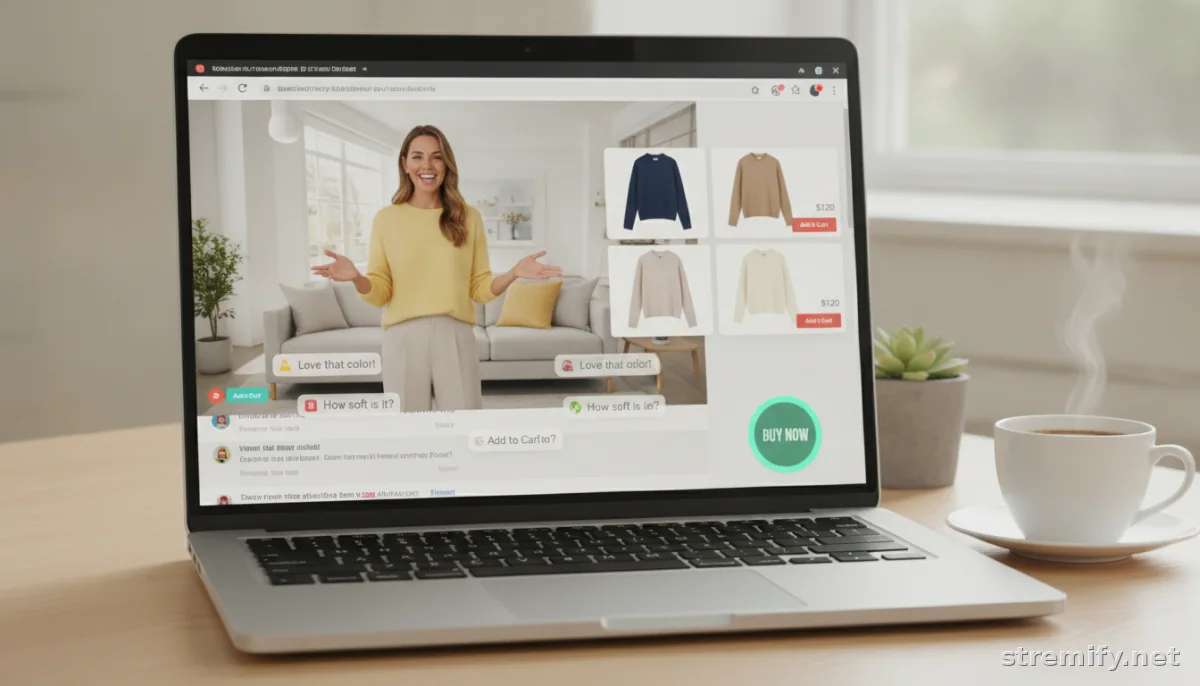
15 Live Selling Tips That Actually Work: Boost Your Sales With Every Stream
Drive more conversions with 15 actionable live selling tips, covering stream setup, audience engagement, shoppable features, and post-stream tactics.
Struggling to turn viewers into buyers on your live streams? You’re not alone. Even top brands with big followings have sat through streams with more tumbleweeds than orders. There’s a method to live selling that boosts both engagement and sales. Here are 15 live selling tips you can actually use, not just theory.
1. Nail Your First 30 Seconds
Attention spans last seconds, not minutes. Hook viewers immediately with a clear offer, your value prop, or a quick demo, right in the first half-minute. Start with an energetic greeting and drop a reason to stay (like "exclusive deals" or a limited-time giveaway).
If you start with a rambling intro or tech issues, you’ll lose half your live audience before you even show your first product.
2. Build Hype Before You Go Live
Promote your stream on platforms like Instagram Stories, Facebook groups, and via email or SMS. Tease the products, hint at surprises, and set a reminder for followers.
Use countdowns or polls to drive interest. Shopify’s built-in email tools or comments in your online store work well for collecting sign-ups ahead of time.
3. Optimize Your Lighting and Background
Your stream doesn’t need to look like a Hollywood studio, but it does need to look intentional. A tidy, well-lit space builds trust, bonus points if you use your branded backdrop or signage.
Stick to neutral, non-distracting backgrounds. Clutter or a messy setting kills credibility fast.
4. Feature Your Bestsellers First
Lead with proven winners. Your bestselling items do the heavy lifting, they’re more likely to convert viewers into buyers right away.
Don't bury popular products late in the stream hoping to build suspense. You want new arrivals to see what’s hot and jump into chat.
5. Pin Shoppable Links and Buy Buttons
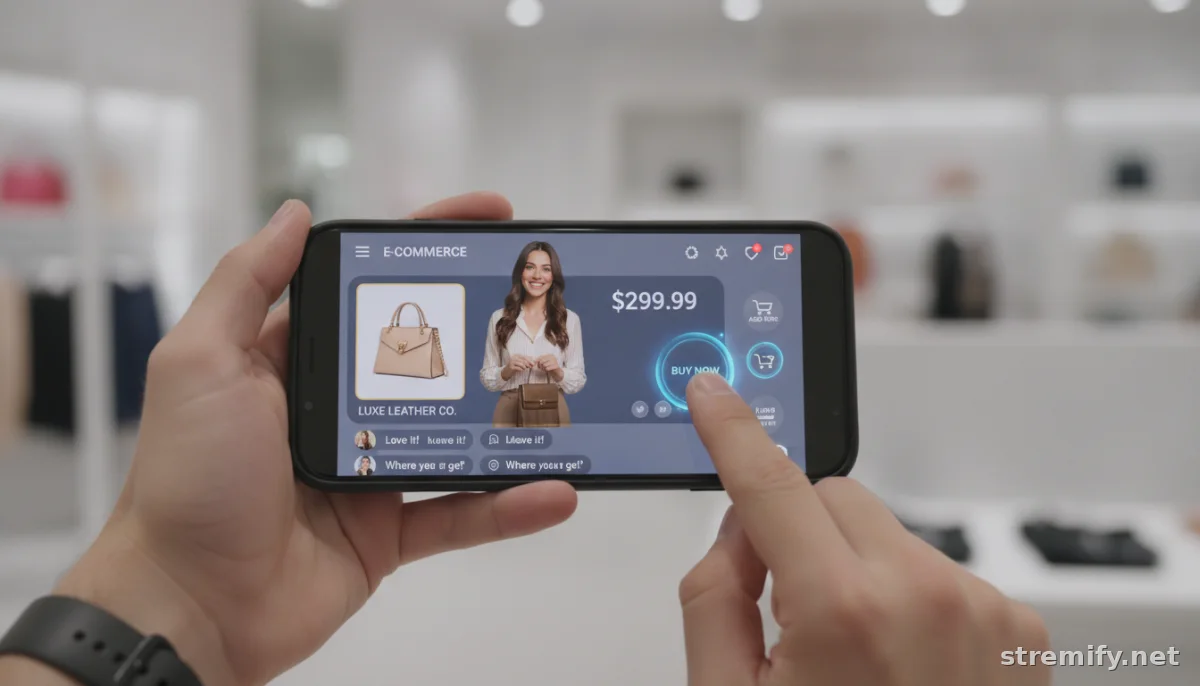
Make it ridiculously easy to buy. Platforms like Stremify let you pin products, display floating buy buttons, or respond to “comment-to-buy” triggers in real time.
If viewers have to hunt down links, they’ll bail before checking out. Keep the shoppable experience front and center.
6. Use Short, Punchy Product Demos
Think quick sizzle, not feature documentary. Show the product in action, highlight a key benefit, then move on. Each demo should last 1 to 3 minutes, enough to inform, not enough to bore.
Switch up who’s demoing (host, guest, customer call-in) to keep energy up.
7. Engage Viewers With Live Polls and Quizzes
Ask questions, run a poll, or offer quick-fire quizzes about your products. Some live selling platforms (including Stremify) support these features natively.
Reward participation with small discounts or freebies. Interactive moments are a great way to break the passive "TV mode" and turn viewers into chatty buyers.
8. Answer Questions in Real Time
Don’t let questions linger. Assign a moderator if you can’t keep up, but make sure no query goes unanswered. Top streams feature live Q&A throughout, a buyer who gets an immediate answer is more likely to purchase.
If the chat’s buzzing and you lose track, set aside small blocks (every 10 minutes) for rapid-fire Q&A.
9. Add Scarcity and Deadlines
Impulse drives live sales, but only if there’s urgency. Use real stock counts ("Only 6 left!"), countdown timers, or limited-time discounts while you’re on air.
Be clear and honest. False scarcity damages trust and gets flagged quickly by savvy shoppers.
10. Cross-Stream to Multiple Platforms
Don’t put all your eggs in one basket. Stream simultaneously to TikTok, Facebook, YouTube, and more using services like Restream or Stremify’s built-in integrations.
Different audiences hang out on different platforms. A TikTok viewer won’t always jump to your Instagram. Cross-streaming maximizes reach, especially during seasonal pushes or influencer collaborations.
11. Highlight Social Proof Live
Show real customer reviews, unboxings, or UGC clips during your stream. Read out recent buyer comments, or invite a loyal customer to drop in and share their experience on air.
Seeing peers buy increases trust and FOMO far more than any sales script.
12. Display Clear Product Info and Pricing
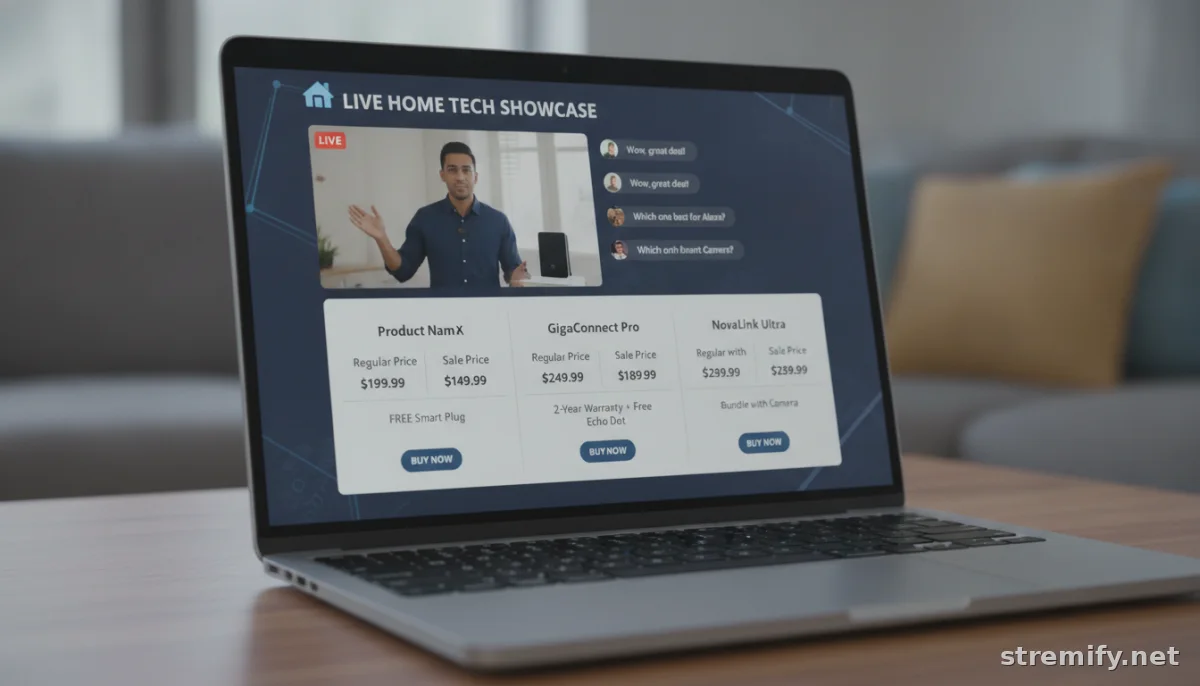
Confusion kills conversion. Keep pricing visible on screen, highlight key specs, and disclose any shipping fees early. If your platform supports product cards (like Stremify), show them off with crisp images and bullet-point details.
For higher-ticket items, compare features and pricing in a simple table so buyers can decide quickly:
| Product | Key Feature | Price | In-Stream Offer |
|---|---|---|---|
| Classic Hoodie | Organic cotton, 6 colors | $49 | 15% off |
| Tech Running Shoes | Waterproof, lightweight | $89 | Free shipping |
| Luxury Scented Candle | 60-hour burn, soy wax | $29 | Buy 1 Get 1 50% off |
13. Remind Viewers to Share and Tag Friends
Word of mouth still works on live video. Call out viewers who tag friends or share the stream. Consider a giveaway for shares, "Tag a friend, and you both win if picked!", to get more eyes on your event in real time.
Engagement snowballs quickly when audiences feel involved.
14. Follow Up With Post-Stream Offers
Not everyone buys live. Email or DM viewers a recap, exclusive replay deal, or reminder to check out. Platforms like Shopify or Stremify let you capture emails during streams to make this almost automatic.
Even one well-timed nudge can add 10 to 20 percent more conversions after the camera’s off.
15. Track Performance and Tweak Fast
Review your sales dashboard after every live. Check which products, hosts, or segments actually drove conversions. Stremify’s analytics break down watch time, interaction rates, and sales per product, so you can double down on what works next time.
Use this data to experiment: change up your script, swap product order, or test new interactive features.
Live selling has become a major revenue channel in 2026, with sellers who go live several times per week seeing strong sales growth. The global live commerce market has reached hundreds of billions in value, and sellers who adapt quickly are building lasting businesses.12 Try these tips on your next stream, keep what works, and don’t be afraid to tweak on the fly.
If you want an all-in-one tool with shoppable streams, real-time analytics, and cross-platform support, check out Stremify. It’s credit-based and scales with you.
Frequently asked questions
What is live selling and how does it work?
Live selling is when you showcase and sell products during a live video stream, allowing viewers to interact and buy instantly through chat, pinned links, or integrated buy buttons.
Which platforms are best for live selling?
Great options include TikTok, Instagram Live, Facebook Live, YouTube, and multi-stream platforms like Stremify that let you broadcast to several channels at once with shoppable features.
How do I get more viewers for my live selling stream?
Promote your streams in advance using social media, email, and SMS. Offer exclusive deals, use countdowns, and encourage viewers to tag friends or share the live event for broader reach.
Which tools make live selling easier?
Look for tools like Stremify for cross-platform streaming, Shopify for built-in product management, and Restream for multi-channel broadcasting. These streamline sales, engagement, and analytics.
What's the best way to boost conversions during live selling?
Make buying easy with pinned links or comment-to-buy, use clear calls to action, add urgency with limited-time offers, and answer viewer questions quickly to build trust and encourage purchases.

