
7 Steps to Setup Conversion Tracking for Live Sales (and Actually Trust the ROI)
Set up conversion tracking for live sales with this guide: pick the right tools, link offline and online purchases, and get real ROI clarity from every campaign.
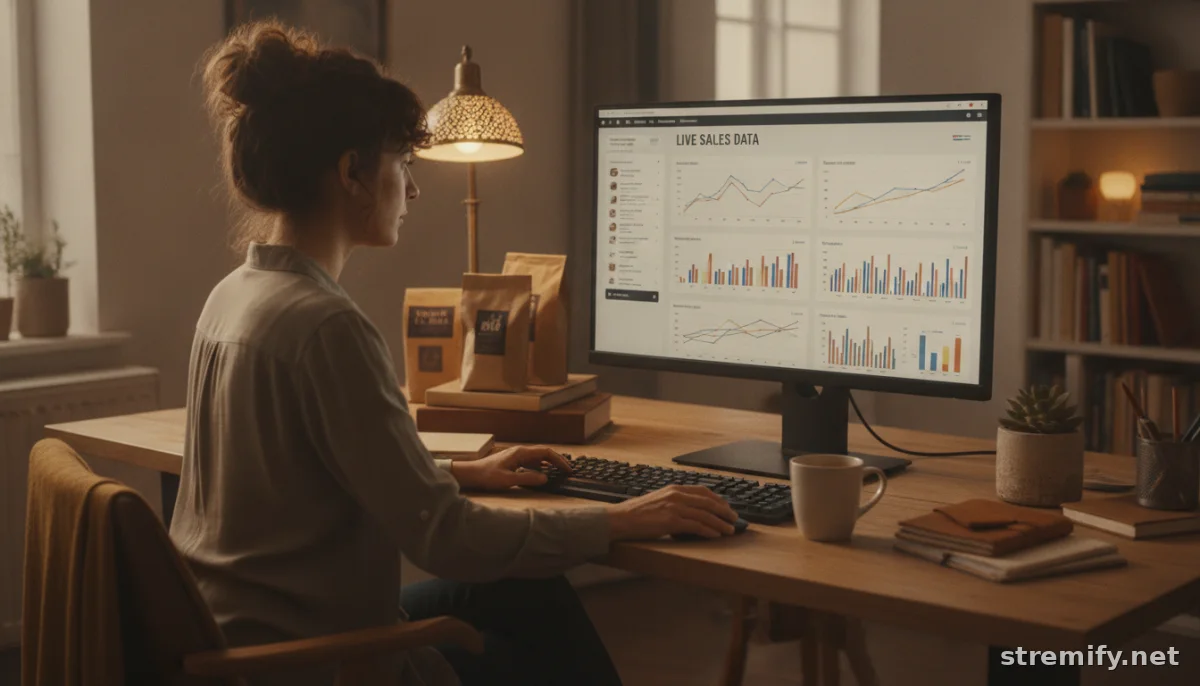
If you can’t connect live sales streams to real purchase data, you’re flying blind. Properly setup conversion tracking for live sales, and you’ll finally see which products, hosts, and campaigns move the needle, not just rack up likes. Here’s how to do it right, avoid the most common mess-ups, and actually trust your ROI numbers.
1. Define What Counts as a Conversion in Live Sales
Start by deciding exactly what you want to track. Is it a completed checkout during the stream, a shopper clicking 'Buy Now,' a quiz entry, or all of the above? Map these actions to your sales funnel. For most live shopping, a conversion means a purchase triggered by a live session, but you might also want to track add-to-carts, opt-ins, or questions asked in chat.
Be specific. If you’re on a platform like Stremify, you can set conversions to fire from comment-to-buy orders, quiz completions, or even when viewers follow your shop during a stream.
2. Pick the Right Tracking Tools and Integrations
This is where most live sellers get derailed. Generic analytics (like basic Google Analytics) don’t catch conversions that start and finish in a live video or a social stream. You need a platform that supports event-level tracking, ideally, one that connects to your e-commerce backend (Shopify, WooCommerce, Magento, or your product feed) and your ad platforms.
For example: Stremify lets merchants import their product feeds from any major ecommerce platform, then tracks every comment-to-buy or direct order as a conversion. For broader attribution, connect Google Analytics, Facebook Pixel, or TikTok Pixel to your live platform or landing pages, and use platform-specific integrations where available.
3. Set Up Conversion Events for Each Live Sales Action
Now configure your platforms. Create distinct conversion events for each live touchpoint you want to measure. For a purchase, tag the order confirmation page, or the comment-buy confirmation, if buyers never leave the stream. For a lead, set up an event on form submission or quiz completion. Make sure each conversion action is labeled clearly in your analytics dashboards (“Live Sale Purchase,” “Stream Quiz Entry,” etc.), not lumped in with your usual ecommerce events.
If you’re running multi-channel campaigns, ensure every platform is tracking the same event, not just a generic "purchase." This will save your sanity when you start comparing results.
4. Connect Offline and Online Conversions for a Full ROI Picture
Many live sales spark purchases that happen later, maybe by phone, in-store, or through a follow-up chat. Don’t lose that attribution. Collect minimal first-party info (like phone or email) during the stream, then use CRM/event tracking tools to upload these offline conversions back into your ad platforms and analytics.1 Tools like Facebook’s Offline Conversions and Google’s offline imports let you tie those purchases back to the original live engagement, so no sale slips through the cracks.
5. Test Your Tracking: Don’t Ship Broken Data
Set up your live campaign in preview or test mode before going public. Use browser tools (like Google Tag Assistant or GTM’s Preview) to make sure conversion events fire correctly.2 Perform test purchases, quiz entries, or comment-to-buy actions and confirm every step is tracked in analytics and ad platforms. Skipping this step means hours of cleanup and misleading ROI reports down the line.
6. Choose the Right Attribution Model
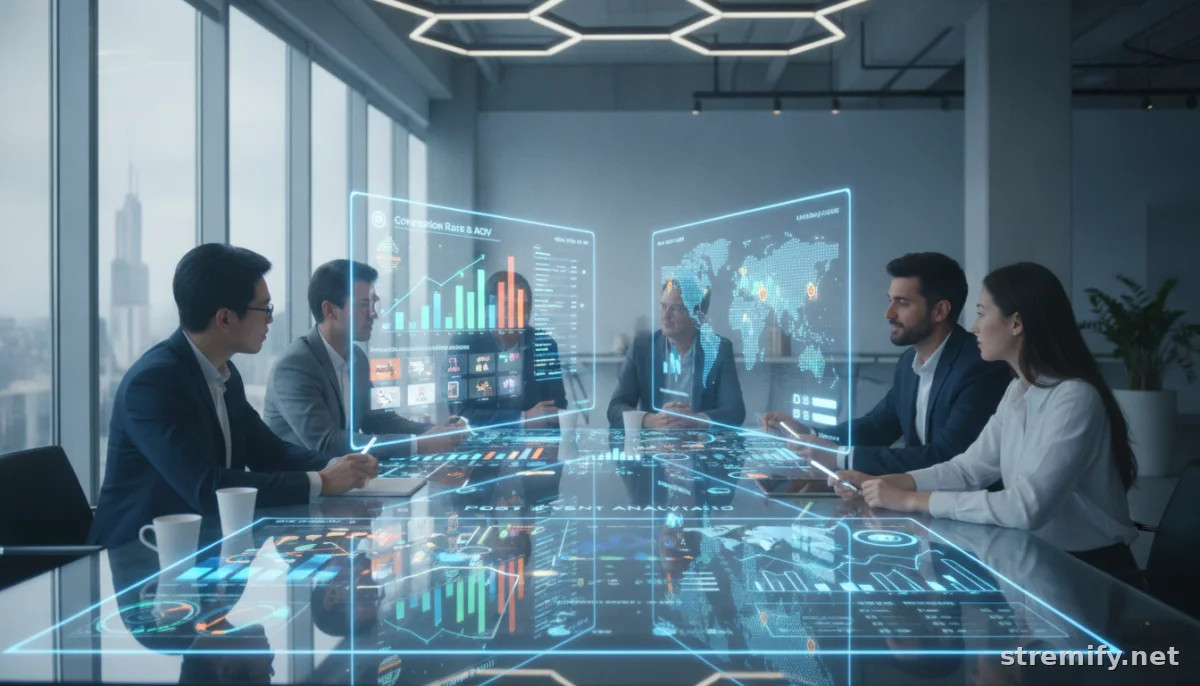
Don’t let last-click steal all the credit. Data-driven attribution is now standard among ad platforms, since it gives a more realistic view of the customer journey. If your live sale gets viewers interested, but they buy from a retargeting ad three days later, you want both touchpoints credited. Set up your ad accounts and analytics to use multi-touch or data-driven attribution where possible.3
7. Review, Optimize, and Act on the Data in Real Time
Live conversion tracking should do more than fill a spreadsheet. Check in during the stream to see which products, segments, or hosts are performing, and shift focus on the fly. After your campaign, drill down on which channels, times, and formats drove the highest conversion rate. Double down on what works; cut what doesn’t. Platforms like Cometly and attribution engines built into live sales platforms can help you reallocate ad budget mid-campaign, not just after the fact.
In our own experience running live shopping on Stremify, we’ve seen that sellers who monitor conversion events live (not just after the stream) can boost their campaign ROI by adapting their pitch or product emphasis in the moment. That’s data in action, not just hindsight.
Getting your conversion tracking right means you’re finally measuring what matters, not just what’s easy. Want a live sales platform where setup is painless and attribution is built in? Try Stremify, pay-as-you-go, streaming live on every major social platform.
Frequently asked questions
Why is conversion tracking important for live sales?
Conversion tracking for live sales shows you which products, hosts, and campaigns actually drive purchases. It helps allocate your marketing spend and lets you measure ROI with much more confidence.
How do you set up conversion tracking for a multi-channel live stream?
Use a live sales platform that supports unified tracking and integrates with your ecommerce backend. Set up consistent events and connect analytics or pixels for each channel, like Facebook, TikTok, and YouTube.
What are offline conversions in live selling, and how do you track them?
An offline conversion happens when a sale is triggered by a live stream but completed outside the stream, such as in-store or over the phone. Track these by capturing buyer details during the stream, then upload them into your analytics or ad platforms.
Which attribution model should I use for live sales conversion tracking?
Data-driven or multi-touch attribution models are best for live sales. They credit all key touchpoints, not just the final click, so you get a more accurate view of what’s working.
What should I test before going live with conversion tracking?
Always test your conversion events in preview mode or with browser extensions before launching a campaign. This helps catch any setup errors and ensures your ROI data will be accurate.

