
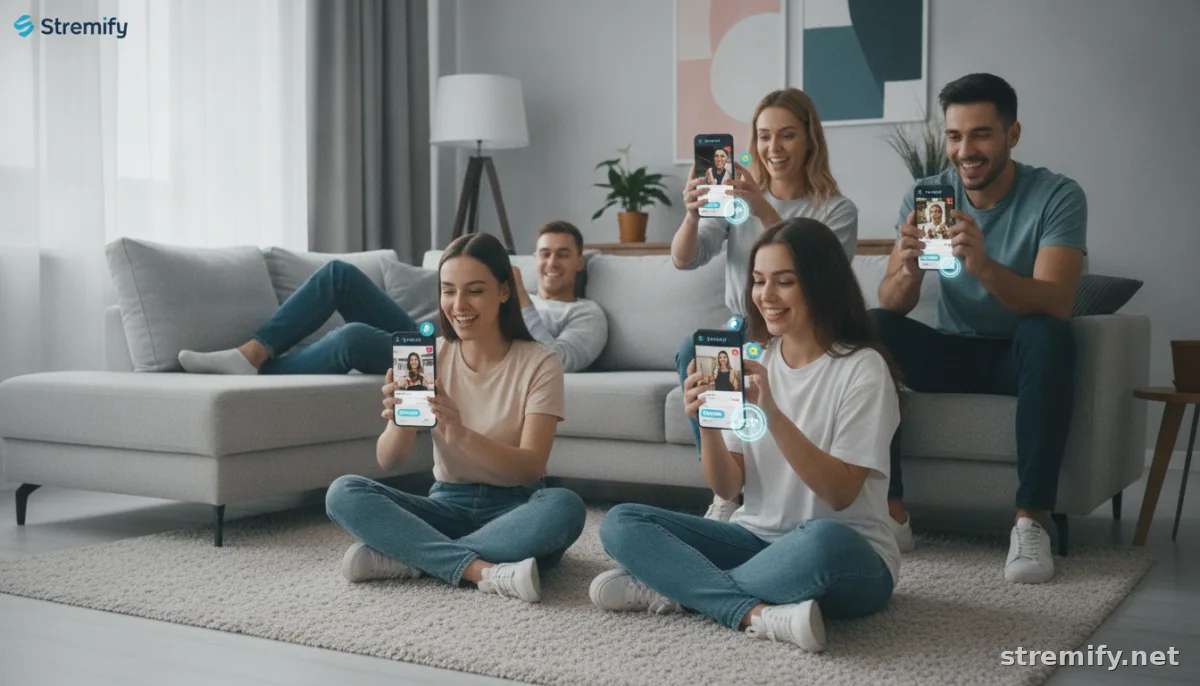
The Top Live Streaming Tools for Creators: 2026 Edition
See the best live streaming tools for creators in 2026. Compare e-commerce essentials, production tech, and discover the top choice for selling live.
You can fire up a live stream to hundreds or reach millions on TikTok, Twitch, or YouTube today. But creators know it takes more than a phone and charisma to turn viewers into fans, or customers. Live commerce alone is now pulling in tens of billions of viewing hours every year, making your tech stack matter more than ever.1 Here are the top live streaming tools for creators in 2026, geared for pro-level engagement, monetization, and sales.
1. Stremify: All-in-One Live Shopping Platform
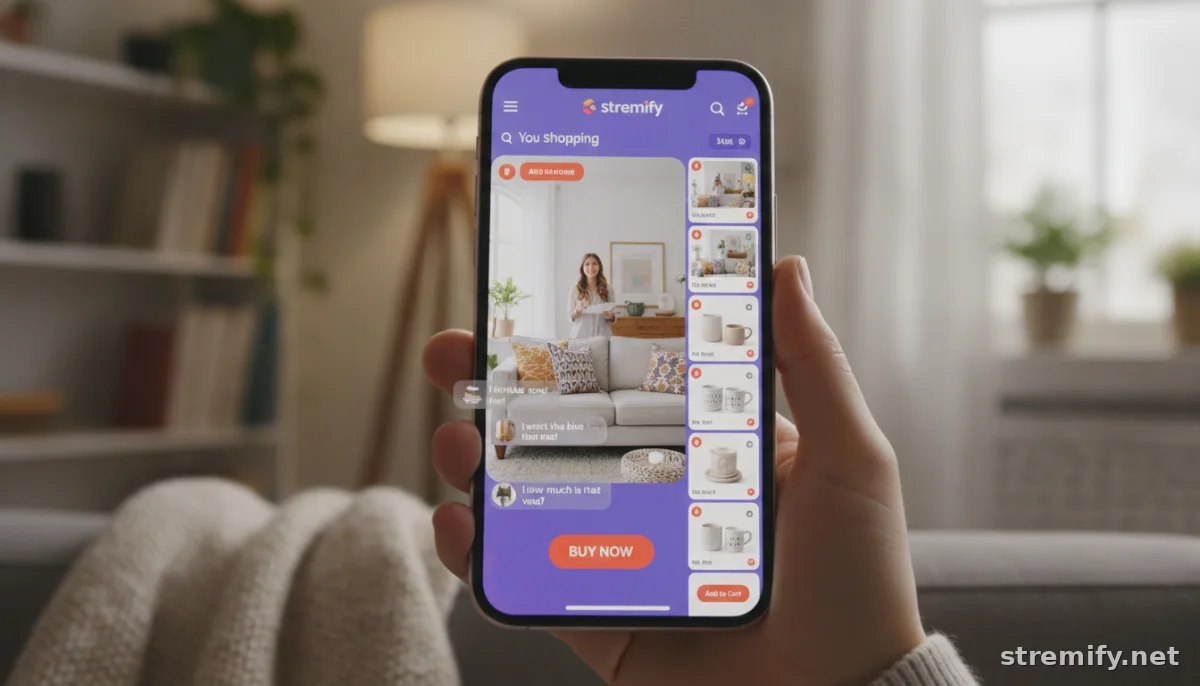
Want to run live sales straight from your Shopify or WooCommerce store and sell on every major social channel at once? Stremify makes it possible, no studio or extra gear needed. You import your product feed, design your shop, and launch interactive live campaigns directly in the browser. One stream goes out to TikTok, Instagram, Facebook, YouTube, and Twitch, complete with shoppable overlays and real-time comment-to-buy checkout.
Our experience running Stremify campaigns shows that viewers love engaging extras like live polls and quizzes, not just passively watching. And with pay-as-you-go credits instead of a fixed monthly bill, you control your costs. If you're serious about live shopping, Stremify puts you everywhere your customers already watch.
2. OBS Studio: Free & Flexible Broadcasting
OBS Studio is the backbone for thousands of live creators. It's open-source and free, so you can set up pro-level streams with multiple cameras, screenshares, layered graphics, and audio mixing, without paying a subscription. OBS handles everything from solo Q&As to complex multi-guest panels, and you can stream to virtually any platform with a few clicks.2
You'll find OBS in use everywhere from e-commerce launches to behind-the-scenes brand streams. Its flexibility is matched only by its learning curve, but once you get the hang of scenes, sources, and transitions, it's tough to beat.
3. StreamElements: Audience Interaction and Monetization
If retaining viewers and monetizing engagement are priorities, StreamElements is worth a look. It’s more than an overlay tool: you get dynamic chat bots, donation alerts, loyalty points, and tipping, all managed from a central dashboard. It's especially popular for creators on YouTube Live and Twitch, letting you automate giveaways or thank top fans with just a click.
Those tools help boost watch time and repeat visits, making it easier to turn casual drop-ins into a true community.
4. Restream: Multistreaming Made Simple
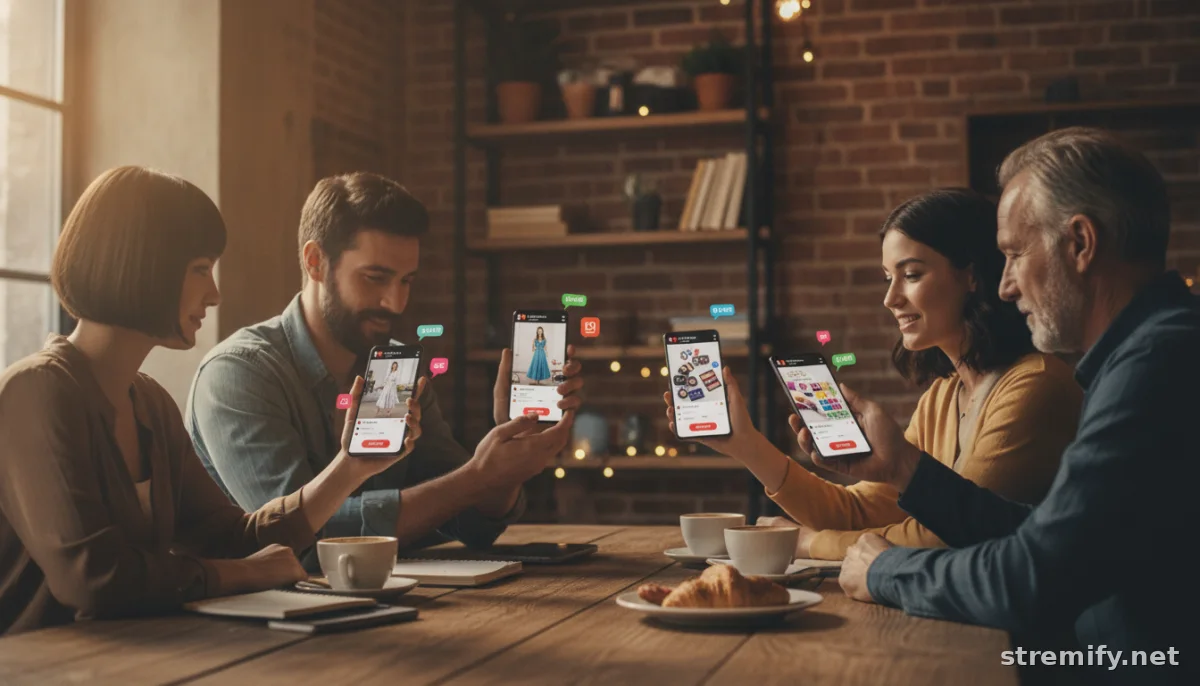
Juggling audiences across platforms? Restream lets you broadcast a single stream to more than thirty destinations, Twitch, YouTube, Facebook, LinkedIn, and more. You get unified chat, basic analytics, and scheduling tools, so you never miss an opportunity to reach new viewers.
For e-commerce launches or product drops, this means you can meet customers where they’re already hanging out, without splitting your focus or running multiple setups. It’s a favorite for brands and solo creators who want to go wide, fast.
5. ManyCam: Pro-Level Visual Effects
When production quality counts, ManyCam delivers. The software lets you add branded overlays, lower thirds, picture-in-picture, green screen effects, and more.3 You can switch scenes, bring in pre-recorded content, and even blur or replace your background without a green screen. For beauty demos, tech reviews, or fashion hauls, it raises your stream’s visual polish without expensive hardware.
6. YouTube Live & Twitch: Streaming Giants
There’s no ignoring the big platforms themselves. YouTube Live and Twitch both offer built-in streaming tools that suit creators who want to minimize setup. YouTube’s Studio makes starting a stream as simple as hitting “Go Live,” and offers basic moderation, analytics, and monetization options. Twitch, meanwhile, remains the go-to for interactive communities, especially for gaming, “Just Chatting,” and IRL content.
But for most creators, using the native tools alone can feel limiting as soon as you want overlays, guest features, or simulcasting. That's why so many pair them with a tool like OBS or Stremify for anything beyond the basics.
7. Essential Accessories: Mics, Lighting, and More
No software can fix an echoey room or a grainy video feed. Crisp audio and flattering light make a bigger difference than most overlays ever will. While it’s easy to get lost in gear reviews, start with a USB mic for clear vocals and a simple LED panel light to brighten your space. Once you scale up, optional upgrades include stream decks for shortcuts, green screens for background effects, and second monitors for chat management.
Remember, the best live streaming setup is the one you’ll use, consistently. Most top creators start with bare essentials and add gear as the audience grows.
Feature & Pricing Comparison Table
| Tool | Main Use | Platforms Supported | Pricing |
|---|---|---|---|
| Stremify | Shoppable live streams, multichannel | Instagram, TikTok, Facebook, YouTube, Twitch | Credit-based (pay-as-you-go) |
| OBS Studio | High-flexibility broadcasting | All major platforms | Free |
| StreamElements | Engagement, overlays, monetization | YouTube, Twitch, Facebook | Free (with premium add-ons) |
| Restream | Simulcasting, chat unification | 30+ platforms | Free and paid plans |
| ManyCam | Visual effects, scene switching | All major platforms | Free and paid plans |
The live streaming space keeps growing, and so do your options as a creator. Whether you’re selling, educating, or building community, the right tools help you stand out without overcomplicating your workflow. If you’re ready to see how live shopping works in the wild, try Stremify’s browser-based campaigns for yourself, and reach your next audience live, where they already watch.
Frequently asked questions
What are the top live streaming tools for creators in 2026?
The top live streaming tools for creators include Stremify for live shopping, OBS Studio for free broadcasting, StreamElements for engagement, Restream for simulcasting, and ManyCam for visual effects.
How does Stremify differ from other live streaming tools?
Stremify is built for shoppable live streams across all major platforms, lets you import your store catalog, run interactive campaigns, and uses credit-based pay-as-you-go pricing instead of monthly subscriptions.
Is OBS Studio suitable for beginners?
OBS Studio offers powerful, free features but has a learning curve. Beginners might need tutorials, but it’s widely used by creators who want full control over production.
Why use Restream for live streaming?
Restream lets you broadcast your live stream to over 30 platforms at once, helping you reach wider audiences efficiently without complex setups.
Do you need special hardware to start live streaming as a creator?
No special hardware is needed for basic live streaming. However, a good mic and lighting improve quality. Software like Stremify lets you stream in-browser without extra equipment.

