

Twitch Commerce for Creators: How to Sell More Live
Twitch commerce for creators is more than merch. Learn the platforms, strategies, and tools that top Twitch sellers use to grow revenue without losing their audience.
Waiting for "bits" and ad revenue? That’s leaving money on the table. Twitch commerce for creators has exploded, with live selling helping creators earn more per hour than ever. But selling to a live audience isn’t like dropping a link in chat. You need the right approach, timing, and tech, or you’ll alienate viewers fast.
Why Twitch Is a Goldmine for Commerce, If You Do It Right
Twitch streams are built around personality and community.1 Fans trust you, not some corporate logo. That gives you an edge when it’s time to sell, but it’s also a tightrope: push too hard, and viewers bounce. Get it right, and your stream becomes a real sales engine without killing the vibe.
What Audiences Want to Buy
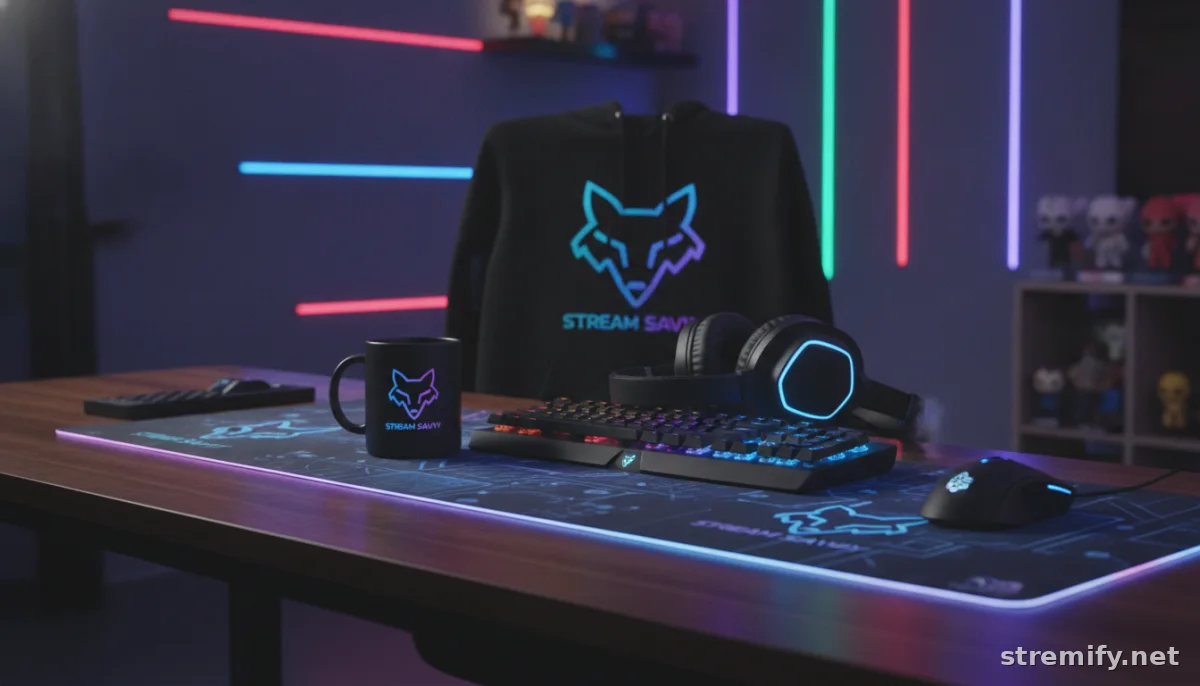
- Branded merch: Hoodies, hats, and mugs work, but only if the design feels authentic, not generic dropship stuff.
- Curated gear: Tech, gaming peripherals, or beauty products you genuinely use get strong conversions. Fans trust your picks.
- Digital exclusives: Think e-books, guides, downloadable art, or custom alerts.
Community-First Selling
Top Twitch sellers use polls, live Q&A, and let the audience vote on what gets launched next. Even shoppable quizzes keep things interactive. Direct "buy now" shills? Not so much.
The Basics: Making Twitch Commerce for Creators Work
“Monetization” covers everything from affiliate links to full-blown shoppable live streams. Here’s what matters most if you want to grow revenue while keeping viewers loyal.
1. Native Twitch Tools
- Extensions: Tools like the Twitch Bits Extension let you run polls, giveaways, and interactive widgets.
- Panel links: Set up a panel with your shop or affiliate store. Not fancy, but it works for steady passive traffic.
2. Third-Party Live Selling Platforms
Platforms like Stremify (credit-based pay-as-you-go), CommentSold, and Bambuser let you stream shoppable campaigns directly to Twitch. Stremify stands out because you can import products from any store, design a branded shop, and run real-time comment-to-buy streams on Twitch plus TikTok, Facebook, YouTube, and Instagram. No need to pick just one platform. You only pay for the credits you use, starting with packages like Starter (50 credits for €15) or Professional (100 credits for €27).
3. Audience-Friendly Tactics
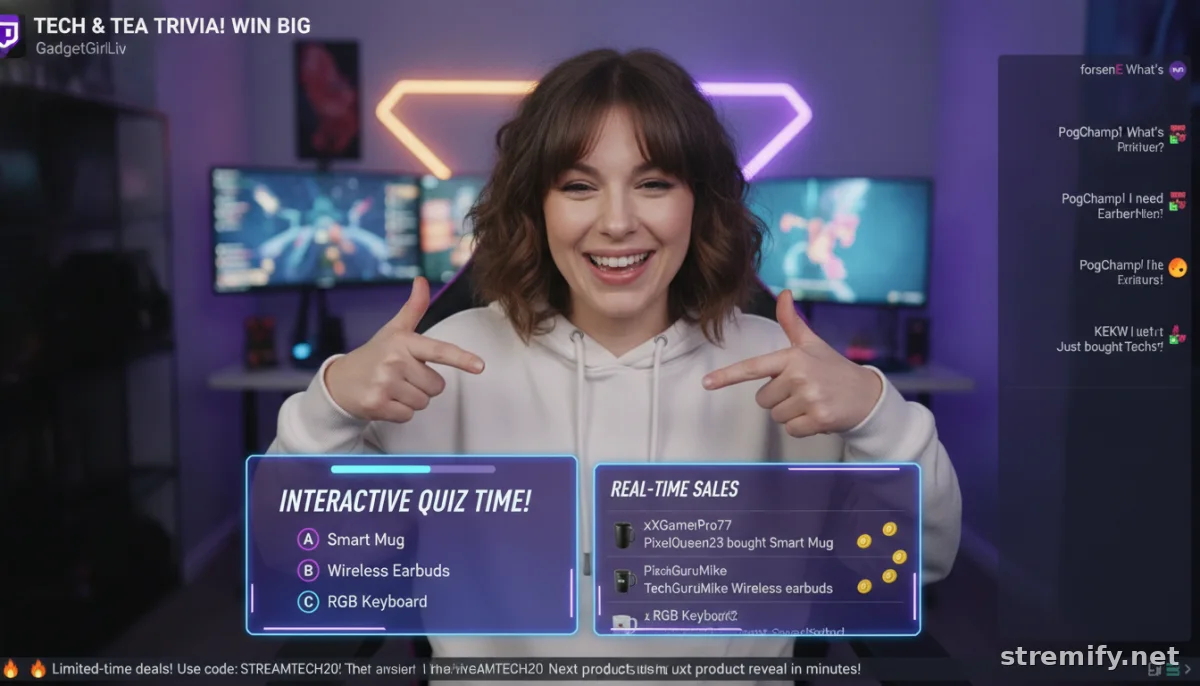
Use alerts or overlays that pop up when items sell, run limited-time discounts live, and make buying as frictionless as possible. Interactive tools like live polls or "type !buy in chat to claim" drive urgency, without feeling spammy.
Best Twitch Commerce Tools for Creators
Choosing your tools comes down to integration, ease of use, and how much control you want. Here’s a quick comparison:
| Platform | Main Commerce Features | Multi-Platform Support | Pricing |
|---|---|---|---|
| Stremify | Branded shop, shoppable live streams, real-time chat buying, quizzes | Yes (Twitch, TikTok, Facebook, Insta, YouTube) | Credit-based (pay-as-you-go) |
| CommentSold | Live selling, claim-to-buy, invoicing | Facebook, Instagram, TikTok, Twitch (via RTMP) | Subscription pricing |
| Bambuser | Live video shopping, audience analytics | Twitch (via RTMP), YouTube, own site | Custom pricing |
| StreamYard | Multi-stream broadcast, limited commerce tools | All major platforms | Subscription pricing |
Stremify is especially strong if you want to combine Twitch with Instagram, TikTok, or YouTube, and need flexible pricing.
How Top Creators Sell Without Annoying Their Audience
Your chat isn’t a billboard. Here’s how smart streamers sell more, without spamming or selling out.
1. Seamless Integration (Not Just Overlaying Links)
- Show the product live: Unboxing, demos, and real reactions always beat static images.
- Ask for input: Let chat vote on which colorway drops next or what you review in real time. It feels like a collab, not a cash grab.
- Celebrate buyers: Pop-up shoutouts when someone claims a product add social proof instantly.
2. Use Scarcity and Interactivity
- Drop limited runs or flash sales that only last for the stream, then actually stick to it.
- Run shoppable quizzes where correct answers win discounts or early access.
3. Keep Fulfillment Smooth
Don’t risk your reputation with slow ship times or broken links. Use platforms that connect directly to your Shopify or WooCommerce store, automate order confirmation, and let you handle support from one dashboard. Stremify, CommentSold, and Bambuser all integrate with popular e-commerce platforms.
Practical Twitch Commerce Checklist
- Pick a selling tool (like Stremify) that fits your channel and lets you simulcast to other social platforms.
- Test all links, overlays, and checkout before going live.
- Prepare scripts for how you’ll promote products without disrupting your content flow.
- Gather product samples for unboxing and demos on camera.
- Plan at least one interactive element (poll, quiz, giveaway) per live commerce stream.
Takeaway: Start Smart, Scale Up
Twitch commerce for creators keeps evolving.2 What won’t change is the value of authenticity and community-first selling. Start with one or two products and get feedback. If you want to expand, try a flexible platform like Stremify that lets you sell to Twitch plus all your other audiences in one go. That’s how you build real sales, without burning out your channel.

