
Facebook Live Selling in 2026: The Ultimate Step-by-Step Walkthrough
Curious about Facebook live selling in 2026? Get a clear, step-by-step walkthrough from setup to sale, plus proven tips for boosting engagement and conversions.
In 2026, Facebook Live shopping events draw billions of views each day. If you’re not selling live on Facebook now, you’re missing out on direct sales and letting competitors capture your audience. Here’s a current playbook for launching Facebook live selling campaigns that convert viewers into buyers.
What is Facebook Live Selling in 2026?
Facebook live selling lets you showcase products on Facebook Live, interact with buyers in real time, and close sales instantly. The immediacy sets it apart: viewers can ask questions, see demos, and purchase with a comment or tap, all during your stream.
Since 2025, Facebook’s Live Shopping features have become more advanced. Brands can integrate their Shopify or WooCommerce store, pin interactive product cards, and process transactions directly in the Live interface using Facebook Pay.
Why Facebook Live Selling Still Works
- Massive built-in audience: Facebook remains the largest social network in 2026, with billions of monthly users.12
- Comments trigger purchases: Shoppers type “Buy” plus a product code to order, without leaving the stream.
- Algorithmic reach: Facebook highlights live videos at the top of feeds and the Live tab, making it easier to reach new viewers than with static posts.
- Trust factor: Livestreaming puts a face to your brand and builds real-time rapport with your audience.
Your Step-by-Step Facebook Live Selling Walkthrough
1. Set Up Your Commerce Foundation
- Update your Facebook Shop and connect your Shopify or WooCommerce catalog for product syncing.
- Enable Facebook Pay to streamline purchases on the platform.
- Test product tagging so each item displays clearly with price, description, and a simple buy instruction.
2. Plan Your Broadcast
- Choose 5 to 10 products to feature per stream. Prioritize new arrivals or bestsellers.
- Outline your flow: welcome, demo, Q&A, and special deals. Keep the pace steady and avoid long tangents.
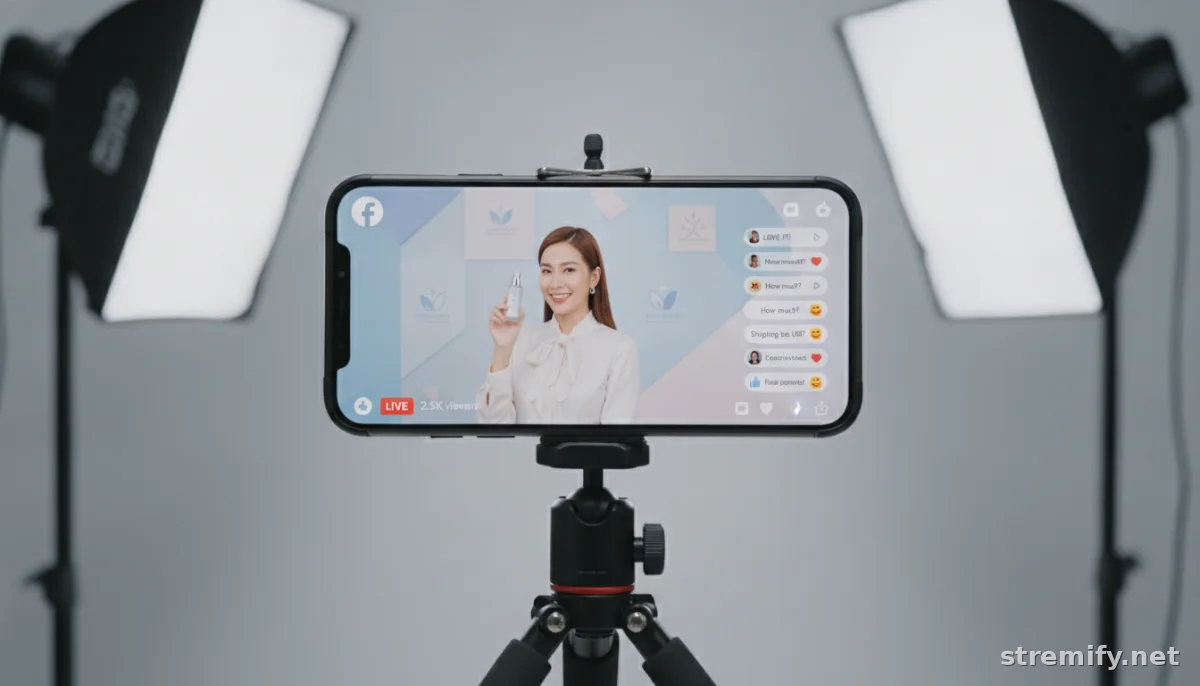
- Prepare your visuals: use a ring light, quality microphone, and a tripod for your camera or phone. Keep your background tidy and on-brand.
3. Go Live, The Right Way
- Promote your event several days ahead on all your social channels. Use Facebook Events, Stories, and Reels to build anticipation.34
- Start on time. Welcome early viewers, preview what’s coming, and pin your buying instructions right away.
- Tag products as you demo them using Live Producer. Watch comments for questions and buying signals.
- Offer limited-time deals, such as free shipping for the next ten buyers, to drive urgency.
4. Close the Sale & Follow Up
- Summarize top deals before ending. Thank buyers by name when possible.
- After the stream, follow up via Messenger or email with order confirmations and relevant upsell offers.
- Review your stream analytics: see who watched, when engagement dropped, and which products performed best.
The Best Tools and Platforms for Facebook Live Selling in 2026
Facebook’s own tools have improved, but third-party platforms help you create interactive, shoppable broadcasts across Facebook, TikTok, YouTube, and Instagram. Here’s how the main live selling platforms compare:
| Platform | FB Live Integration | Multi-Channel Streaming | Interactive Features | Pricing (2026) |
|---|---|---|---|---|
| Stremify | Full (product feed, comment-to-buy) | Yes | Live quizzes, real-time shop, analytics | Credit-based, pay-as-you-go (Starter: 50 credits for €15; Professional: 100 credits for €27; Enterprise: 500 credits for €120) |
| CommentSold | Full (comment selling, shop sync) | No | Basic overlays, order tracking | Starts at $99/mo |
| Bambuser | Partial (external checkout link) | Yes | Shoppable video, chat | Custom pricing |
| Facebook Live Producer | Native | No | Product tagging, Facebook Pay | Free (platform fees apply) |
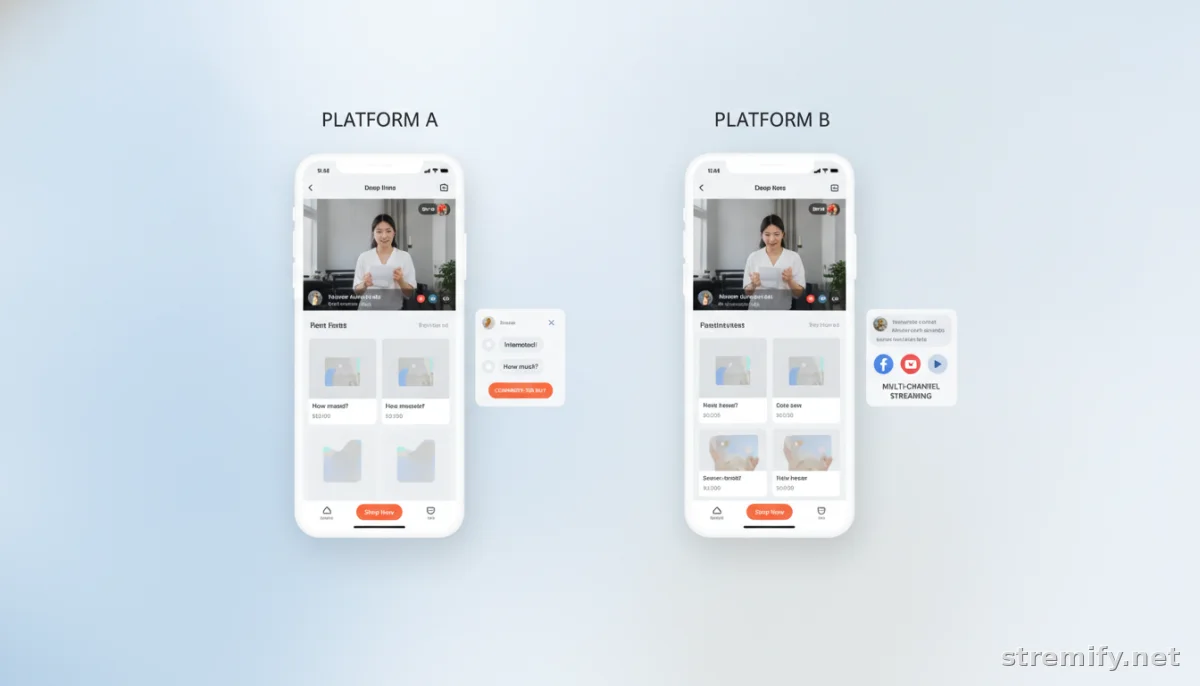
Stremify stands out for multi-platform streaming, letting you host one shoppable event across Facebook, TikTok, Instagram, and Twitch, all with real-time comment-to-buy ordering. You can design your branded shop, import your catalog, and engage viewers with interactive live quizzes—no technical setup required. In our experience running live shopping campaigns, sellers appreciate being able to go live directly from the browser without extra hardware or studio equipment.
Best Practices for Facebook Live Selling in 2026
- Go live at peak times, such as Tuesday to Thursday evenings.
- Pin your buying instructions in the first minute so latecomers know how to order.
- Reintroduce products as new viewers join or ask questions.
- Feature real customers as guest hosts or in live testimonials for authenticity.
- Review every stream’s analytics to improve your next event.
Legal, Payment, and Compliance Tips (2026 Edition)
- Disclose sponsored or affiliate content verbally, on-screen, and in your video description. Facebook’s rules are tighter in 2026, and penalties can be steep.
- Never collect payment info in comments. Direct buyers to Facebook Pay, your linked shop, or a secure checkout.
- Double-check your Shop’s shipping and tax settings before going live. Automate where possible to avoid costly mistakes.
What’s Next for Facebook Live Selling?
This year, expect more integration with Facebook Groups, smarter product tagging, and new AR try-on experiences. Brands are combining influencer partnerships with product drops to drive fast sales and high engagement.56
Don’t wait for more competition. Build your Facebook live selling workflow now, test what works, and refine your approach for your audience.
Takeaway: Your First Facebook Live Sale in 2026
Set up your shop, go live with confidence, and focus on consistent engagement over polished production. The most successful sellers in 2026 show up regularly and connect with viewers. Want to run shoppable live sales across Facebook, Instagram, TikTok, and more? Try Stremify to make your next live sale easier and more profitable.

