Crossposting Live Sales Events: Strategies, Tools, and Real Results
Learn how to crosspost live sales events for bigger audiences and higher sales. Compare top tools, get actionable tactics, and see how Stremify streamlines multi-channel live selling.
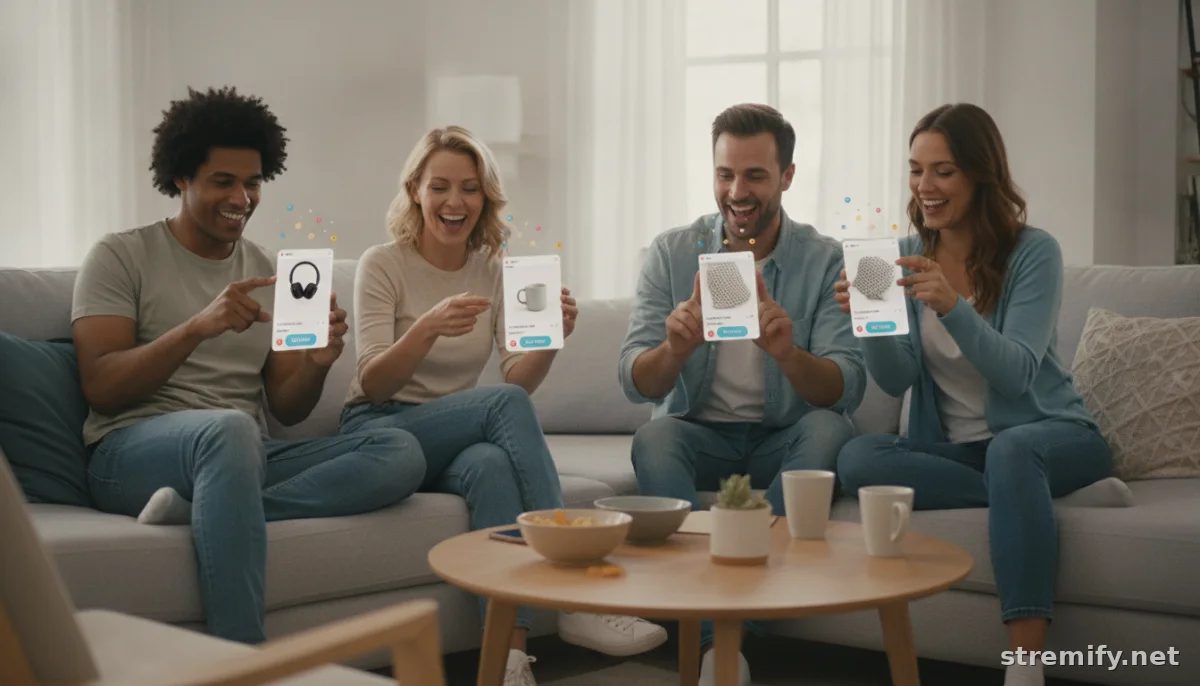
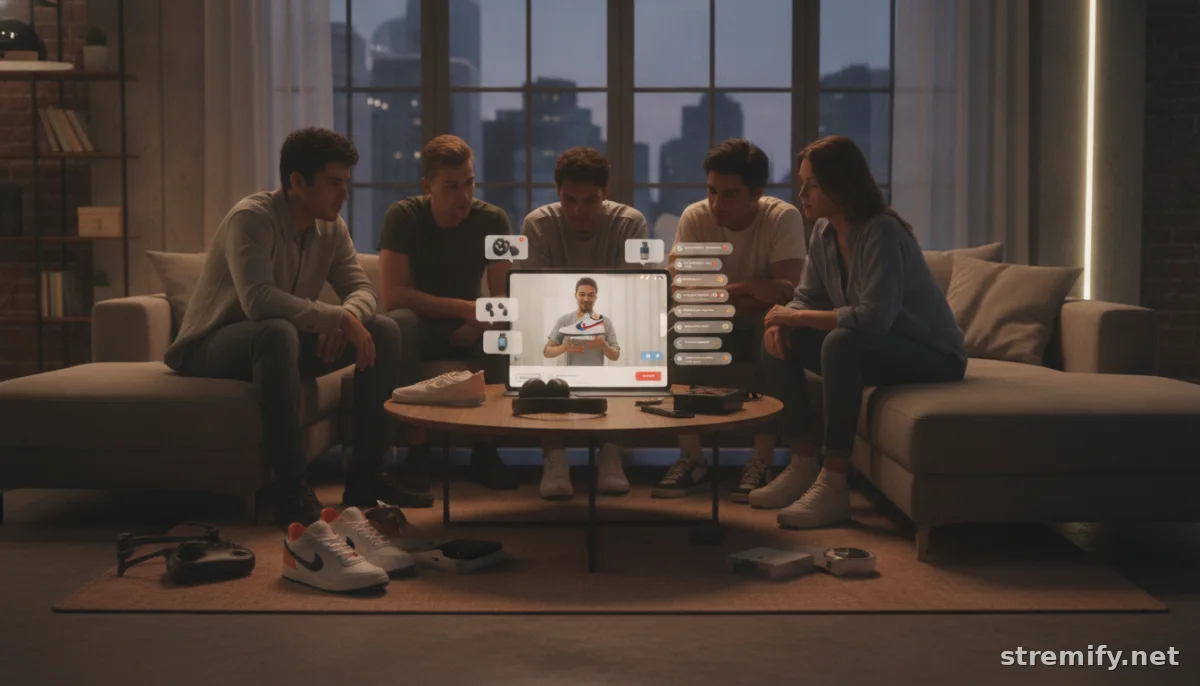
Why settle for one audience when you can reach five? Live shopping is exploding in 2026, but most sellers waste half their potential by streaming to just a single platform. Shoppers bounce between TikTok, Instagram, Facebook, and YouTube, shouldn’t your sales events do the same? Crossposting live sales events, or broadcasting the same shoppable stream to multiple channels at once, is the fastest way to multiply your reach.
This isn’t a “nice-to-have” anymore. If you’re still streaming in one place, you’re leaving real money, and customers, on the table.
What Is Crossposting Live Sales Events?
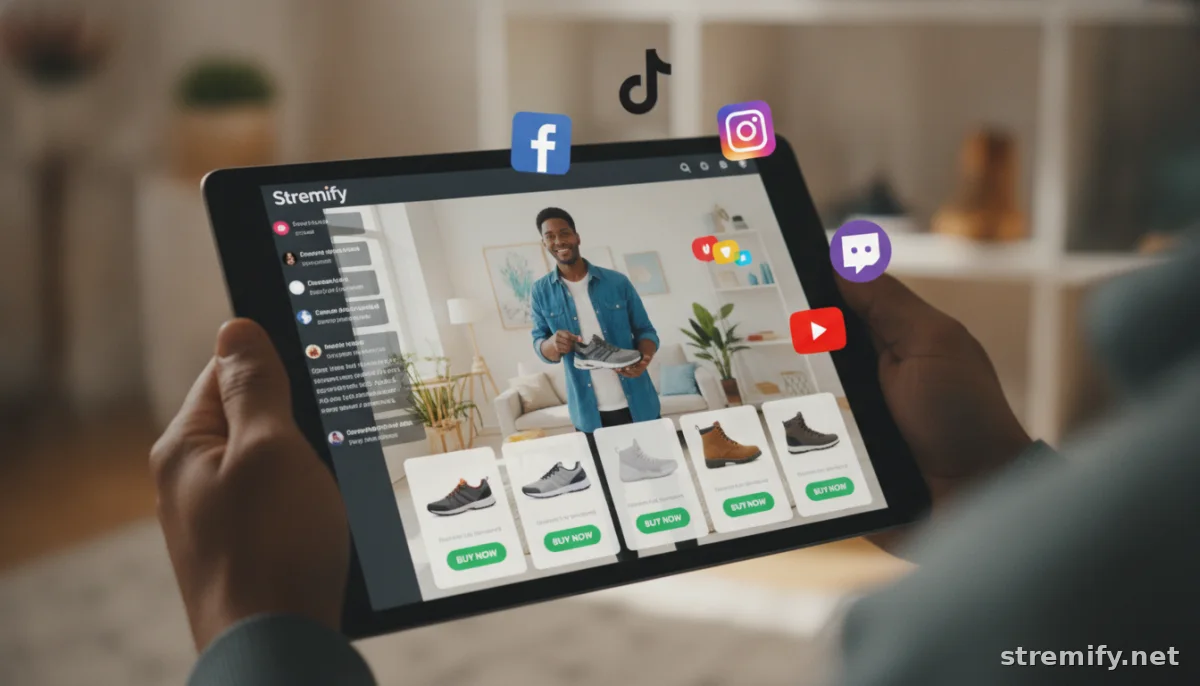
Crossposting live sales events means syndicating your live stream, complete with product info and purchase links, to multiple social channels and websites simultaneously. You broadcast once and show up everywhere your followers are hanging out.
Picture this: A single live shoe drop gets piped to TikTok, Instagram, Facebook, and Twitch. Every viewer can comment to buy, regardless of where they watch.
Why Crossposting Multiplies Your Sales Potential
- More reach, instantly: Each platform has a unique audience and engagement patterns. TikTok rewards quick virality; Facebook gives you longer session times; YouTube brings in search traffic.
- Higher FOMO and urgency: Viewers see busy chats and fast-moving orders, driving social proof and purchase momentum.
- Efficient content: One event works overtime, building consistency and saving you the headache of scheduling multiple streams.
Brands like Sephora and Gymshark have seen orders double by syncing their drops across all their channels. With the right setup, even indie shops can punch above their weight. In 2026, campaigns using five or more coordinated channels now achieve an average sales lift of 19.8 percent, compared to 14.6 percent for three-channel campaigns and just 3.1 percent for single-channel efforts.1
Key Platforms For Crossposting Live Sales Events
- TikTok: Home of viral shopping trends and Gen-Z buyers.
- Instagram: Visual-first, great for fashion, beauty, and lifestyle brands.
- Facebook: Loyal groups and older demographics, with powerful comment-to-buy tools.
- YouTube: Long-form streams, searchable replays, and global reach.
- Twitch: Live-first, highly engaged communities, especially for gaming, collectibles, and tech.
How To Crosspost Live Sales Events: Actionable Steps
1. Pick Your Core Stream
Start with one high-quality video feed as your source. Use your phone, a webcam, or OBS for more advanced scenes. Most platforms pull from a single stream and distribute everywhere.
2. Choose the Right Crossposting Tool
This is where the magic happens. Tools like Stremify, Restream, and Streamyard let you connect your product feeds, design a branded live shop, and push streams to multiple socials with integrated shopping features.
| Platform | Best Use Case | Shopping Tools | Pricing |
|---|---|---|---|
| Stremify | All-in-one live shopping across social | Shoppable stream overlays, comment-to-buy, quizzes | Credit-based (pay-as-you-go) |
| Restream | General live broadcasting | Limited: no built-in e-commerce | Monthly subscription |
| Streamyard | Easy social simulcasting | Basic overlays, no direct selling | Monthly subscription |
| Bambuser | Enterprise live commerce | Integrated store, analytics | Custom quote |
| CommentSold | Facebook/IG live shopping | Comment-to-buy, inventory sync | Monthly subscription |
3. Sync Your Product Feed
Avoid manual uploads. Import your catalog from Shopify, WooCommerce, or other e-commerce platforms. Stremify handles this in a few clicks, keeping pricing and inventory current everywhere you stream.
4. Design Your Live Shop Overlay
Your audience needs to see what they’re buying. Use branded overlays showing product cards, prices, stock status, and buy buttons in real time, right on top of your live video.
5. Schedule and Promote Across Channels
Build anticipation. Schedule your live event in the local time zone for each channel. Tease the drop with countdown posts, stories, and email blasts to your fan list. In 2026, short teaser videos, speaker clips, and behind-the-scenes previews are proven to boost registration and engagement.2
6. Engage and Convert On Every Channel
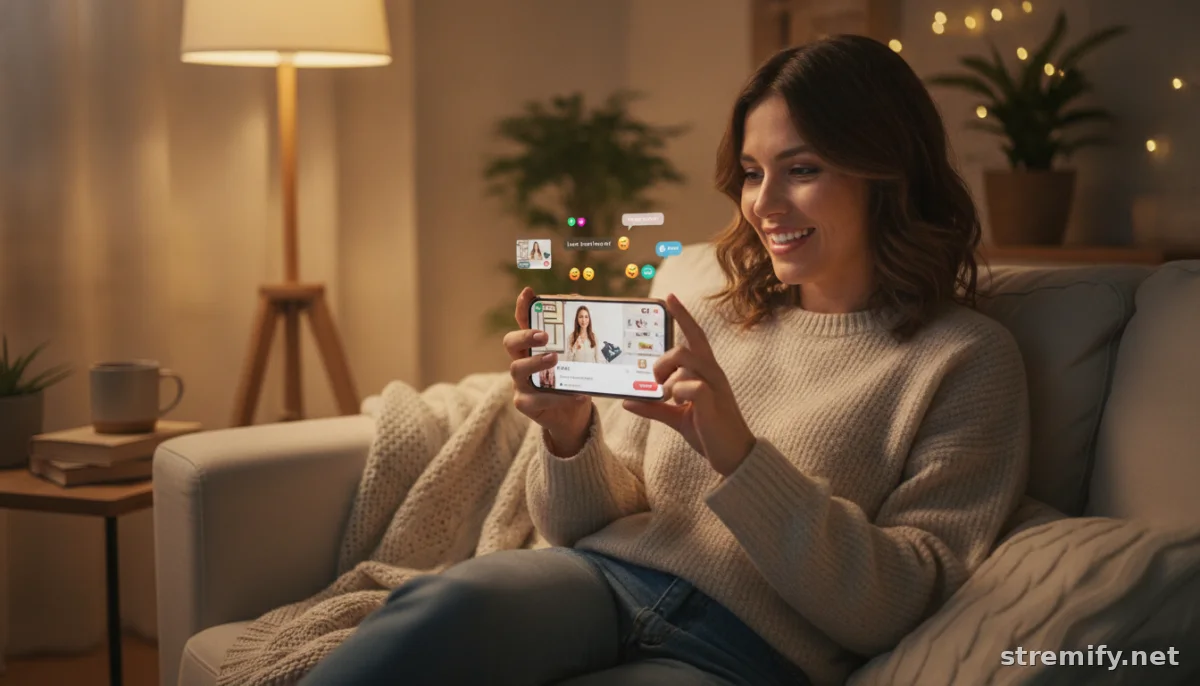
Great chat drives great sales. Use real-time comment-to-buy tools, giveaways, or interactive polls to keep viewers active. Monitor chat in one dashboard so you never miss a question or order, no matter where it came from. In our experience running live shopping campaigns, including live quizzes and polls keeps viewers engaged and increases average watch times.
Pro Tips To Maximize Crossposting Results
- Localize your pitch: Small tweaks to product names or offer language help each audience relate. Use tools with flexible overlay options to customize per channel.
- Check platform shopping policies: TikTok and Instagram have stricter live sales guidelines than Facebook or Twitch. Make sure your items are eligible so your stream doesn’t get flagged or cut off early.
- Time your drops: Research when your audience is most active on each platform. Use analytics to find the sweet spot, for many sellers, weekend evenings outperform weekday afternoons.
- Analyze after every event: Track which channel brought the most engagement and orders. Double down on what works; rethink what doesn’t.
Common Pitfalls To Avoid
- Neglecting chat on "secondary" platforms: If you’re sending out to five places, monitor chat everywhere or risk missing orders and questions.
- Ignoring mobile experience: Most shoppers watch and buy on their phones. Test how your overlays, links, and product cards look on a small screen before pushing live.
- Overcomplicating your setup: Simpler is better. Start with two or three platforms, refine your workflow, then ramp up.
Stremify: One-Click Crossposting For Live Shopping
If you sell online and want to go big with crossposting live sales events, Stremify is purpose-built for you. Import your store, design your live shop, and multi-stream with interactive overlays and comment-to-buy, all in one browser tab. Pay only for the minutes you use, with Starter, Professional, and Enterprise credit packs for every size shop.
Takeaway: Start Small, Think Big
You don’t have to master all five channels at once. Nail your crossposting workflow on two, then expand. Get your product feed synced, your overlays branded, and your audience hyped. The more places you show up, the more sales you’ll see, without burnout.
Curious what Stremify can do for your next event? Try a live demo and see how easy crossposting can be.
Frequently asked questions
What does crossposting live sales events mean?
Crossposting live sales events means broadcasting your live shopping stream to multiple social media platforms at the same time, reaching different audiences without running separate events for each.
Can I sell products on more than one platform during a single live event?
Yes, with the right tools, you can showcase and sell products across several platforms like TikTok, Facebook, and Instagram during one live event, collecting orders from each in real time.
What tools help with crossposting live sales events?
Platforms like Stremify, Restream, and Streamyard enable you to broadcast simultaneously to multiple channels. Stremify stands out by adding shoppable overlays and comment-to-buy features for direct sales.
Is crossposting live sales events allowed on all platforms?
Most major platforms support streaming from third-party tools, but each has its own rules for live selling. Check each channel’s shopping policies before crossposting to avoid having your stream flagged or cut off.
How do I manage orders and chats from different channels while crossposting?
Choose platforms that centralize chat and order management, so you don’t miss messages or sales. Stremify and similar tools give you a single dashboard to handle interactions from every channel.