
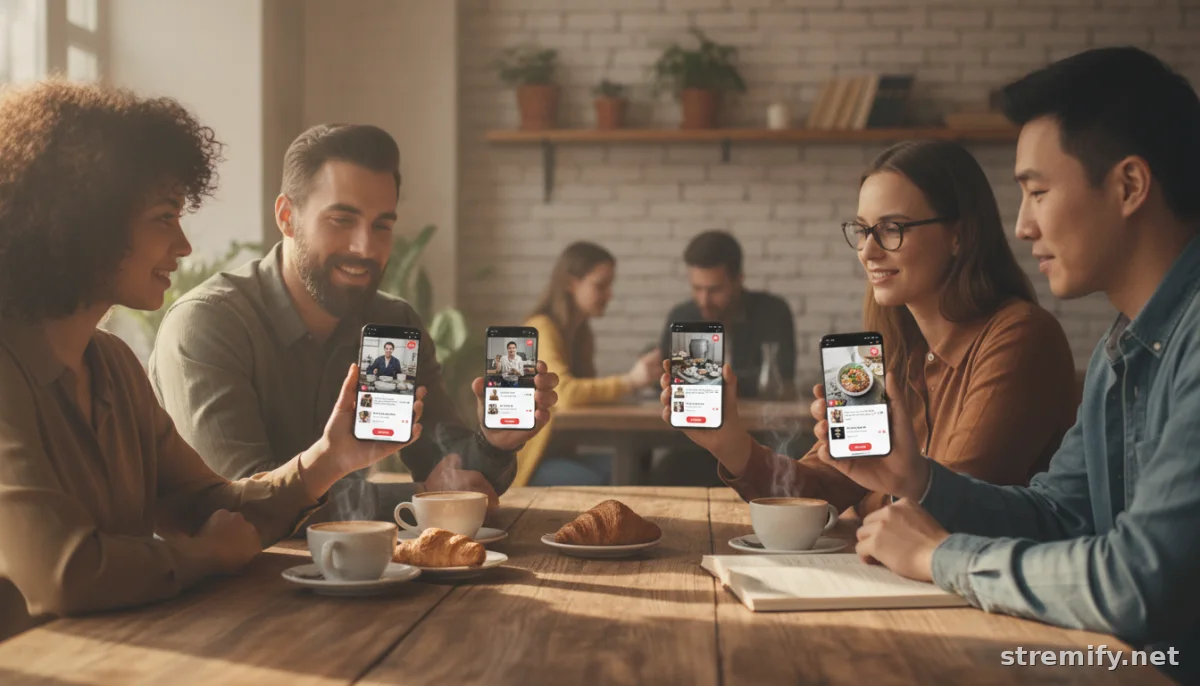
How to Increase Replay Sales from Live Streams: Proven Tactics for Ongoing Revenue
Shoppable live streams don’t stop generating sales when the camera turns off. Here’s how to increase replay sales from live streams, turning every view into revenue.
Ever noticed how your live shopping stream racks up hundreds of extra views overnight, but almost no new orders? You’re not alone. Many live commerce creators miss out on extra revenue by overlooking replay sales. If you want your broadcast to keep earning while you sleep, you need a game plan tailored for 2026's fast-evolving live commerce landscape.
Why Replay Sales Matter: Hidden Revenue in Plain Sight
Replay viewers are busy shoppers, night owls, and fans overseas. They’ll still buy if you make it easy and create a sense of urgency. Miss that window, and you’re leaving money on the table.
Platforms like Stremify and TikTok Shop show that brands can generate a substantial share of their live shopping revenue from replays. With the right setup, messaging, and follow-up, you can convert after-hours viewers into loyal customers. In Asia-Pacific, live commerce sales are projected to exceed $1 trillion by 2026, with a large share coming from replay viewers.1
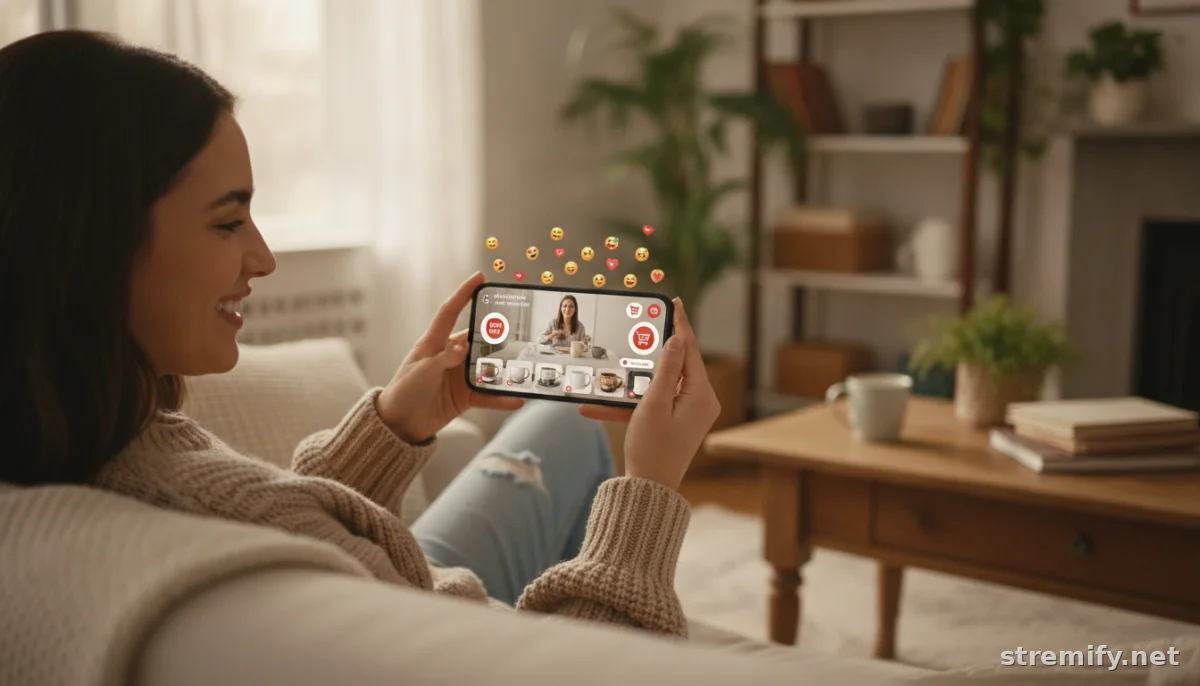
Key Strategies to Increase Replay Sales from Live Streams
1. Keep Offers Active, But Not Forever
Reward action-takers. If your live stream offers discounts, bundles, or gifts, keep them valid for a set period, usually 24 to 72 hours. Mark the countdown on the replay and remind viewers on-screen and in the chat description.
2. Pin Buy Links and How-To-Buy Instructions Front and Center
Replay viewers won’t hunt for product links. Use your platform’s comment pinning, overlays, or chat descriptions to put buying instructions in the first sentence and keep them visible throughout. On Stremify, you can enable comment-to-buy so shoppers just type “buy [product name]” in the chat, even after the stream ends. In our experience running live shopping campaigns, this feature keeps orders coming in from replays without extra manual work.
3. Recap the Bestsellers and Demo Key Products Again
During your live, recap top products and their value props in the final minutes. Address replay viewers directly: “Watching the replay? These are still available for a limited time, see below for how to order.” This makes replay shoppers feel included.
4. Segment, Nudge, and Retarget Replay Viewers
Some platforms let you tag and message replay viewers. Use this to send a DM or email reminder about exclusive deals that are ending soon. Even a simple “You watched our live, here’s your bonus offer” can lift replay conversions.
5. Make Replays Easy to Find (and Share)
Promote your replays on Instagram Stories, in your profile highlights, or by sharing the link in your email newsletter. The more places you surface the replay, the more chance for extra sales. Ask loyal fans to share the replay with friends who missed it live.
Optimizing Your Replay for Maximum Conversion
Use Interactive Features Even After Going Live
Platforms like Stremify let you keep comment-to-buy, quizzes, and product cards active for replay viewers. This turns passive watching into active shopping. If you run a giveaway, state clearly that replays count, but set an entry deadline. Interactive features can double replay engagement compared to static video.
Custom Thumbnails, Banners, and Chapters
Don’t settle for the auto-generated thumbnail. Create a custom image that calls out your headline offer or bestseller, then use chapters or pinned comments to let replay viewers jump to product demos. More convenience means higher conversion.
Highlight Authentic Social Proof
Pin the most enthusiastic live comments or testimonials to reassure replay viewers that others loved your products. Drop a quick “Look at what Anna just ordered during the stream!” on-screen, it builds trust, even after the fact.
Table: Live Shopping Platforms and Replay Sales Features
| Platform | Replay Ordering | Pin Comments/Buy Links | Pricing Model |
|---|---|---|---|
| Stremify | Yes (comment-to-buy) | Yes | Credit-based (pay-as-you-go) |
| TikTok Shop | Yes | Yes | Commission + fees |
| Instagram Live Shopping | Limited | No (manual in comments) | Free (with Meta account) |
| Bambuser | Yes | Yes | Custom (contact sales) |
Tips for Promoting Replays Across Channels
- Instagram: Share replay clips in Stories and add a "Shop the Replay" highlight.
- Facebook: Create a dedicated Replay tab on your page and pin the latest video.
- TikTok: Post clips with captions like "Missed the live? Shop now!" and link directly.
- YouTube & Twitch: Use playlists or pinned comments to keep shoppable links visible.
Cross-promoting your replay keeps your bestsellers moving and ensures it doesn’t get buried.
Takeaway: Build Replay Sales Into Your Live Shopping Workflow
Don't leave replay sales to chance. Set up shoppable links, engage with after-the-fact shoppers, and track performance to see what works. Platforms like Stremify make it simple to boost sales from every view, live or replay. Try it for your next campaign and see how much extra revenue your streams can bring in.
Frequently asked questions
How can I encourage more sales from live stream replays?
Keep exclusive offers active for 24 to 72 hours, pin buying instructions, and mention replay viewers directly in your video. Use interactive features like comment-to-buy or quizzes, and promote your replay link across social channels.
Do replay viewers buy as much as live viewers?
Replay viewers can be just as valuable, especially if you highlight urgency, keep offers live for a limited time, and make checkout simple. Many brands see 30% to 40% of their live stream revenue coming from post-broadcast views.
What platform features help increase replay sales from live streams?
Useful features include comment-to-buy, shoppable overlays, active chat, pinned instructions, segmented replay promotions, and the ability to retarget replay viewers with reminders or email offers.
How long should I keep deals open for replay buyers?
A 24 to 72 hour window works well for most audiences. It creates urgency without leaving offers open so long that viewers delay. Always state the deadline clearly in the replay or pinned comments.
Can I track which sales come from live stream replays?
Yes, many platforms let you tag replay viewers or track orders made after the live ends. Use analytics from your live shopping platform to monitor when and how replay viewers convert.

