
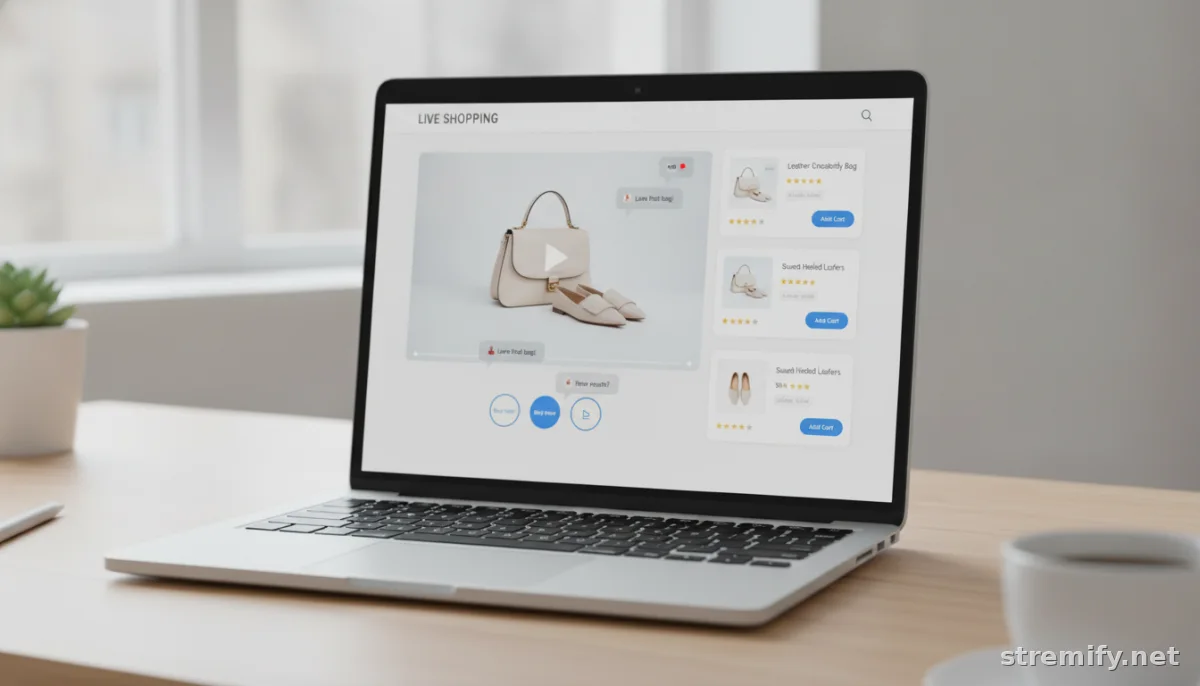
7 Live Shopping Mistakes to Avoid (and How to Fix Them)
Live shopping drives sales, when you avoid rookie mistakes. Here are the top live shopping mistakes to avoid (and how to fix them) for your next stream.
Live shopping isn’t just a trend, it’s shaping the way people buy online in 2026. But too many sellers trip up with avoidable errors that kill engagement and leave money on the table. Stream smarter this year. Here are the seven most common live shopping mistakes to avoid, plus practical fixes.
1. Ignoring Audience Engagement
Viewers aren’t tuned in for a static infomercial. If you’re only talking at your audience and not with them, expect your viewer count and sales to drop fast. Ignored comments and generic presentations lose trust, and viewers move on.
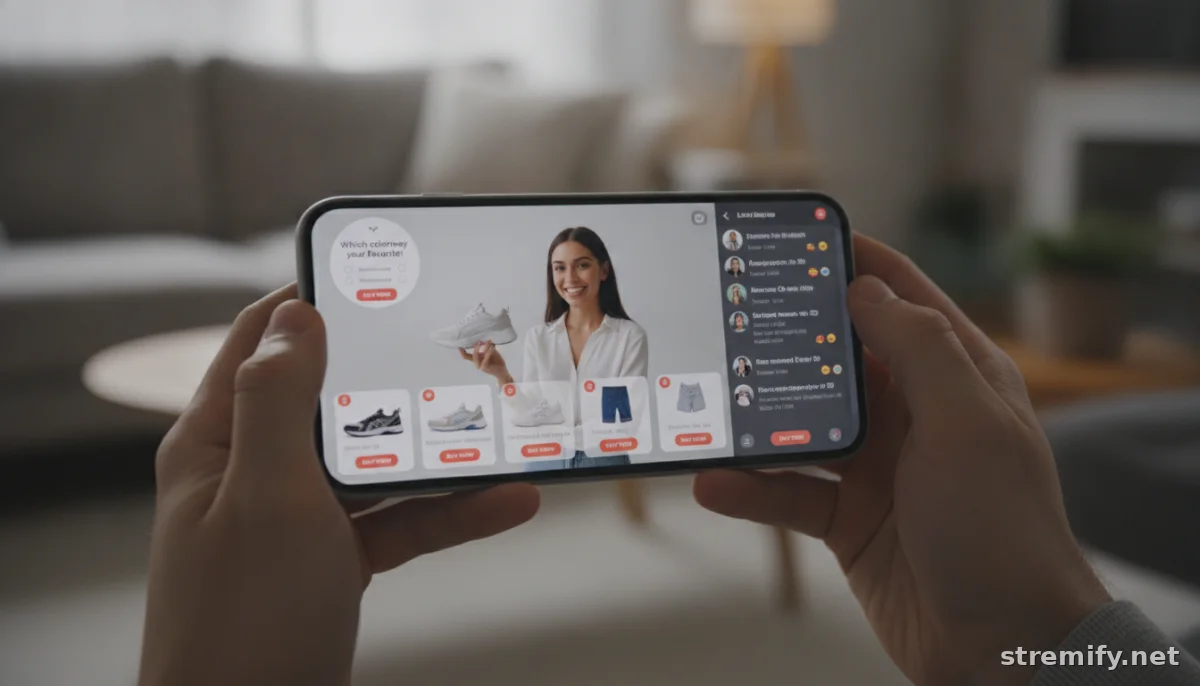
Make interaction non-negotiable. Highlight comments on screen, answer questions by name, and run polls or quizzes during the stream. Live shopping platforms like Stremify let you run real-time quizzes and trigger buy links straight from comments. Bring your viewers onto the stage, your conversion rate will thank you.
2. Technical Glitches and Poor Stream Quality
Your stream freezes. Audio cuts out. The video’s pixelated, or worse, dead air drags for two minutes. Shoppers bounce immediately when a stream looks amateur, there’s no second chance. Don’t let preventable tech problems torpedo your sales.
Before every live, run a test stream. Check your connection, lighting, and audio on the devices your customers use, not just your setup. Use platforms that support adaptive streaming and provide easy-to-read analytics so you can spot issues in real time. Consider a backup device on standby if you’re selling higher-ticket items.
3. Overcomplicating the Buying Process
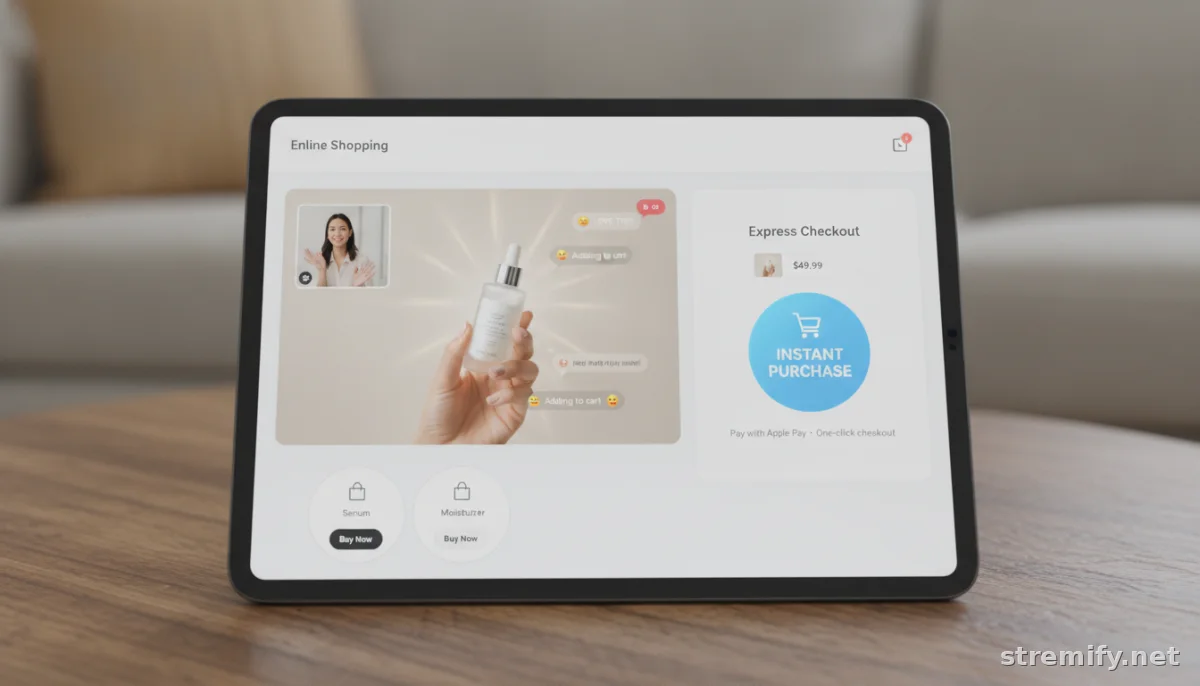
Every extra step kills momentum. If your customers need to click through multiple screens or leave the stream to buy, you’re losing sales with every click. Even a basic checkout friction will send modern shoppers elsewhere.
Pick a live commerce platform that allows instant, in-stream buying. Features like comment-to-buy or one-click product cards (both hallmarks of Stremify) mean less drop-off and more impulse purchasing. Test your purchase flow as a guest before every stream to flag hidden bottlenecks.
4. Neglecting Promotion Before the Stream
Showing up live isn’t enough. You need an audience ready to engage. Too many sellers hit “Go Live” and expect crowds to appear by magic. That’s not how discovery works on TikTok, Instagram, or YouTube.
Schedule your stream at least a few days in advance. Announce it on your socials, run countdown Stories on Instagram, and post teasers with behind-the-scenes footage. Use email reminders and opt-in SMS when possible. The goal: have people waiting for you at showtime, not trickling in by accident.
5. Unclear Product Presentation
If shoppers can’t tell exactly what they’re buying, they won’t buy at all. Vague demos, bad camera angles, or info overload make people tune out or hesitate. Don’t just hold up the product, show it in use, zoom in on key details, and answer the questions you get most often.
Build your run-of-show to spotlight your hero products with crisp, close-up visuals and simple explanations. Use real-world examples (like “this backpack fits a 16-inch laptop and a DSLR, not just a water bottle”). Let your shoppers imagine the item in their own lives before asking for the sale.
6. Skipping Analytics and Post-Live Follow-Up
Too many sellers close their laptops when the stream ends, missing a gold mine of data and sales. Those who analyze performance, views, drop-off points, top chatters, best-selling items, see what actually works. Ignoring these insights means repeating the same weak spots next time.
Review analytics after every stream. Reach out to top commenters or buyers with a thank you code or sneak peek at your next drop. Platforms like Stremify offer built-in analytics dashboards so you can spot what’s hot (and what flopped) at a glance.
7. Choosing the Wrong Platform for Your Needs
All live shopping tools aren’t created equal. Some are mobile-only, some charge monthly subs, others lack multichannel support. Picking the wrong platform limits your audience reach, restricts your interaction tools, or eats into your margins with hidden fees.
Compare not just price, but features: Is it multi-channel (TikTok, Instagram, Facebook, YouTube, Twitch)? Does it support comment-to-buy, product feed import, and shop customization? Here’s a quick comparison of popular live shopping platforms, including Stremify:
| Platform | Multi-Channel Support | Comment-to-Buy | Pricing Model |
|---|---|---|---|
| Stremify | Yes (TikTok, Instagram, Facebook, YouTube, Twitch) | Yes | Credit-based (pay-as-you-go) |
| CommentSold | Yes | Yes | Monthly subscription |
| Bambuser | Yes | No | Monthly subscription |
| StreamYard | Yes | No | Monthly subscription |
If you want flexibility and multi-channel reach without a recurring subscription, Stremify stands out. Pick your platform like it’s a business partner, not just a checkbox.
Avoid these common mistakes, and you’ll see a real difference in engagement, conversion, and steady growth over time. For a live shopping toolkit built for modern sellers, Stremify has you covered, no monthly strings attached.
Frequently asked questions
What are the most common live shopping mistakes to avoid?
Common live shopping mistakes include ignoring viewers, overcomplicating the buying process, neglecting tech checks, failing to promote the event, unclear product demos, skipping analytics, and using the wrong platform.
How do I keep viewers engaged during a live shopping stream?
Engage viewers by responding to comments in real time, using interactive features like polls or quizzes, and addressing viewers by name. Make the stream feel like a two-way conversation, not just a sales pitch.
Why is platform choice important in live shopping?
The right platform affects your reach, the tools you can use, and the overall shopping experience. Some offer multi-channel streaming and comment-to-buy, while others are limited or charge monthly fees that may hurt your margins.
How can I prevent technical issues during live shopping events?
Test your stream beforehand, check your internet connection, and use platforms that monitor quality in real time. Always have a backup plan or device ready, especially if you expect high sales volume.
What should I do after a live shopping stream ends?
Analyze your performance data, follow up with top commenters or buyers, and use what you’ve learned to improve your next stream. Thank your most active audience members to increase repeat sales and loyalty.

