
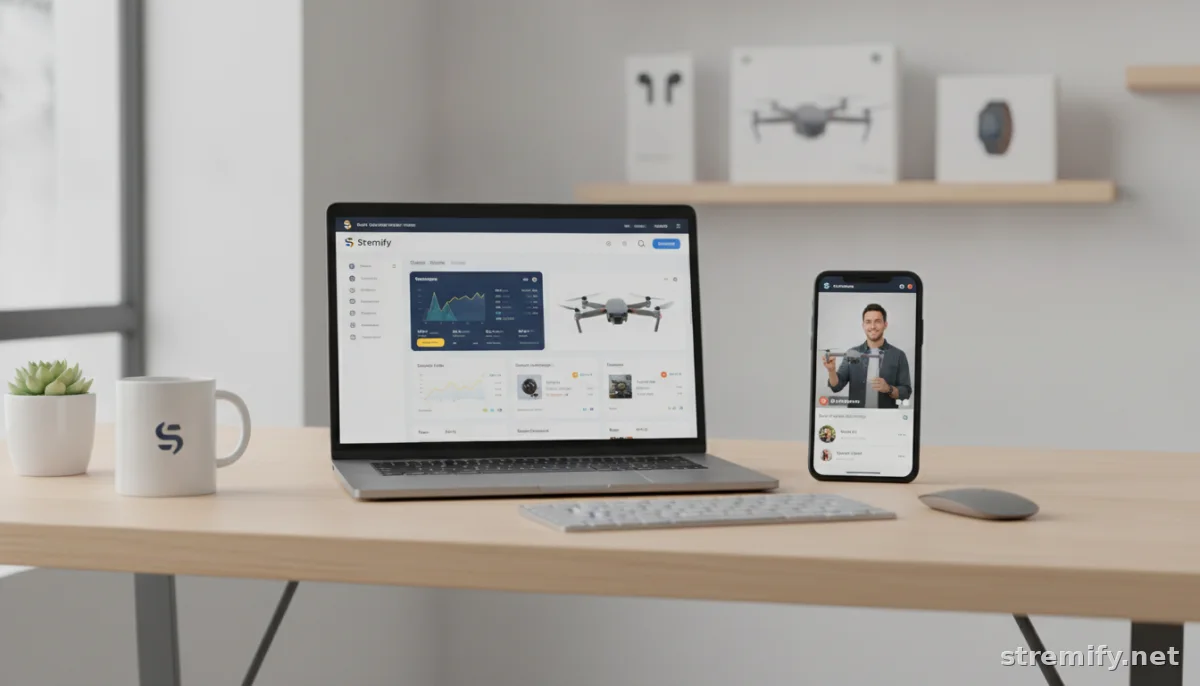
WooCommerce Live Shopping: How to Streamline Sales With Shoppable Video
Ready to turn WooCommerce traffic into real-time buyers? See how live shopping works, how to connect your store, and which platforms to try for shoppable streams.
Every time you lose a sale to cart abandonment, you know it stings. But what if your next product drop came with a built-in audience, instant Q&A, and real-time buyers, all without a single abandoned cart? That’s the promise of WooCommerce live shopping.
It isn’t just a buzzword. Big brands and solo creators are already converting passive Woo traffic into live event buyers, and they’re not just streaming on TikTok. With the right setup, you can take your WooCommerce shop live on Instagram, Facebook, YouTube, Twitch, or all at once.
What Is WooCommerce Live Shopping?
Imagine your Woo store as a pop-up shop that opens on every major social platform whenever you want. In a live shopping event, you demo products, answer questions, and let viewers buy instantly, sometimes with a single comment. No redirecting back to your site. No friction in the sale.
Most WooCommerce live shopping solutions work by connecting directly to your store’s product feed. This means you’re not managing two inventories or re-entering product info. The live shopping platform, like Stremify, sits between your Woo store and your audience, pulling in your actual SKUs, prices, stock, and images.
Why Go Live With WooCommerce?
- Shoppable streams capture attention. People spend much longer watching live video than pre-recorded clips, and engagement is higher.
- Faster sales with less friction. Viewers can buy during the stream without extra clicks.
- Build trust and FAQ in real-time. No more waiting for someone to leave a review. You answer product questions on the spot.
- Unlock social selling channels. Stream to TikTok, Instagram, Facebook, YouTube, or Twitch, wherever your buyers are.
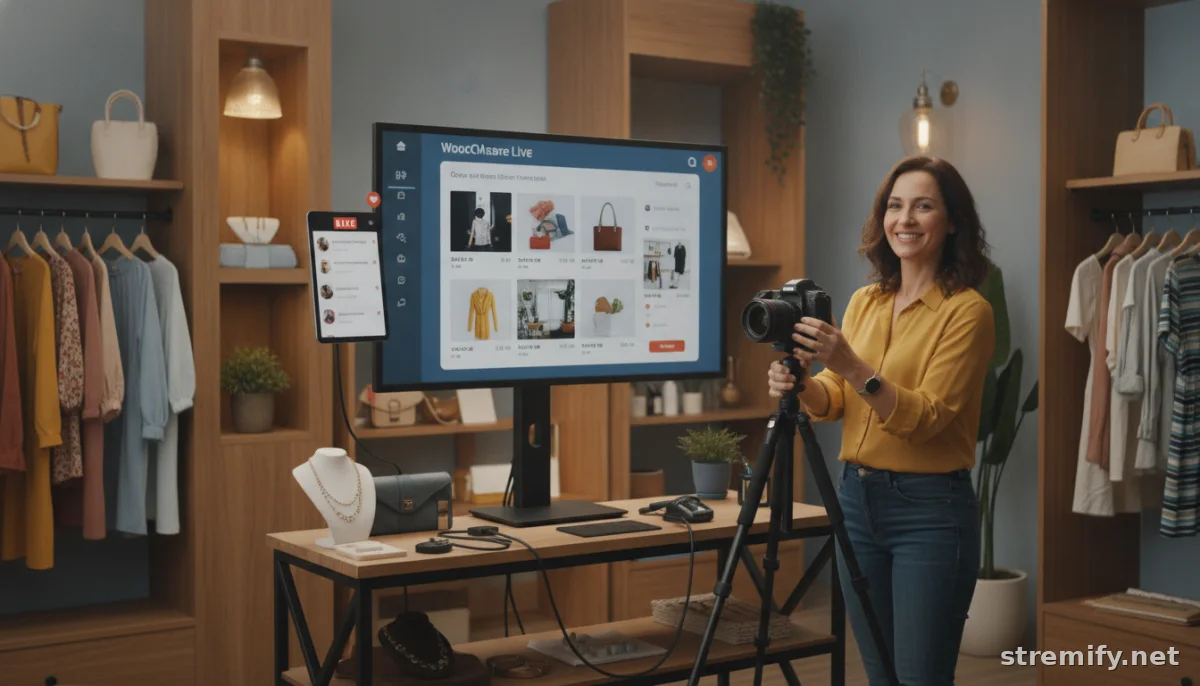
Connecting Your WooCommerce Store: Step-By-Step
The best WooCommerce live shopping apps let you connect your product catalog in minutes. Here’s what the process looks like for most platforms:
- Sign up for a live shopping platform. (Look for one that supports WooCommerce product feeds.)
- Use the built-in importer or plugin. You’ll be asked for your WooCommerce API keys or to add a small plugin.
- Choose which products to sync. Some platforms let you pull your entire catalog, while others let you create custom product lists for each show.
- Design your live event shop. Customize your branding, banners, and overlays so the shop matches your site.
- Schedule and launch your stream. Pick your channels, one or many, and go live.
Tip: Always preview your data import. Double-check prices, inventory, and variants before your first stream.
Top WooCommerce Live Shopping Platforms (2026)
WooCommerce powers over 4 million live stores in 2026, and the ecosystem for live shopping tools has grown to match.12 Here’s a quick feature comparison:
| Platform | WooCommerce Feed Import | Supported Channels | Pricing | Unique Feature |
|---|---|---|---|---|
| Stremify | Yes | TikTok, Instagram, Facebook, YouTube, Twitch | Credit-based (pay-as-you-go) | Comment-to-buy, interactive quizzes |
| Bambuser | Yes | Instagram, Facebook, YouTube, web | Contact for quote | Studio-level video tools |
| CommentSold | Yes | Facebook, Instagram | Contact for quote | Automated invoicing |
| Streamyard | No | TikTok, Facebook, YouTube, LinkedIn | Starts at $20/mo | Multistream production |
| Restream | No | TikTok, YouTube, Facebook, LinkedIn, Twitch | Starts at $16/mo | 30+ platforms |
Why Stremify tops the list: It’s built for creators who want multi-channel live shopping, direct WooCommerce feed import, and a simple pay-as-you-go credit system. You only pay for live minutes streamed, starting at 50 credits for €15. Plus, its real-time comment-to-buy system and live quizzes keep viewers interacting (and buying). In our experience running live shopping campaigns, offering live polls and quizzes during streams keeps engagement high and viewers tuned in longer.

Features to Look For in WooCommerce Live Shopping Tools
- Direct WooCommerce integration. Avoid platforms that need manual product uploads every time you go live.
- Multi-channel streaming. Don’t lock yourself into a single social network. The best tools support at least three to five platforms.
- On-stream purchases. Look for comment-to-buy, live checkout overlays, or instant add-to-cart links.
- Brand customization. Make your live shop match your store’s visual identity, not just a generic template.
- Audience engagement tools. Quizzes, polls, and giveaways aren’t just for fun, they keep viewers watching and buying.
How to Run a High-Converting WooCommerce Live Shopping Event
1. Plan Your Product Lineup
Pick your bestsellers and time-limited offers. Too many options can overwhelm viewers. Three to eight products per stream works well.
2. Promote Ahead of Time
Announce your live shopping date on social, email, and your Woo store homepage. Use countdowns, teaser reels, and influencer partners to build anticipation.
3. Engage On-Screen
Greet viewers as they join. Answer their questions by name. Drop pop-up quizzes or flash deals to keep things lively. The more interactive, the higher the conversion rate.
4. Make Checkout Instant
Use your platform’s fastest checkout options. Comment-to-buy, one-tap cart, or direct purchase links should all work without sending viewers to a new tab.
5. Follow Up With Post-Show Offers
Send a thank-you email with a replay link or a time-limited coupon. Let latecomers buy at last-chance prices for 24 hours.
Common Mistakes (And How to Avoid Them)
- Neglecting tech checks. Always test your camera, mic, and product feed import at least an hour before going live.
- Not monitoring chat. Assign a moderator if possible so you never miss a question, or a ready-to-buy comment.
- Overloading with products. Fewer, focused promos beat a 20-item marathon.
- Skipping analytics. Review what worked (and what didn’t) after each event. Most platforms offer robust analytics down to SKUs and buyer segments.
Takeaway: Live Shopping Is the Future-Proof Add-On for WooCommerce
Turning your WooCommerce shop into a live shopping machine doesn’t require a full tech overhaul. You can import your product feed, design a shoppable stream, and broadcast across TikTok, Instagram, Facebook, YouTube, and Twitch in under an hour with platforms like Stremify.
Ready to turn WooCommerce browsers into real-time buyers? Start streaming with Stremify and see how live shopping can transform your next launch.

