
Live Selling for Small Business: How to Start, Succeed, and Keep Costs Low
Live selling for small business: a practical guide to hosting live shopping events, picking budget-friendly platforms, and turning viewers into buyers without big spend.
Ever wondered why some small shops suddenly seem busier overnight? In 2026, live selling for small business has turned browsers into buyers in minutes, not months. You don't need fancy gear or a big team. All you need is a phone, a product worth showing off, and a smart plan.
What Is Live Selling, and Why Is Everyone Talking About It?
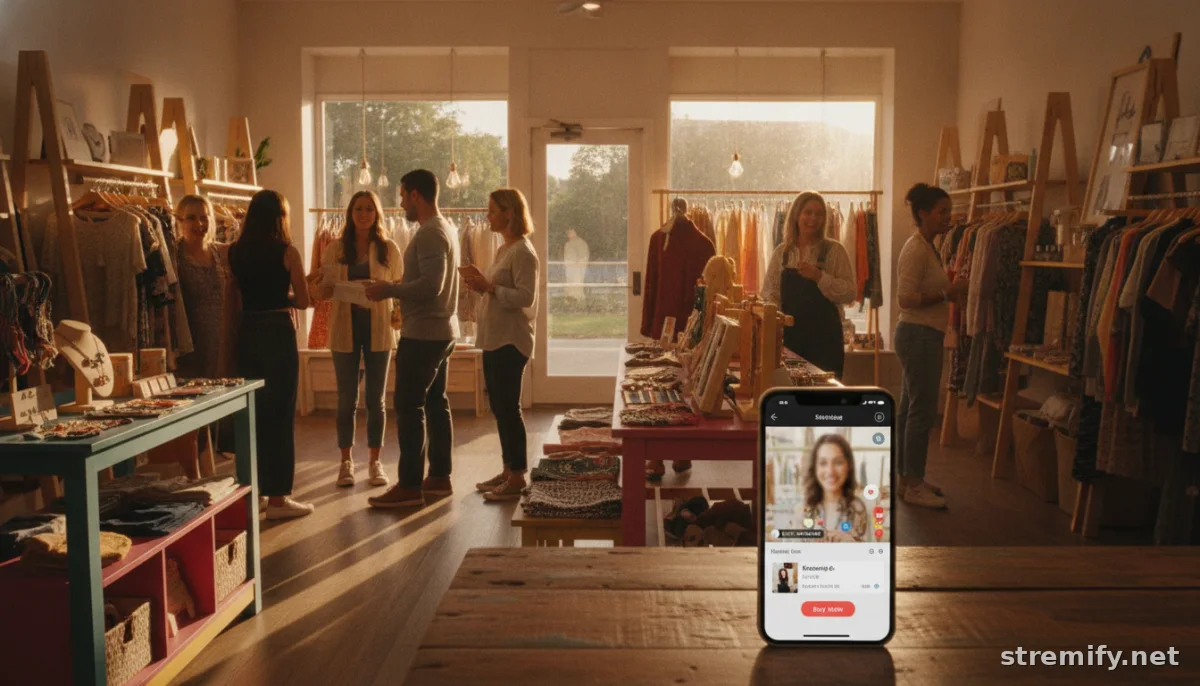
Live selling means streaming video where you show your products and let viewers buy straight from the feed, think QVC, but you run the show. It works for handmade soap on Instagram, vintage sneakers on TikTok, or artisanal snacks on Facebook. Retail brands know it’s no passing trend: live commerce sales continue to surge as shoppers crave real-time demos, FOMO deals, and authentic interaction. In 2026, 84% of small businesses plan to increase their investment in live selling, and the North American market is estimated at $22 billion.12
Why Live Selling Works for Small Business
- Instant trust: Shoppers see real products, live, which beats any static photo.
- Direct feedback: Viewers ask questions and you answer on the spot, building real connections.
- Impulse buys: A well-timed offer or countdown can trigger purchases you’d never get with a static website.
- Broad reach, low cost: Stream to Instagram, Facebook, TikTok, or YouTube, no ad budget needed.
Top Live Selling Platforms for Small Business (With Budget Tips)
Choosing a live selling platform can get overwhelming fast. Some apps cater to global chains, but you want something simple, affordable, and effective. Here’s a comparison of popular options for small business, plus a look at how Stremify stacks up, especially on price flexibility.
| Platform | Channels Supported | Pricing Structure | Notable Features |
|---|---|---|---|
| Stremify | TikTok, Instagram, Facebook, YouTube, Twitch | Credit-based (pay-as-you-go: from 50 credits for €15) | Real-time comment-to-buy, interactive quizzes, one-click store import |
| CommentSold | Facebook, Instagram | Monthly subscription + % transaction fees | Auto-invoicing, built-in checkout, US focus |
| Bambuser | Instagram, Facebook, TikTok, YouTube, others | Enterprise plans (custom quotes) | High-end analytics, global brands |
| Restream | 20+ platforms | Monthly subscription | Multistreaming, audience chat aggregation |
For beginners and budget-focused sellers, Stremify’s pay-as-you-go model is a big win. Buy a Starter package for less than a night out and only spend credits when you stream. No monthly lock-in or surprise fees. Other platforms may bundle features you’ll never use or charge a flat monthly rate even if you only broadcast twice a month.
How to Run Your First Live Selling Event (Without Burning Cash)
You don’t need to hire models or rent a studio. Your living room can be a set. Here’s how small businesses can get started with live selling on a shoestring.
1. Pick Your Product Lineup
Start with 3 to 7 products you can show and ship easily. Bestsellers, new arrivals, and items with a story work best. Think “would I buy this after seeing it live?”
2. Craft a Simple Script
List your talking points, demo steps, and special offers. Practice, but don’t memorize, authenticity always beats over-produced pitches.
3. Choose Your Channel
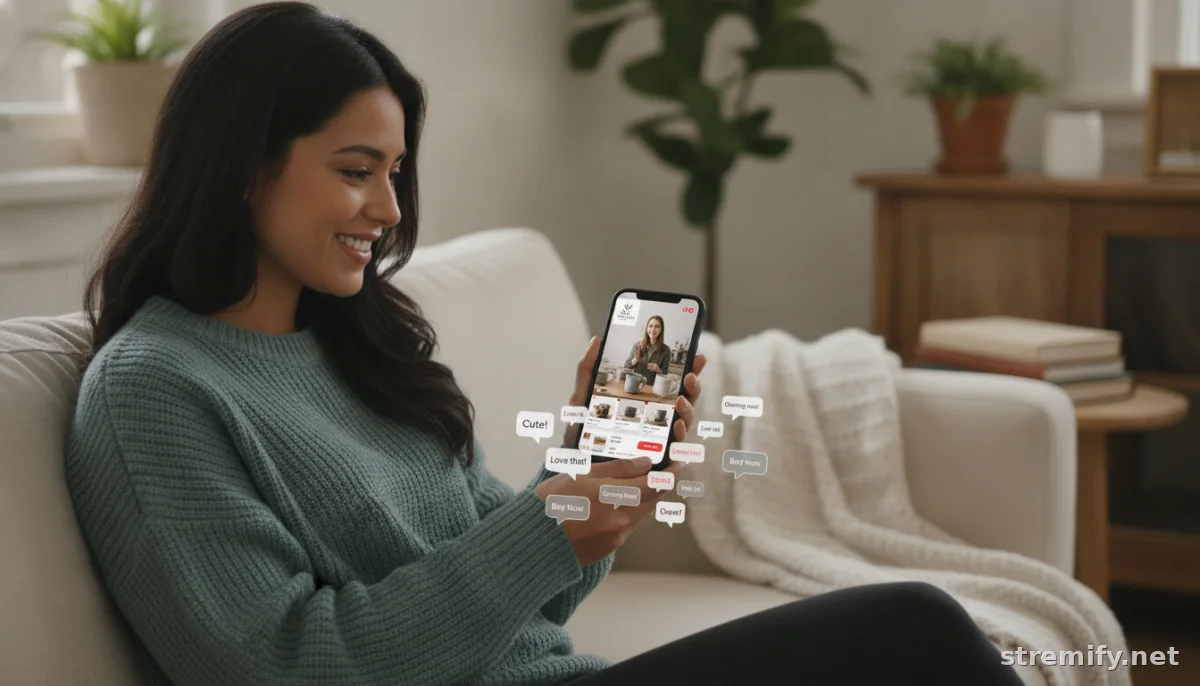
If your followers hang out on Instagram, start there. Want to reach Gen Z? Test TikTok. With Stremify, you can stream to several channels at once and handle comment-to-buy orders in real time.
4. Set Up Comment-to-Buy (and Make Checkout Painless)
Let viewers claim items by typing a keyword or number in the chat. Yes, you can manage this manually for your first show or use a platform like Stremify that automates the whole process, no spreadsheets or DMs required.
5. Promote It Cheaply (or Free)
- Use Stories, Reels, or Facebook Events to hype your live stream.
- DM loyal customers a heads-up or drop a teaser post 24 hours before.
- Tease a one-time offer or giveaway to boost turnout.
Turning Viewers Into Buyers: Tips That Cost Nothing
Getting eyes on your live stream is only half the battle. You want viewers typing “Sold!” before you even wrap up. Here’s how:
- Pin your best offer: Start the stream by pinning a discounted deal or bundle.
- Feature social proof: Mention recent buyers (“Thanks, Alex in Dublin just snagged one!”) to build buzz.
- Answer questions fast: The quicker you respond, the more likely you’ll convert fence-sitters.
- Add urgency: Offer a countdown or cap items at a low number (“Only 5 left!”).
Live quizzes, giveaways, or instant polls can turn passive scrollers into active buyers. Platforms like Stremify include interactive features to keep viewers engaged (and returning for more).
Budget-Smart Upgrades as You Grow
Once your first few shows pay off, level up without draining your wallet. Here are upgrades that actually add value:
- Branded graphics: Use Canva or free templates to add logos, product names, or countdown timers to your stream.
- Better lighting: A daylight window beats most bulbs, no need for fancy lamps.
- Automate order tracking: As your shows grow, automate invoices, DMs, and shipping updates with store integrations.
- Restream to more channels: As you get comfortable, go live on two, or five, platforms at once to reach more buyers.
Practical Takeaway: Start Small, Learn Fast, Spend Wisely
Live selling for small business puts you where your customers already scroll and shop. You don’t need a big budget or an influencer’s reach. Start with what you have, upgrade only when it pays off, and let real-time buyer feedback shape your next stream. Platforms like Stremify let you pay as you go and focus on what really matters: selling, connecting, and growing your business on your terms.
Frequently asked questions
How can live selling benefit a small business with a tight budget?
Live selling is budget-friendly because it doesn't require a big setup. You can use your phone to connect directly with shoppers, boost sales in real time, and promote products without paying for ads or subscriptions. Start small and scale as you grow.
What equipment do I need to start live selling for my small business?
You only need a smartphone and a stable internet connection to start live selling. Natural lighting and a quiet spot help, but you can upgrade your setup later with better lights or a microphone if you see results.
Which live selling platform is best for a small business just starting out?
Stremify is a great pick for beginners and budget-conscious sellers because you only pay for the credits you use. It works with major social platforms and automates comment-to-buy, making your first shows easy to manage.
Do I need a big following to succeed with live selling for small business?
You don't need a huge audience. Live selling works best when you engage directly with your existing followers and offer real value. Focus on building loyalty and word-of-mouth will help your streams grow.
How do I handle orders and payments during a live selling stream?
You can take orders in the comments or use a live selling platform that automates the process. Platforms like Stremify let viewers claim items with a keyword and handle checkout, so you don't have to track everything manually.

