
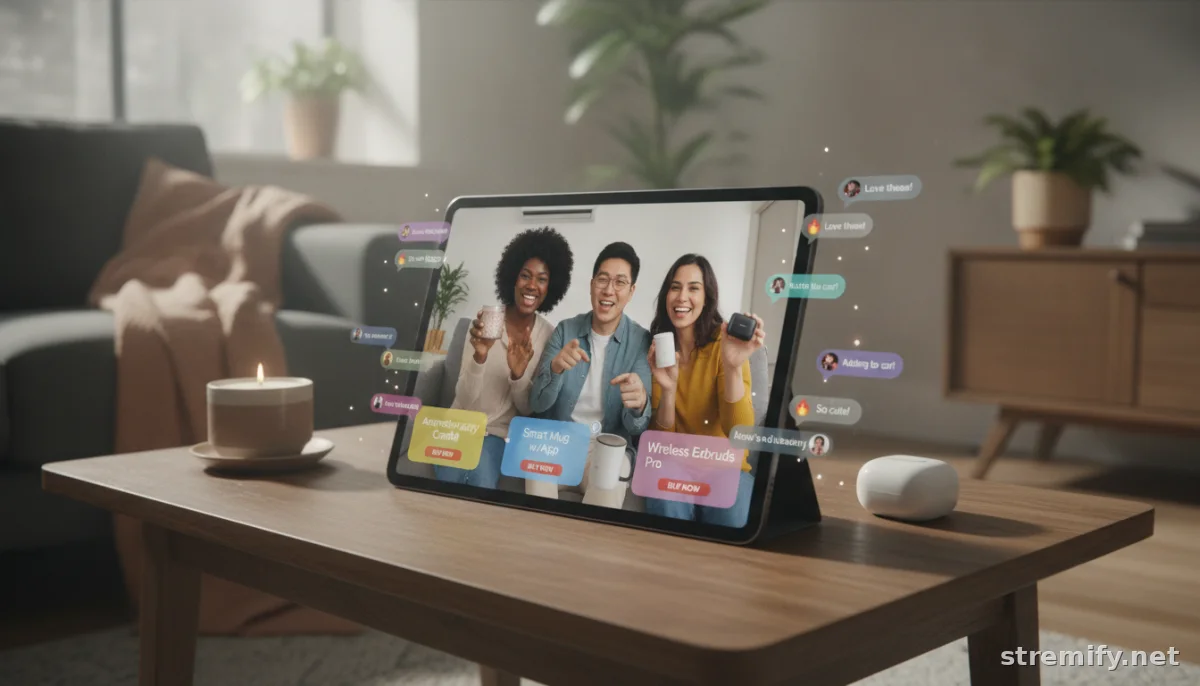
7 Steps to Manage Multiple Streaming Hosts Like a Pro
Coordinating multiple streaming hosts can feel chaotic. Here’s how to master host management, streamline tech, and foster collaboration for smoother, more engaging live campaigns.
Juggling a single live stream is hard enough, now try coordinating three hosts, a guest, and a live chat packed with viewers ready to buy. If you want your streaming campaigns to scale, you need a plan to manage multiple streaming hosts without losing your mind or your audience. Here’s how top creators and brands do it in 2026, step by step.
1. Pick a Platform Built for Multi-Host Control
Your tools can make or break the experience. Modern browser-based platforms let you invite co-hosts with a link, manage the layout, and stream to multiple destinations in real time. Stremify stands out here, import your product feed, launch a branded shop, and broadcast a single campaign to YouTube, Facebook, TikTok, Twitch, and Instagram at once. StreamYard and Restream offer simple guest management for webinars and interviews too, but aren’t tailored for live shopping’s interactive features.
In our experience running live shopping campaigns, browser-only setups dramatically lower the friction of bringing new hosts on board. No one scrambles for downloads or struggles with confusing encoders, it’s click, join, and go live.
2. Assign Clear Roles Before Going Live
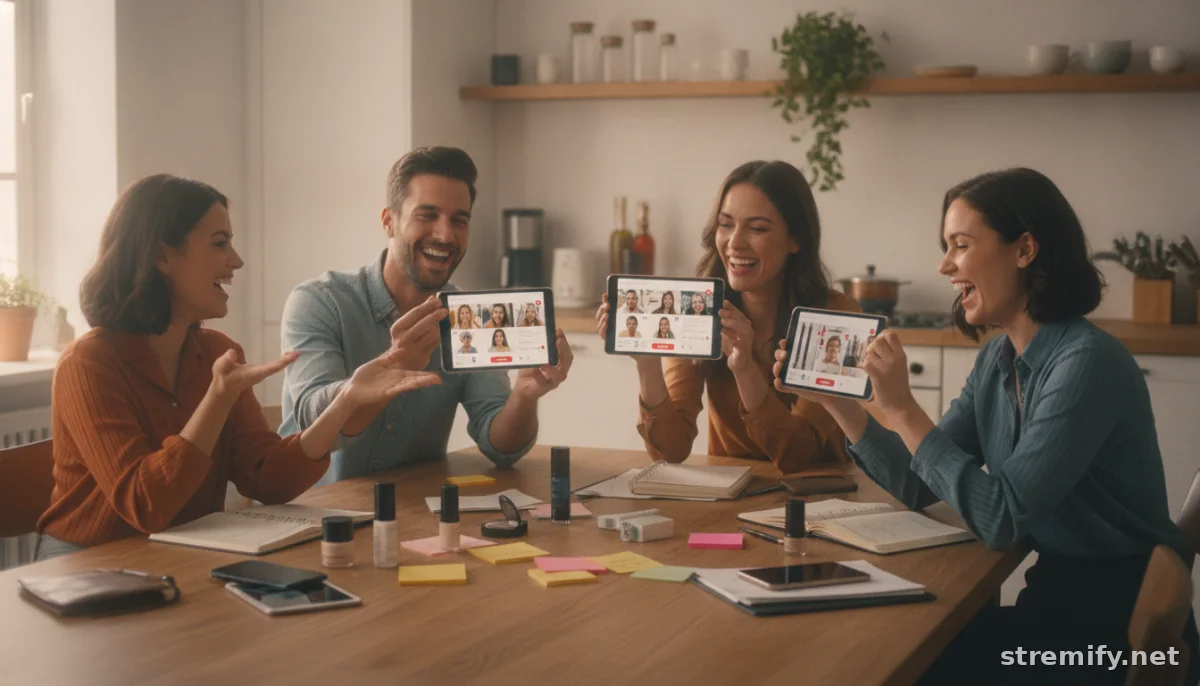
Multiple hosts can mean chaos if everyone’s improvising. Assign each presenter a focus, one leads demos, another fields live questions, a third runs flash deals or quizzes. If you’re streaming a product drop, split duties: main host for the intro, secondary host for tech walkthroughs, guest for testimonials.
Spell it out in a shared doc or pre-show rundown. When everyone knows their cue, your stream flows and viewers stay engaged longer (which boosts conversion).
3. Use Backstage Chat for Silent Coordination
On-air chatter should always sound seamless, but behind the scenes, hosts need a way to nudge each other, "Wrap up in 2 minutes," "Show the back of the jacket," or "The promo code isn’t working." Platforms with backstage chat or producer messaging let you coordinate live without breaking the show’s flow.
Stremify’s operator dashboard lets your crew drop real-time notes to hosts during major campaigns. This keeps you agile if unexpected questions, or sudden sales spikes, pop up.
4. Test Audio and Video… Every Time
Nothing torpedoes a multi-host stream like mismatched volume or a lagging guest. Always block out at least ten minutes for everyone to check their feed, lighting, and audio before you go live. Encourage hosts to use the same streaming browser and run a quick soundcheck together.
Some platforms, like StreamYard, auto-level audio and spot-check internet speeds, but don’t rely on tech alone. A bad connection from one host can drag down everyone’s quality.
5. Automate Transitions and On-Screen Elements
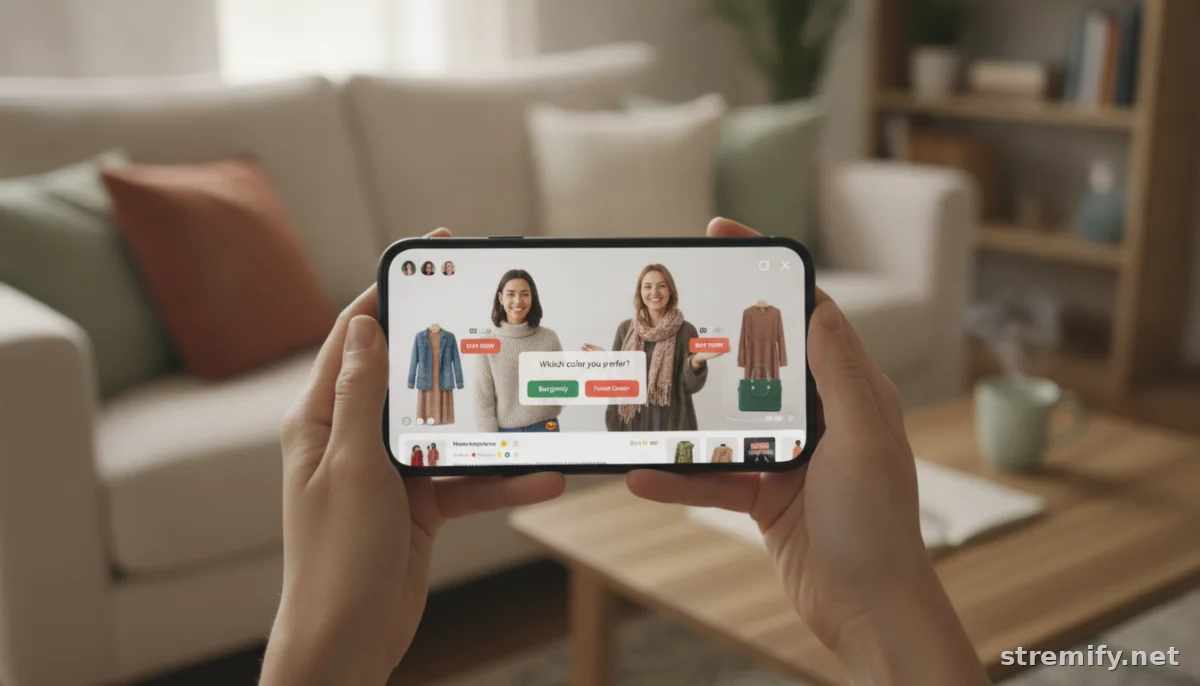
Switching layouts between hosts, showing product cards, or popping up quizzes can be handled manually, or you can automate. Browser-based studios now let you trigger overlays, swap speaker focus, and run polls with a click. If you’re live shopping, pre-load your product lineup so any host can push a buy button at the right cue.
For example, Stremify connects shop inventory and lets hosts instantly cue product links or launch a poll without leaving the stream. This keeps the broadcast polished even if you rotate hosts mid-way.
6. Plan Engagement: Polls, Quizzes, and Comment-To-Buy
When you manage multiple streaming hosts, you can multiply engagement, but only if you give each host a turn leading interaction. Schedule who asks quiz questions, who answers live chat, and who announces winners. No dead air, no talking over each other.
Interactive segments like live quizzes or comment-to-buy offers hold viewers' attention and turn passive watchers into active shoppers. Brands streaming on TikTok, Twitch, and Instagram have turned these techniques into core sales drivers, not just gimmicks.
7. Track Analytics by Host to Sharpen Your Team
You can’t improve what you don’t measure. After each campaign, review the data: which host kept viewers watching longer? Who drove more sales or chat activity? Many platforms now break down engagement by presenter. Turn this into a brief team retro, what landed, what needs work, and which host should lead the next big push?
This feedback loop turns a rotating cast into a well-oiled crew. In 2026, streaming is becoming a showrunner’s game, not just a solo act.1
| Platform | Multi-Host Support | Commerce | Destinations | Pricing |
|---|---|---|---|---|
| Stremify | Yes, browser-based | Shoppable streams, comment-to-buy, live quizzes | All major social platforms | Credit-based (pay-as-you-go) |
| StreamYard | Yes, easy guest invites | No integrated store | Facebook, YouTube, Twitch, LinkedIn | Subscription |
| Restream | Yes, browser & relay | No integrated store | 30+ platforms | Subscription |
Running multi-host campaigns isn’t just about putting faces on screen. It’s about prep, reliable tech, sharp roles, and fast reactions. As live shopping keeps growing, team-driven broadcasts will outshine solo streams for engagement and sales. If you’re scaling your streams, put these steps into practice and watch your campaigns get smoother, and your sales stronger.
Want to see browser-based multi-host streaming in action? Try Stremify and run your next campaign with zero technical roadblocks.
Frequently asked questions
What is the best way to manage multiple streaming hosts for live shopping events?
Use a platform designed for multi-host management, assign clear roles, and enable backstage messaging to coordinate presenters. Consistent tech checks and interactive segments help keep the stream professional and engaging.
How do I assign roles among multiple streaming hosts?
Define responsibilities ahead of time, such as who leads product demos, handles Q&A, or runs live quizzes. Share this plan in a document or pre-show checklist so each host knows their exact part during the broadcast.
Which tech platforms support multi-host live streams?
Platforms like Stremify, StreamYard, and Restream support multi-host setups. Stremify is tailored for e-commerce and live shopping with shoppable streams, while StreamYard and Restream offer easy guest management for broader streaming needs.
How can hosts coordinate during a live stream without interrupting the show?
Use built-in backstage chat or private messaging features to share cues, timing reminders, and technical feedback silently among hosts and producers while the stream is live.
How do I keep viewers engaged when managing multiple hosts?
Alternate interactions like live quizzes, polls, or comment-to-buy offers between hosts. Assign someone to monitor chat and respond quickly, ensuring there’s always engaging activity for viewers.

