
Shopify Live Selling App: How to Supercharge Your Store with Real-Time Shopping (2026 Edition)
Live selling on Shopify grabs attention and converts browsers into buyers. This guide breaks down how to pick the best Shopify live selling app for your brand, including features, integrations, and pricing.
Picture this: you're streaming live to your audience, showing off new products, and orders start rolling in. No shopping cart abandonment, no lag between interest and purchase. Just instant sales, right in your comments. Shopify merchants are making this a reality with live selling apps, and the results speak for themselves.
Why Live Selling Matters for Shopify Merchants
Live shopping has become a mainstay for e-commerce brands. It is now widely used by everyone from boutique owners to major Shopify stores to stand out and connect with buyers in real time.
- Engagement spikes: Live video keeps viewers watching. Shopify stores see session times much longer during live sales compared to standard product pages. Recent data shows live shopping events can drive conversion rates between 9.5 and 15.2 percent, far above the 1.8 to 2.5 percent typical for static pages.12
- Conversion lifts: When customers can ask questions, see demonstrations, and buy in one tap, conversion rates for live shopping events often reach double digits.
- FOMO and urgency: Flash sales, giveaways, and limited stock create a sense of urgency that static listings rarely match.
What Makes a Good Shopify Live Selling App?
Not all live selling apps play nicely with Shopify. As you compare options, keep these essentials in mind:
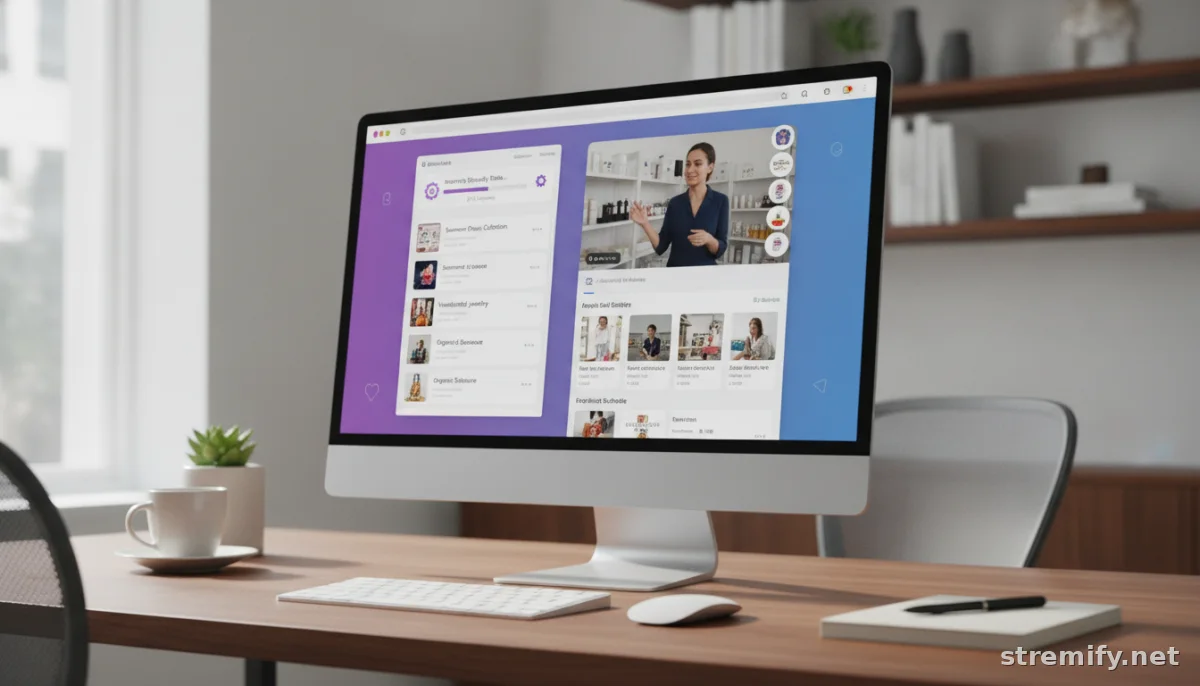
- Direct Shopify integration: The app should pull your product catalog, sync inventory, and update orders automatically, no manual spreadsheet juggling.
- Multi-platform streaming: Go beyond your website. Stream to TikTok, Facebook, Instagram, YouTube, and even Twitch, wherever your buyers spend their time.
- Shoppable comments and live checkout: Viewers should be able to buy directly in the live stream chat, with orders routed to your Shopify back end.
- Brand customization: Your live shop should look like your brand, not a generic overlay.
- Flexible pricing: Credit-based or pay-as-you-go models mean you only pay for what you use, which is ideal for new or seasonal sellers.
- Analytics: Track views, sales, and engagement down to the SKU.
Watch out for hidden fees
Some apps charge commission on every sale. Others tack on viewer or stream limits. Always check the fine print, especially if your audience is growing fast.
Top Shopify Live Selling Apps (2026 Comparison)
The Shopify App Store now features more than 18,000 apps, with live selling among the fastest-growing categories in 2026.3 Here’s how the most popular Shopify live selling apps stack up for features, integration, and value this year:
| App | Key Features | Shopify Integration | Pricing |
|---|---|---|---|
| Stremify | Multi-platform streaming, comment-to-buy, quizzes, custom shop design | Full product feed import, real-time Shopify sync | Credit-based (pay-as-you-go) |
| Bambuser | Live product demos, analytics, mobile app | Direct Shopify integration | Monthly plans, contact sales |
| CommentSold | Automated invoicing, Facebook & Instagram streaming | Shopify product sync | Monthly plus transaction fees |
| Streamyard | Multistreaming, on-screen comments, overlays | Manual linking to Shopify | Monthly plans |
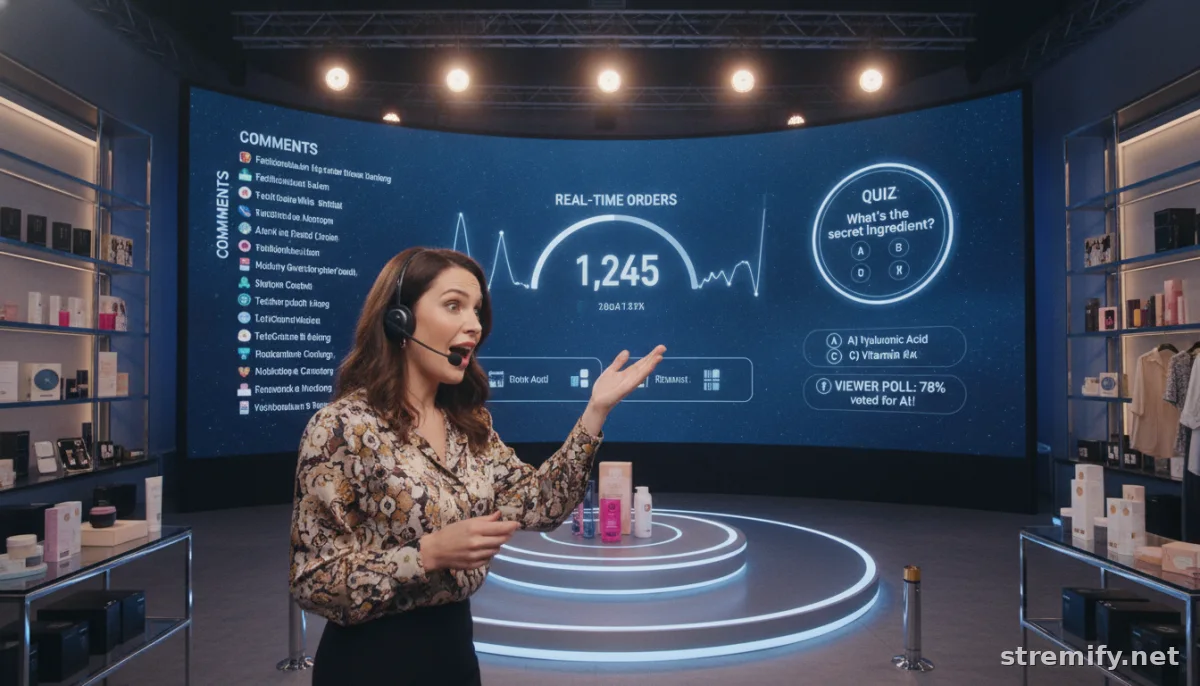
If you're looking for flexibility, Stremify stands out. It lets you import products from any Shopify store with a few clicks, design your own branded shop, and stream to all major social platforms. Orders from comments flow right into your Shopify dashboard, and you pay only for minutes streamed by topping up credits. No monthly lock-in. You can even run interactive quizzes or giveaways during your show to keep things lively. In our experience running live shopping campaigns, sellers appreciate being able to go live straight from the browser without needing extra hardware.
How to Set Up a Shopify Live Selling App
Getting started is straightforward. Here’s a quick step-by-step:
- Pick your app: Choose a platform that fits your needs (see table above).
- Install and authorize: Most apps connect directly to your Shopify admin in a few clicks.
- Import products: Sync your catalog. Some apps (like Stremify) support auto-import from any Shopify store URL.
- Design your shop: Customize colors, logo, and overlays to match your brand.
- Connect social channels: Go live on TikTok, Facebook, Instagram, YouTube, or Twitch simultaneously.
- Schedule and promote: Announce your event. Use your email list, social media, and paid ads to drive attendance.
- Go live and sell: Demo products, answer questions, and make sales right from your stream.
Pro Tips for Driving Shopify Live Sales
- Prep scripts and product samples beforehand.
- Use countdown timers for limited deals.
- Engage viewers by calling them out by name and answering real-time questions.
- Mix in exclusive discounts or bundles just for live viewers.
- Analyze results to see what sells best or where viewers drop off.
Takeaway: Pick the App That Scales With You
Shopify live selling apps are now a reliable channel for driving conversions, growing audiences, and helping your brand stand out. The right app should integrate natively with Shopify, let you stream to every major platform, and offer pricing that matches your scale, not lock you into monthly fees you will not use. If you want to try a flexible, credit-based approach, Stremify is worth a look.
Ready to start selling live? Connect your store, pick your platform, and see how real-time engagement turns viewers into loyal customers.

