
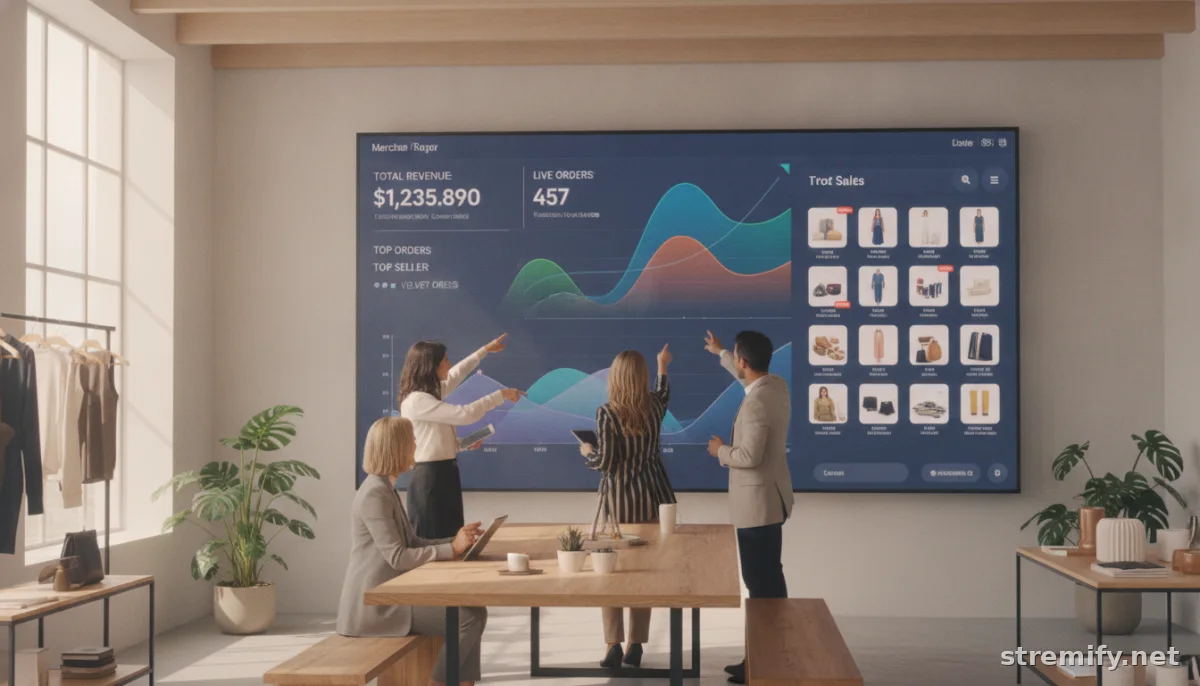
How to Track Live Stream Sales Performance: A Practical Guide for Merchants
Live commerce success depends on numbers. Learn exactly how to track live stream sales performance, analyze campaign impact, and turn insights into real revenue.
Ever wrapped up a live shopping event, felt a buzz in the comments, but had no real idea if you actually made money? You’re not alone. Tracking live stream sales performance is the only way to know what’s working and what isn’t, whether you’re streaming on TikTok, Instagram, Facebook, or running your own live shopping site.
Let’s break down exactly how to measure, analyze, and improve your live commerce campaigns, without drowning in data.
What Does It Mean to Track Live Stream Sales Performance?
Live stream sales performance covers the full funnel, from viewer engagement and add-to-carts to conversions and basket size. The goal is to pinpoint what drives sales and where you’re losing people.
Most platforms show you surface-level numbers (like concurrent viewers), but serious sellers go deeper. Here’s what you should pay attention to:
- Total sales directly attributed to your live stream
- Conversion rate (what % of viewers actually buy)
- Average order value per stream
- Product-level sales (what’s hot, what’s not)
- Real-time engagement (comments, likes, shares, poll responses)
- New customers vs repeat purchasers
- Drop-off points during the stream
Core Metrics for Measuring Live Stream Sales
If you want actionable insights, settle on a focused set of KPIs. Here’s a quick-reference table to guide your analytics process:
| Metric | What It Tells You | How to Use It | Example Target |
|---|---|---|---|
| Live Sales Revenue | Total value of orders placed during stream | Track campaign ROI | €800 per event |
| Conversion Rate | % of viewers who purchased | Test call-to-action impact | 8 to 12% |
| View Duration | Average watch time per user | Identify drop-off moments | 4+ minutes |
| Average Order Value | Mean spend per order | Upsell/cross-sell effectiveness | €45+ |
| Engagement Rate | Comments, likes, shares per viewer | Spot high-energy segments | 15%+ |
Tracking these regularly gives you a true sense of progress, and early warning if something’s off.
How to Set Up Analytics for Live Stream Sales
Every platform has its quirks. Let’s run through how top tools and integrations actually help you track live stream sales performance in practice.
Native Social Platform Analytics
- TikTok: TikTok’s Shopping API and in-stream analytics reveal real-time product clicks, add-to-carts, and conversions. Dive into the TikTok Shop dashboard for a direct attribution view. TikTok Shop supports native product tagging and sales reporting.
- Instagram and Facebook: Both platforms provide Commerce Insights, but attribution can get murky if you’re using third-party carts. Always tag products for cleaner reporting. For advanced analytics, connect your shop to a platform like Stremify or use Facebook’s Commerce Manager.
- YouTube Live: If you’re using YouTube Shopping integrations, check your channel analytics for click-throughs and attributed sales. The YouTube Analytics dashboard helps parse audience retention and drop-off segments.
All-in-One Live Shopping Platforms
Platforms like Stremify, Bambuser, and CommentSold let you centralize, segment, and export your live sales data. This makes it way easier to track live stream sales performance across multiple channels. Stremify stands out for credit-based, pay-as-you-go pricing. You import product feeds from Shopify, WooCommerce, or your custom store, then stream shoppable campaigns to all major platforms, and the dashboard ties real orders to specific live moments. No more manual tracking or guessing what worked.
Ecommerce Platform Integrations
- Shopify and WooCommerce users: Use order tags, UTM parameters, or dedicated live event discount codes to attribute sales to specific streams. Both platforms offer live analytics apps and export options.
- Tag every campaign and use unique product links to keep attribution tight.
Best Practices for Actionable Reporting
Raw data is just noise until you apply context. Here’s how to turn numbers into next steps.
Run Post-Event Recaps
- Review sales, engagement, and drop-off data within 24 hours.
- Highlight campaign-specific spikes, did a quiz boost conversions? Did a new host drive more comments?
- Use screenshots to capture moments that overperformed or flopped.
Segment by Product and Audience
- Don’t just look at totals. Break down sales by product, category, and source (new vs returning customers).
- Cross-reference stream segments, were viewers more likely to buy after seeing a demo or user testimonial?
Experiment and Benchmark Over Time
- Set KPI targets for each new stream and track trends, not just isolated results.
- Keep a running playbook of what messages, formats, or incentives performed best.
Turning Insights Into Action
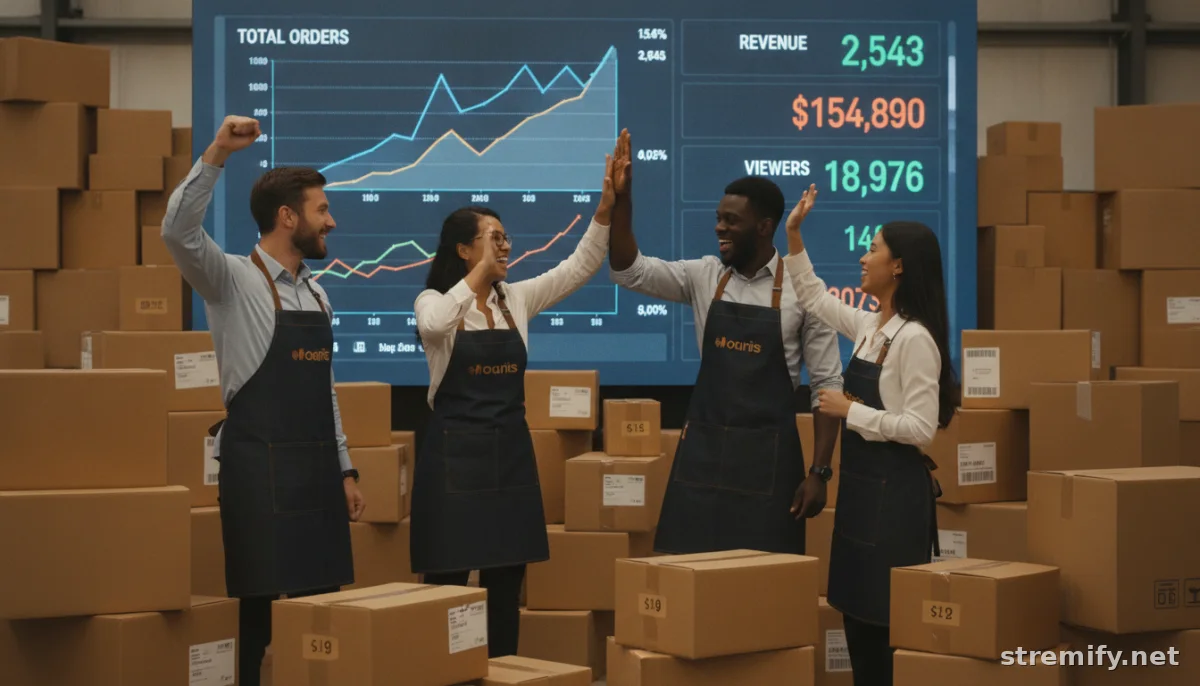
The smartest live sellers don’t just measure, they adapt. If you spot high drop-off rates after a specific segment, shorten or rethink it next time. If a live poll doubled engagement, make it a regular feature. Tracking live stream sales performance is how you learn where to invest your time and budget.
With platforms like Stremify, you can even A/B test different call-to-actions, offers, and segment lengths with easy side-by-side analytics. Your future streams get sharper with every campaign.
Takeaway: Make Numbers Your Secret Weapon
It’s tempting to follow your gut. But real growth comes from knowing your numbers, and acting on them. Start tracking live stream sales performance with the right mix of platform tools and consistent review. Your audience gets happier. Your sales get stronger. And your business stops guessing.
If you want to see how Stremify can simplify campaign tracking and real-time analytics, check out Stremify, no stress, no hard sell.
Frequently asked questions
What metrics should I track to measure live stream sales performance?
The most useful metrics include total sales from the stream, conversion rate, average order value, view duration, and engagement rate. Breaking down sales by product and customer type is also valuable.
How do I attribute sales to a specific live stream event?
Use campaign tags, unique product links, or exclusive discount codes for each event. Platforms like Stremify and Shopify make it easier to assign orders directly to a particular stream.
What analytics tools are best for live commerce?
Stremify, Bambuser, and CommentSold offer dedicated dashboards for live commerce analytics. Most social platforms like TikTok and Instagram provide native insights, but third-party tools allow deeper analysis across channels.
Why do my live stream sales reports show lower numbers than expected?
If sales seem low, double-check your attribution setup, link tracking, and product tagging. Some orders may be missed if viewers buy later or use alternate checkout methods. Consistent setup across platforms is key.
Can I improve live stream sales by monitoring performance data?
Yes, tracking your sales and engagement data lets you spot trends and make improvements. You can adjust your content, offers, or timing based on which segments and tactics drive the most purchases.

