

How to Troubleshoot Live Stream Checkout Issues: A Practical Guide for E-Commerce Sellers
Checkout issues can stall your live shopping sales. Learn how to troubleshoot live stream checkout issues step by step, with actionable fixes for common problems across platforms and browsers.
Picture this: you’re hosting a live shopping event, your stream is popping, the audience is engaged, and comments are rolling in. But suddenly, viewers complain they can’t check out. The cart freezes, payment buttons vanish, or nothing happens when they hit ‘buy.’ Panic mode? Not necessary. Here’s how to troubleshoot live stream checkout issues fast, so you keep sales flowing.
Why Live Stream Checkout Breaks Down
Shoppable streams add urgency and fun, but they combine the complexity of live video, product data, payment processing, and cross-platform integrations. A hiccup anywhere can jam the whole funnel, leading to abandoned carts and frustrated fans. Common culprits? Browser errors, third-party scripts, payment gateway glitches, or platform sync failures .1
In our experience running Stremify campaigns, even a small issue (like a slow-loading product feed) can cascade into orders not going through or viewers not seeing the checkout button. The good news: most problems are fixable with methodical troubleshooting.
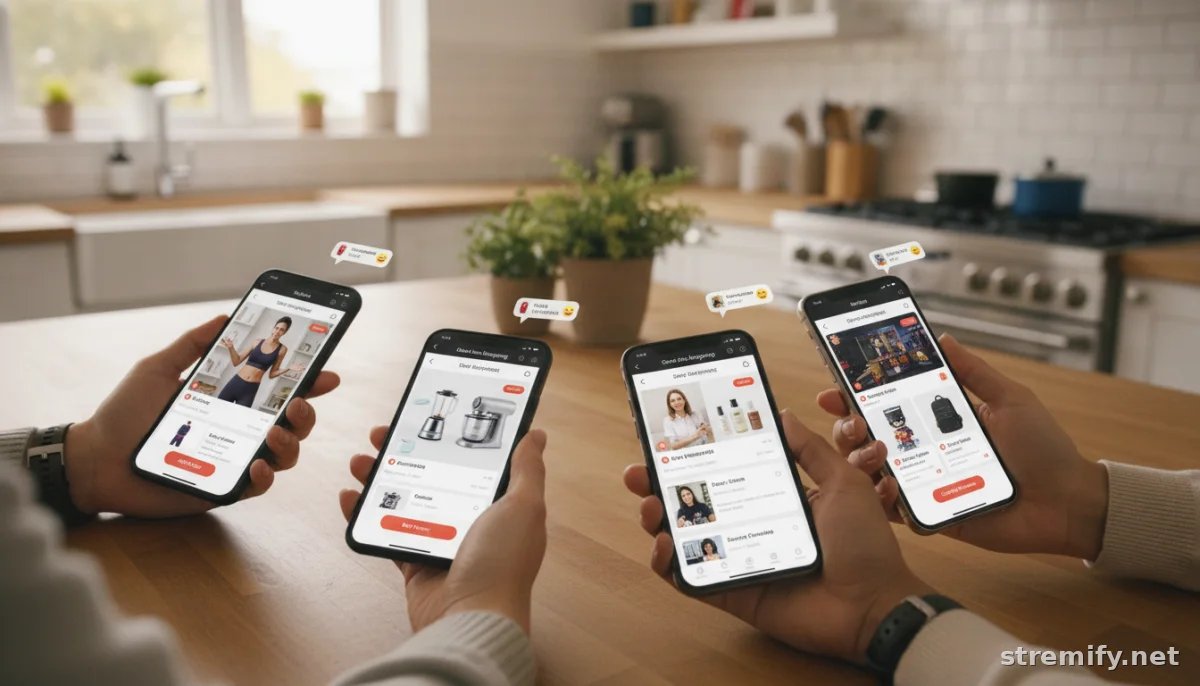
Diagnosing the Most Common Live Stream Checkout Issues
Here’s how to pinpoint where things went off-track:
1. Browser or Device Troubles
- Outdated browsers: Many checkout forms use scripts that require the latest browser updates. Always ask affected users to clear their cache, refresh the page, or try a different device or browser. Incognito mode can rule out extension conflicts.
- Mobile vs. desktop: Some checkout widgets aren’t fully mobile-optimized. Test your stream’s checkout flow on both phone and desktop before going live.
- Third-party extensions: Ad blockers or privacy tools can block payment scripts or pop-ups. If you notice a pattern (e.g., only Chrome users affected), ask viewers to disable blockers or whitelist your platform for the session .
2. Platform Integration Glitches
- Product feed sync issues: If your live shop pulls products from Shopify, WooCommerce, or another store, stale or corrupted data can break checkout. Refresh your product feed before each stream, and double-check that any last-minute changes (like inventory updates) are reflected.
- Payment gateway disconnects: Sometimes, payment gateways (Stripe, PayPal, local processors) timeout during high-traffic moments. Watch for incomplete orders or errors at the payment stage. Re-authenticate your payment gateway connection if you see repeated failures.
- Custom scripts: Unvetted JavaScript or third-party tracking code can interfere with the checkout process. If you’ve recently added new marketing pixels or plugins, disable them and test again .2
3. Live Streaming Service or Network Snags
- Slow or unstable internet: Even minor drops in upload speed can desync your stream and your checkout integration. Run a speed test pre-stream. If delays spike during checkout, the issue might not be on your customer’s side .
- Server or CDN hiccups: If your live shopping platform or payment provider is experiencing downtime, there’s not much you can do except communicate promptly and pause checkout promotions until stability returns.
Step-by-Step Troubleshooting Checklist
| Issue | Quick Fix | How to Test | Escalate to |
|---|---|---|---|
| Checkout page won’t load | Clear browser cache; check extensions | Try incognito mode | Platform support |
| Buy button not responding | Check for script conflicts | Disable third-party add-ons | Developer/IT |
| Payments failing | Re-authenticate gateway | Test with multiple payment methods | Payment provider |
| Missing products in live shop | Refresh product feed | Check store backend | Platform support |
| Mobile checkout glitches | Test on various devices | Compare mobile vs. desktop | Developer/IT |
Pro Tips from Live Shopping Campaigns
We’ve seen firsthand at Stremify that running a shoppable live stream across multiple channels (YouTube, Facebook, TikTok, Twitch, Instagram) can multiply small checkout bugs if you don’t test each integration. A fix that works on desktop might still flake out on a mobile TikTok stream. Our advice: always run a private test event first, using real user accounts, on every destination platform.
And don’t underestimate the power of a clear announcement: if you’re troubleshooting mid-stream, let viewers know what you’re fixing and when to try again, so you don’t lose trust, or sales.
When to Bring in Technical Support
If you’ve ruled out browser, device, and payment connection issues, it’s time to involve platform support. Gather screenshots, error messages, and a step-by-step description of the problem. Most checkout roadblocks are faster to solve with concrete evidence, so don’t just say “it’s broken”, show exactly where and when the flow fails .
For issues related to your e-commerce backend (like Shopify, WooCommerce, or Magento), check their status pages or forums for any ongoing outages. For live stream checkout platforms, such as Stremify, reach out with details about the affected event, viewer devices, and error messages for quicker diagnosis.
Review, Refine, Repeat
After every live stream, review which parts of the checkout process drew complaints or had lower conversion. Track at what stage people dropped off. Look for patterns: was the problem isolated to certain browsers, devices, or payment methods? Over time, you’ll create a troubleshooting playbook tailored to your audience.
Remember, a frictionless checkout isn’t luck, it’s the result of regular testing and fast troubleshooting when live sales are on the line. Stremify’s browser-based setup and comment-to-buy ordering help minimize common checkout blockers, but no platform is immune to the occasional integration hiccup.
Want more tips or to see how Stremify keeps live shopping smooth? Explore Stremify and join a community of sellers who keep their checkout running, live.
Frequently asked questions
What are the most common live stream checkout issues?
The most common issues include frozen checkout pages, disappearing buy buttons, failed payment processing, and incomplete orders. These problems are often caused by browser incompatibilities, outdated scripts, payment service errors, or product feed synchronization glitches.
How can I tell if a checkout problem is on my end or the customer’s device?
Test the checkout on multiple devices and browsers yourself. If only some viewers encounter the problem, it’s likely on their end. Widespread reports usually point to a platform or integration issue that needs your attention.
What should I do if payment is not going through during my live stream sale?
First, verify that your payment gateway connection is active and up to date. Test other payment methods, clear your browser cache, and look for error messages for more details. If the issue persists, contact your platform or payment provider support.
Can browser extensions affect live stream checkout?
Yes, ad blockers, privacy plugins, and some antivirus extensions can interfere with checkout scripts. Suggest that affected users disable these tools or use an incognito window to see if that resolves the issue.
Why do checkout bugs happen more during live events?
Live events add real-time pressure and simultaneous user actions, which can expose integration errors, overloaded payment gateways, or mobile/responsive design gaps that aren’t as obvious during normal shopping.

