
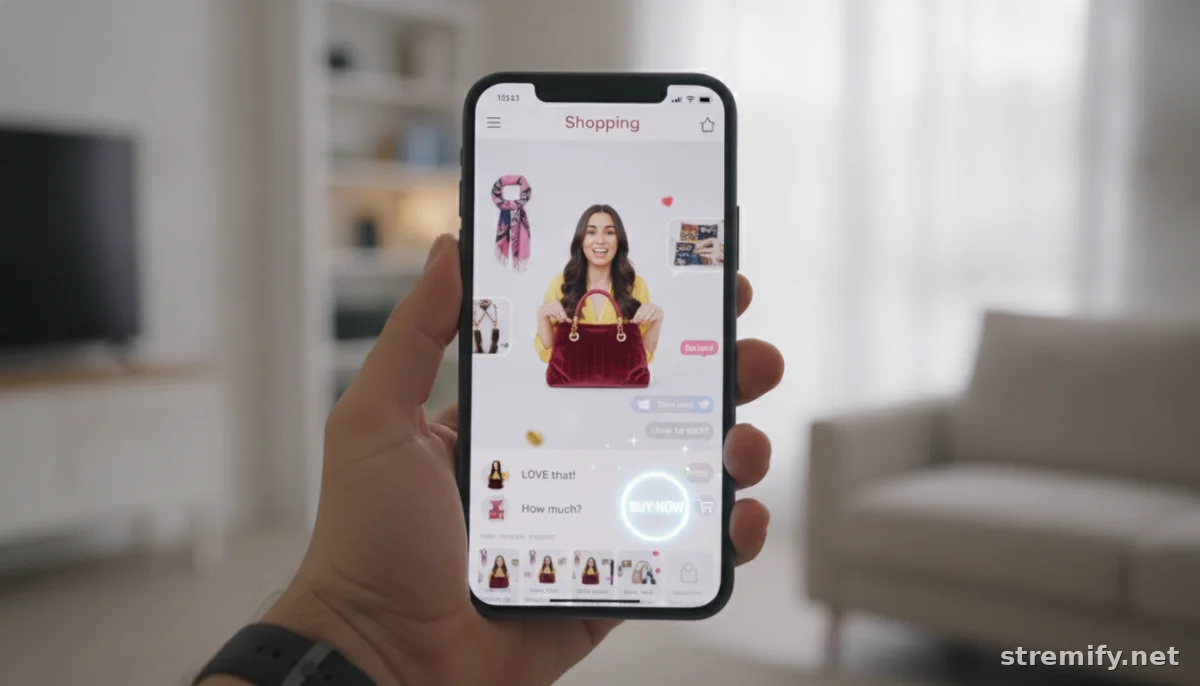
How to Promote Live Selling Events on Social Media: Step-by-Step Strategies that Drive Viewers and Sales
Tired of low turnout for your live shopping streams? Here’s a step-by-step guide to promote live selling events on social media and build serious buzz, without guesswork.
Ever gone live to sell and watched the viewer count linger in single digits? You’re not alone. Promoting live selling events on social media can feel like shouting into the void, until you crack the right approach.
The good news? With a clear plan and the right tools, you can double or even triple your live audience. Here’s how to do it, step by step in 2026.
Step 1: Build Buzz Early (and Everywhere)
Don’t spring your live event on people the day before. Start talking it up at least a week in advance. Consistent, creative reminders are your friend.
Announce Across Platforms
- Share a teaser or countdown post on your Instagram, TikTok, Facebook, and Twitter/X profiles.
- Pin the announcement on Facebook and Twitter/X so it stays visible.
- Add the event link to your bio and Instagram Story Highlights for quick access.
Leverage Email and SMS
- Send a short, punchy email to your subscriber list with a calendar invite.
- Use SMS for VIP reminders, open rates are higher and people rarely miss a text.
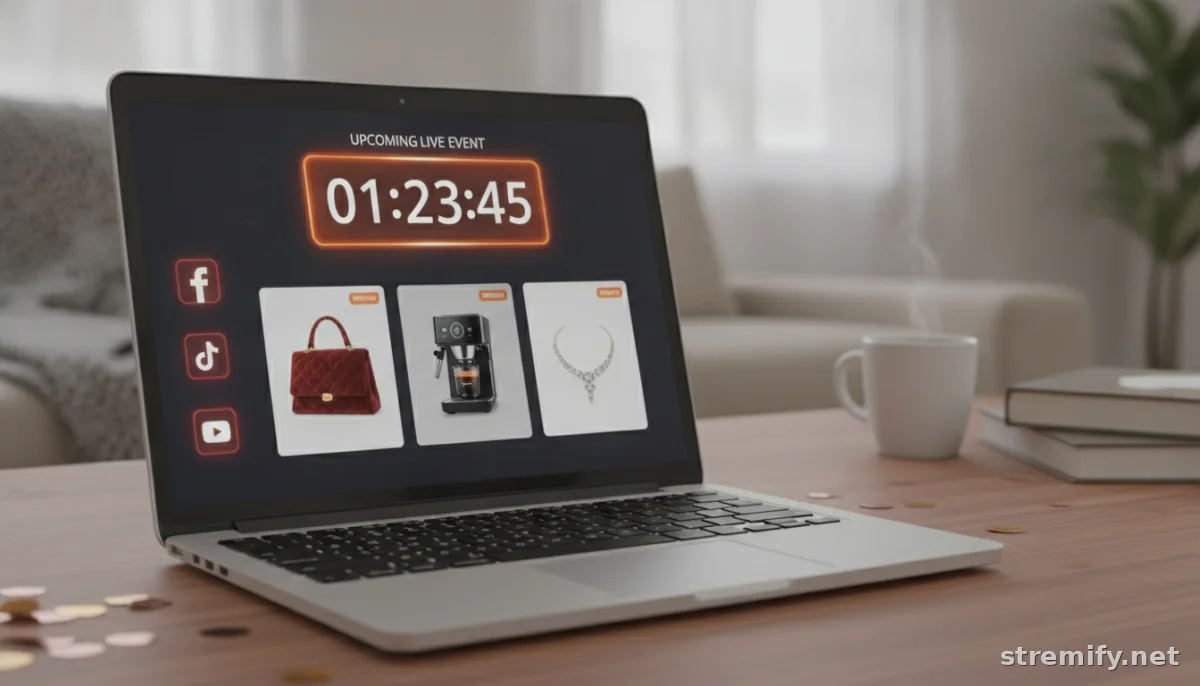
Step 2: Tease Your Products and Format
Curiosity gets clicks. Show sneak peeks of what you’ll be selling or demoing, think product close-ups, behind-the-scenes shots, or a five-second video showing a mystery item’s silhouette. Let folks know if there’ll be games, exclusive drops, or live-only discounts to tempt them to show up live.
Try Live Countdowns and Polls
- Instagram Stories lets you add a countdown sticker and interactive polls. Use these to gauge what people most want to see or buy.
- Tease “mystery deals” or “only during the stream” offers to stoke urgency.
Step 3: Collaborate for a Multiplier Effect
One of the fastest ways to promote live selling events on social media is to borrow other people’s audiences. Partner with influencers or like-minded brands for cross-promotions. This could be as simple as a shoutout swap or as ambitious as a co-hosted live session.
How Collabs Push Reach
- Have an influencer join your stream to demo or discuss products in real time.
- Agree to post about each other’s events on Stories, posts, or group chats.
- Offer referral incentives to partners for every viewer or sale they bring in.
Step 4: Optimize Your Social Posts for Conversion
Don’t just drop a generic “Going live!” post and hope for the best. Every post should include:
- Clear date and time (with timezones for global audiences).
- Direct call-to-action: “Tap to RSVP”, “Set a reminder”, or “DM for the link”.
- Clickable or trackable links (use a tool like Bitly or your shop’s built-in tracking).
On platforms like Instagram and TikTok, use native live event tools so followers get reminders. Facebook’s Event feature is still a powerhouse for RSVPs and automated nudges.
Step 5: Go Omnichannel With Your Live Stream
Why limit yourself to one platform’s audience? With live shopping solutions like Stremify, you can simulcast across TikTok, Instagram, Facebook, YouTube, and Twitch. Broadcasting to multiple channels at once helps you reach more viewers and drive more engagement.12 More platforms equals more eyeballs, and more comments, shares, and sales from viewers who prefer to stay on their app of choice.
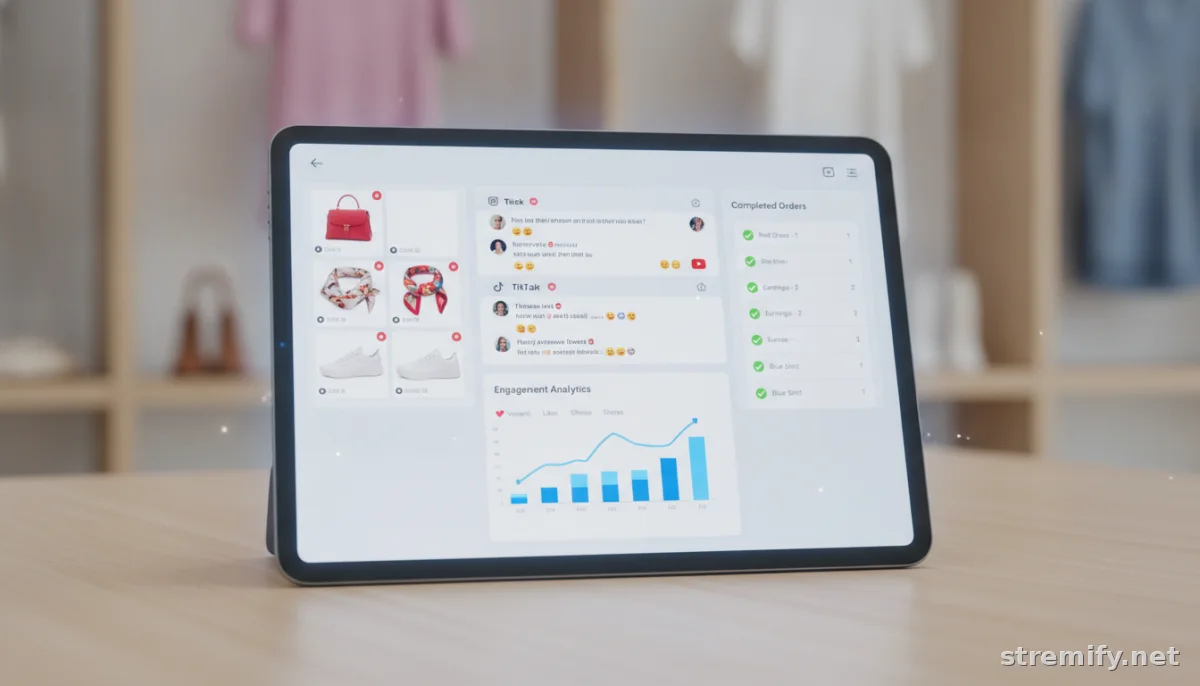
Stremify also lets you import your products, run interactive quizzes in real time, and accept comment-to-buy orders, so excitement stays high and purchasing is friction-free. In our experience running live shopping campaigns, viewers are more likely to stay and interact when you include live polls or quizzes. Other platforms like StreamYard and Bambuser also offer multistreaming. Just compare their capabilities and pricing before you commit.
| Platform | Multistream Support | Interactive Shopping Features | Pricing Model |
|---|---|---|---|
| Stremify | Yes (TikTok, Instagram, Facebook, YouTube, Twitch) | Shop feeds, quizzes, comment-to-buy | Credit-based (pay-as-you-go) |
| Bambuser | Yes | Shoppable video, product carousel | Contact for quote |
| StreamYard | Yes | Basic overlays, comments | Starts at $20/month |
Step 6: Engage Viewers Before, During, and After
Engagement doesn’t start and end with your stream. Build anticipation by replying to comments and DMs before you go live. During the event, shout out viewers by name and answer questions in real time.
After the stream, thank everyone who tuned in. Share highlights, behind-the-scenes photos, or limited-time replays to catch latecomers and drive FOMO. Promoting highlights or product reviews after your live session can help reach those who missed the event.3
Step 7: Review, Refine, Repeat
Every live selling event gives you data. How many viewers? Where did they come from? Which social posts drove the most clicks? With tools like Stremify’s analytics dashboard, you can track performance by channel. Use this info to refine your next promo strategy and double down on what works.
Takeaway: Make It a Habit, Not a One-Off
Consistent promotion is what separates the 100-viewer streams from the ones that barely get noticed. Map out your promo calendar, collaborate smart, go omnichannel, and keep experimenting.
If you want to make multichannel live selling simpler, try Stremify’s pay-as-you-go platform for your next event.
Frequently asked questions
How can I increase attendance for my live selling events on social media?
Promote your live selling event at least a week in advance with teasers, countdowns, and regular reminders across all your social channels. Use interactive posts, partner with influencers, and send out email or SMS alerts to maximize RSVPs and attendance.
Which social platforms work best for promoting live selling events?
Most sellers see strong results from Instagram, TikTok, Facebook, and YouTube. Each platform’s audience and tools vary, so simulcasting your event using a multichannel tool increases your reach and engagement.
What content attracts the most viewers to live shopping streams?
Sneak peeks, product demos, exclusive discounts, and interactive features like quizzes or polls draw viewers in. Announce any live-only perks and use engaging visuals to create anticipation for your stream.
Is it worth collaborating with influencers to promote live selling events?
Yes, influencer collaborations expand your reach quickly and lend credibility to your event. Influencers can preview products, co-host live streams, and encourage their audience to tune in, driving new viewers and potential buyers.
How do I track which promotional tactics work best for my live events?
Use analytics tools provided by your live selling or social platform to see which posts or channels bring in the most viewers. Track clicks, shares, comments, and sales data to refine your strategy for future events.

